
Pixel-precise drawing
Create sprites, icons and scenes with drawing, shape, selection and transformation tools designed for pixel work.
Create sprites, tiles, icons and frame-by-frame animation. Pixel Art combines precise drawing tools, layers, palettes, reusable assets, animation controls, assisted motion, review and production-ready export in one connected editor.
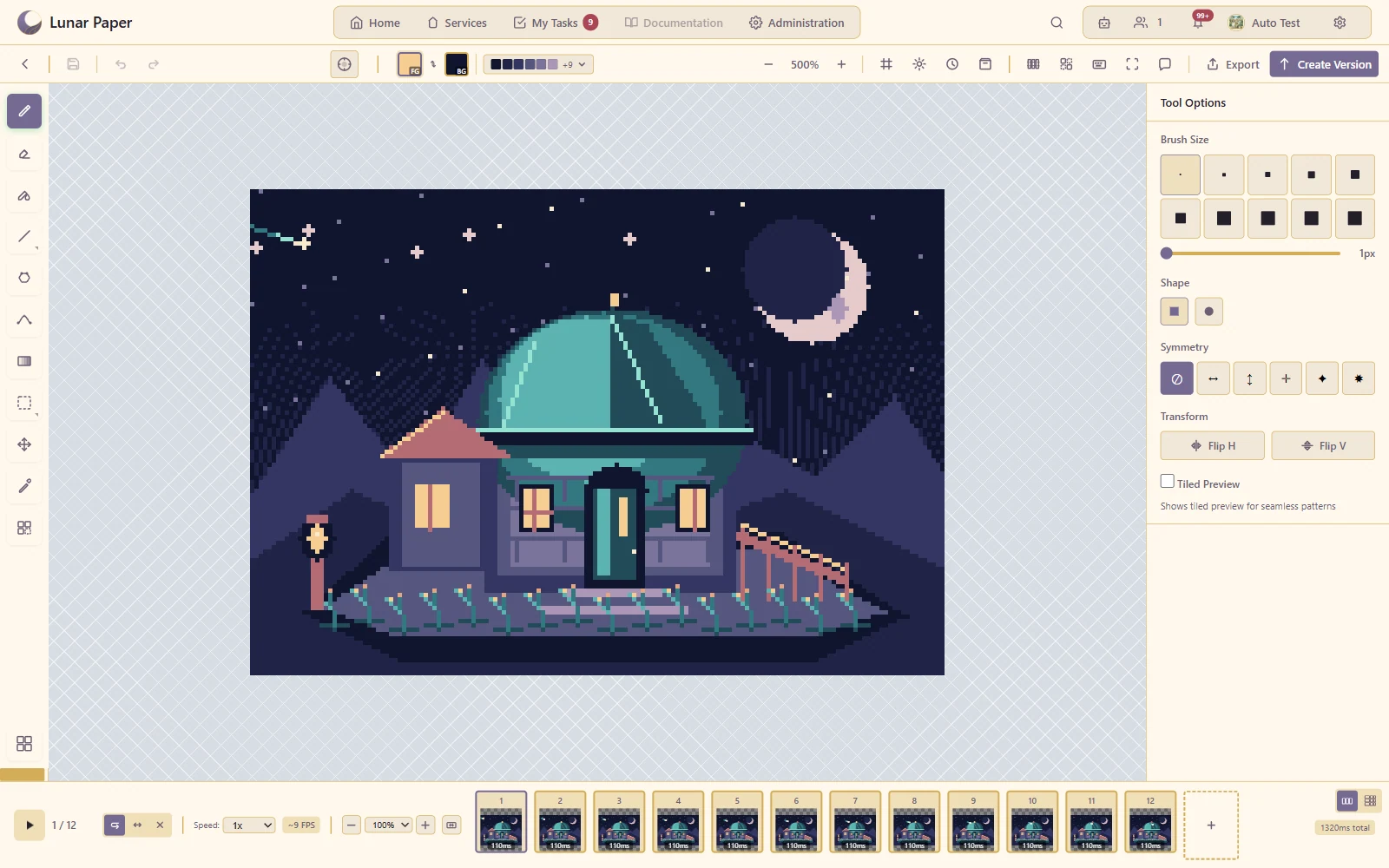
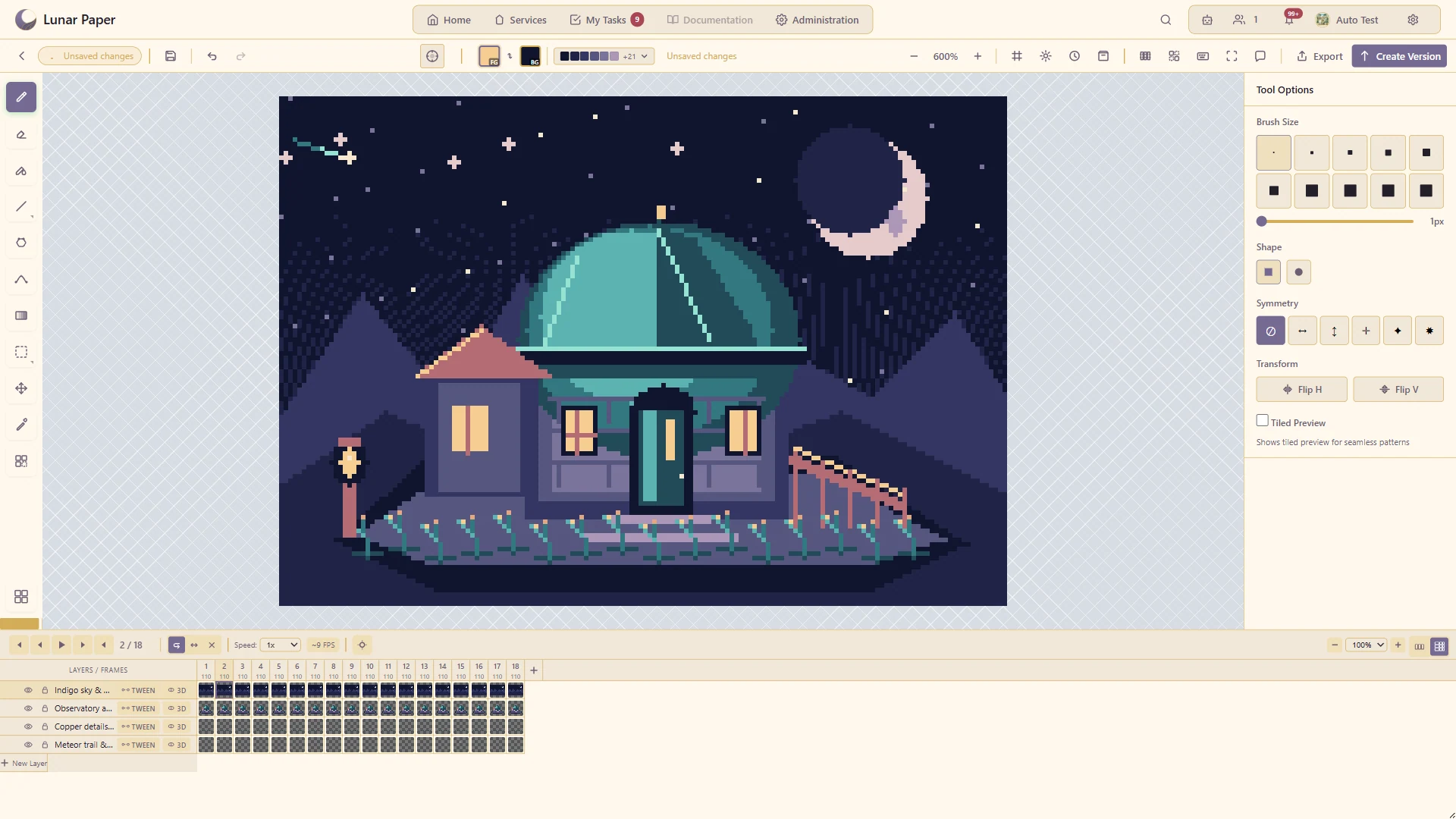
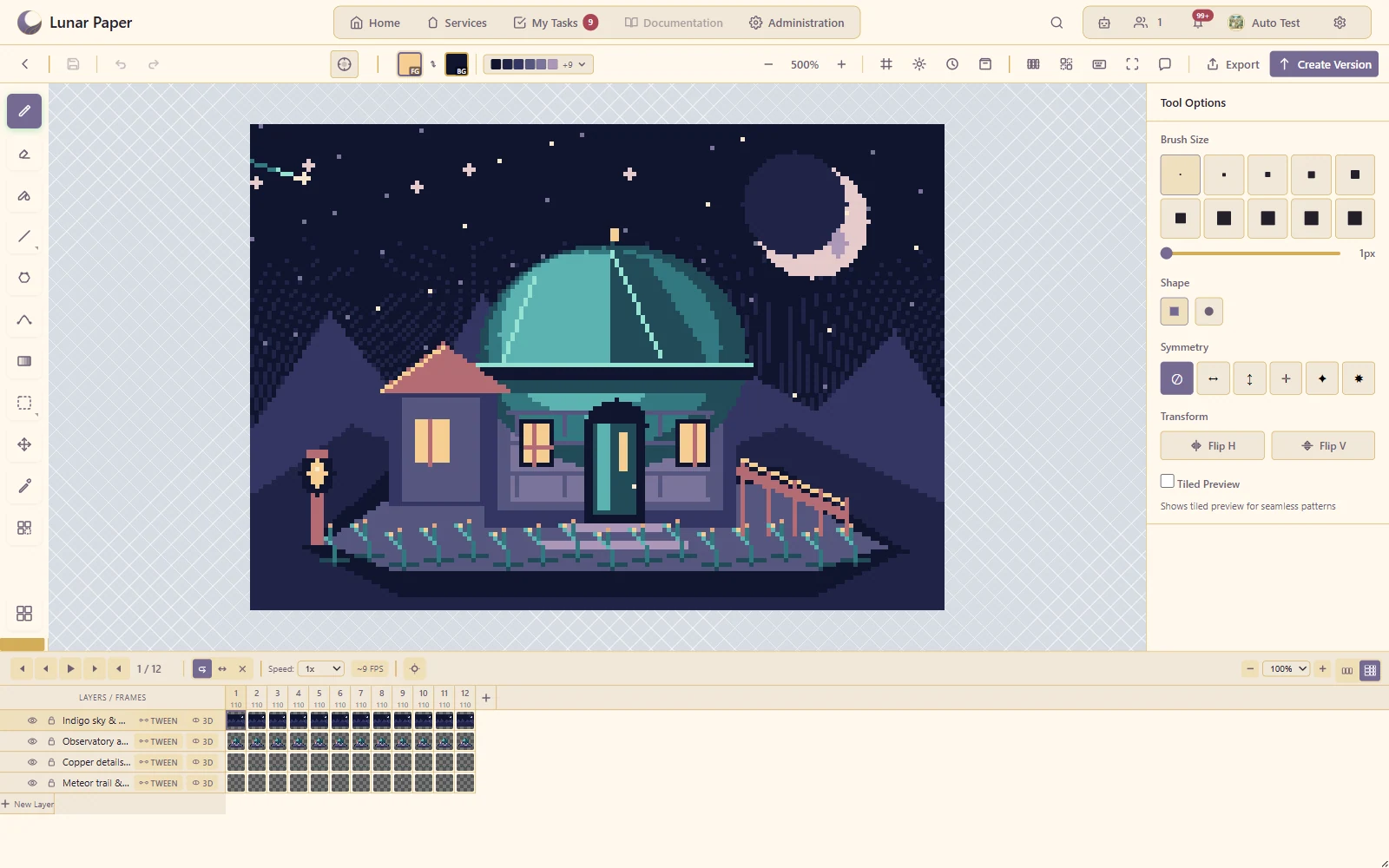
Show a sprite developing across several deliberately different frames.
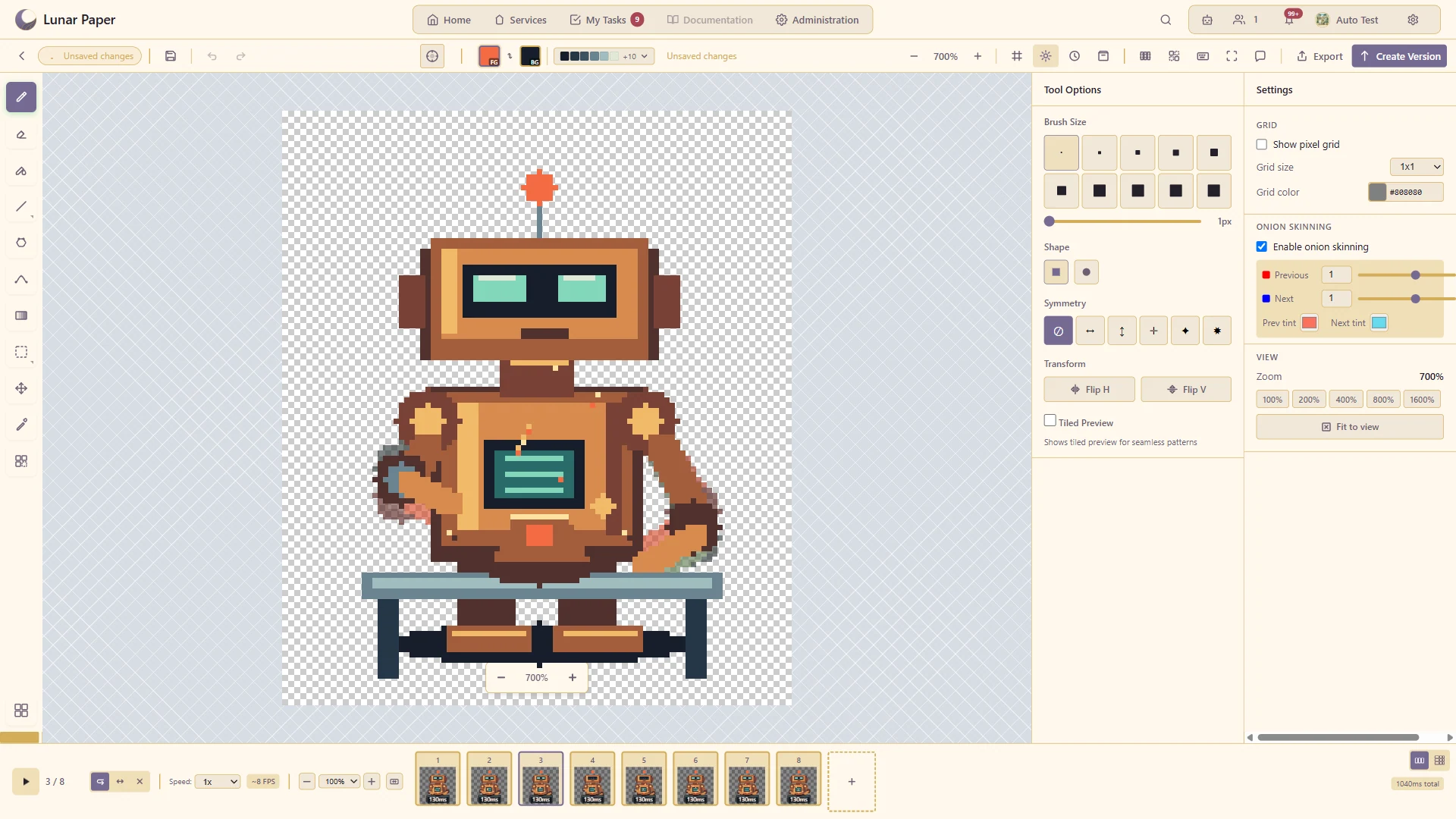
Compare neighbouring frames while drawing the current pose.
Generate intermediate animation frames from the configured endpoints.
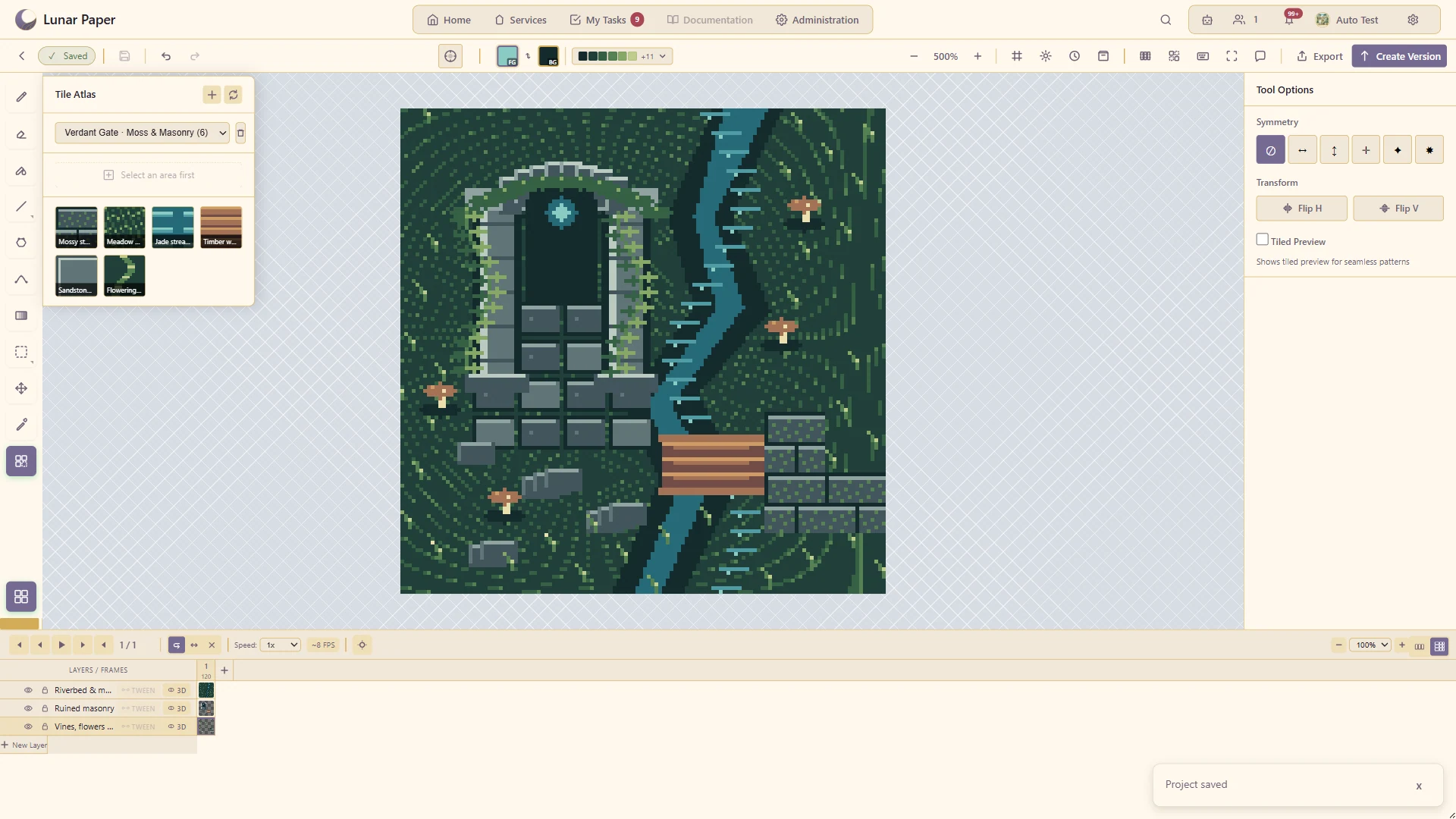
Build or reuse a tile collection to compose a larger scene.
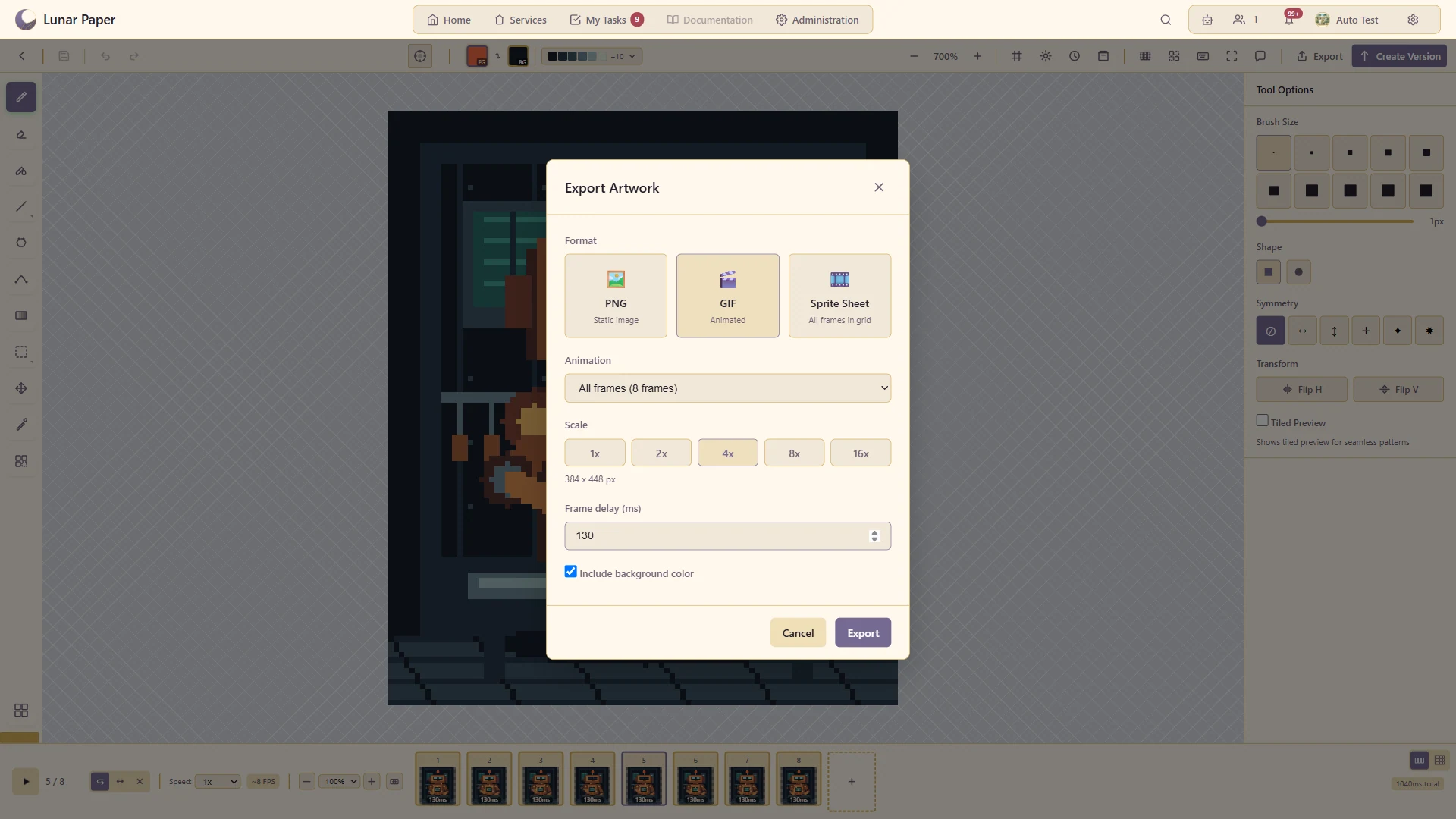
Deliver the animation in the format required by the next tool.
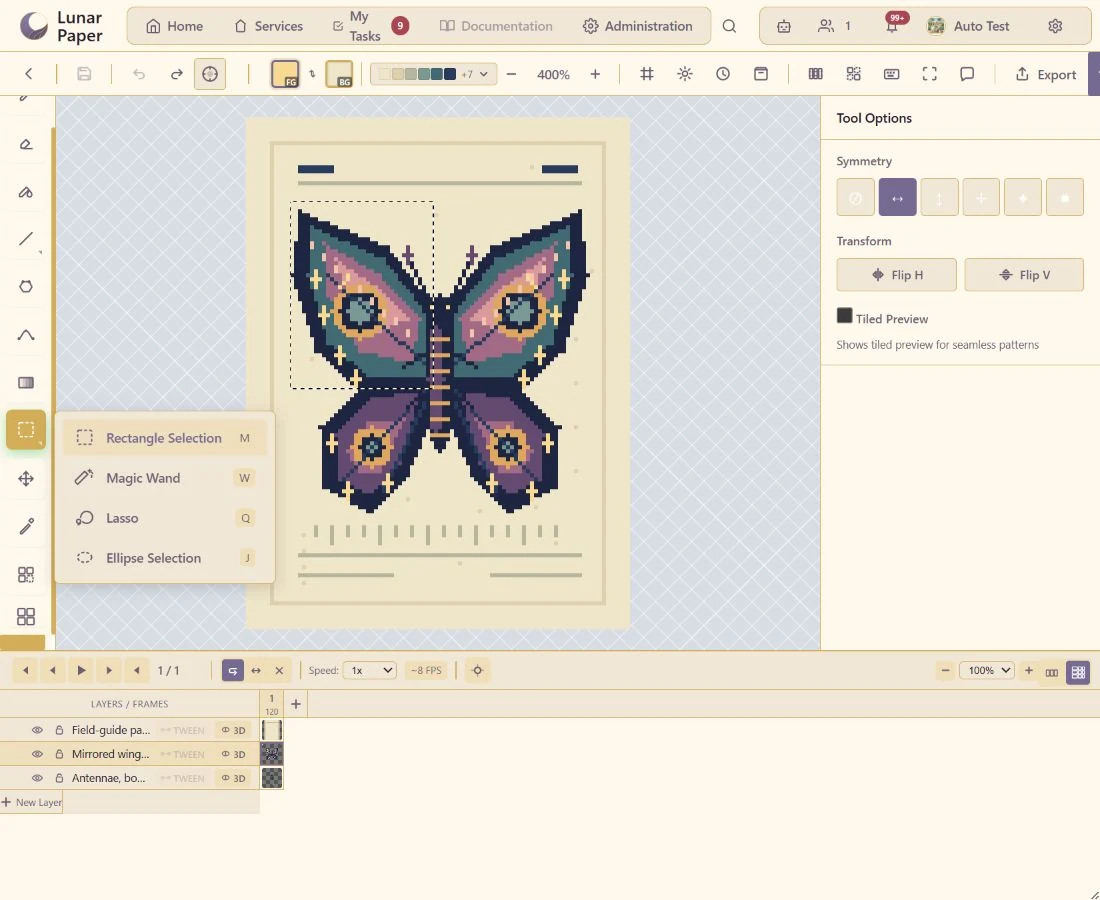
Isolate pixels with rectangular, elliptical, lasso and magic-wand selections.
Separate character, background and effects into editable layers.
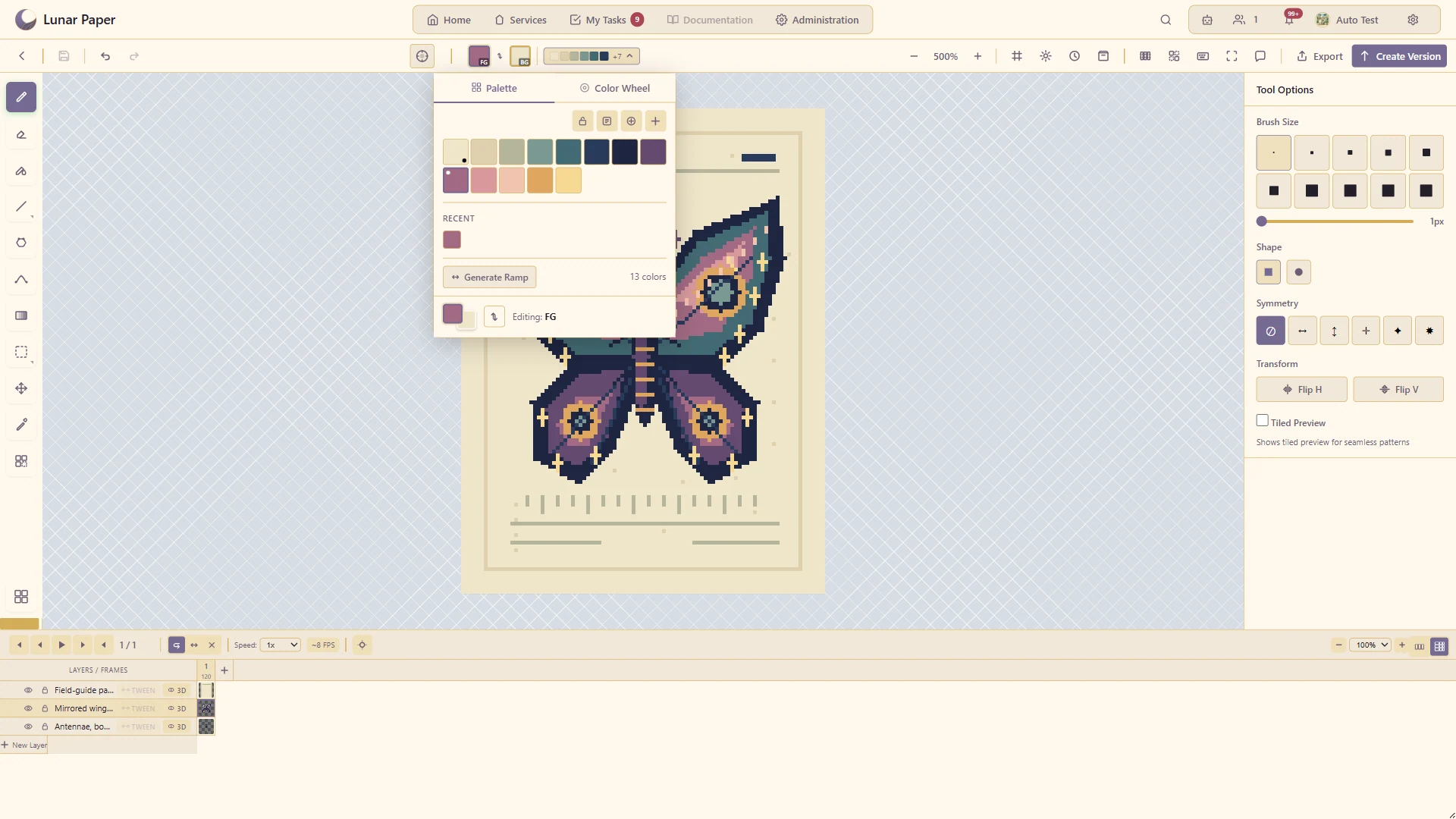
Build and maintain a consistent limited colour palette.
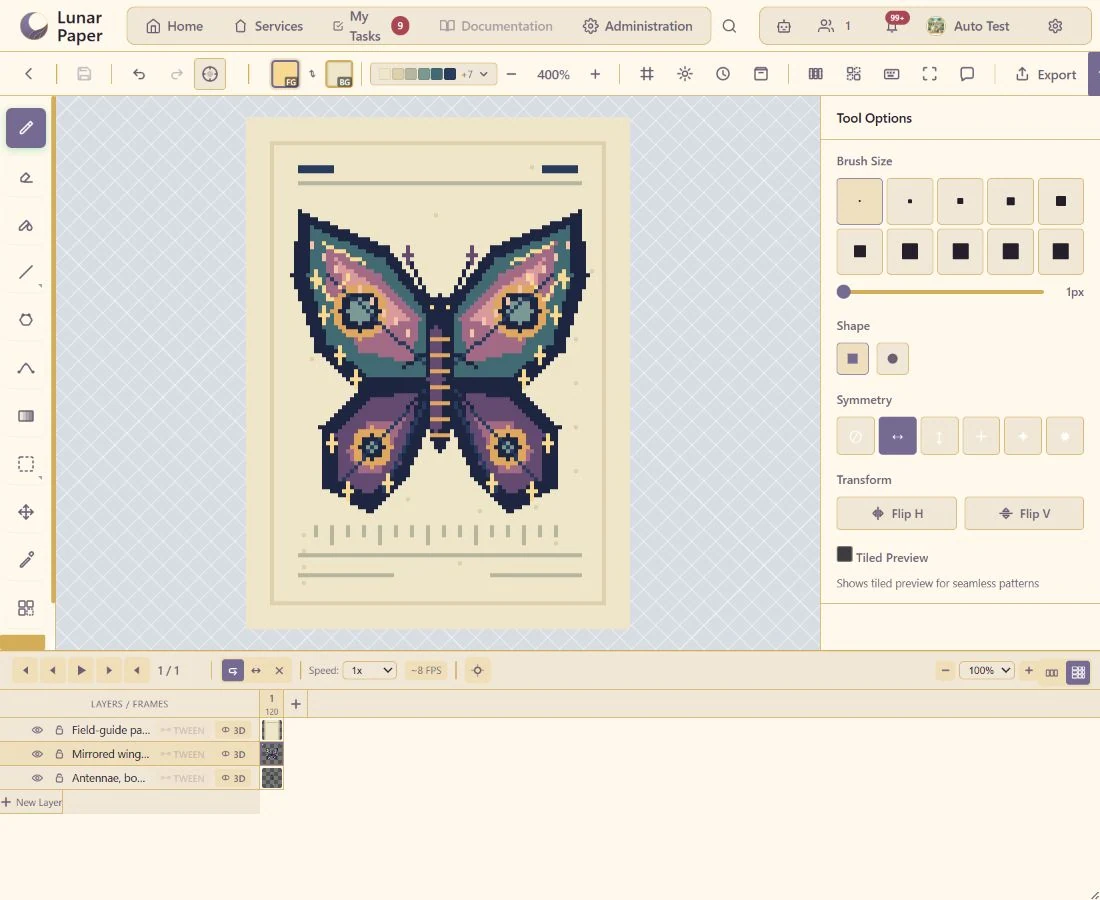
Create mirrored artwork with the available symmetry modes.
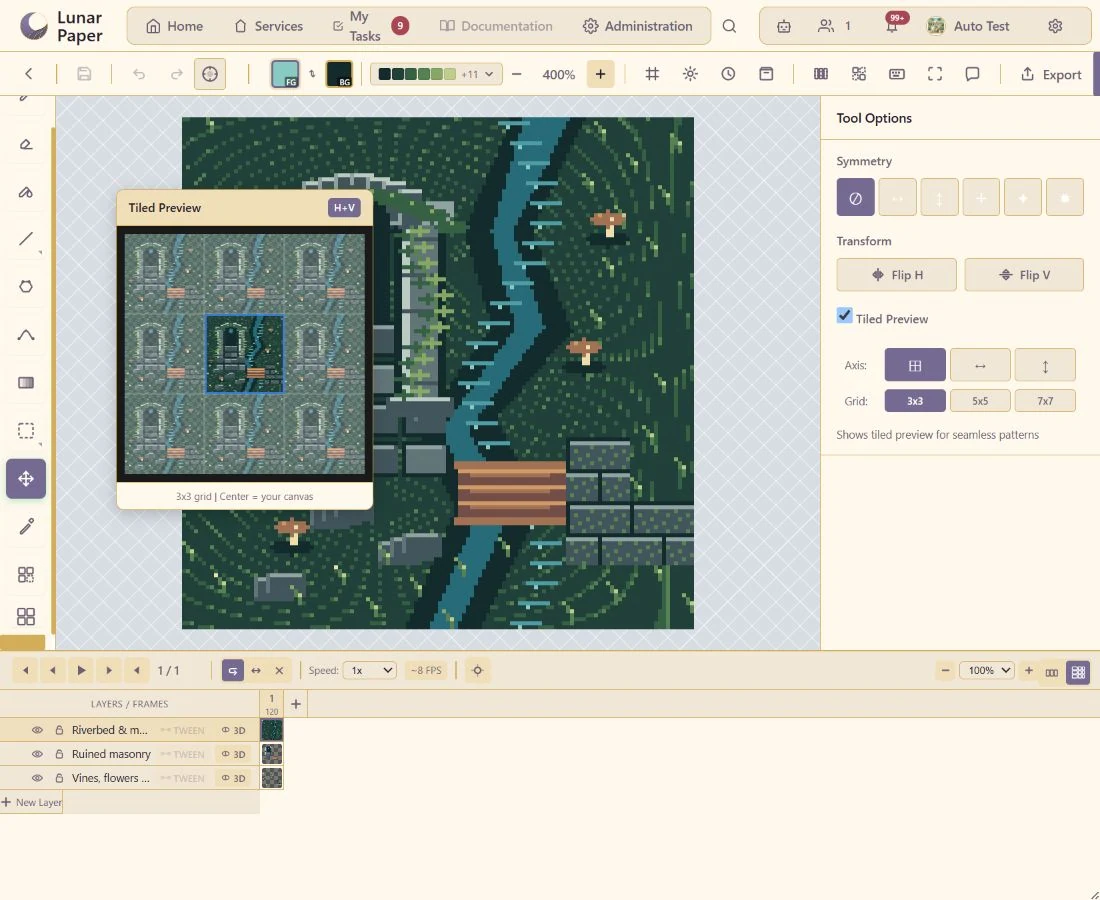
Check whether a tile repeats cleanly across a larger surface.
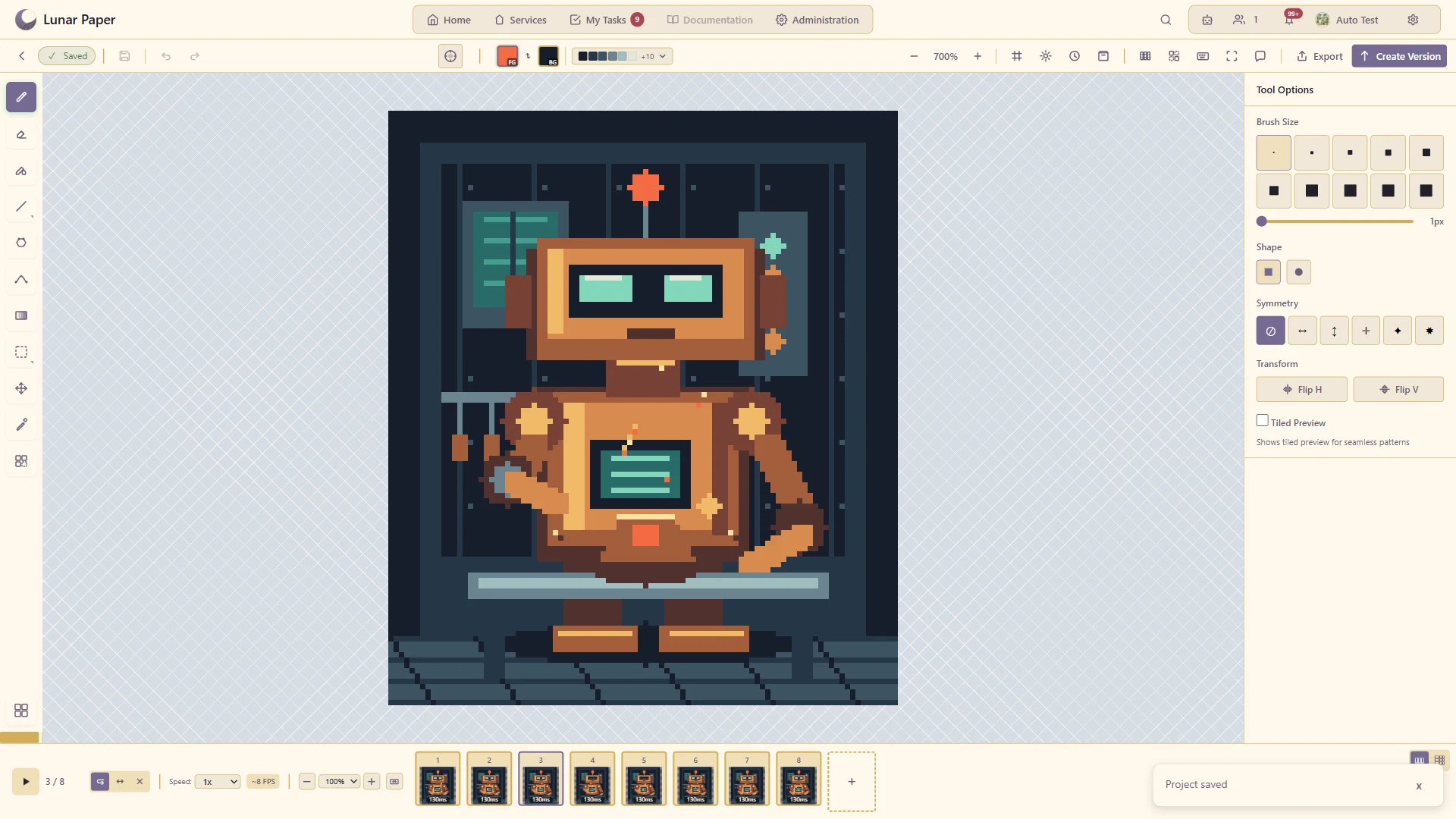
Adjust animation timing and judge the result in motion.
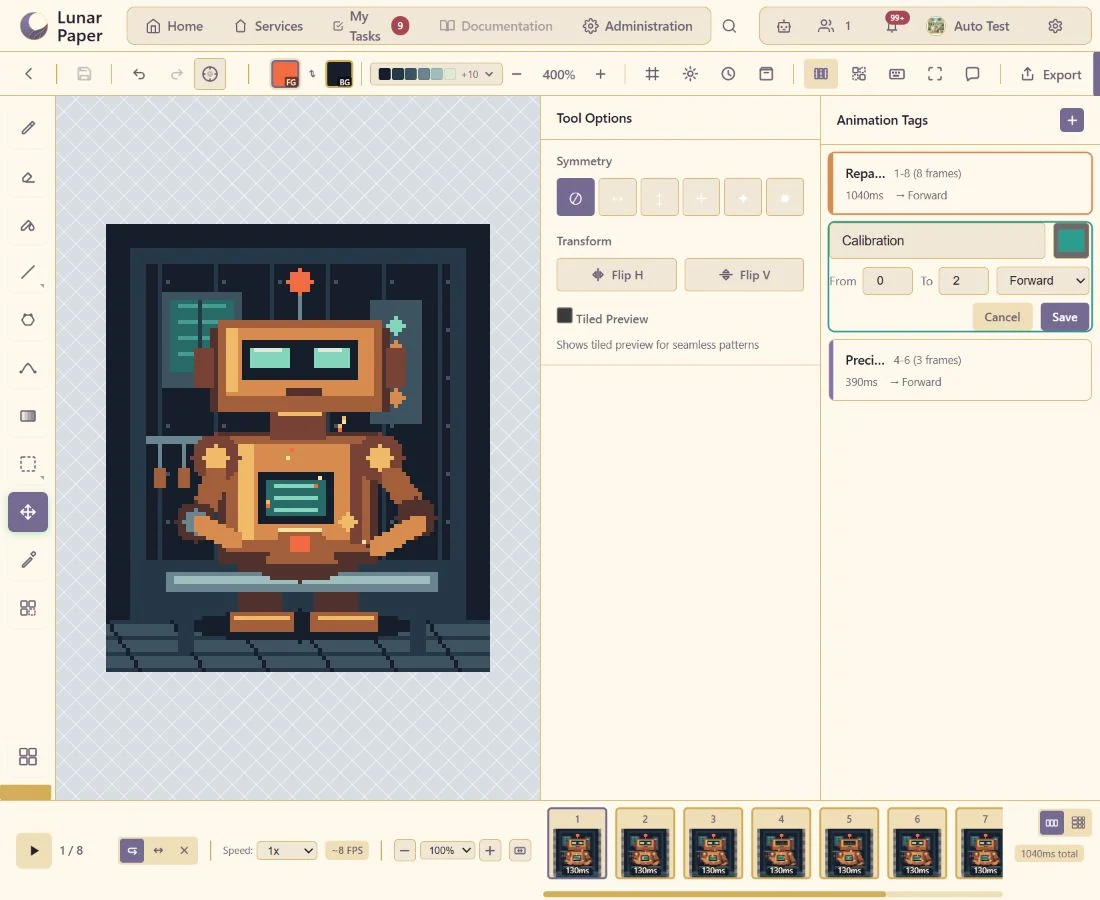
Name frame ranges for separate actions or loops within a project.
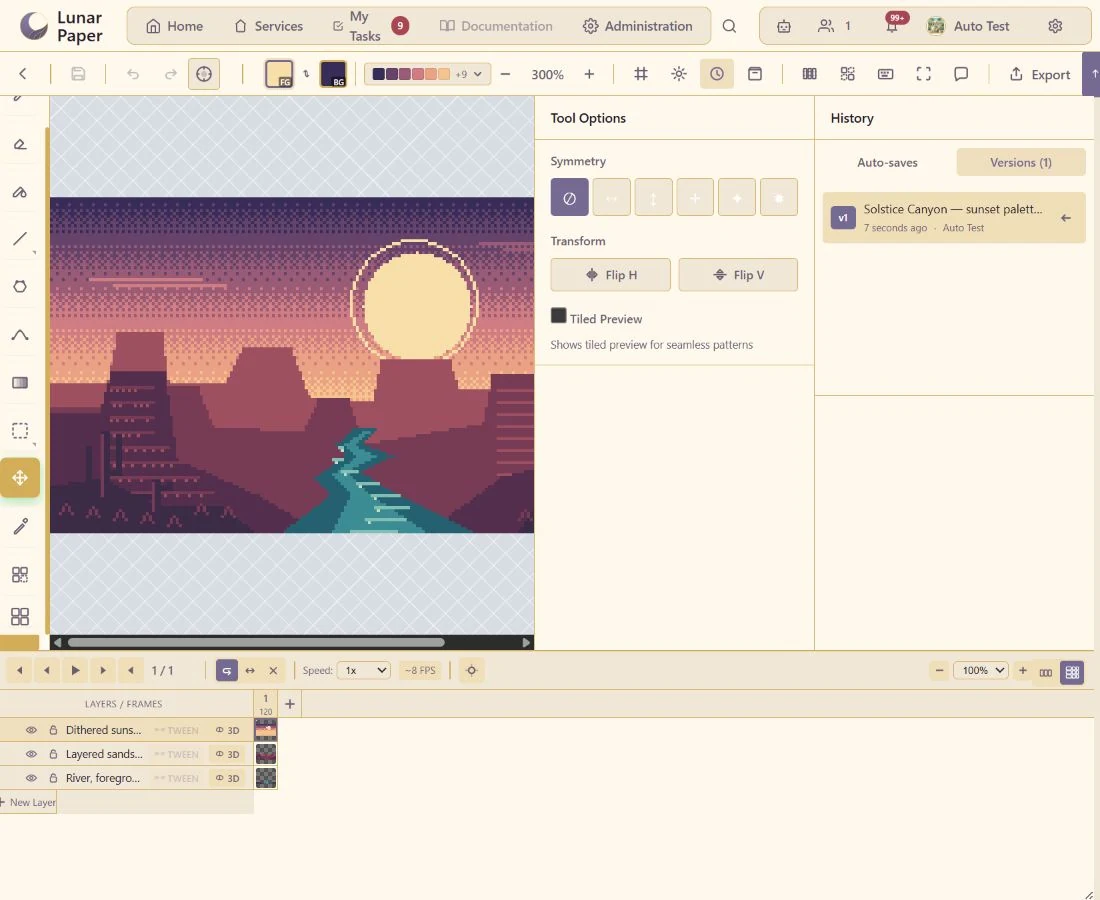
Preserve milestones and restore an earlier sprite state.
The main areas Pixel Art brings together.
Create sprites, icons and scenes with drawing, shape, selection and transformation tools designed for pixel work.
Build and reuse palettes, gradients, dithering, symmetry and repeated patterns for a consistent visual language.
Organise compositions with layers and reusable tiles or assets for efficient scene and sprite production.
Build motion across frames, adjust timing and preview playback while keeping the artwork editable.
Use supported guidance and generation to explore rotations, movement and visual alternatives.
Preserve versions, collaborate around the artwork and export completed assets for delivery or reuse.
Run the platform with all features for free for three people.