
Knowledge workspaces
Create structured spaces for projects, research and knowledge bases with clear navigation and ownership.
Bring evidence, ideas and finished content into one connected place. Workspace combines source references, cited research, visual scratchpads, native documents and charts with collaborative review and controlled publishing, so teams can develop project knowledge, maintain shared knowledge bases and turn evolving work into structured, reusable content without losing context.
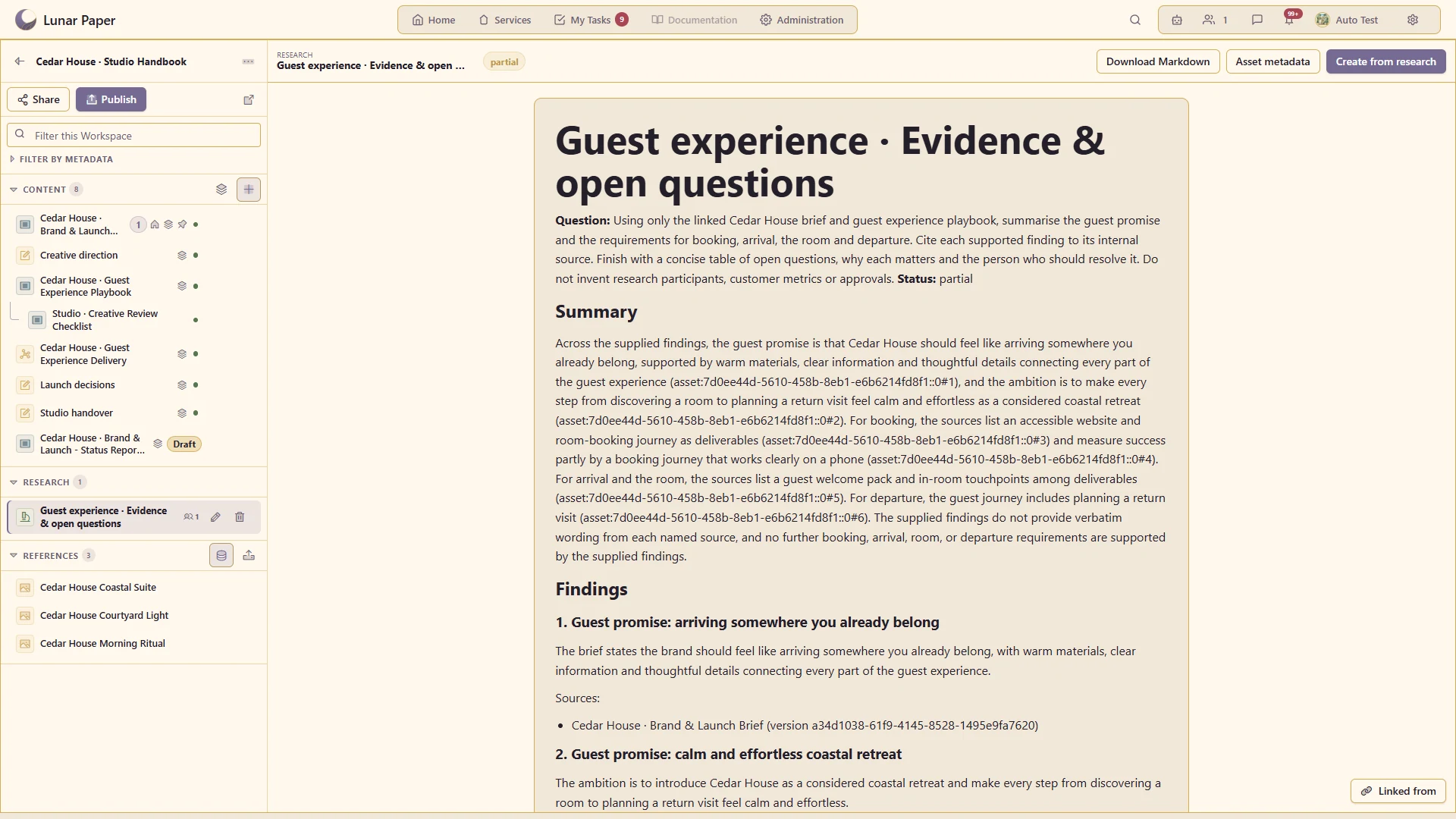
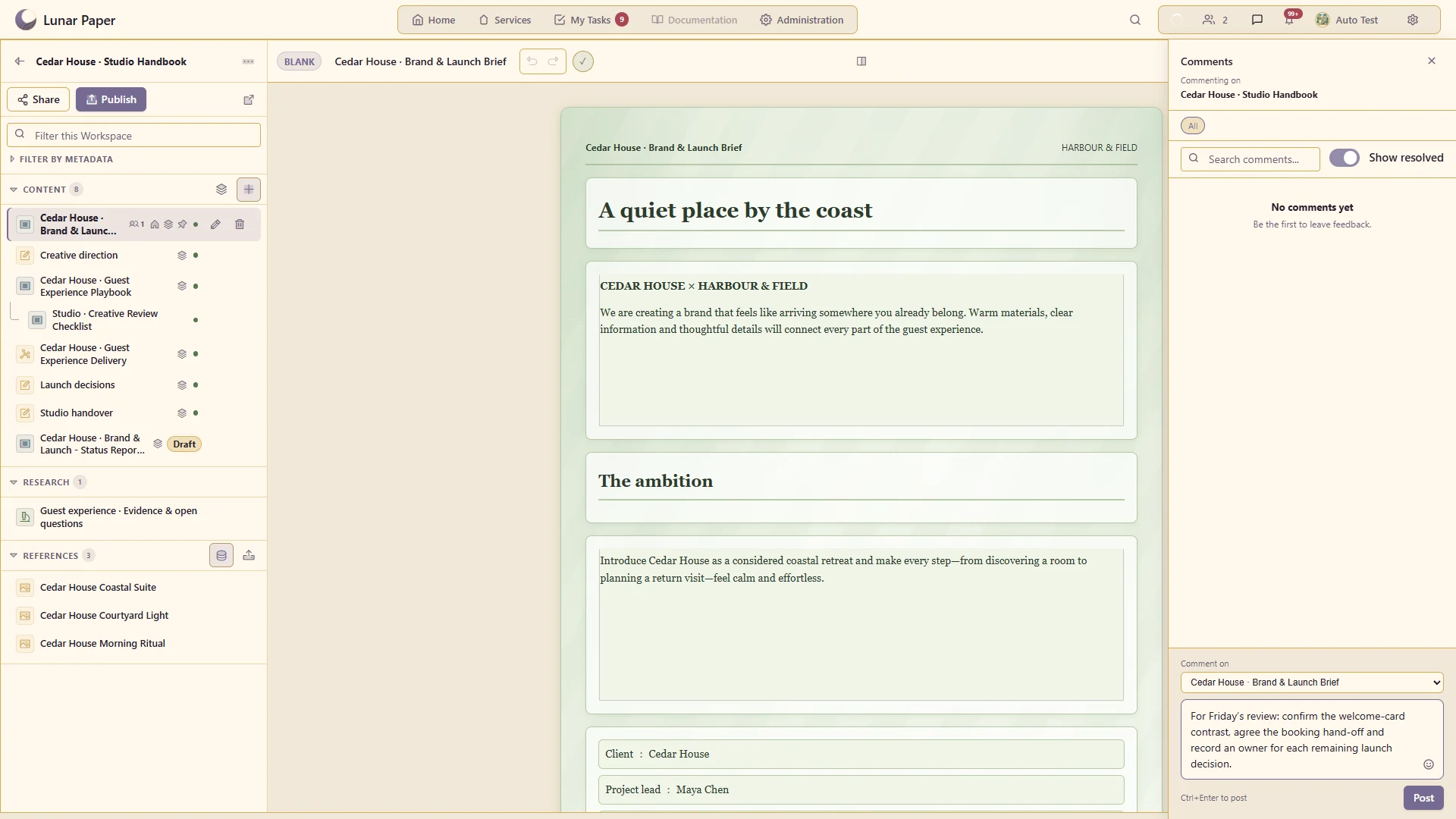
Keep Content, Research and References together in a service-owned team workspace.
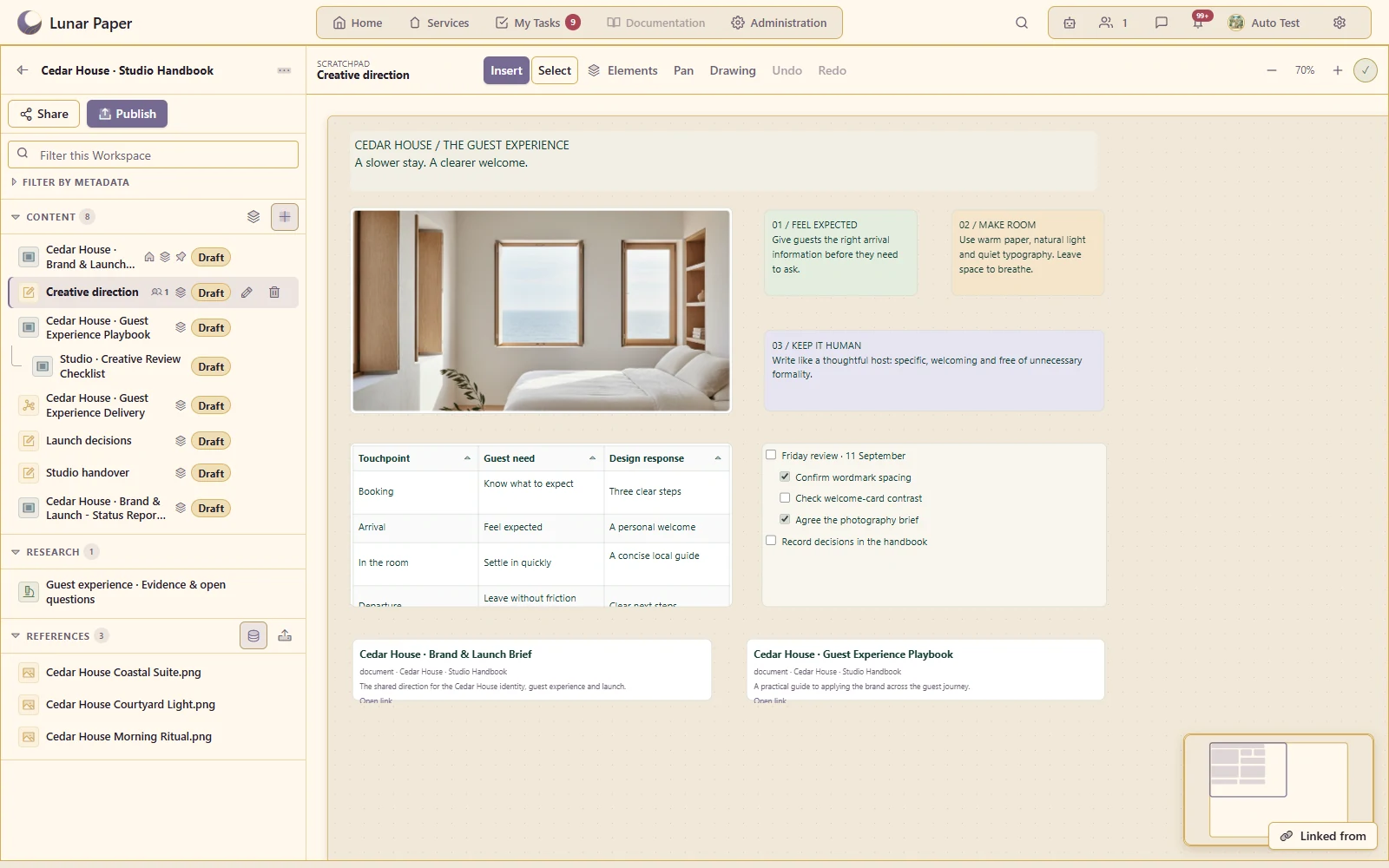
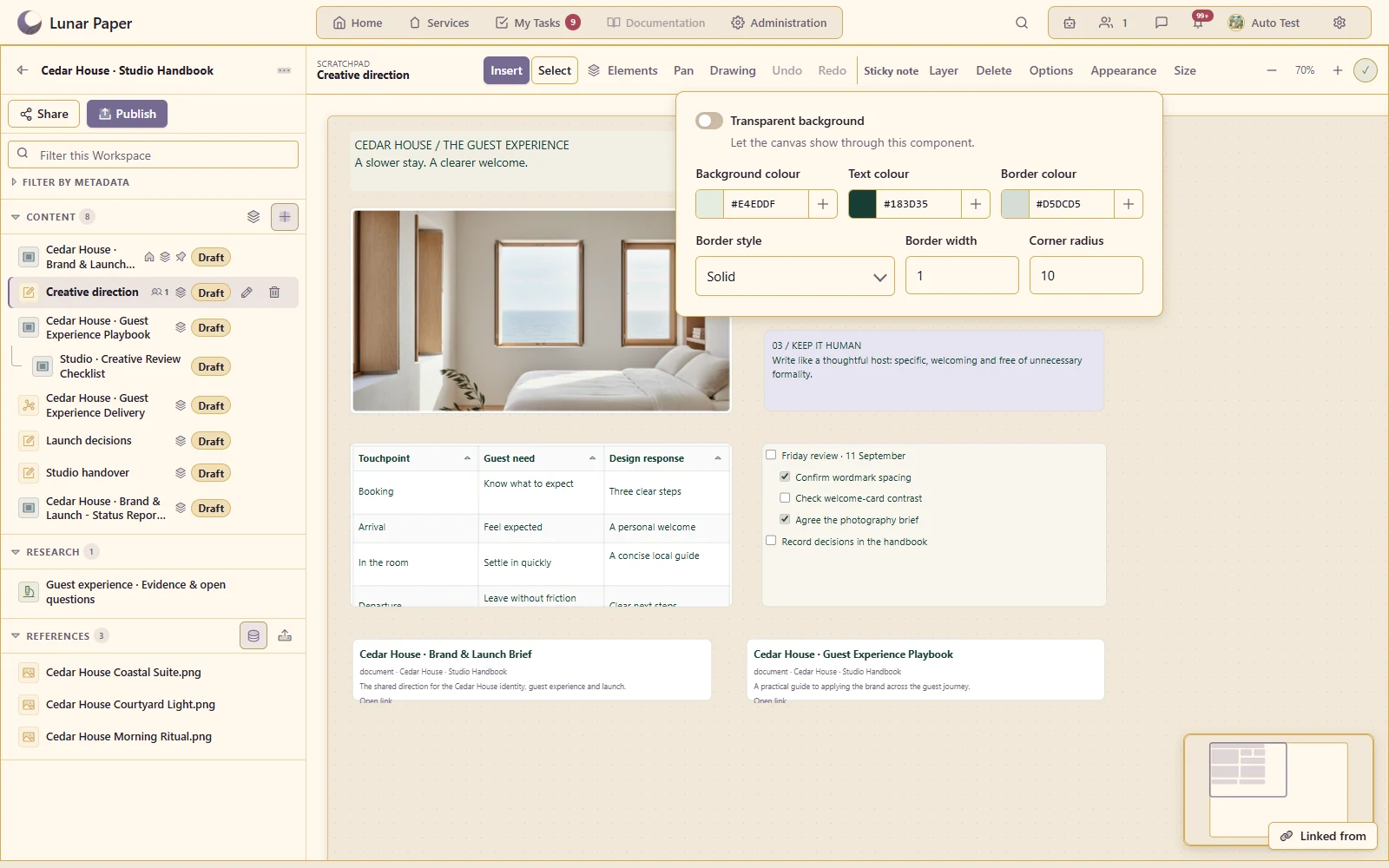
Arrange ideas on a free-positioned whiteboard with drag, resize, zoom, a minimap and undo/redo.
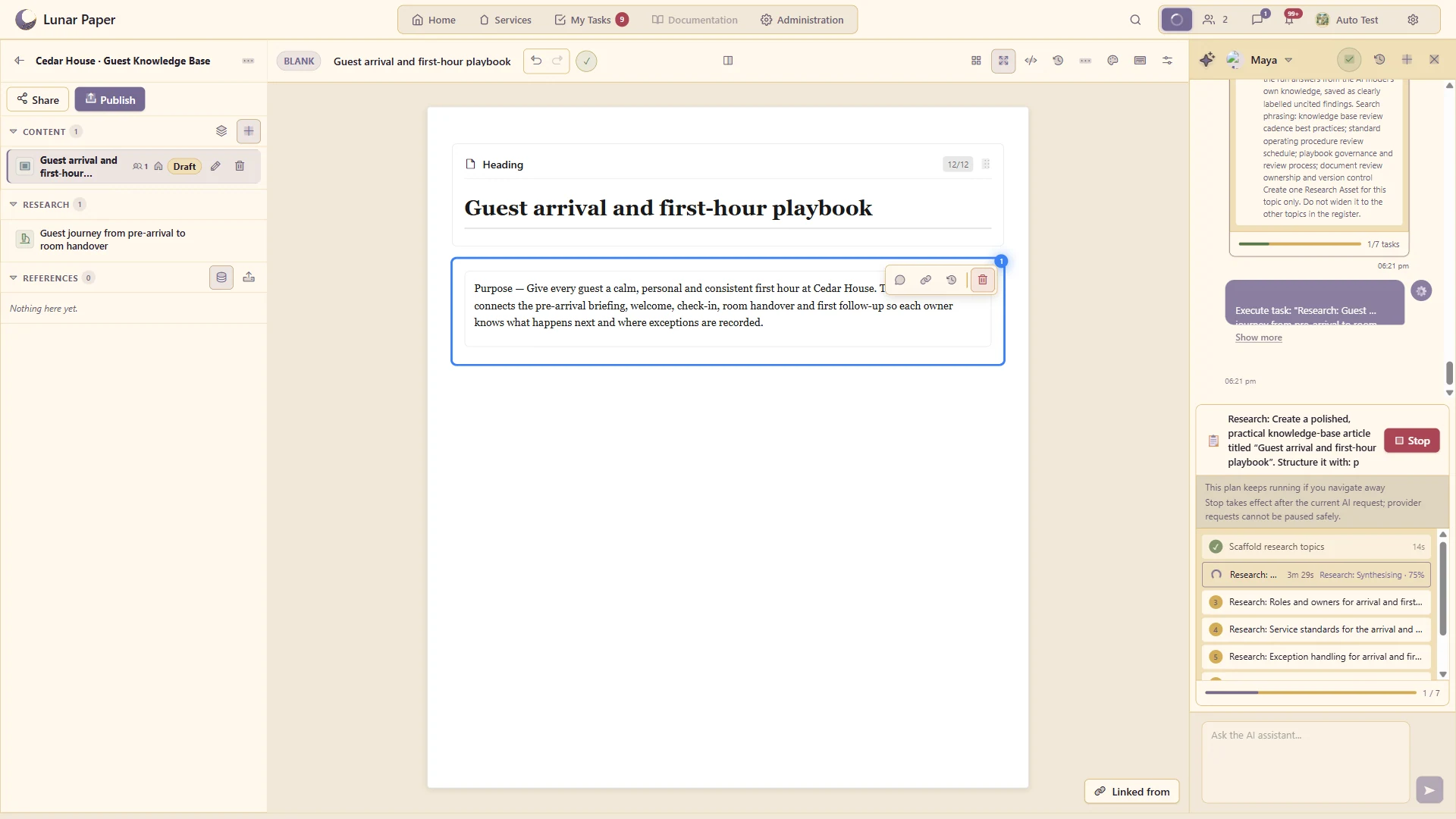
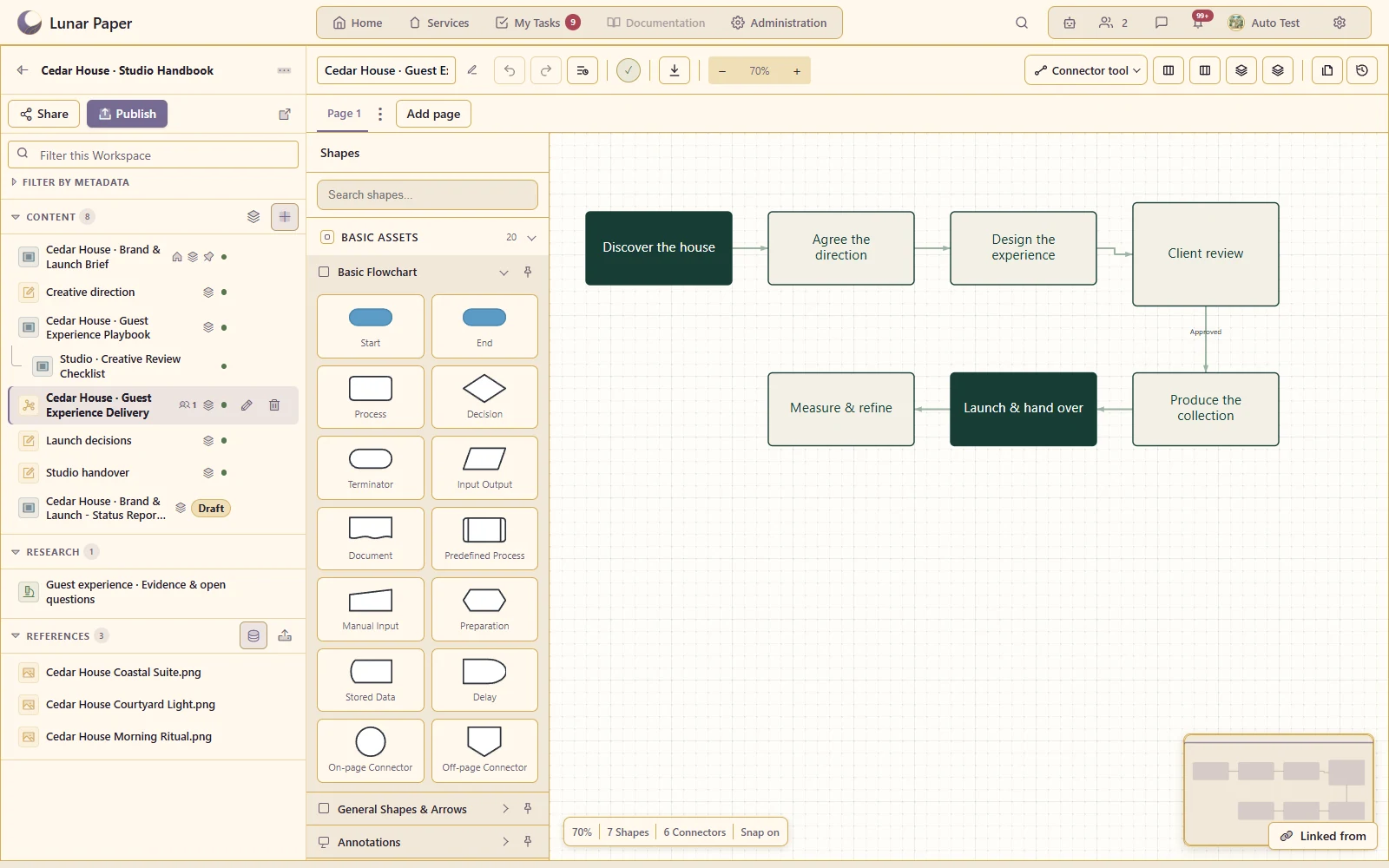
Work on fully editable Documents and Charts inside the workspace, using their owning editors.
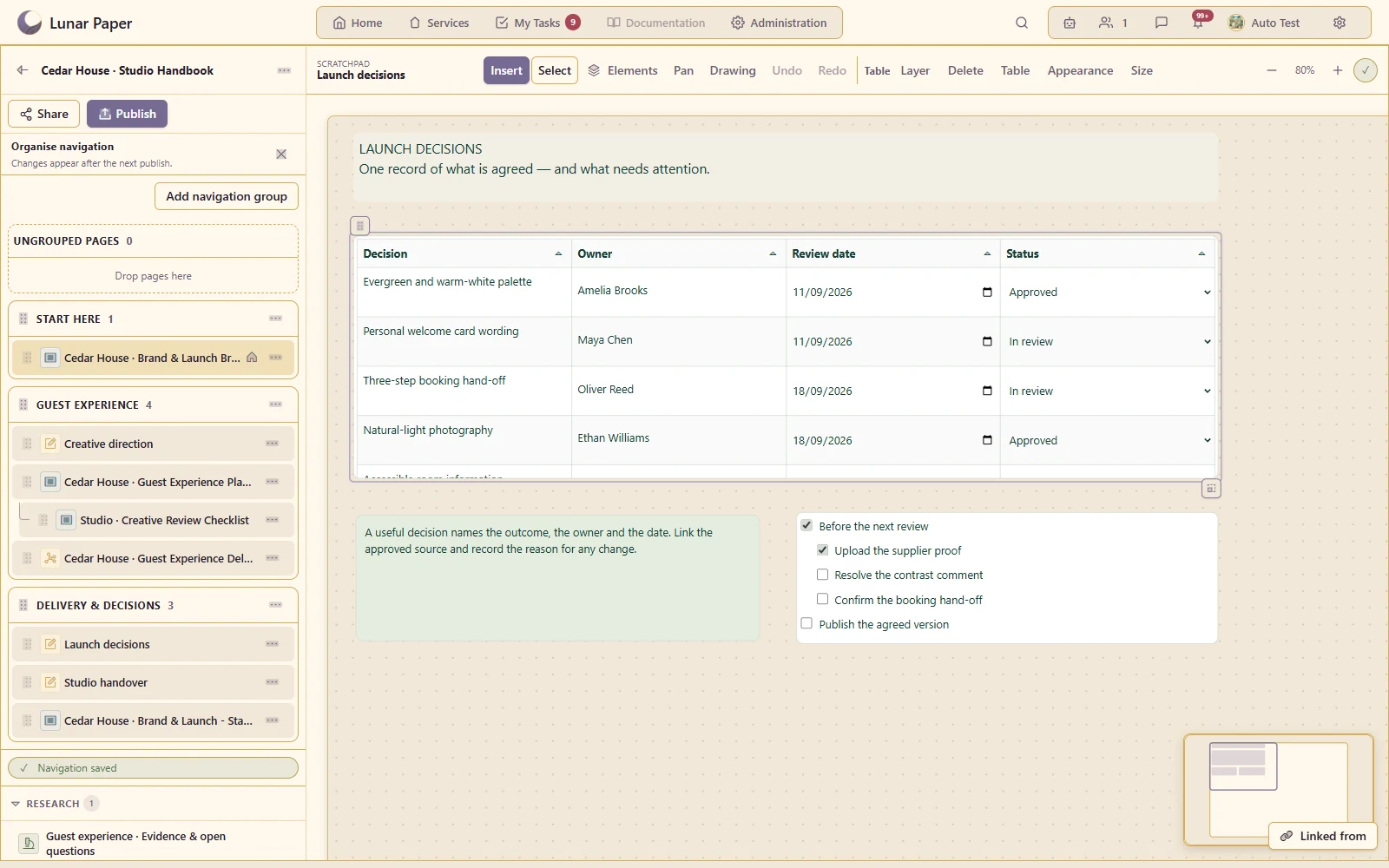
Organise content into a page hierarchy, group related pages and pin frequently used destinations.
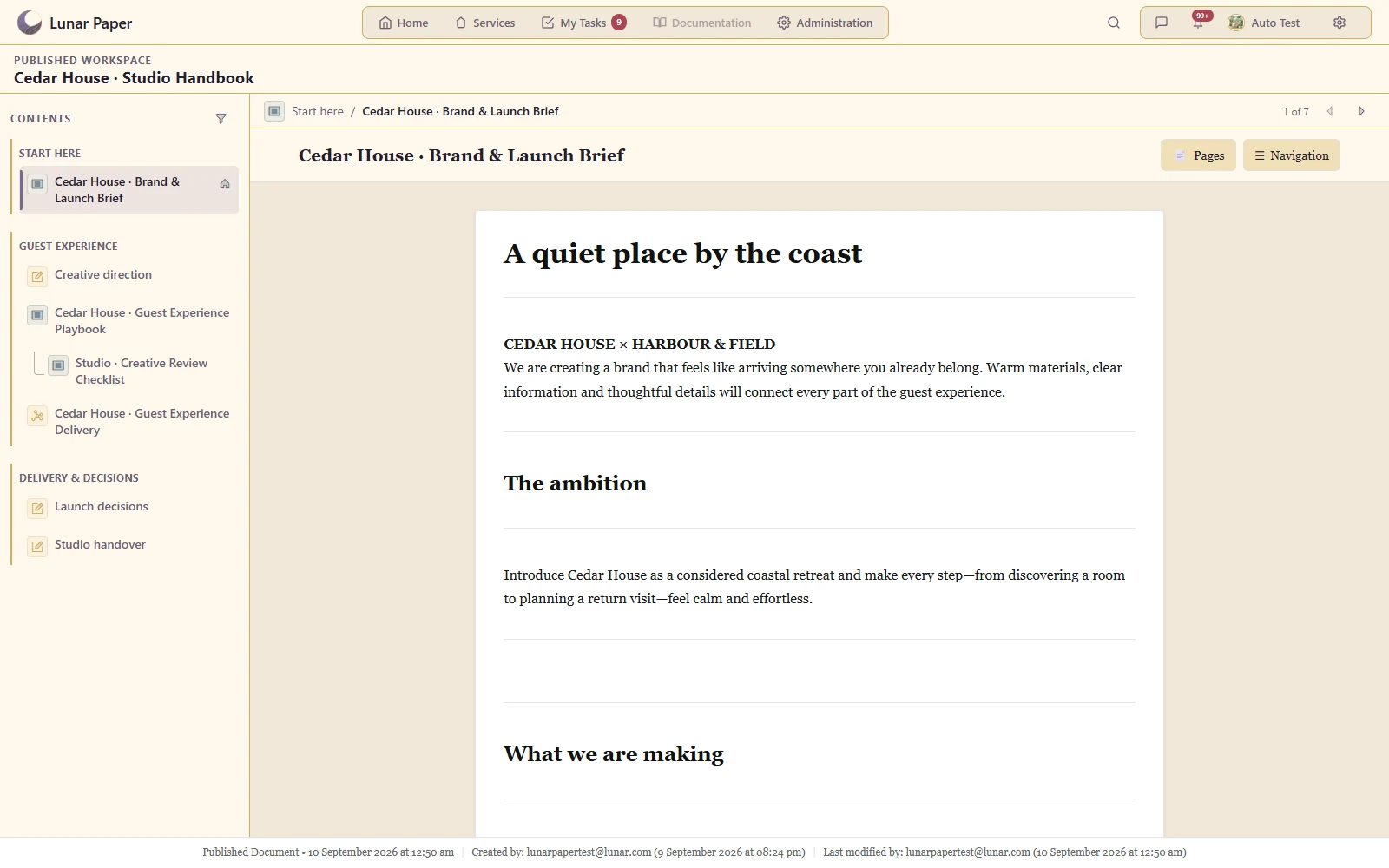
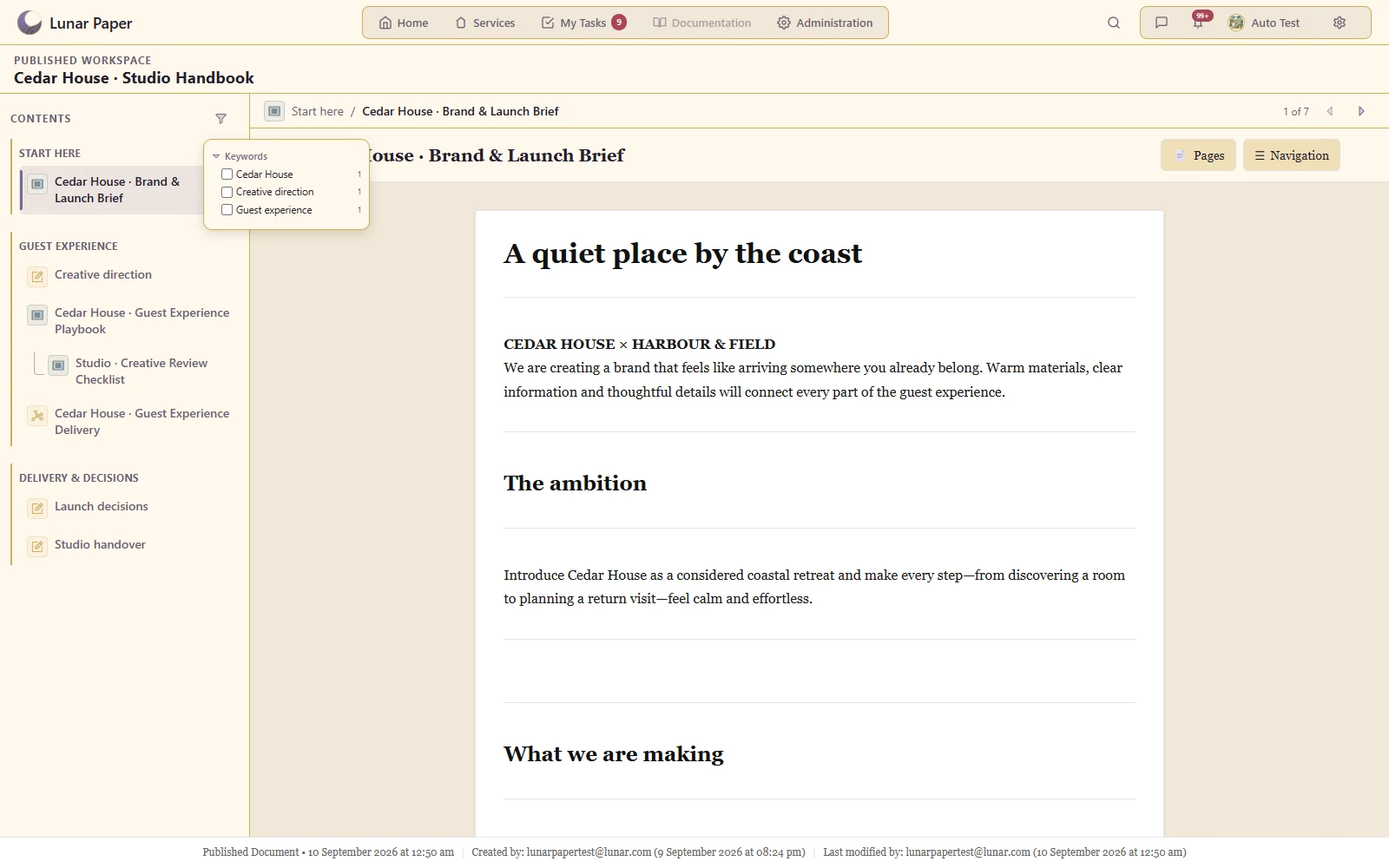
Present a selected landing page and connected content through one reader with persistent navigation.
Combine sticky notes, images, shapes, arrows, drawings, grouping frames and link cards on a scratchpad.
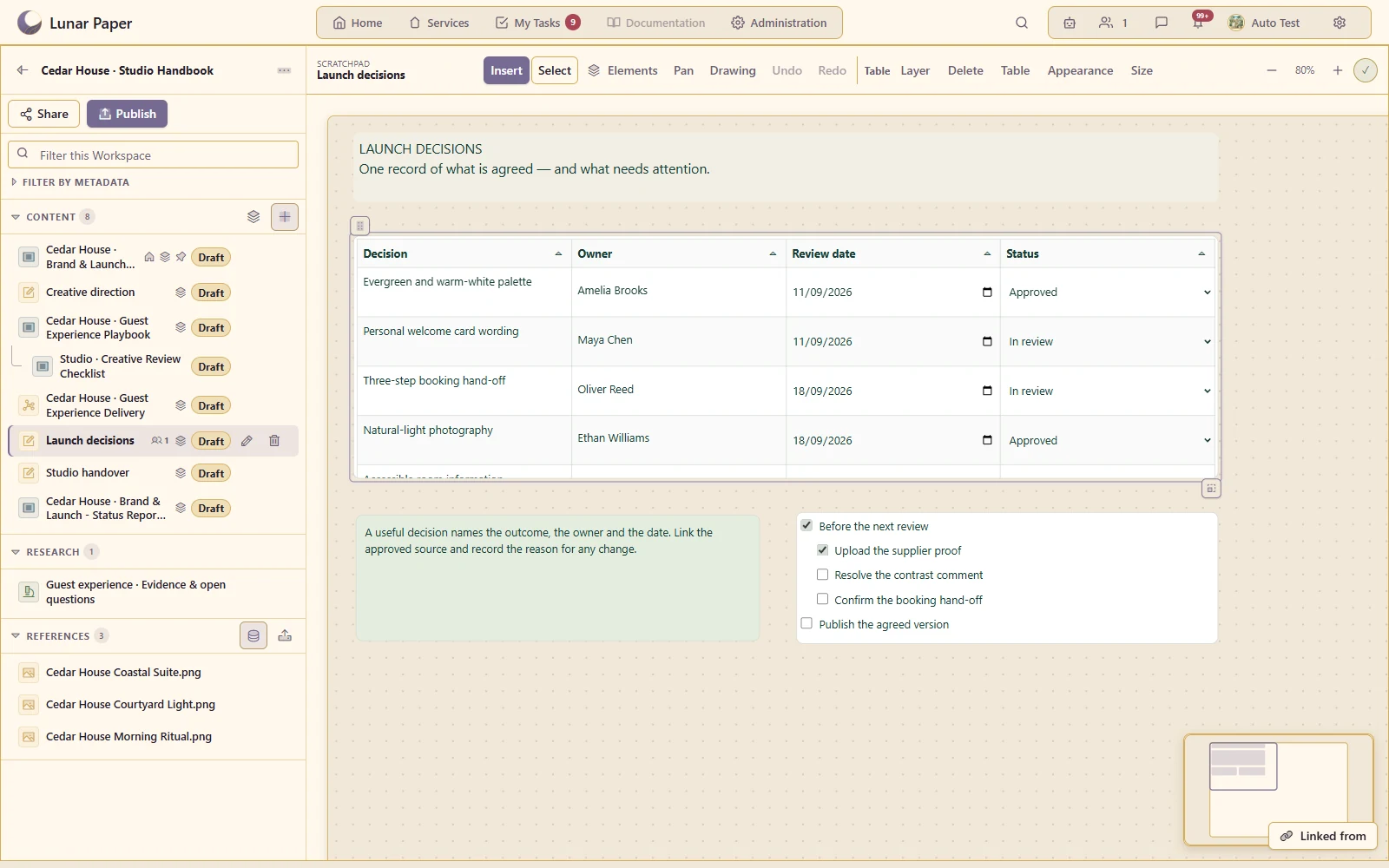
Use nested lists, checklists and sortable tables with typed columns inside the board.
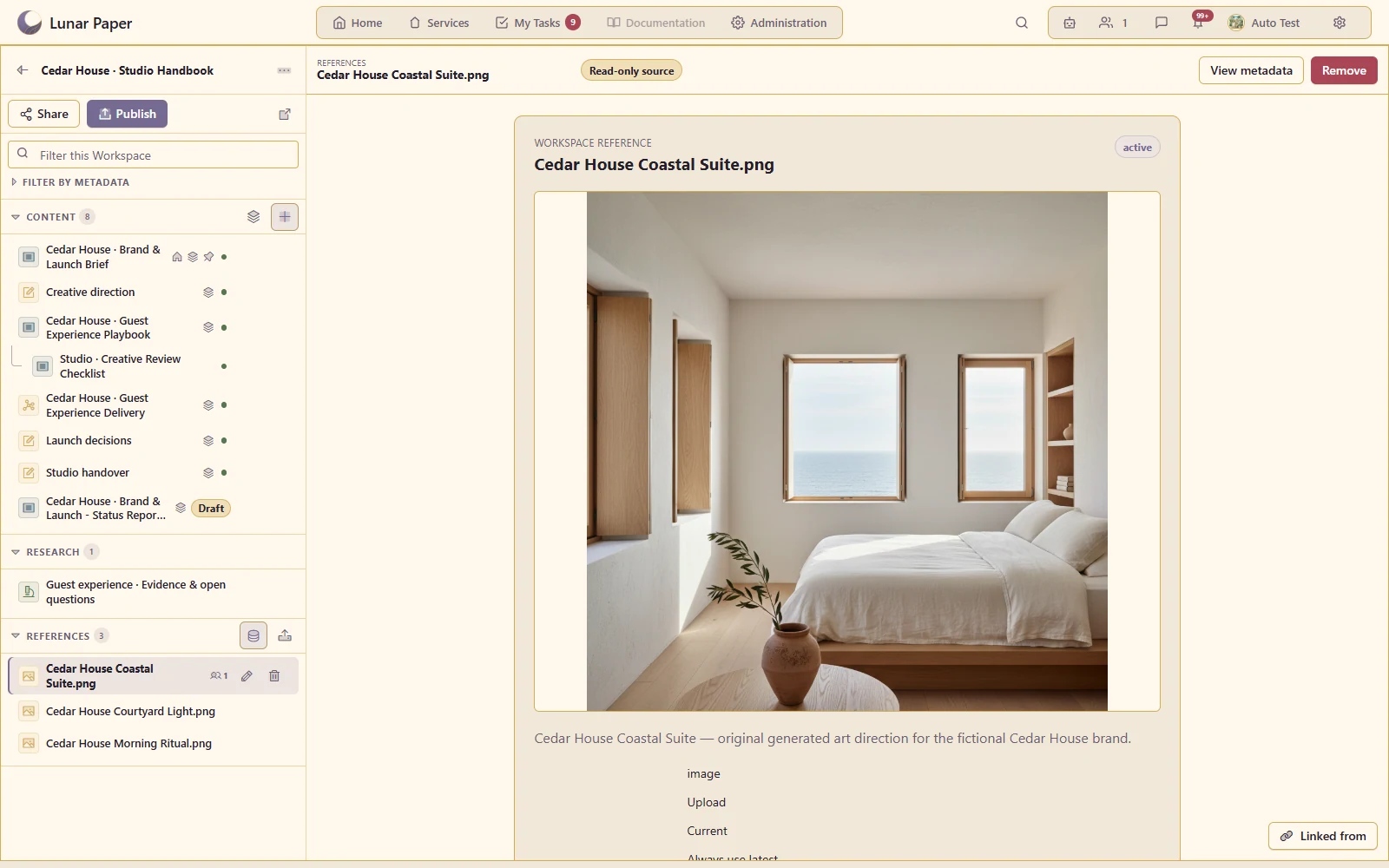
Attach existing service assets or upload source files through the Asset Library, retaining their original identity.
Keep findings, citations, source details and evidence gaps together in a durable research item with Markdown download.
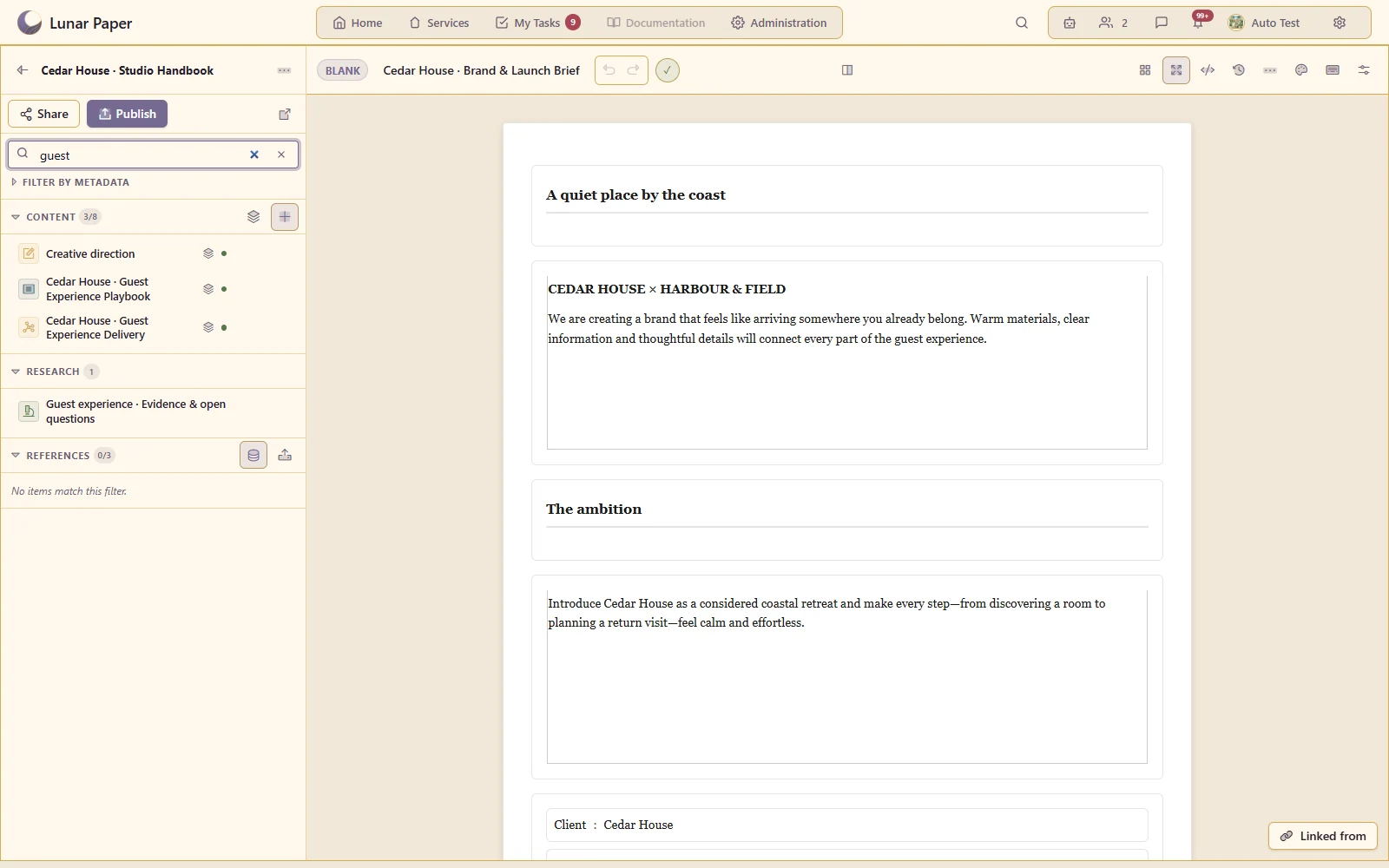
Find material through workspace names, asset metadata, document content, research summaries and scratchpad text.
Narrow content by keywords and service-defined fields in both the workbench and the captured published reader.
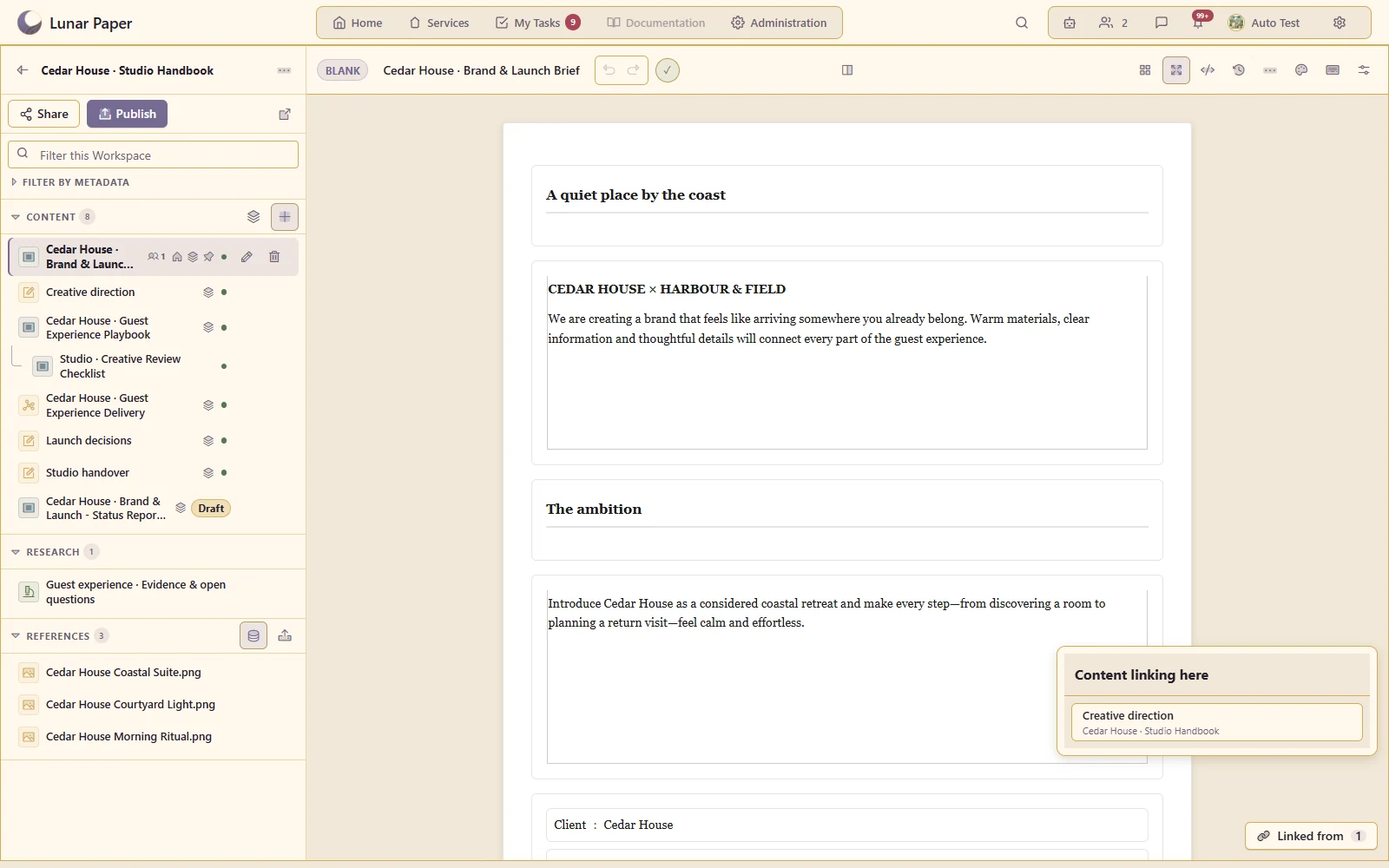
Connect pages and assets, follow scratchpad link cards, and inspect references back to the active item.
See participants on content items and work together through the native Document, Chart and Scratchpad collaboration surfaces.
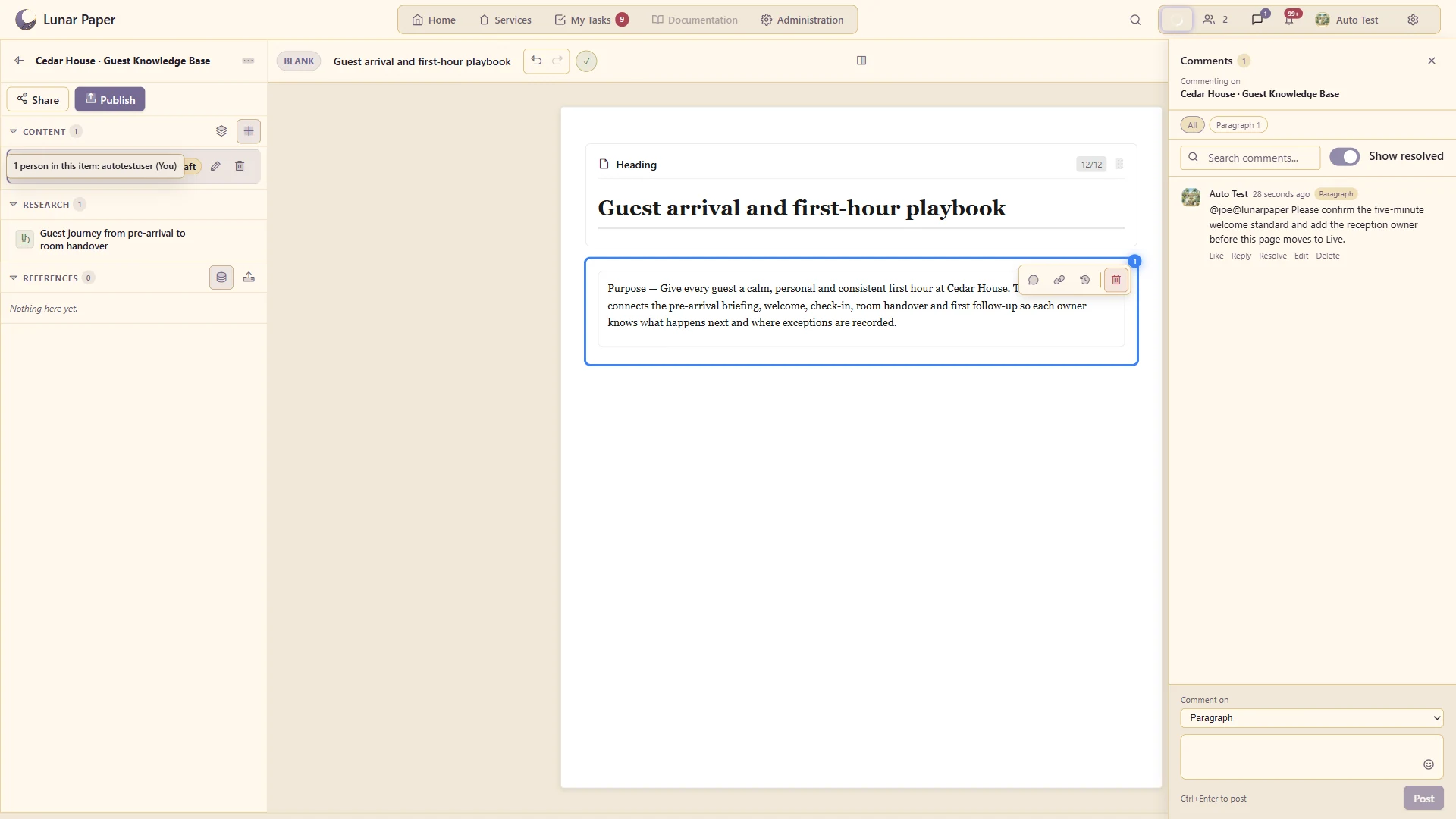
Comment on the workspace or a specific item; published-reader feedback has its own audience and page context.
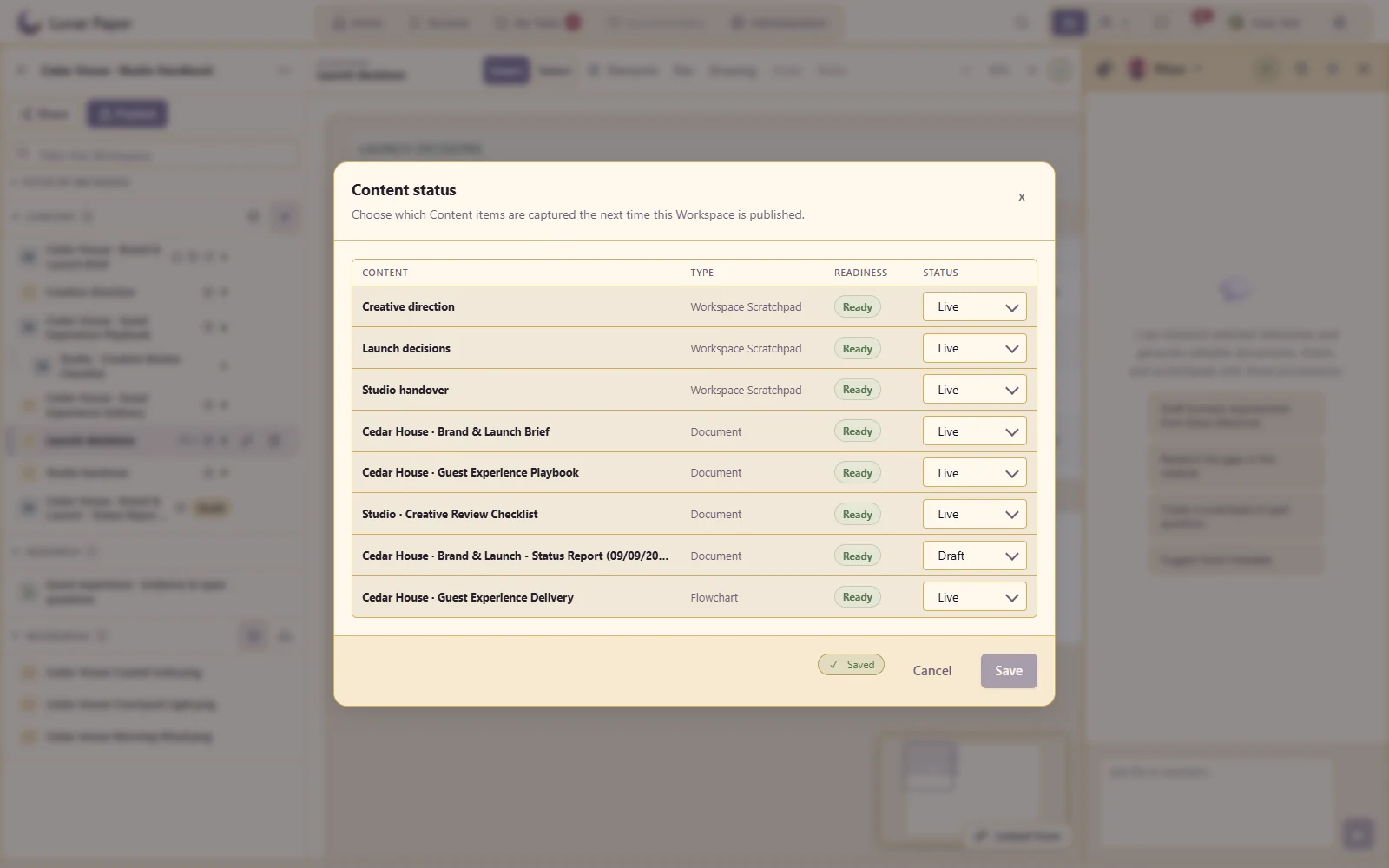
Control which content is ready for publication through individual page settings or the bulk status view.
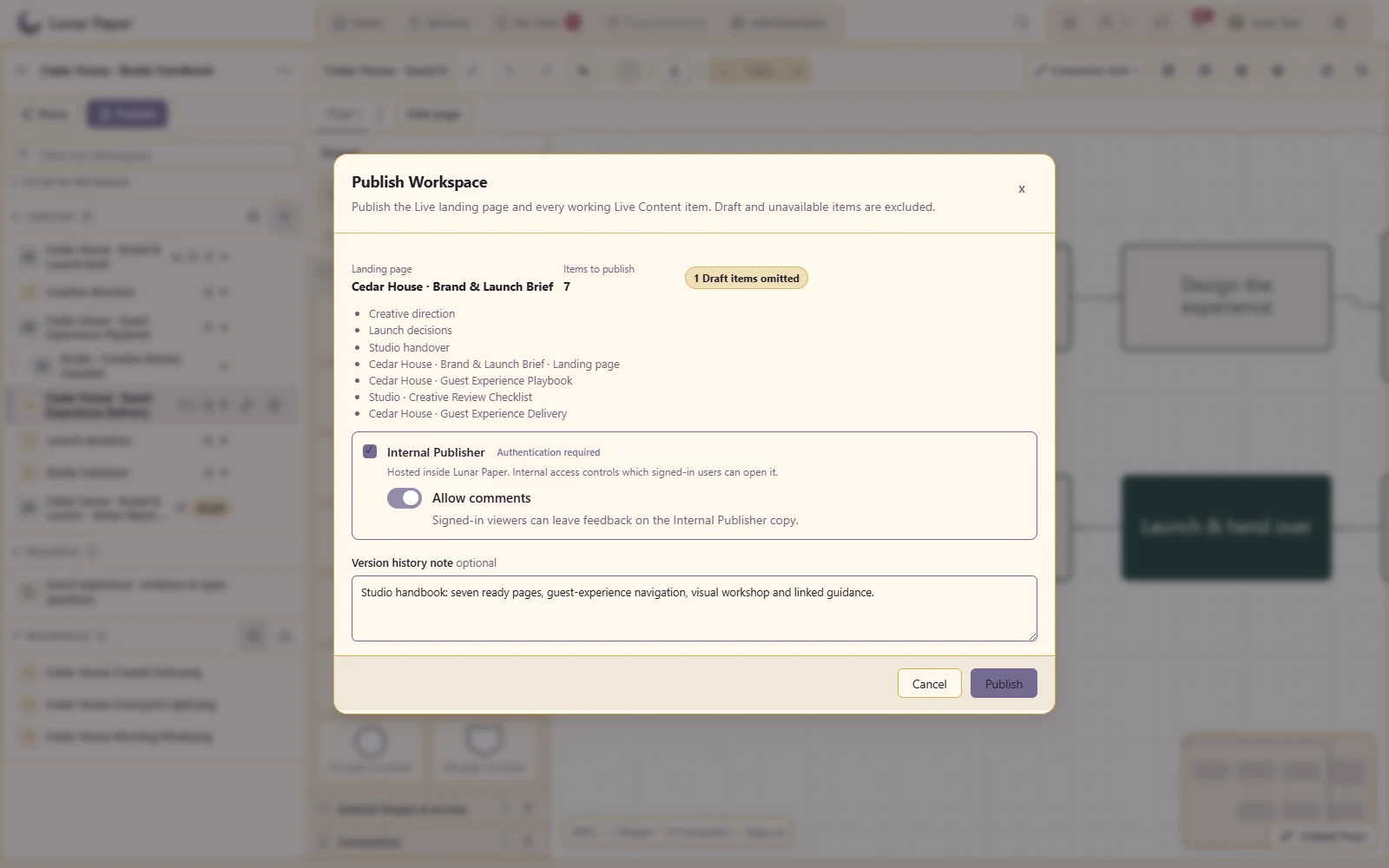
Capture the included pages as one immutable workspace revision, with their exact content versions and metadata.
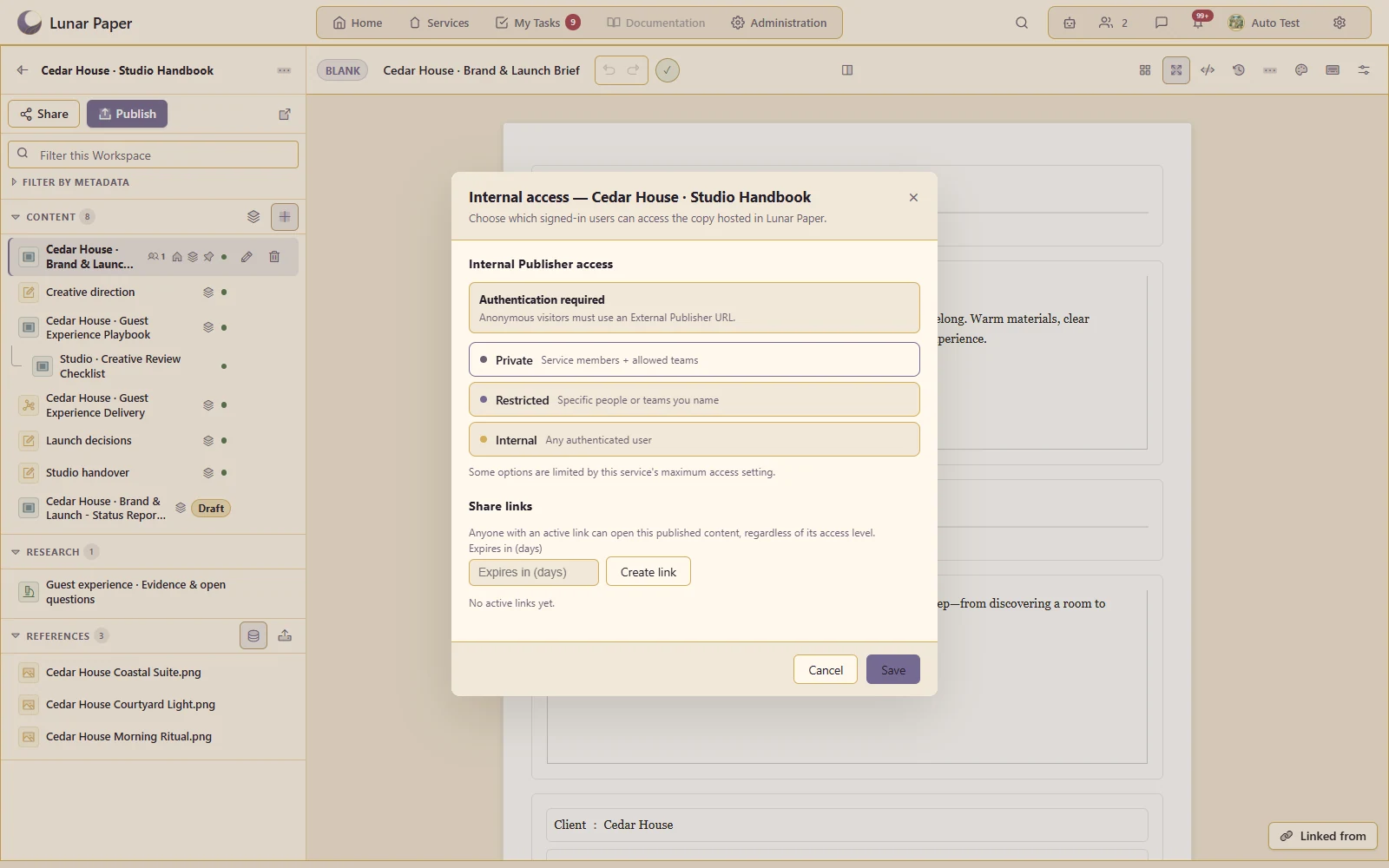
Use the shared Share and Publish controls to distribute the workspace through the internal publisher.
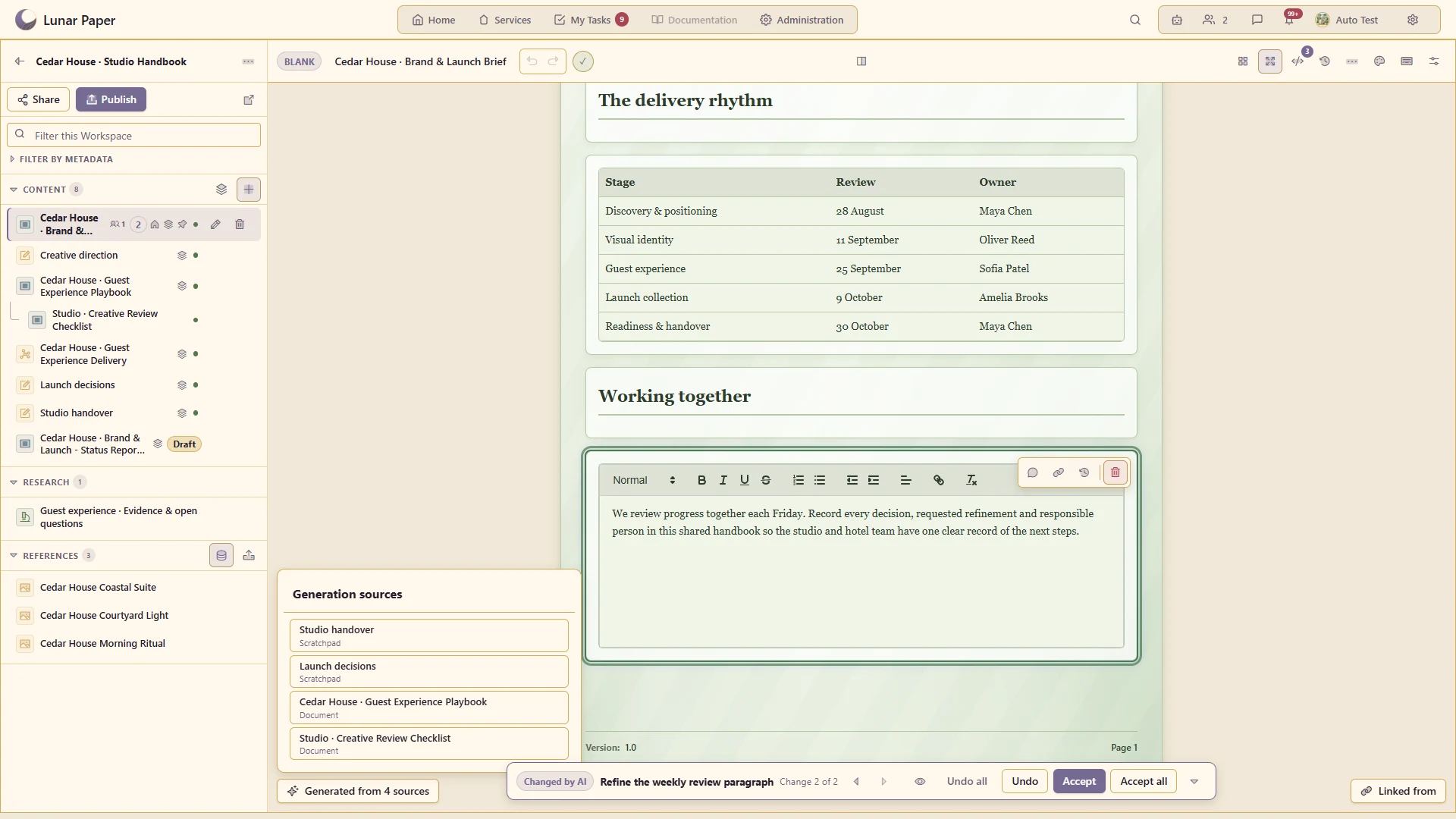
Inspect the source manifest behind generated content and the sources used in recorded conversations.
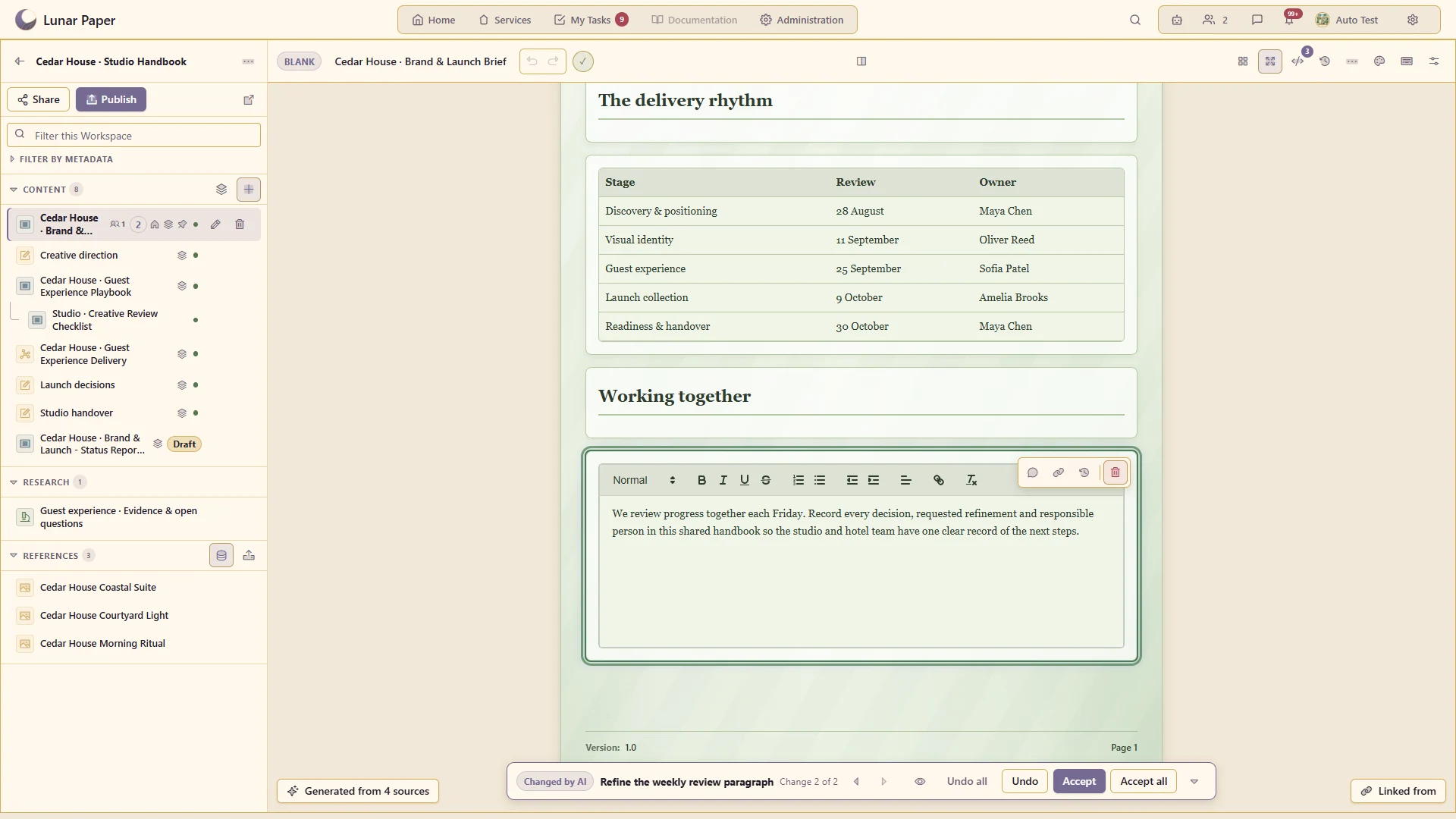
Inspect highlighted changes to existing content, then accept or undo them. Review document changes a section at a time.
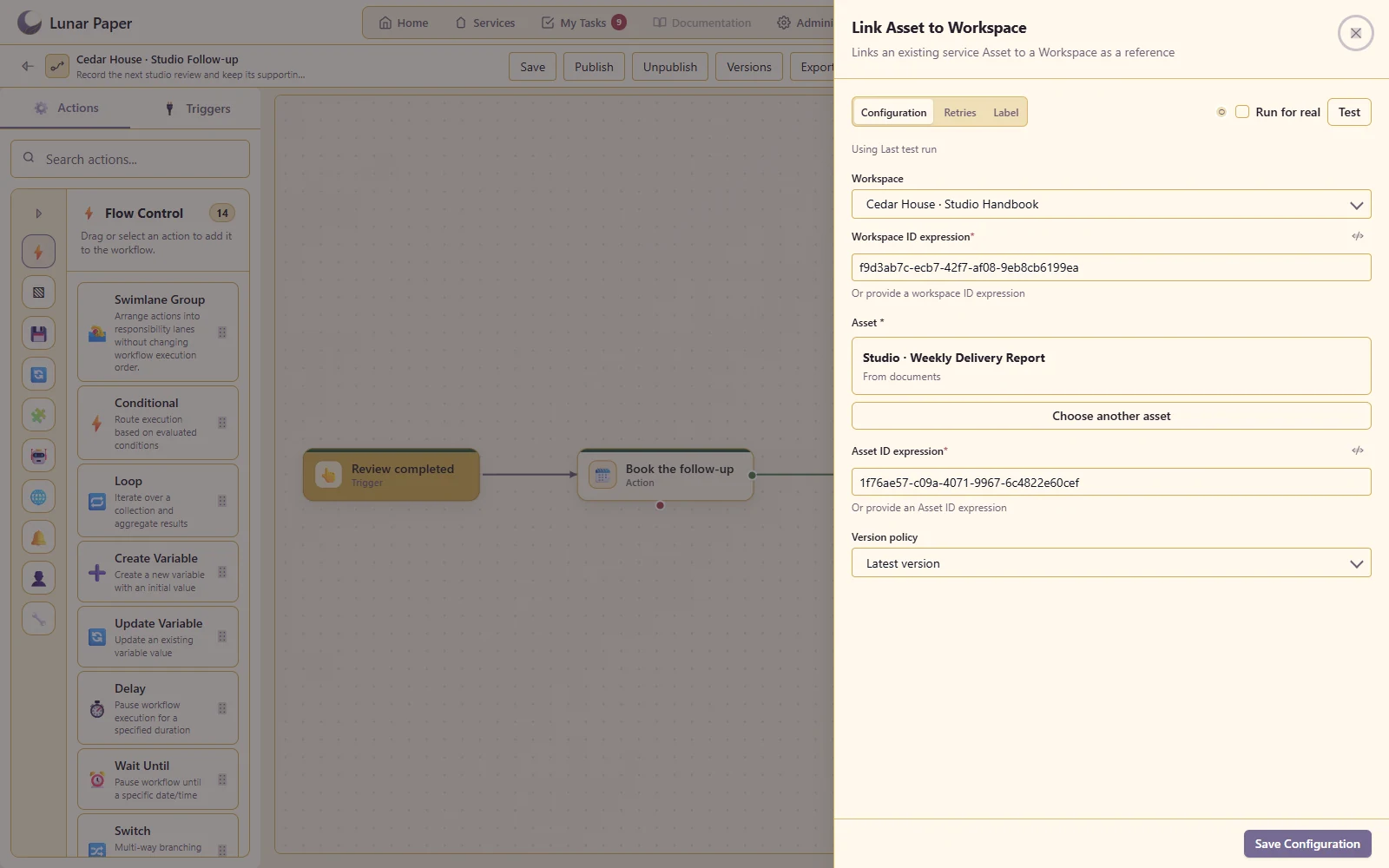
Link assets through the Workspace workflow action and connect supported workspace events to automation.
The main areas Workspaces brings together.
Create structured spaces for projects, research and knowledge bases with clear navigation and ownership.
Write documents, create visual material and organise supporting items without fragmenting the work across tools.
Collect sources, preserve citations and connect evidence to the conclusions or content it supports.
Use supported assistance to explore material, develop ideas and create new content within the workspace context.
Work through comments, shared review and controlled access while keeping feedback with the relevant material.
Turn working material into a navigable knowledge hub and retain the lineage needed to understand it later.
Run the platform with all features for free for three people.