
Collaboration
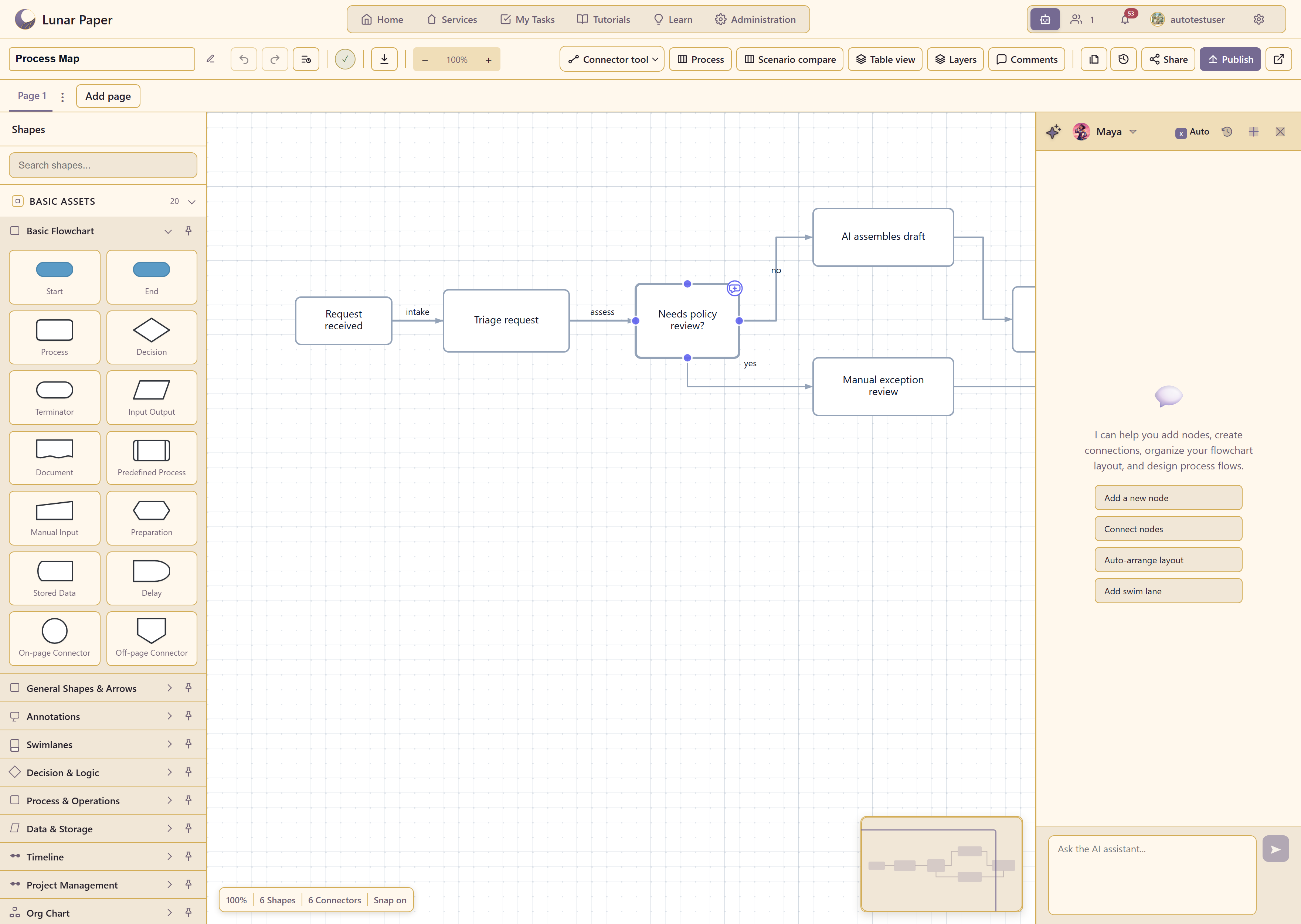
The platform includes multi-user collaboration throughout most of its applications, allowing live editing, presence, cursor tracking and notifications.
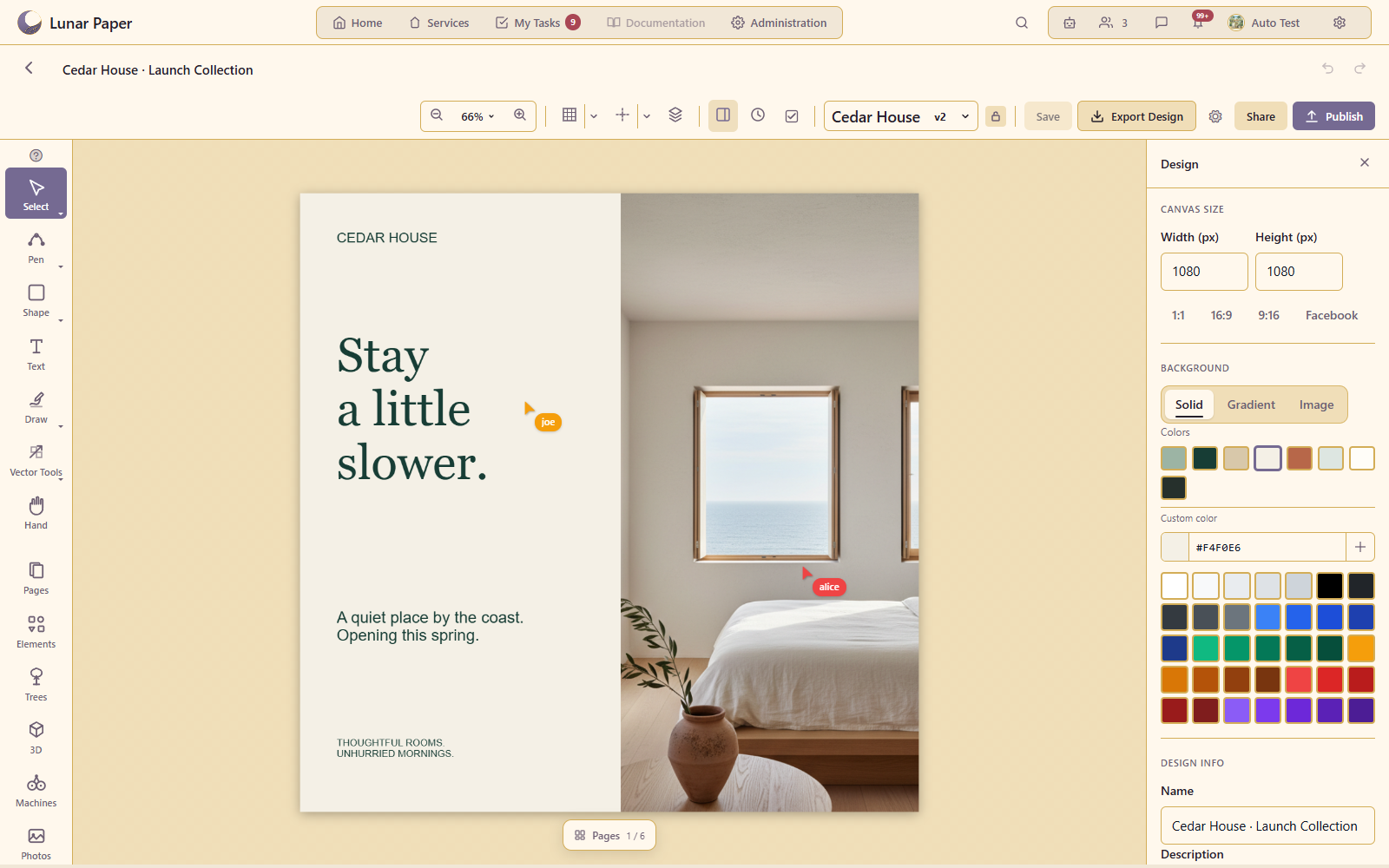
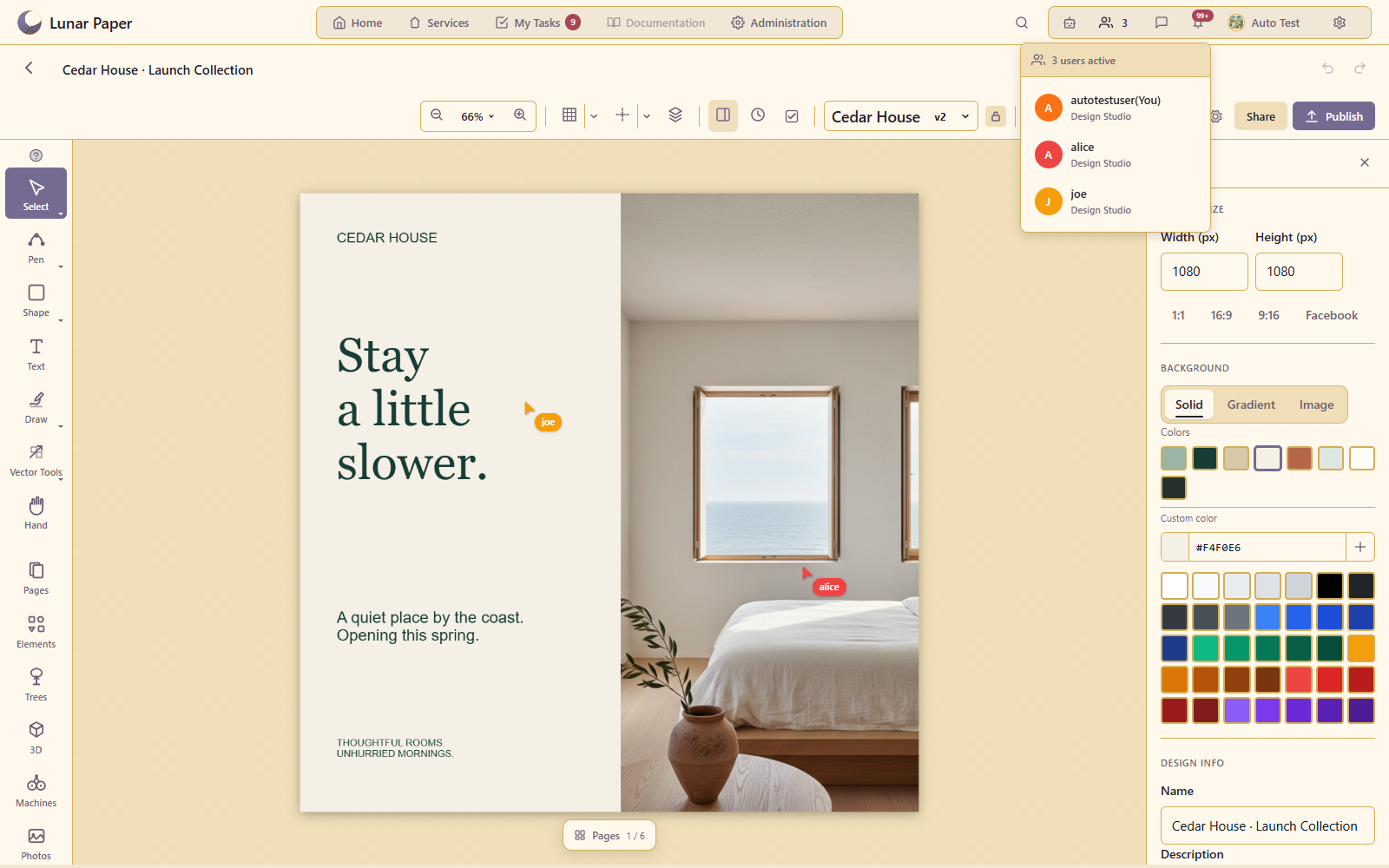
The platform includes multi-user collaboration throughout most of its applications, allowing live editing, presence, cursor tracking and notifications.
Comments are available across supported applications, with threads, replies, mentions and reactions. Comments can be attached to content such as boards, documents and assets.
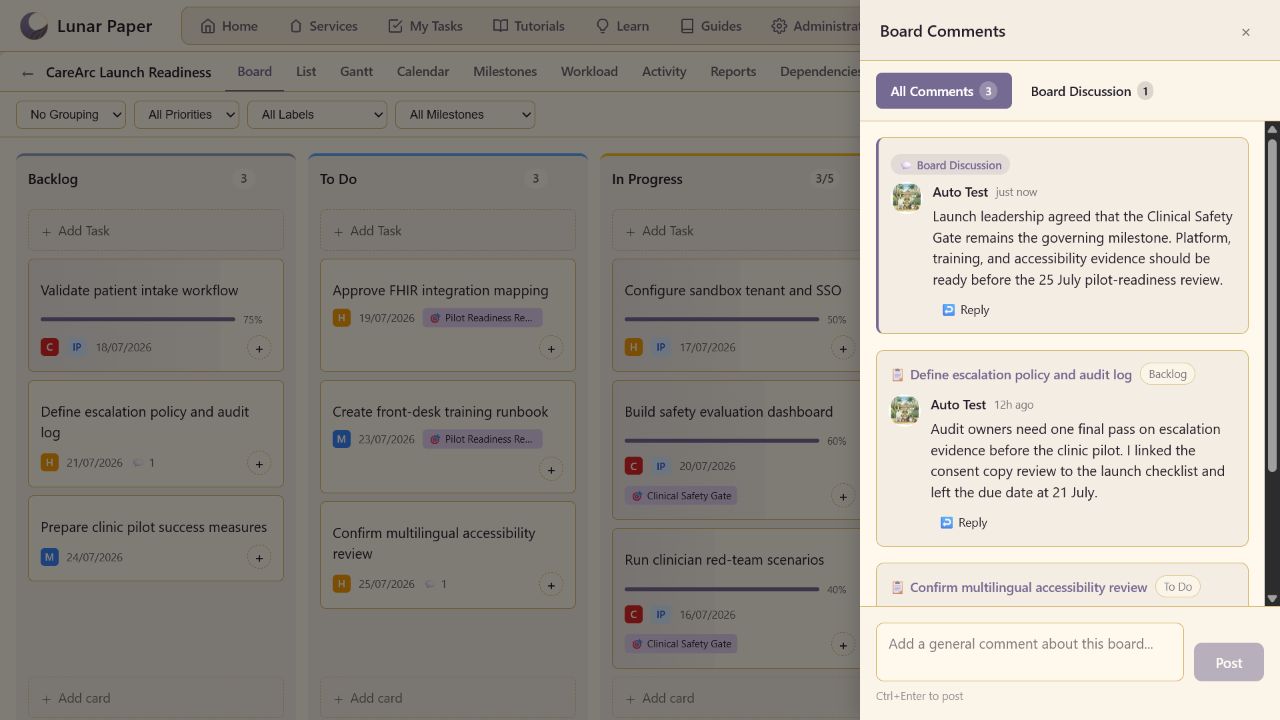
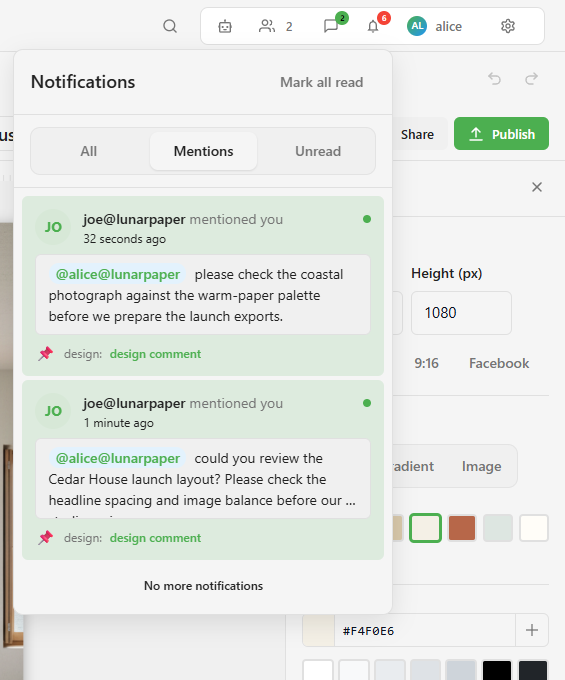
The platform includes in-app notifications for comment mentions, tasks and approvals, plus scheduled project digests through your configured email service.
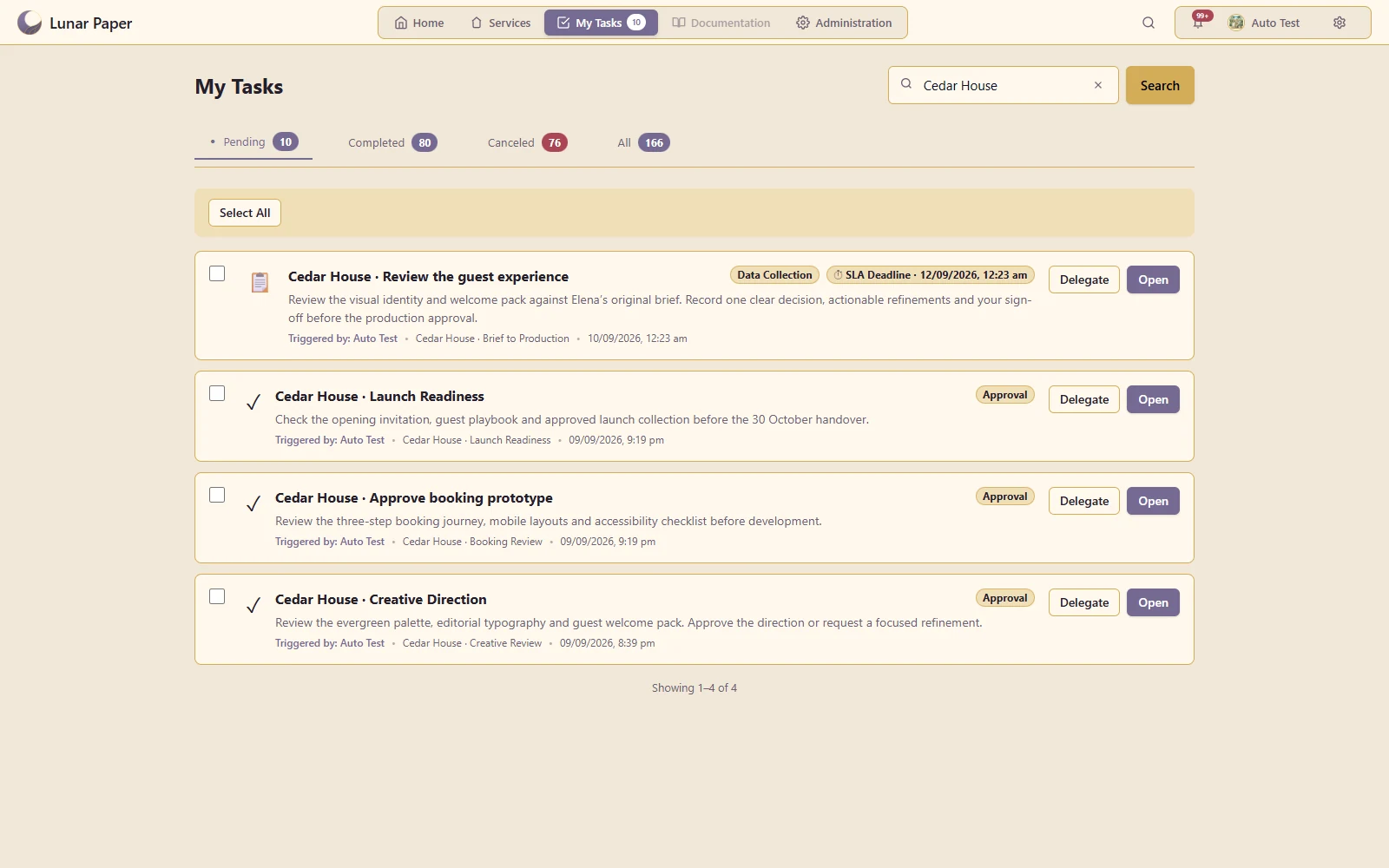
Keep every action waiting on you in one place. Review requests, complete form-based tasks, make approval decisions and delegate work across services, with deadlines, context and notifications kept together.
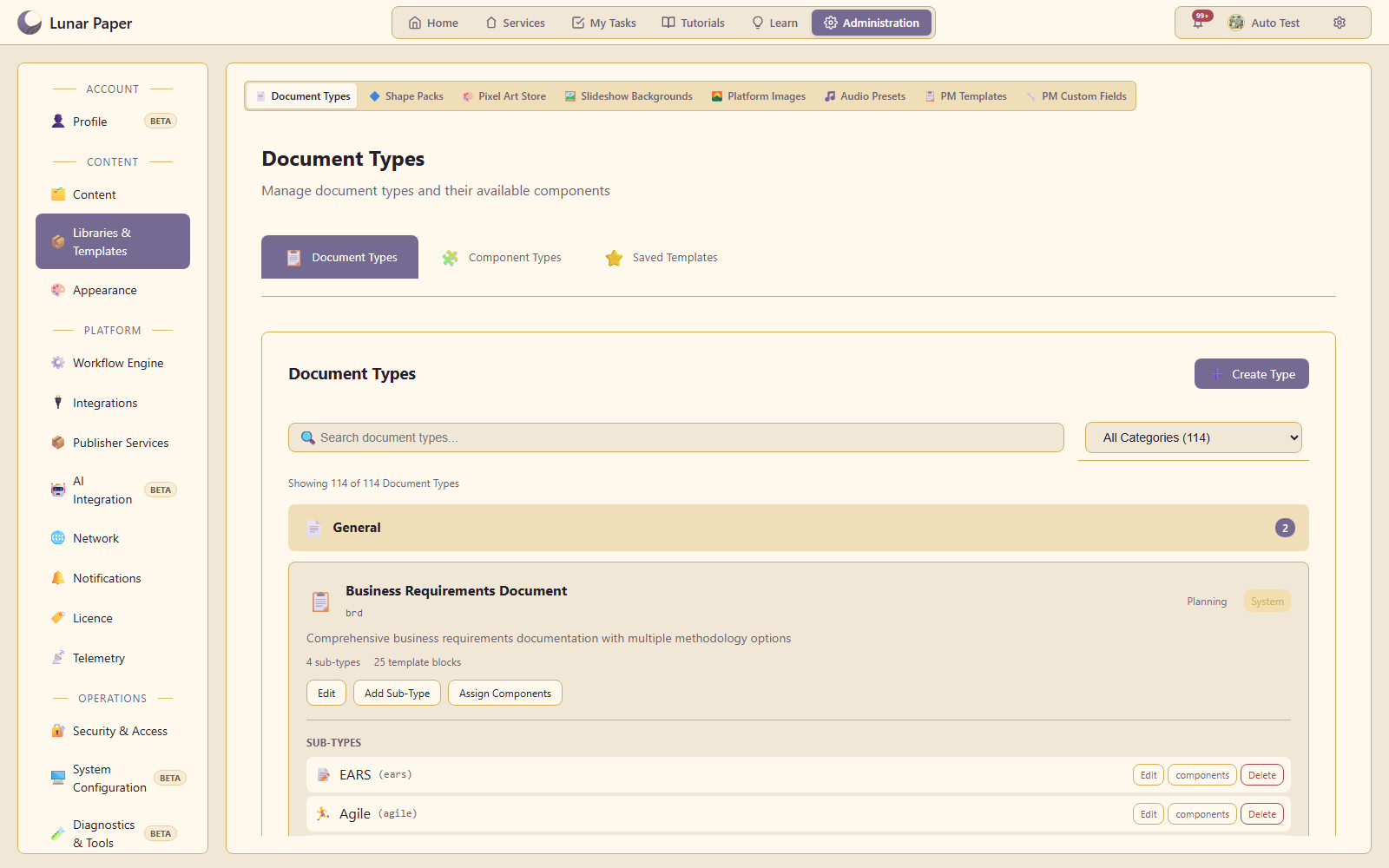
Central administration includes user management, service permissions, authentication and audit logging.
The administration console provides central management of users, services, content, libraries, integrations and platform settings.
User management includes local accounts, roles, teams and single sign-on through OIDC. Users can manage their profile, regional preferences, multi-factor authentication and active sessions.
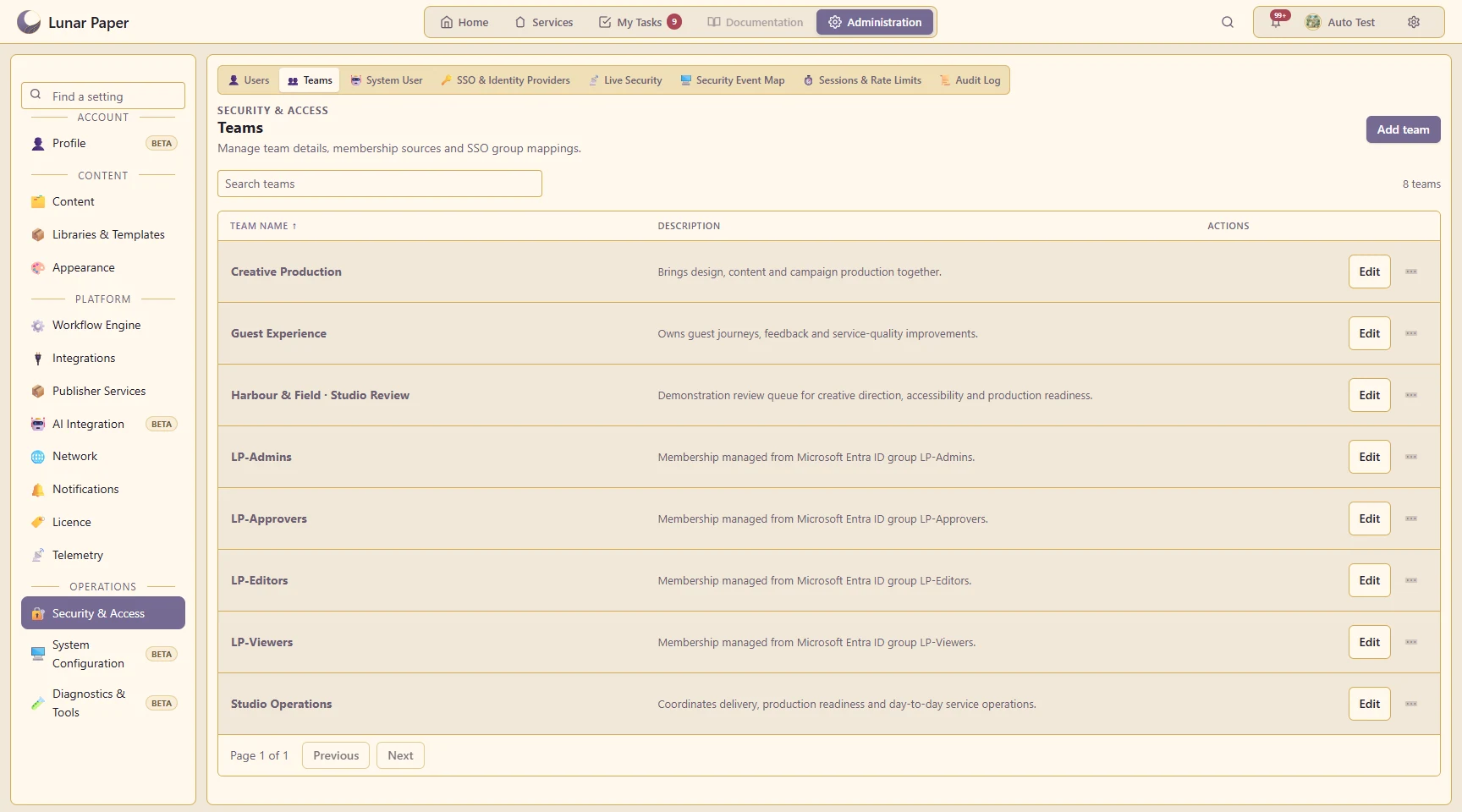
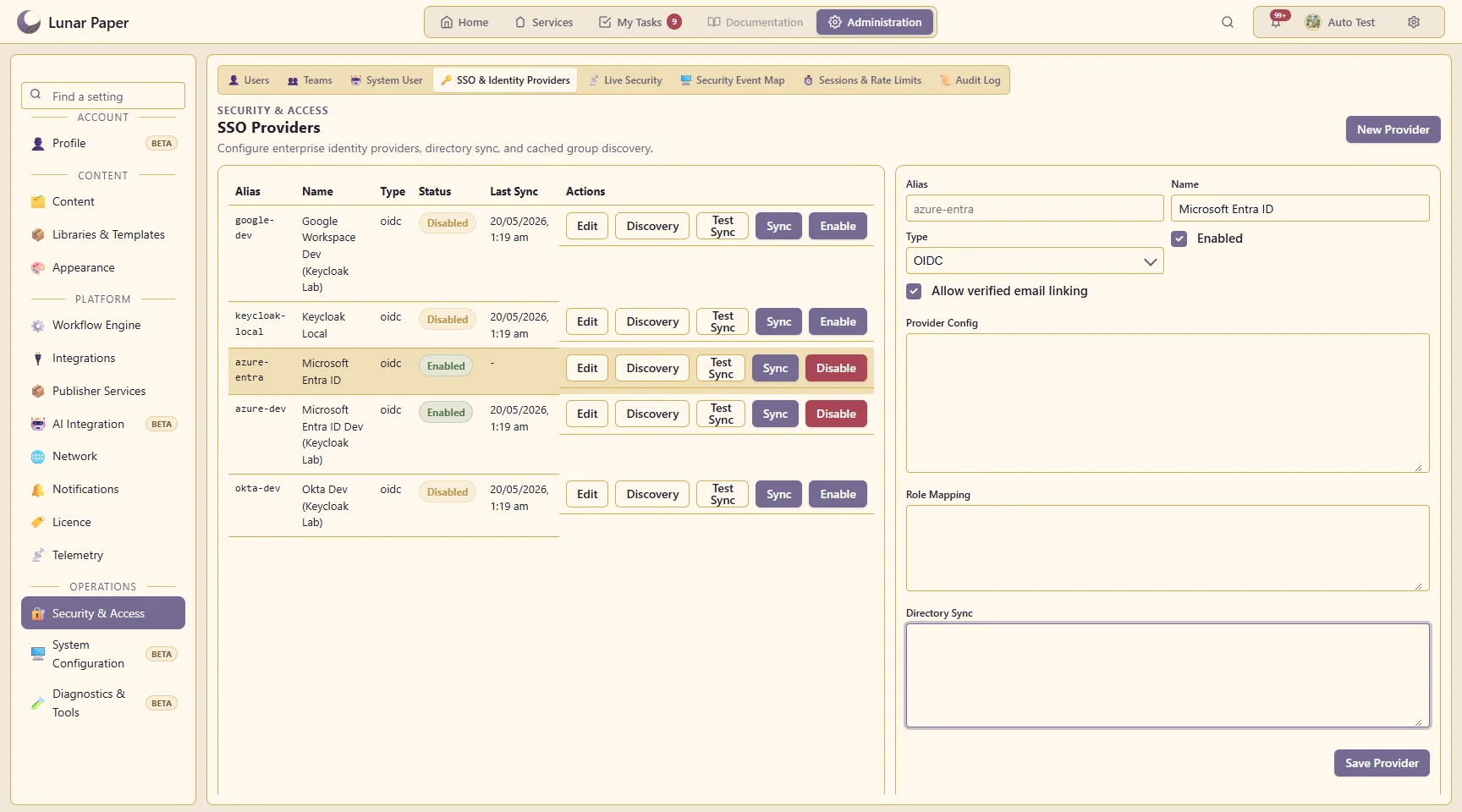
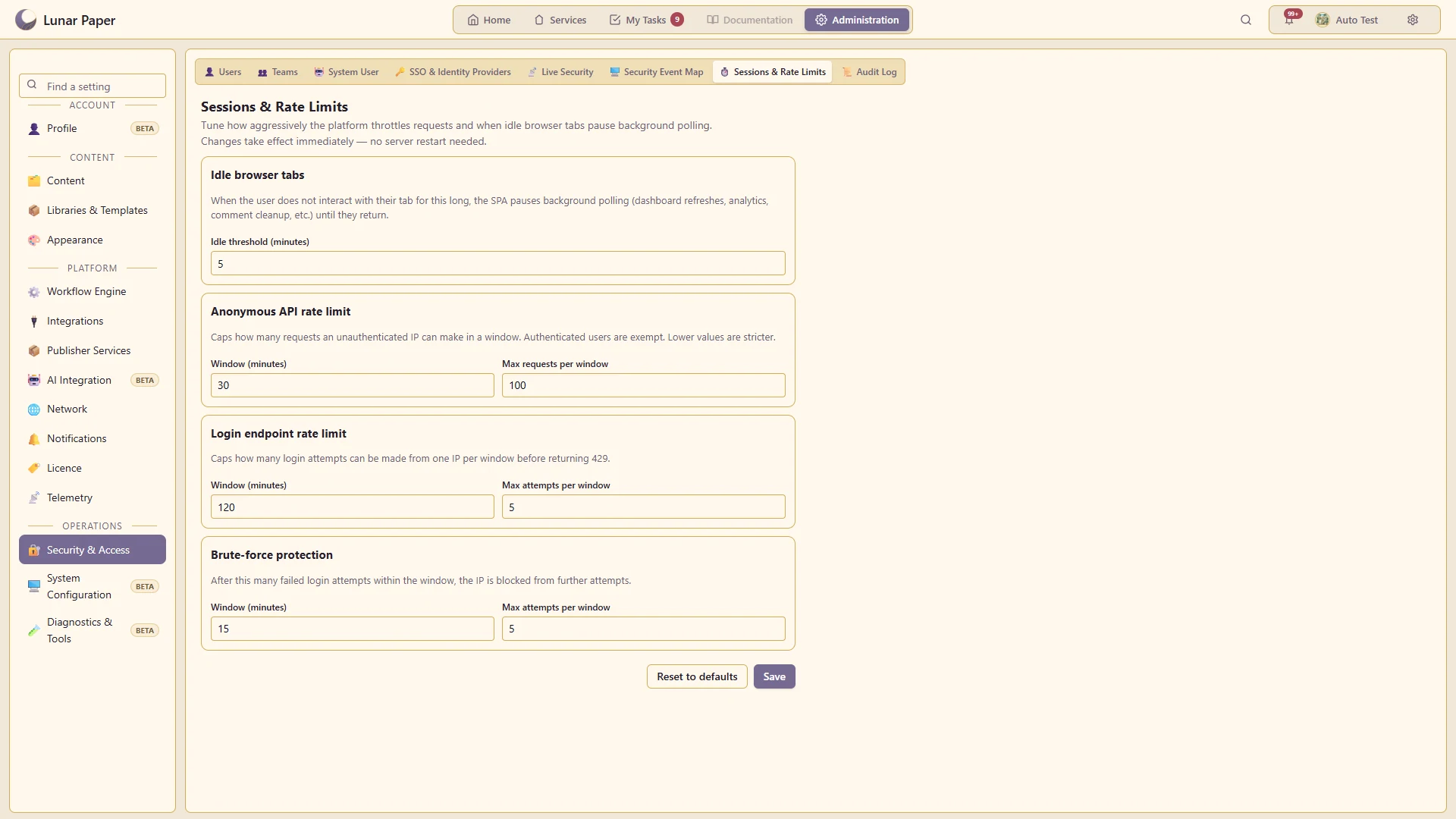
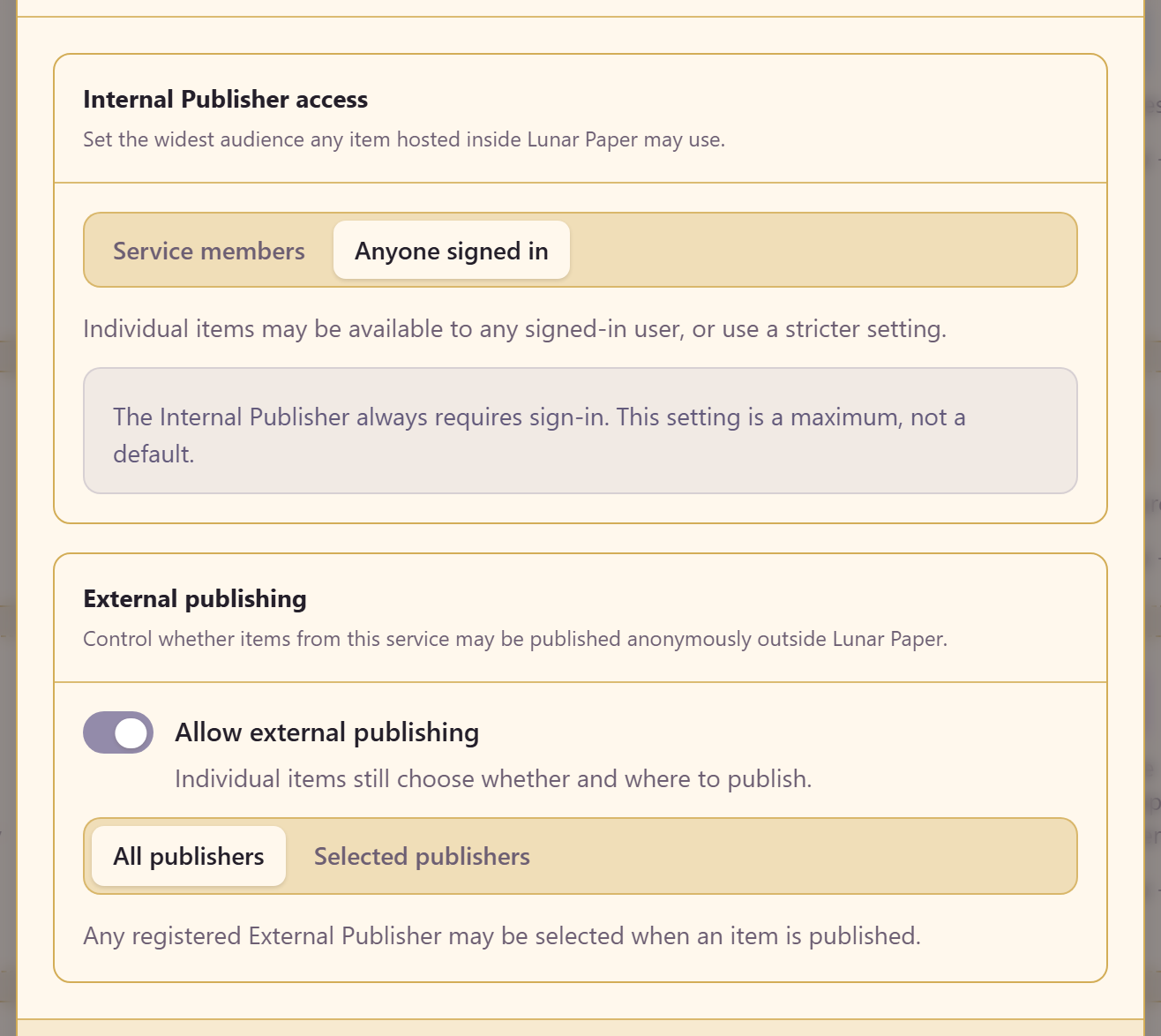
Access can be assigned to individual users and teams for each service. Published content can have its own audience within the service’s sharing rules.
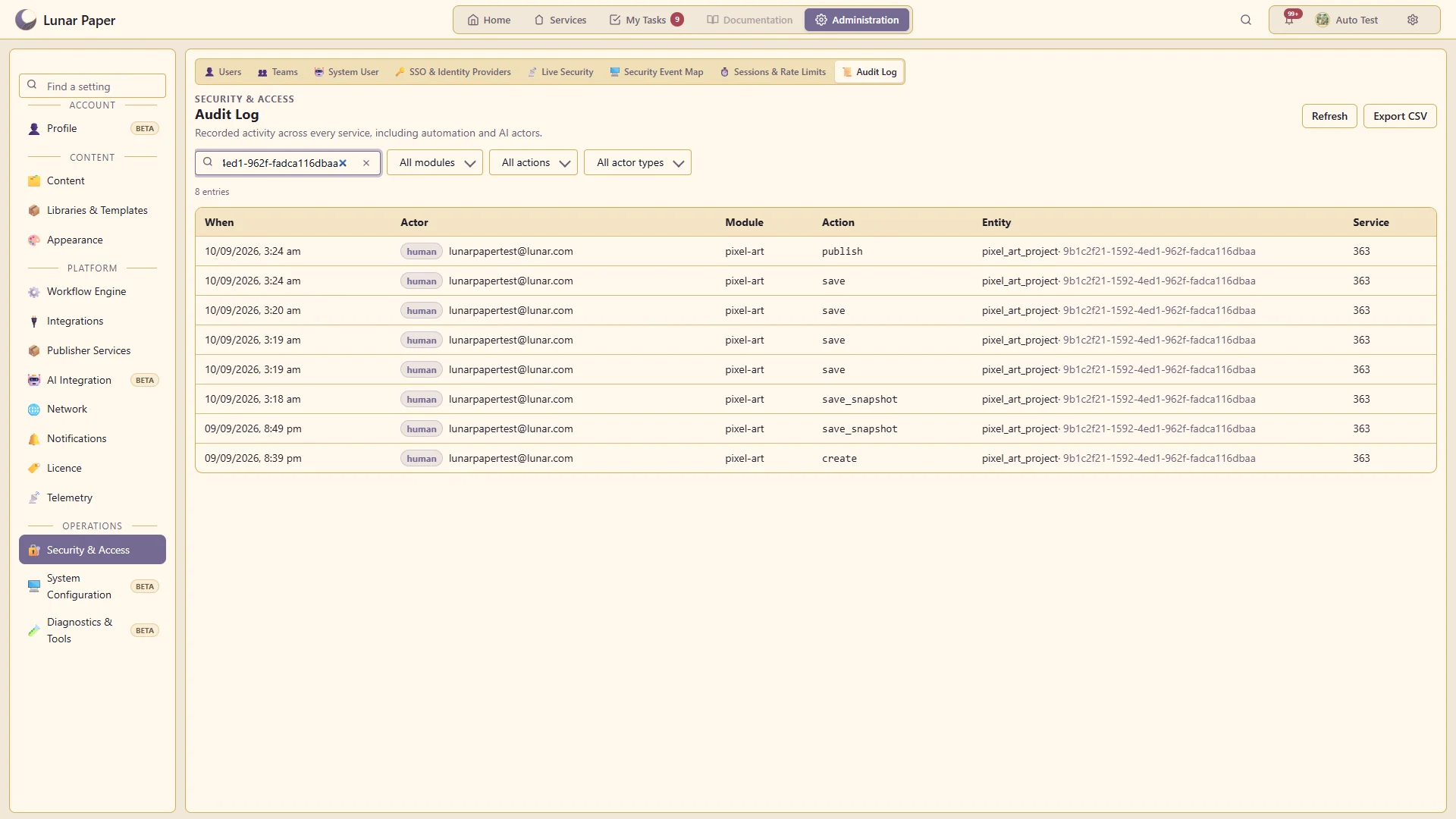
Audit logs record user, automation and AI activity across services. Logs include action and actor filters, recorded changes and CSV export.
Content management includes service content, shared libraries, templates, digital assets and content relationships.
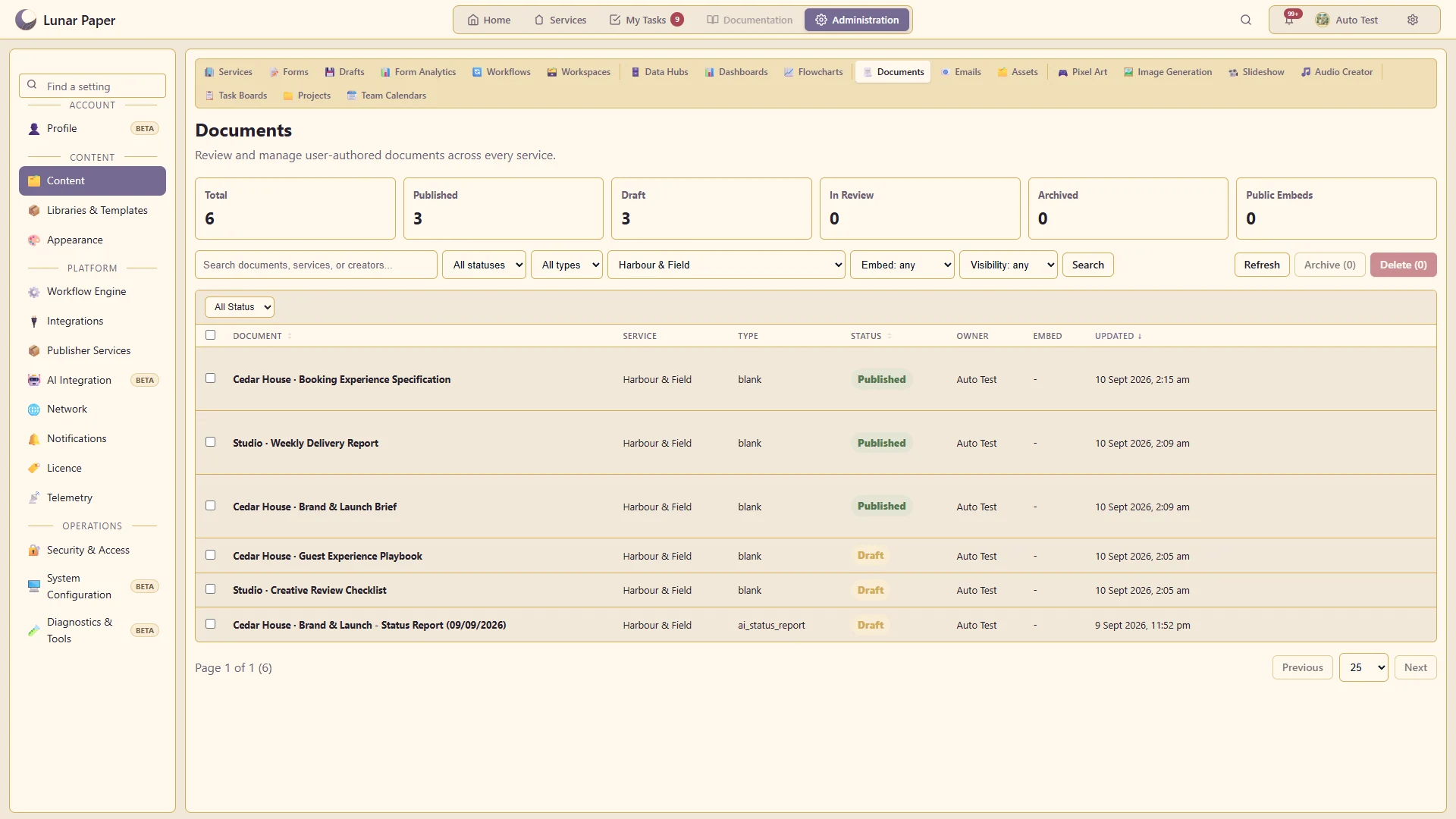
Administrators can search and manage content across services, including ownership and status. Service members can create, edit, review and publish content according to their permissions.
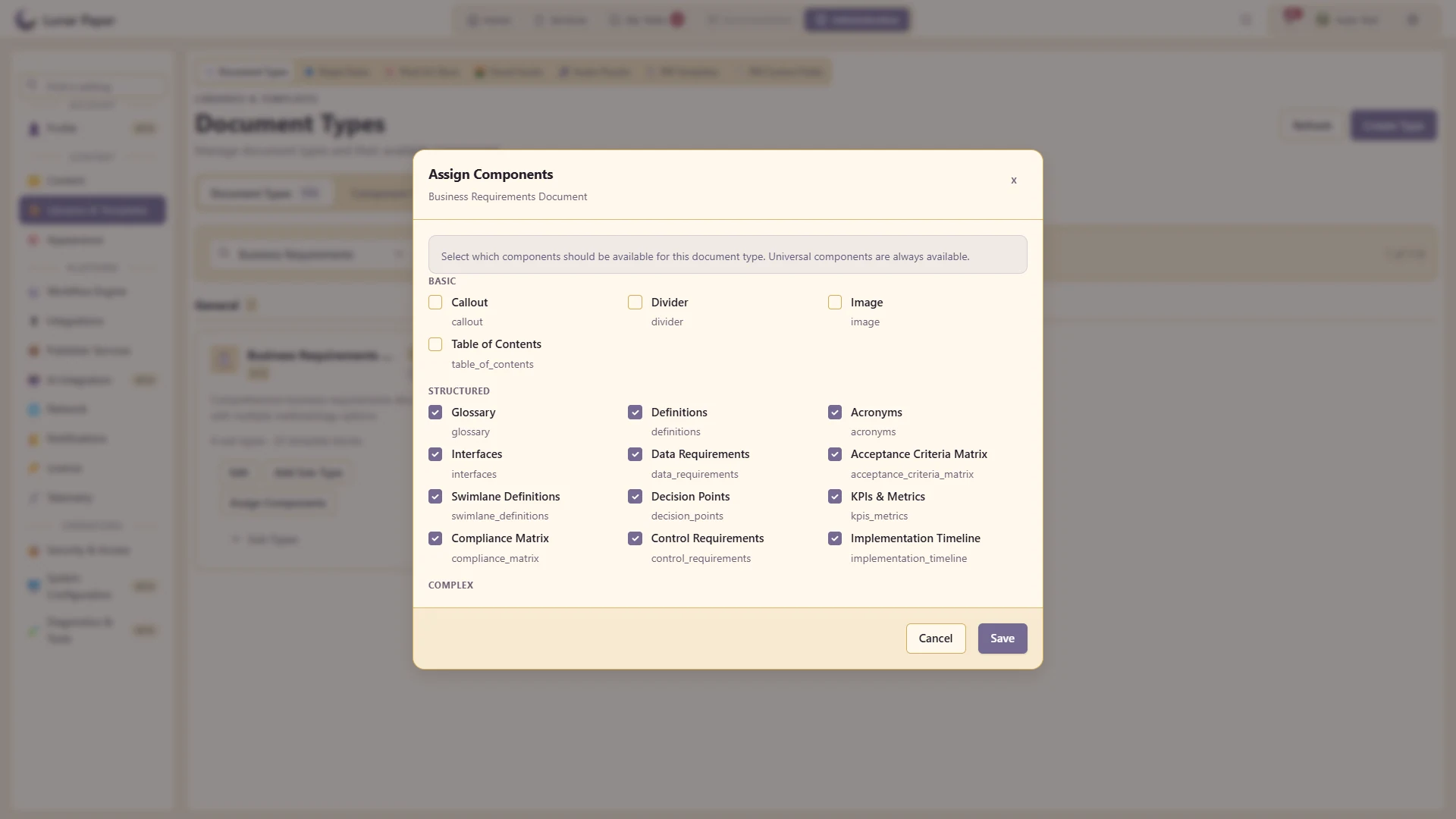
Shared libraries include document types, reusable components, project templates, shapes and creative presets. These can be managed centrally and reused across services.
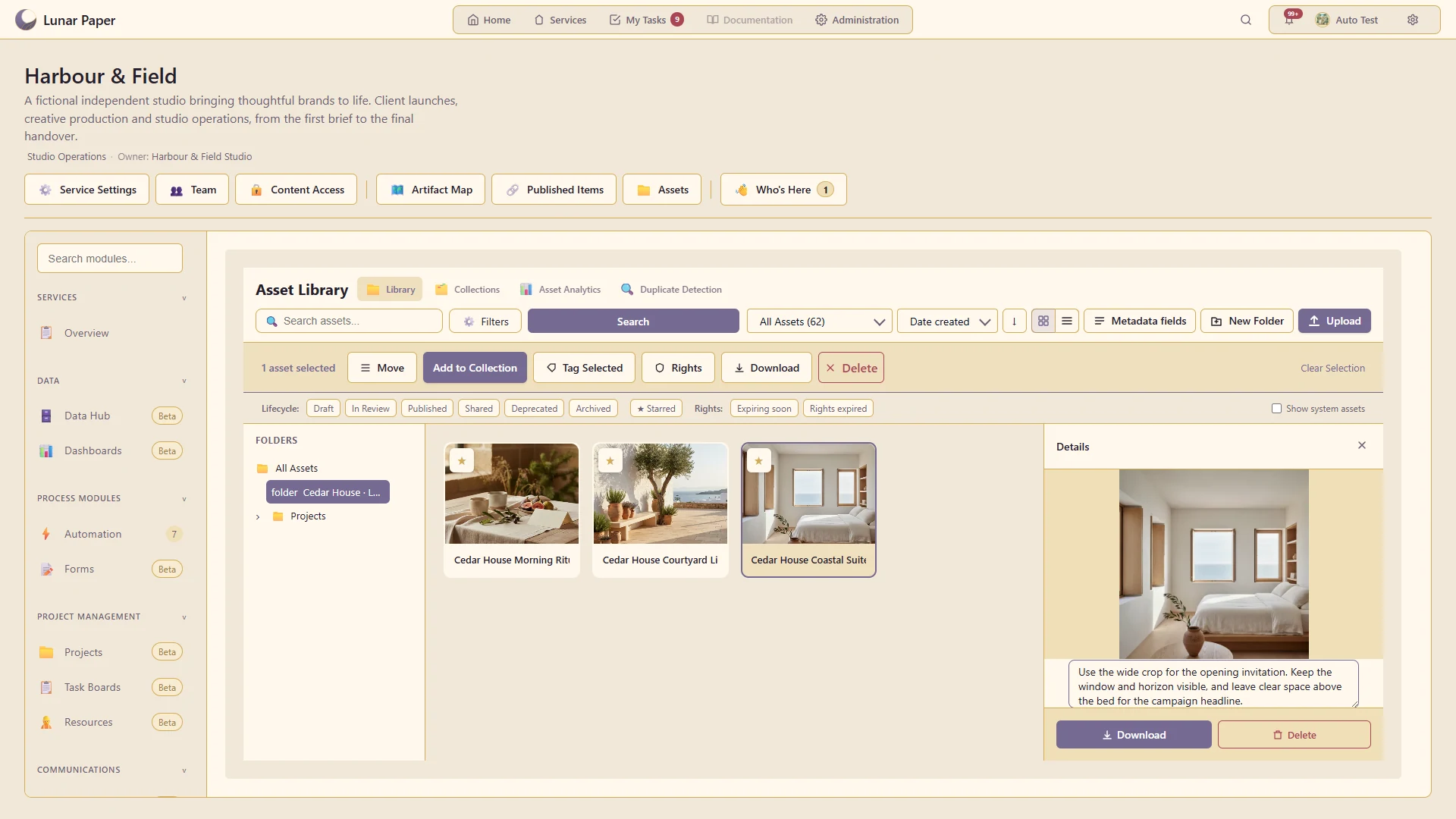
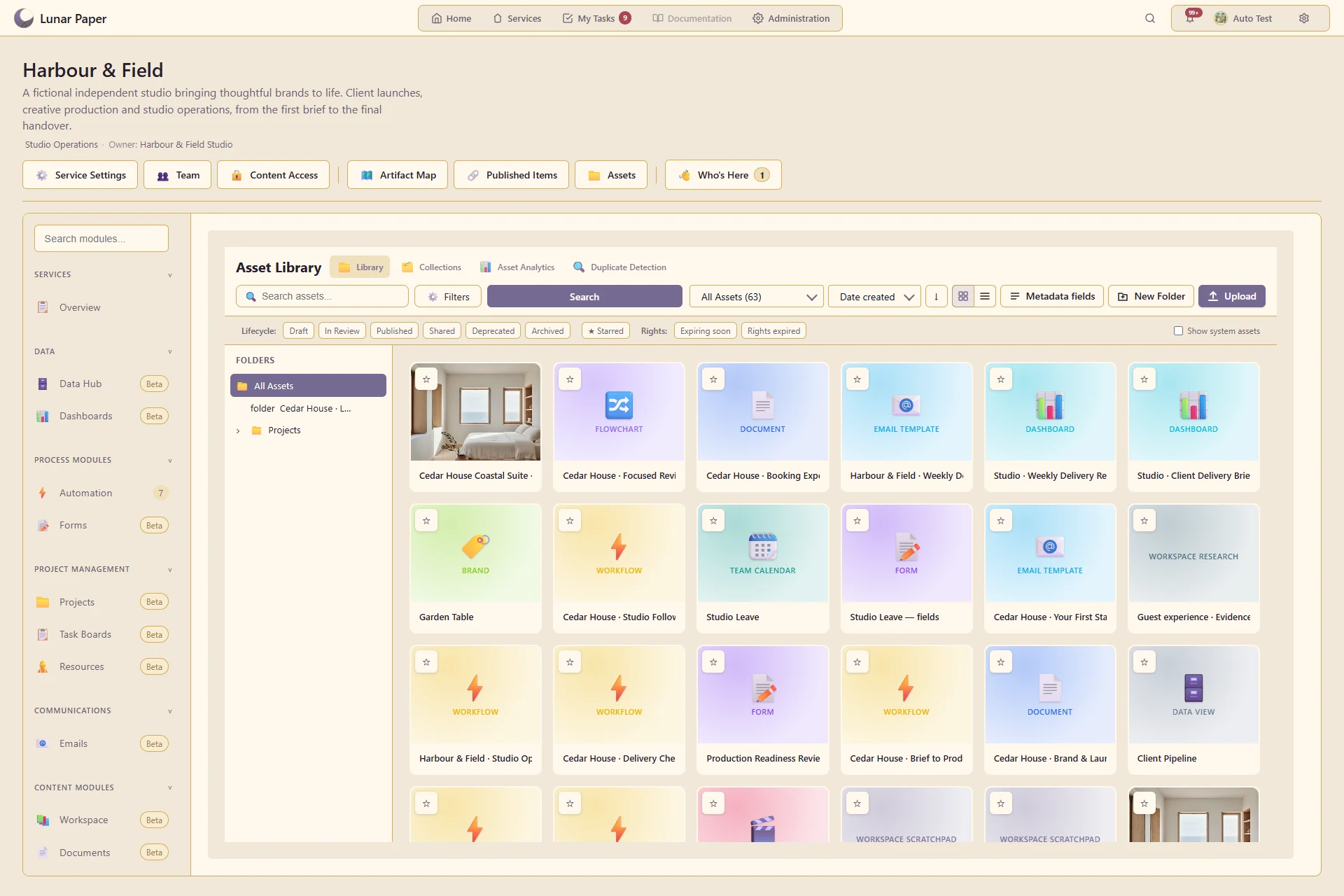
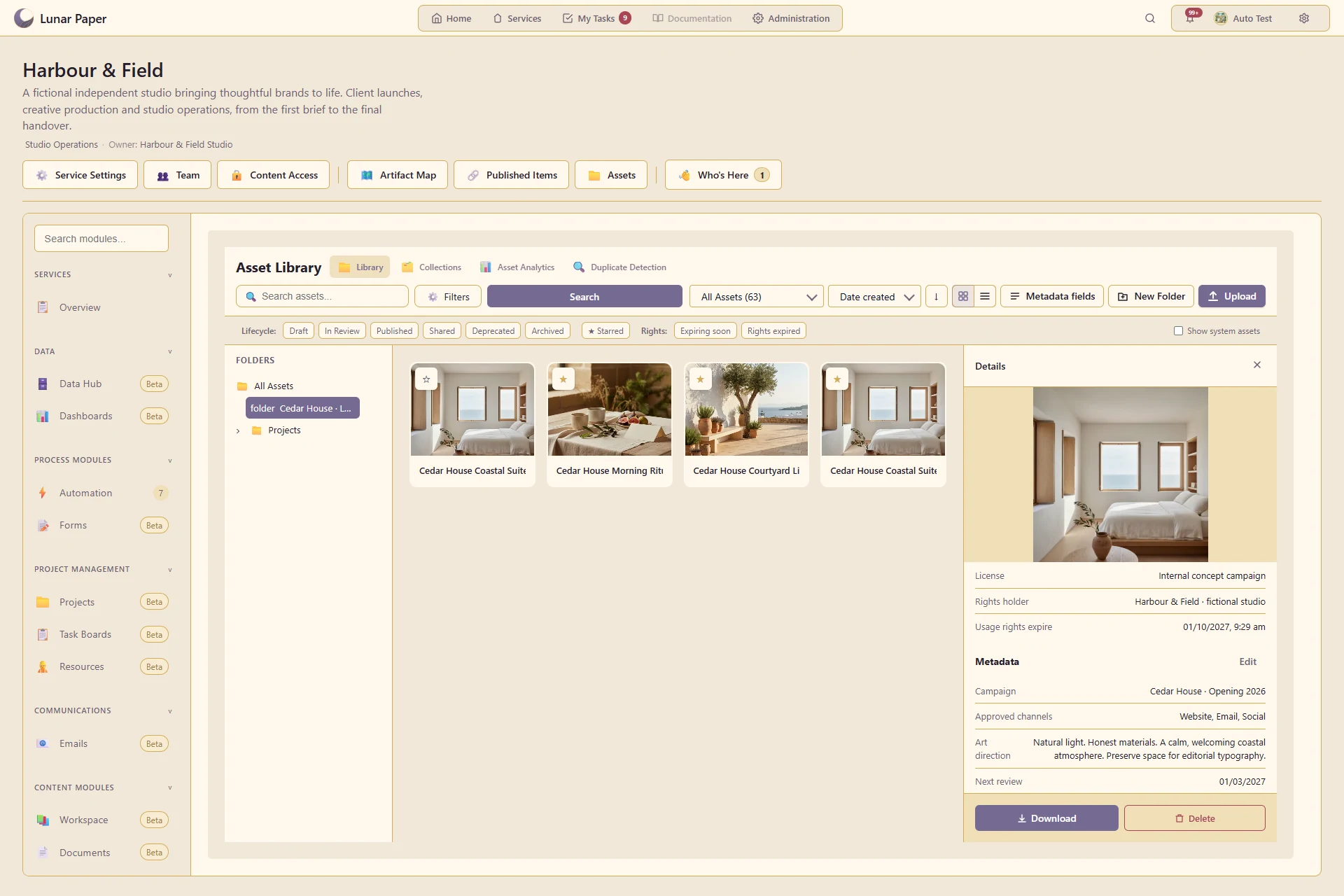
The asset library includes uploads and application content, with previews, tags, metadata, search filters and duplicate review. Assets can include source details, usage rights, relationships, versions and activity.
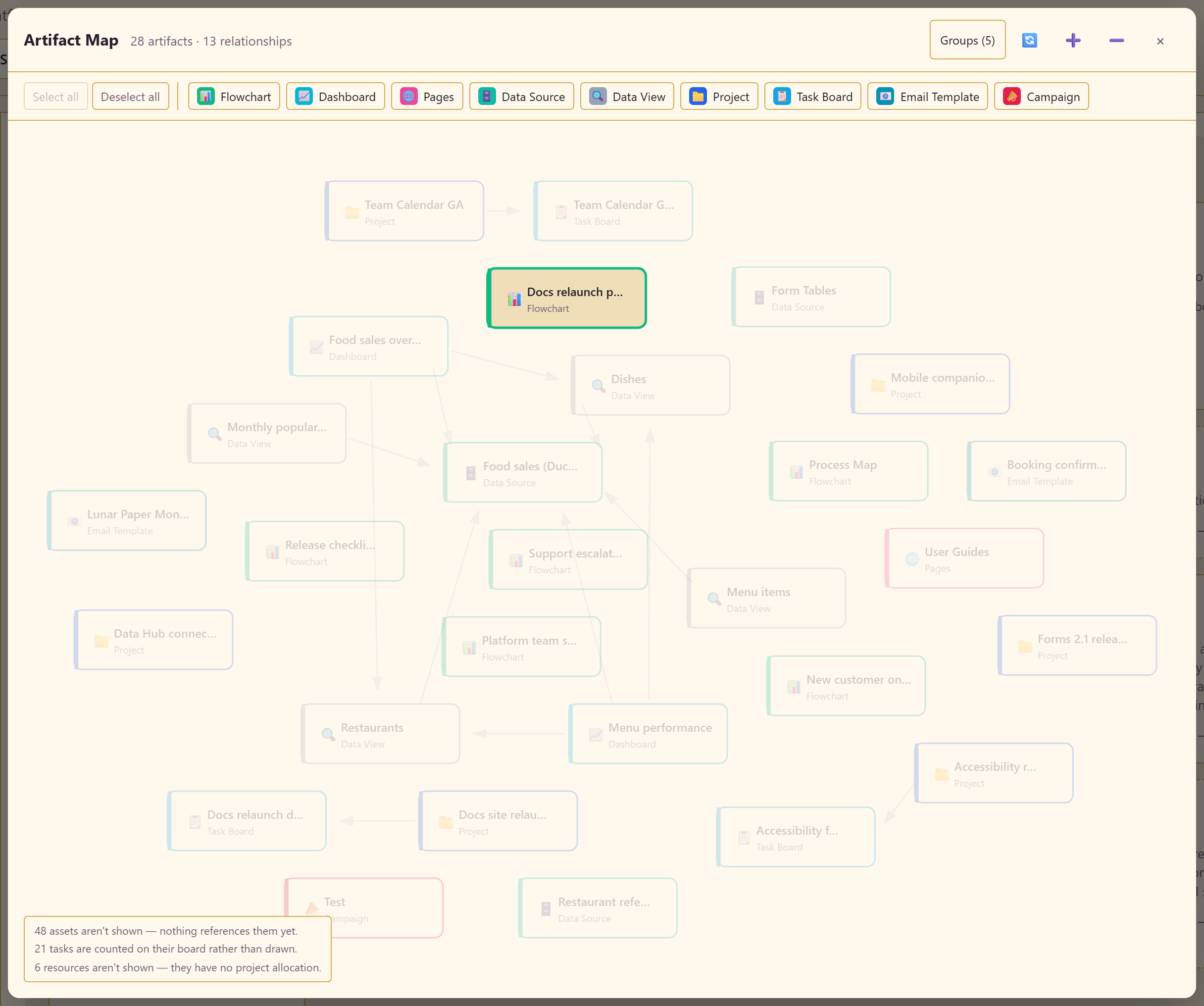
The Artifact Map displays connections between forms, documents, charts, workflows and other service content. It includes supported content dependencies, embedded items and data connections.
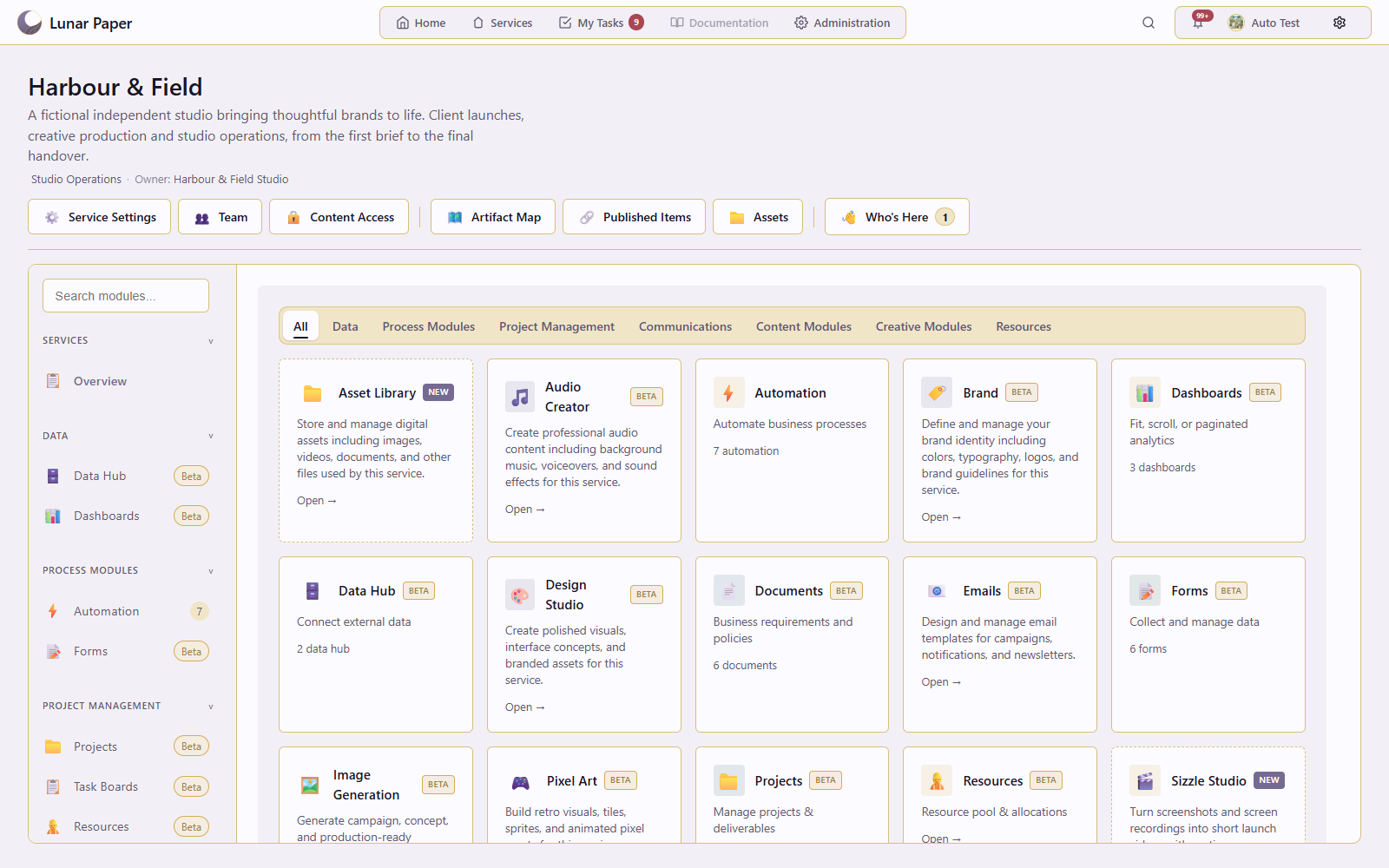
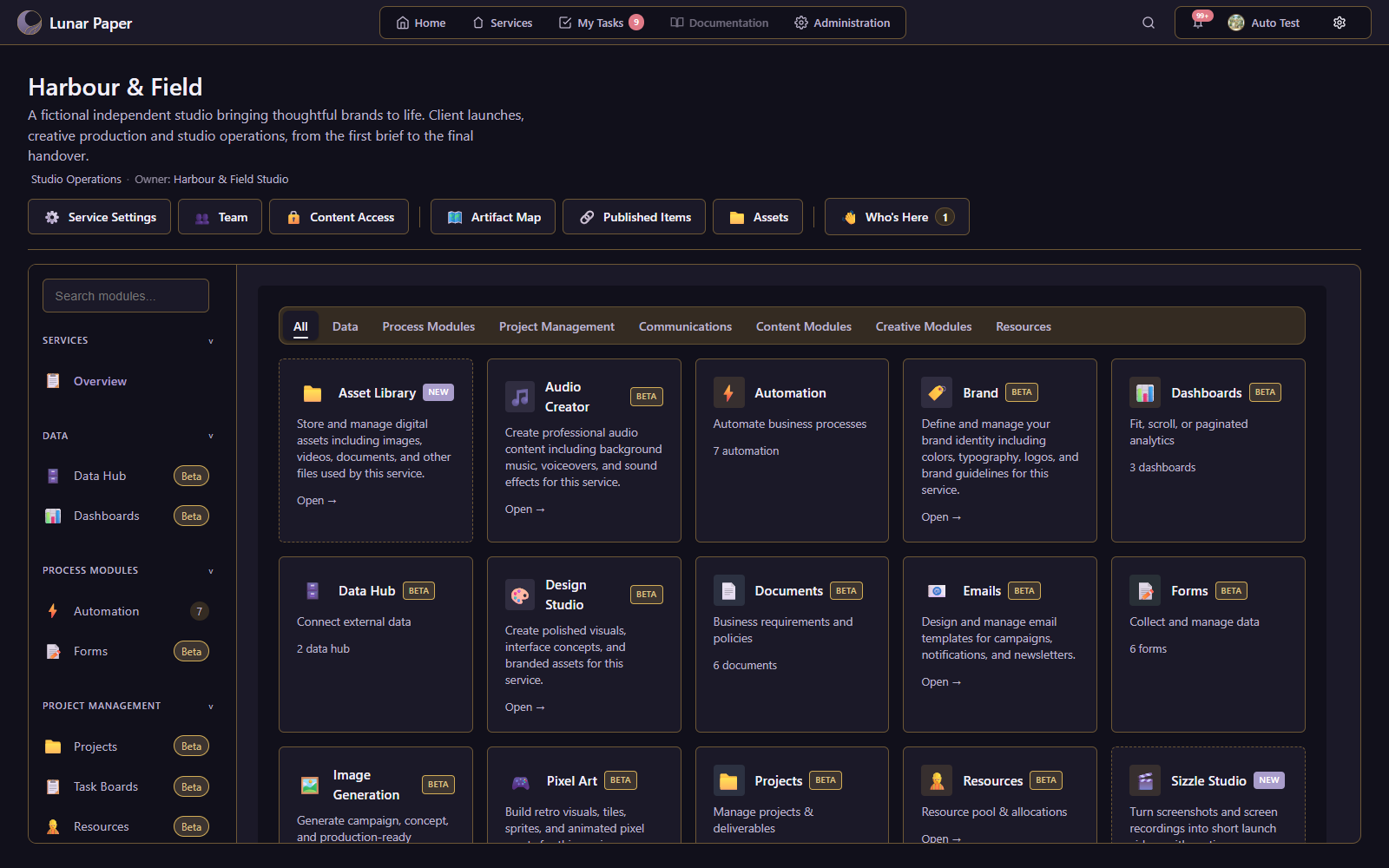
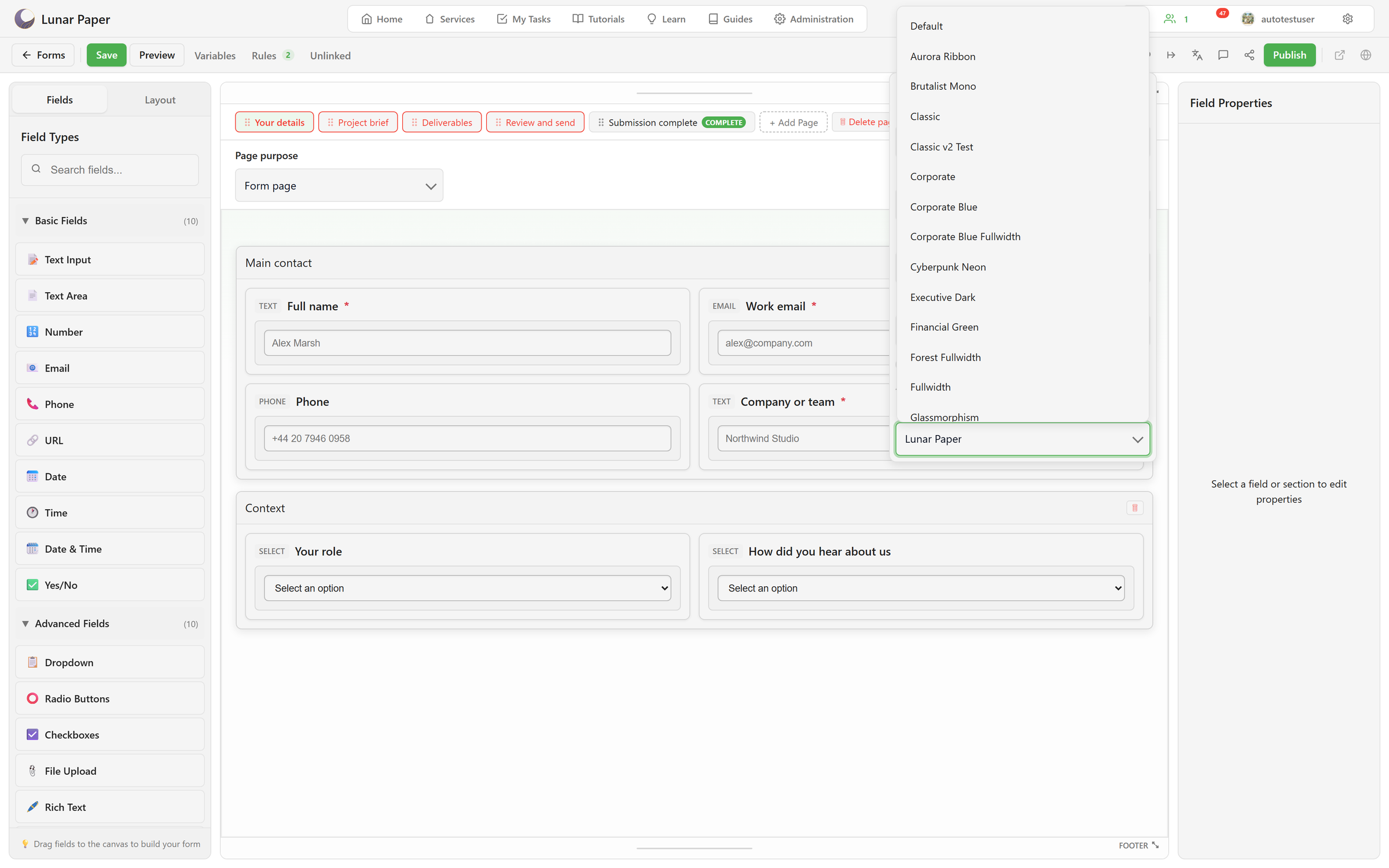
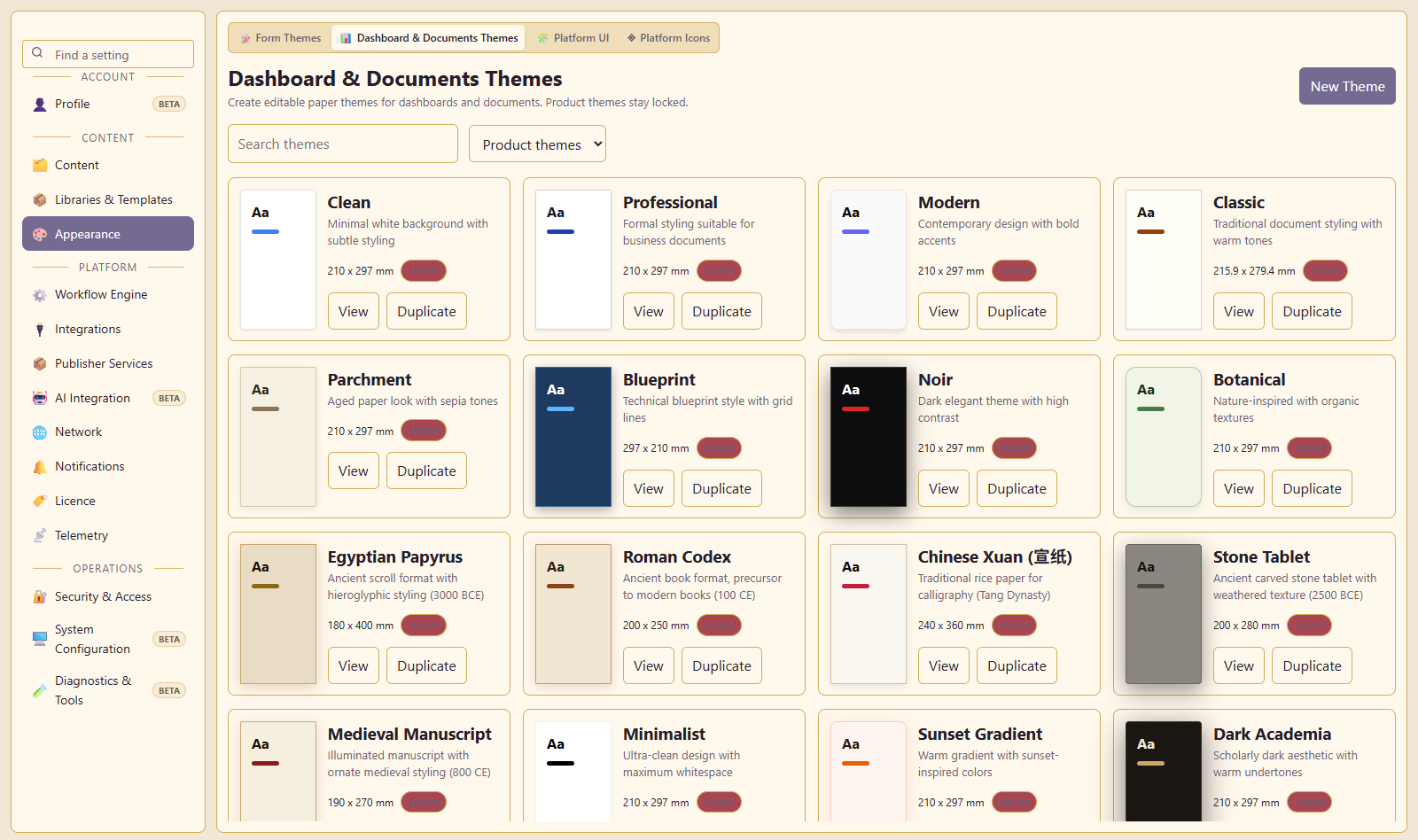
Appearance settings cover personal interface themes, service branding and content themes.
Users can choose from 120 interface themes. Interface themes are separate from the themes applied to forms, documents and dashboards.
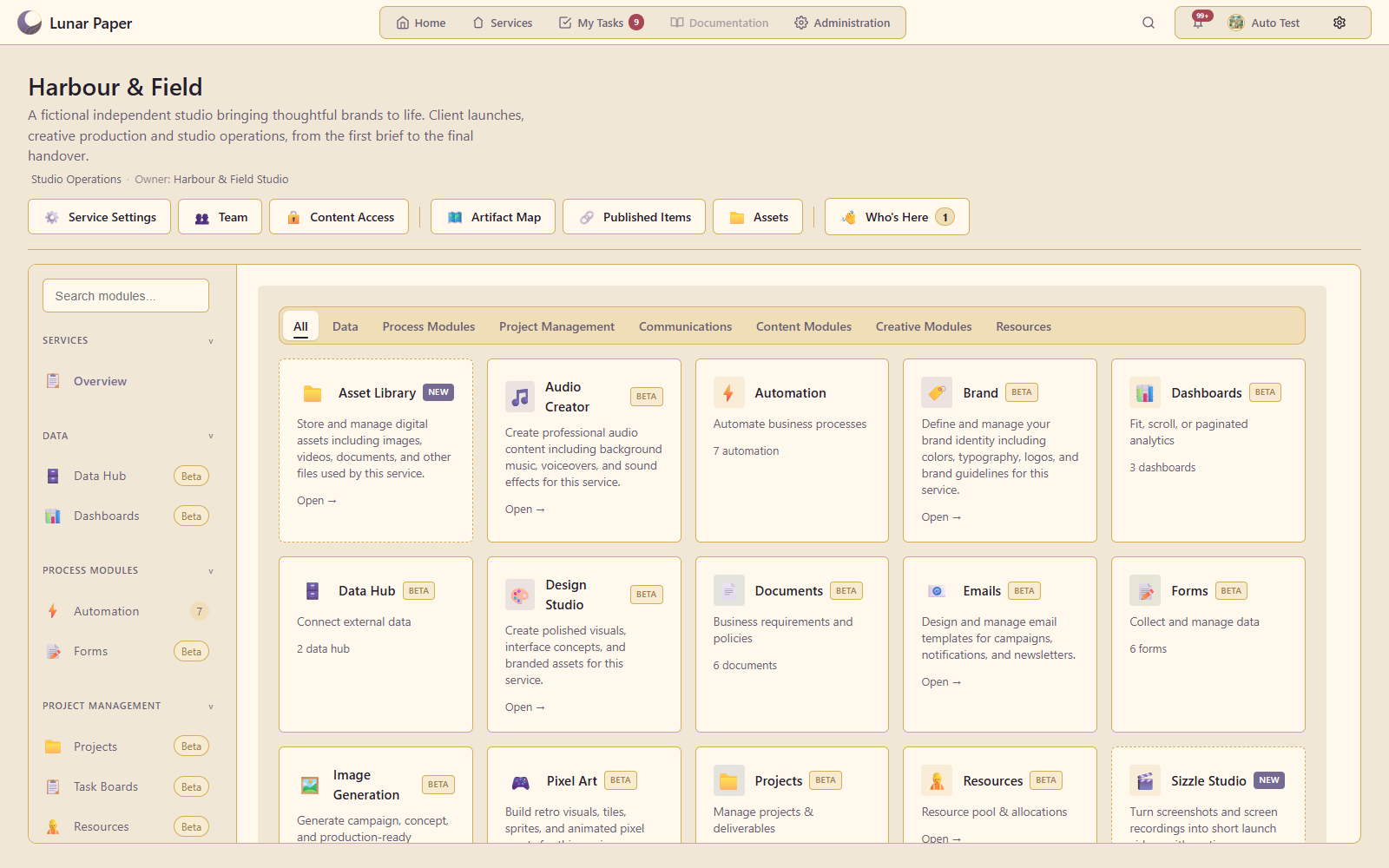
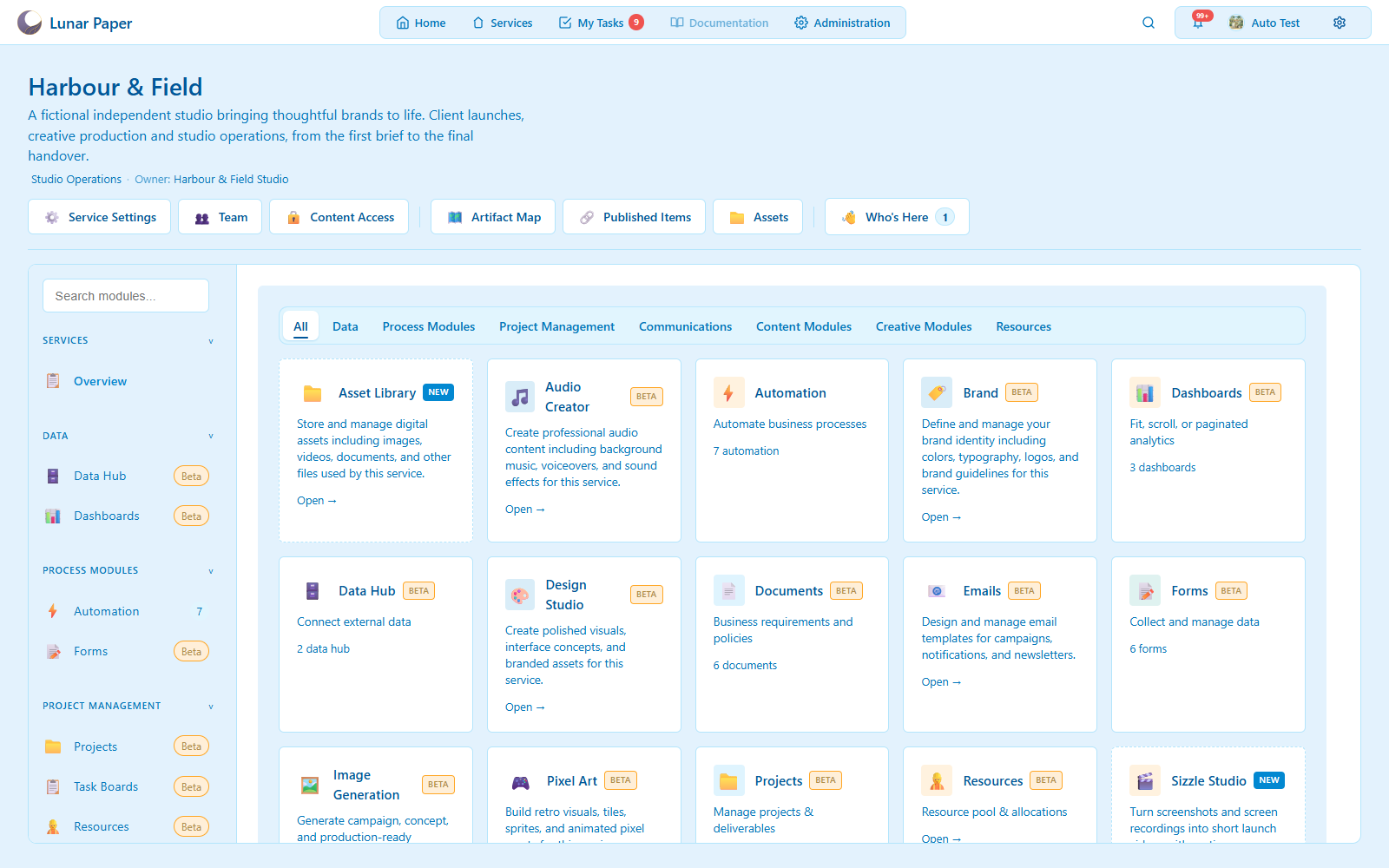
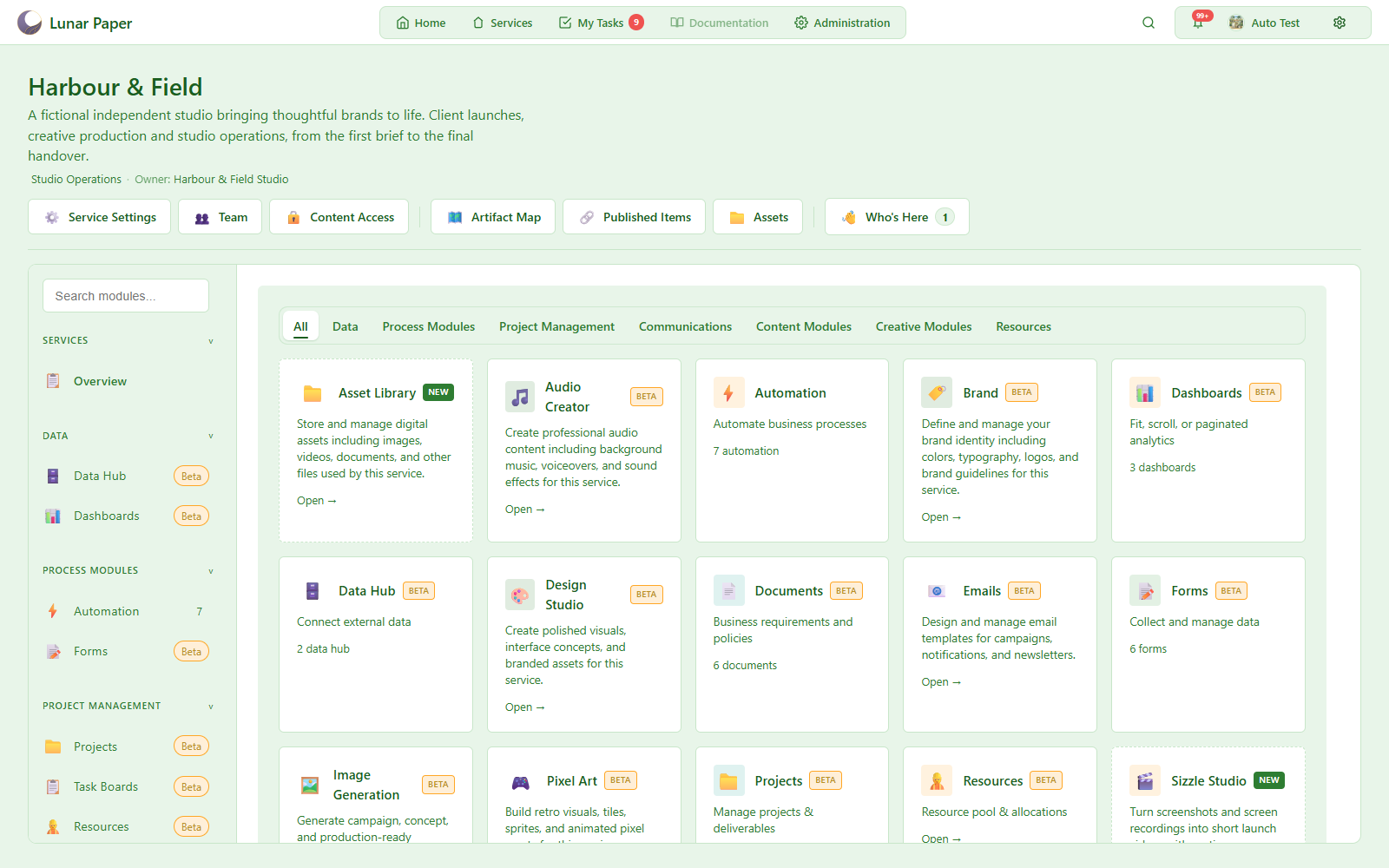
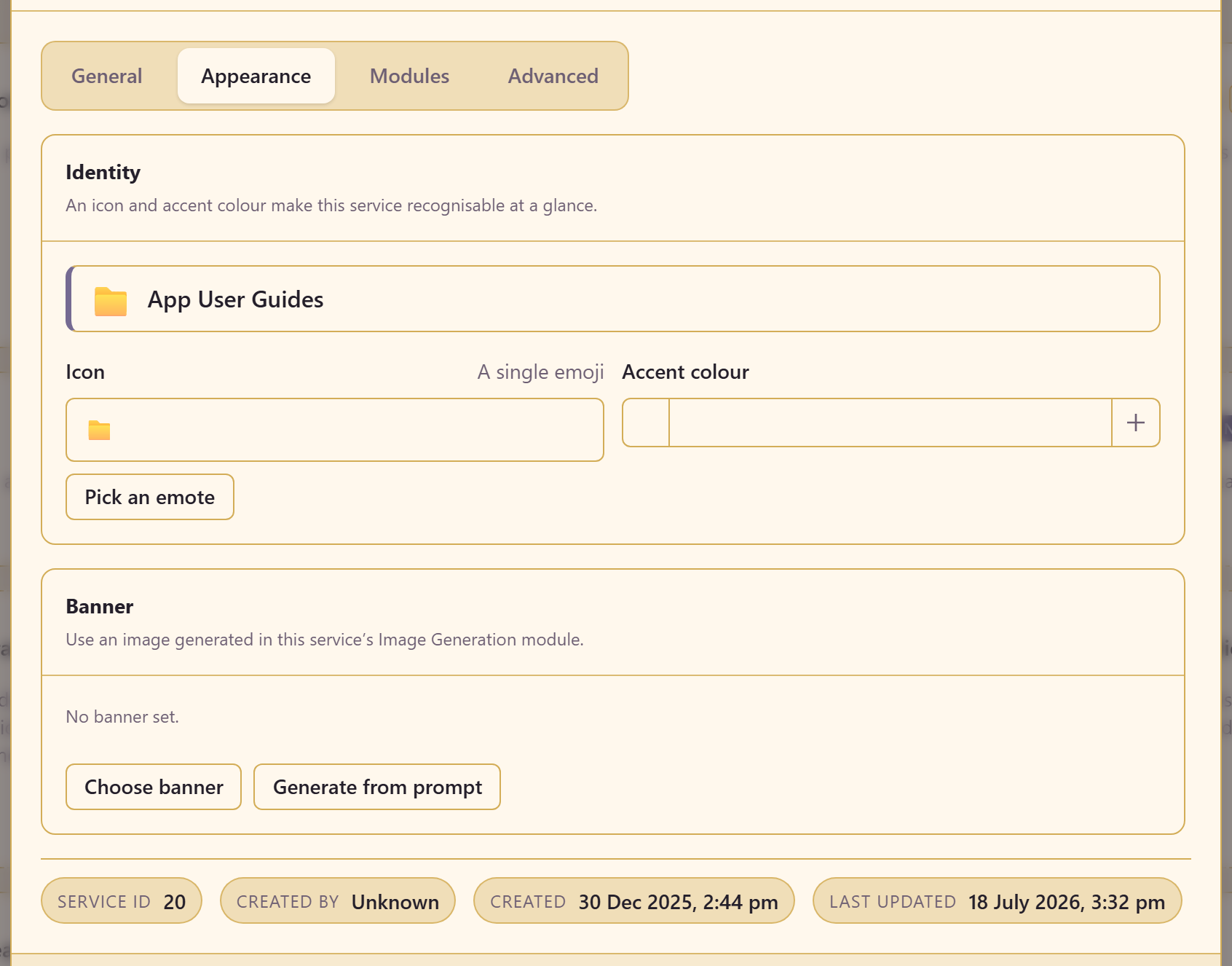
Each service can have its own icon, accent colour and banner.
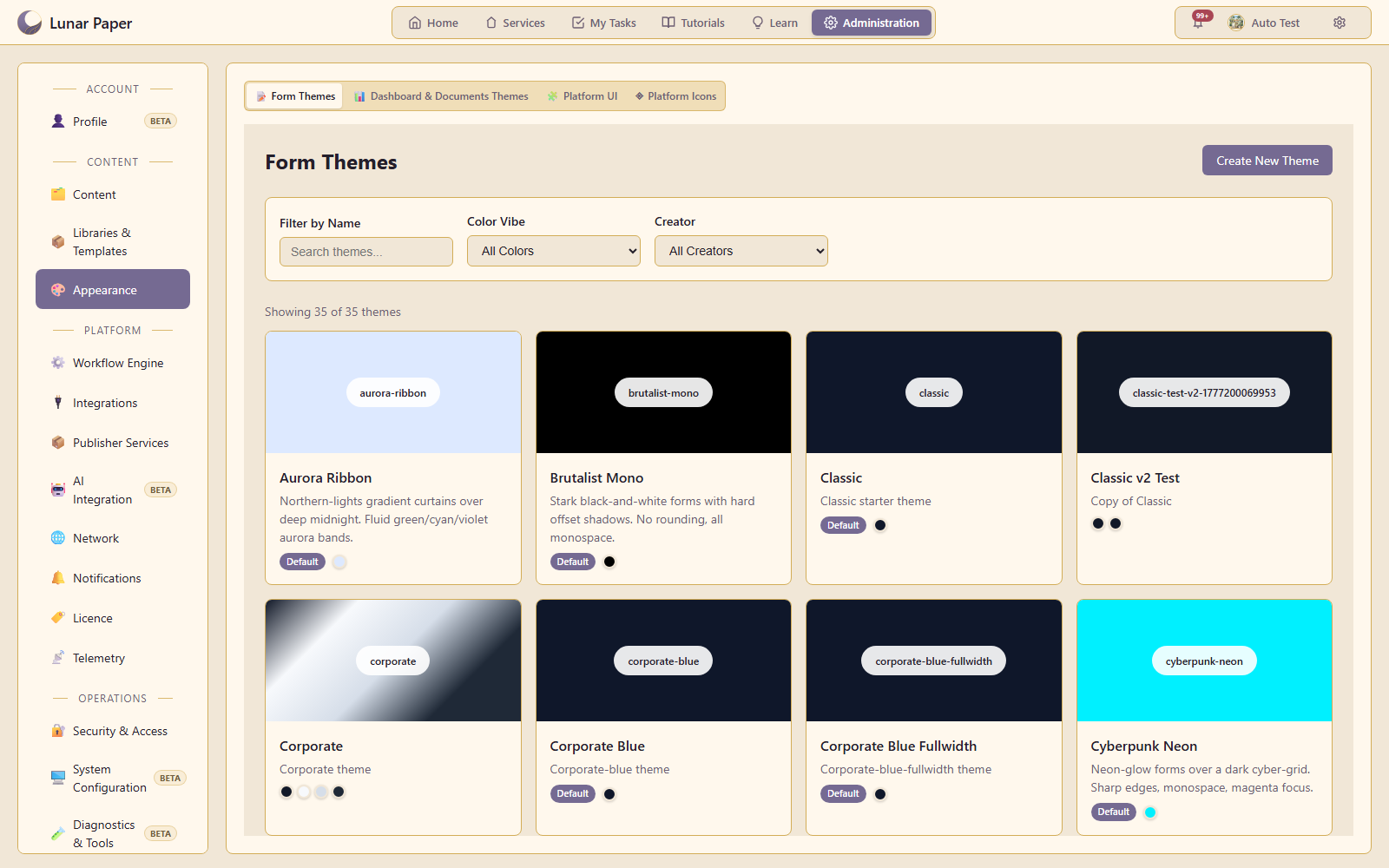
Form themes control form appearance. Paper themes control document and dashboard appearance. Administrators can duplicate existing themes to create custom versions.
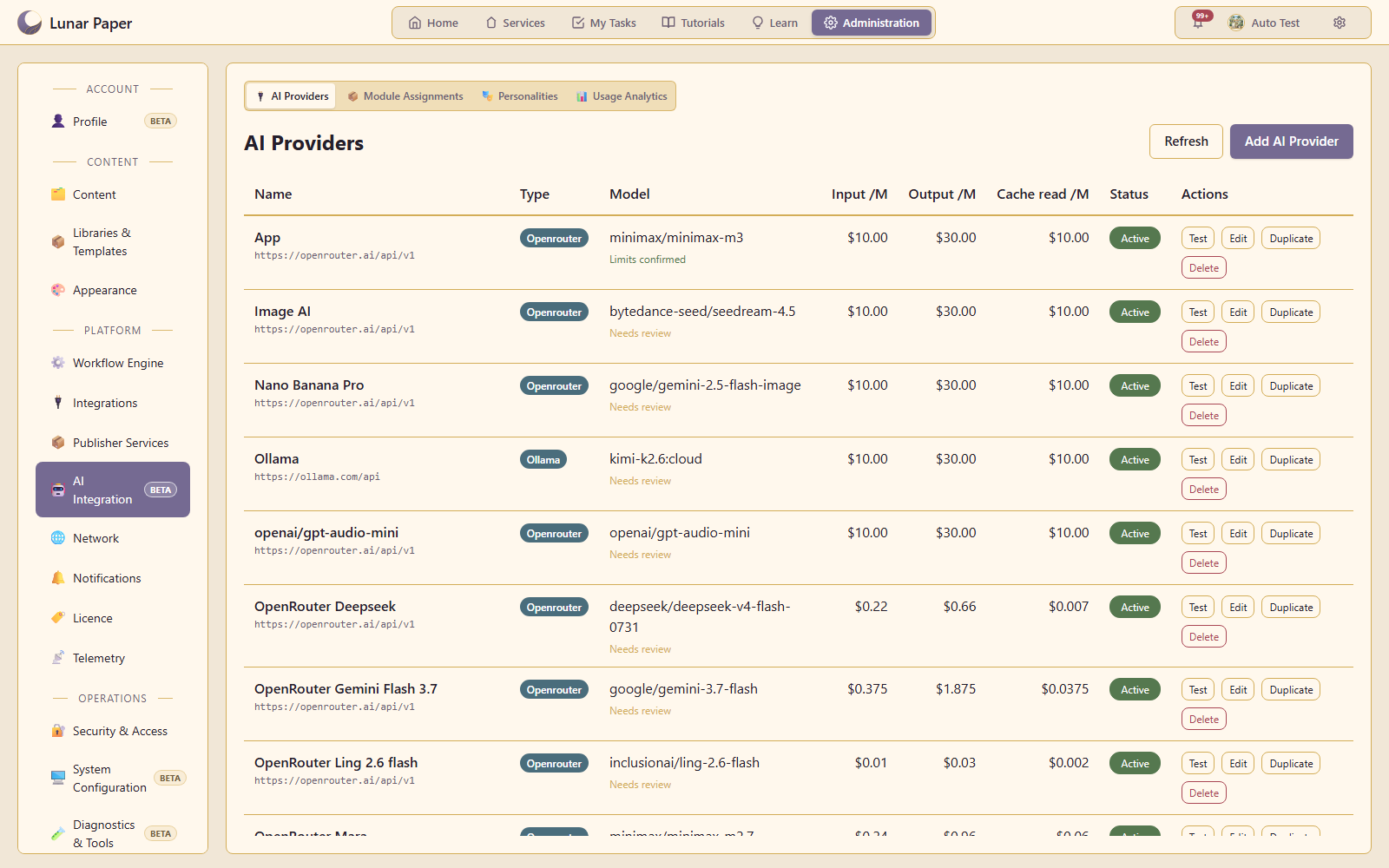
AI is optional and uses your own providers. Features include content generation, editing, animation and research.
Connect any OpenAI-compatible API using your own credentials. Requests go directly from your installation to your chosen provider, with any usage charges paid to that provider.
Multiple providers and models can be connected at the same time and assigned to different applications. Administrators can configure instructions and usage limits, and review recorded usage and costs.
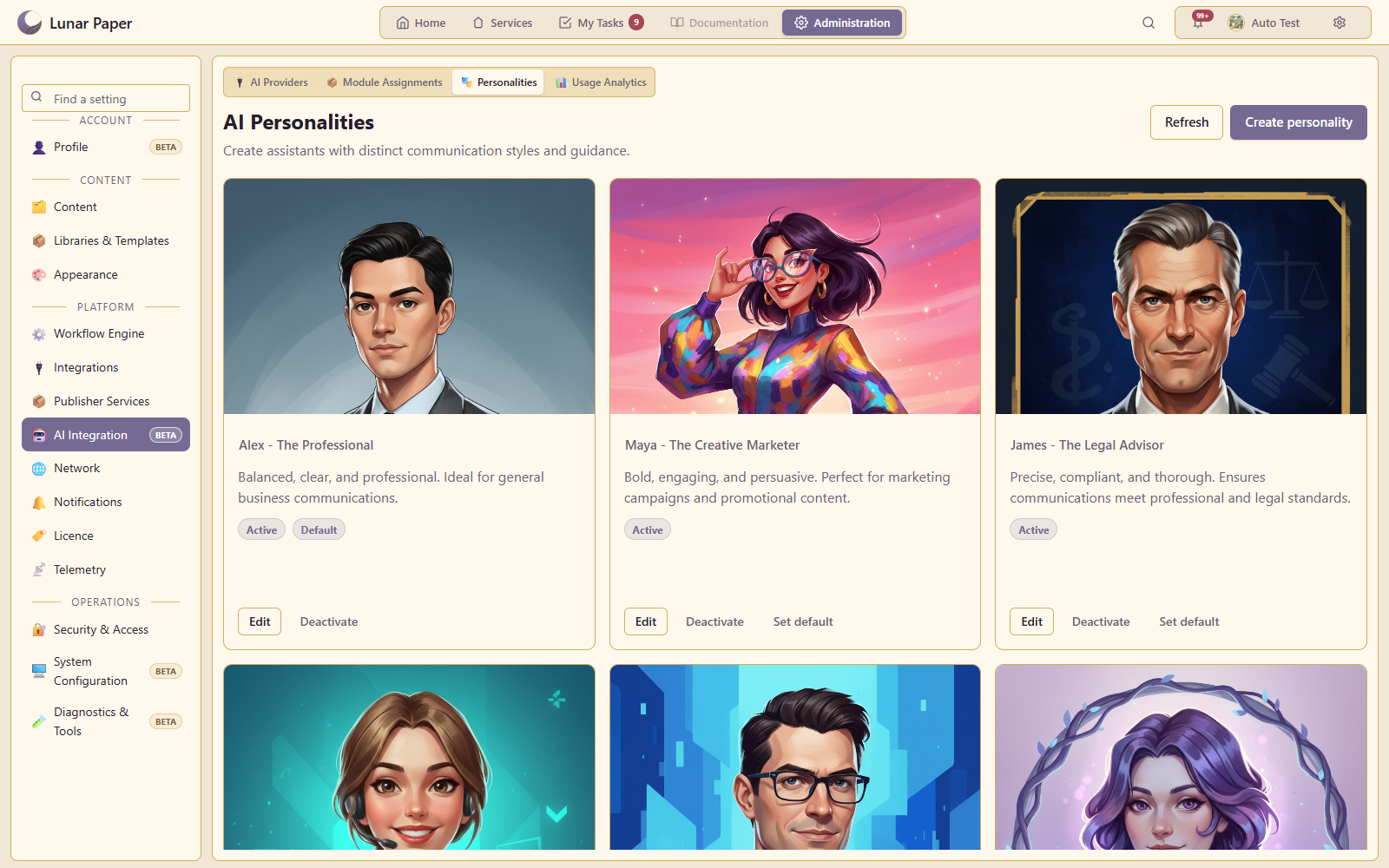
AI personalities define the tone and style of supported AI output. Users can select a personality for a conversation or set a personal default, with a platform default managed by administrators.
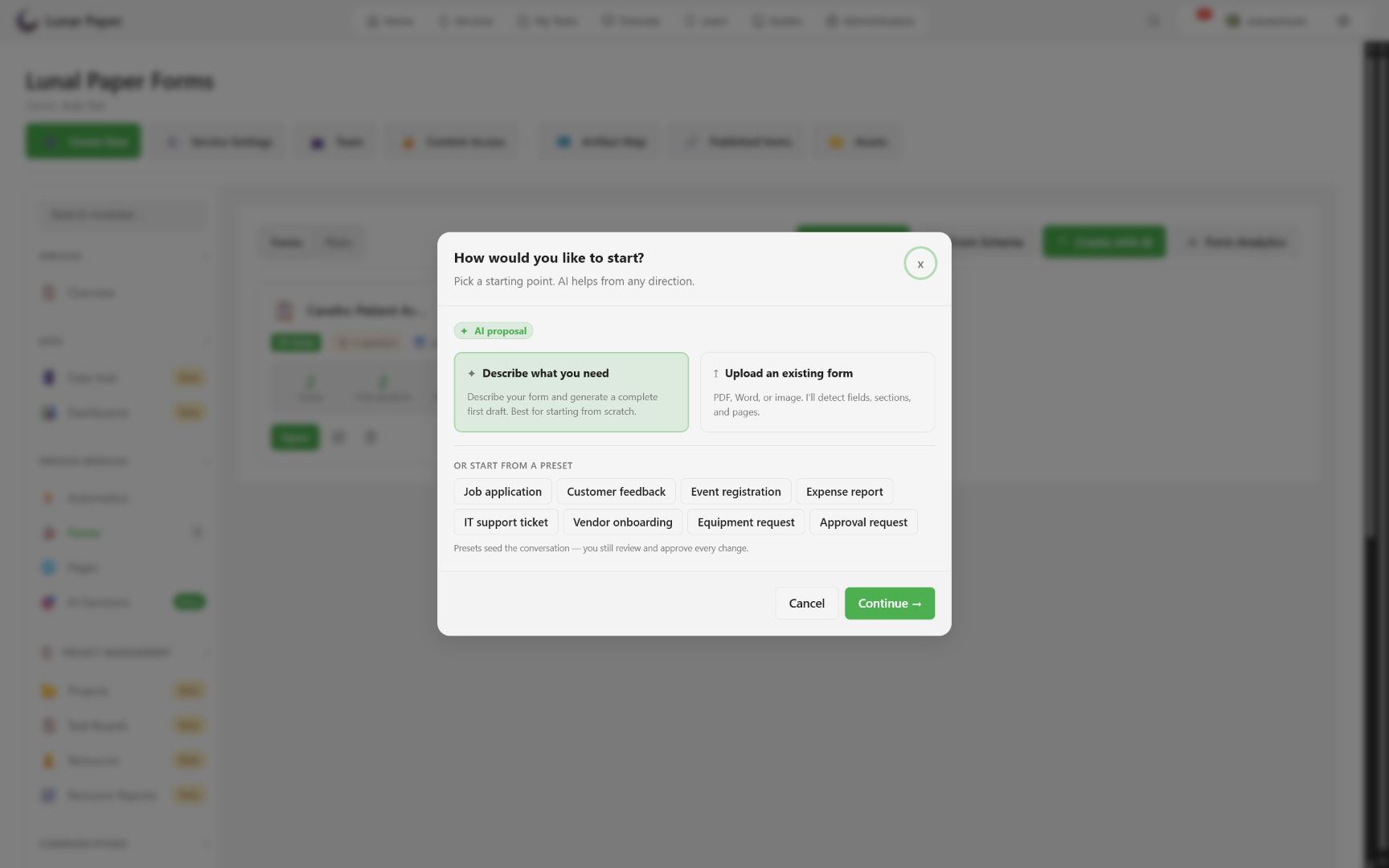
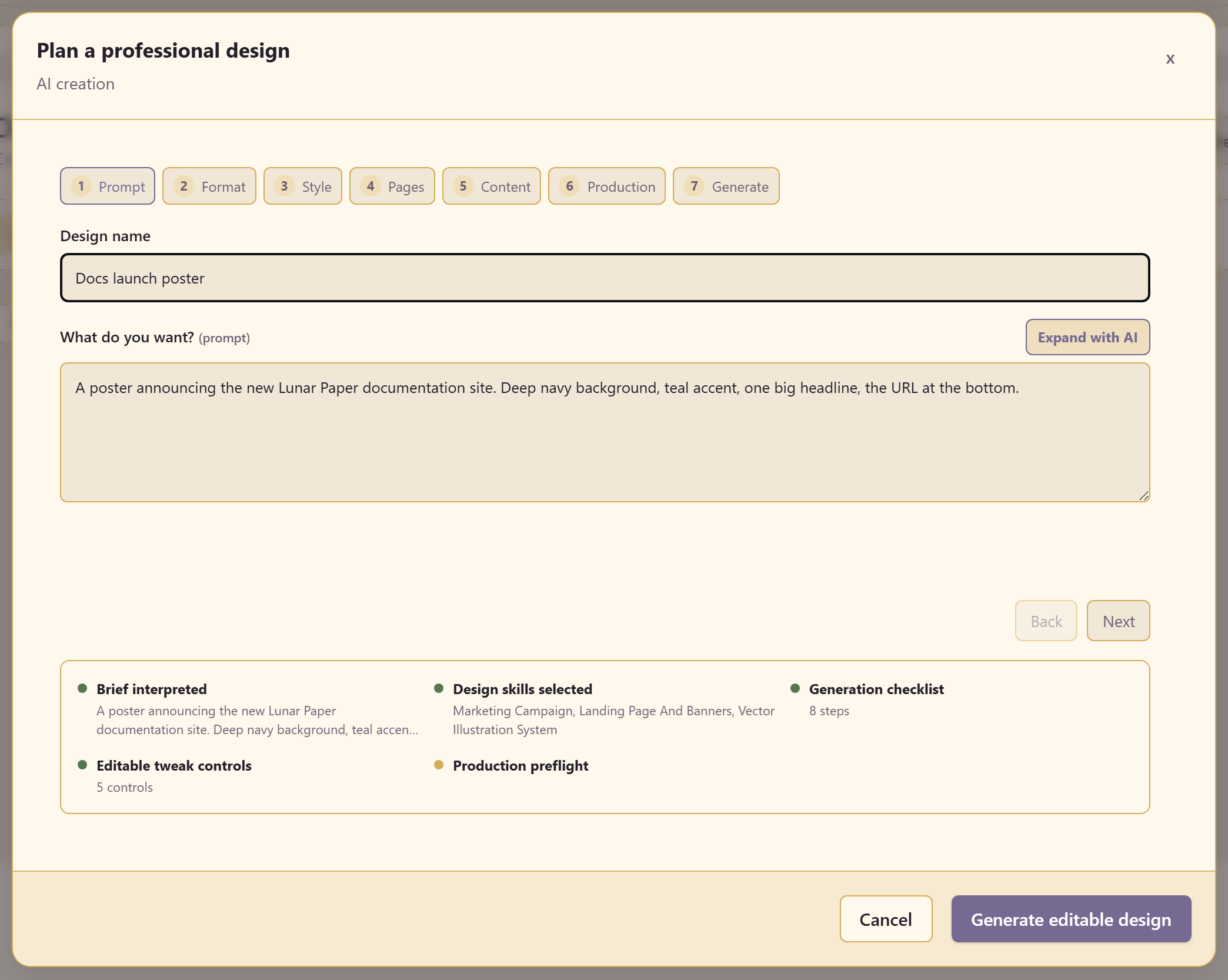
AI can be used for document generation, image generation, research, audio creation, form planning and generation, and many other use cases.
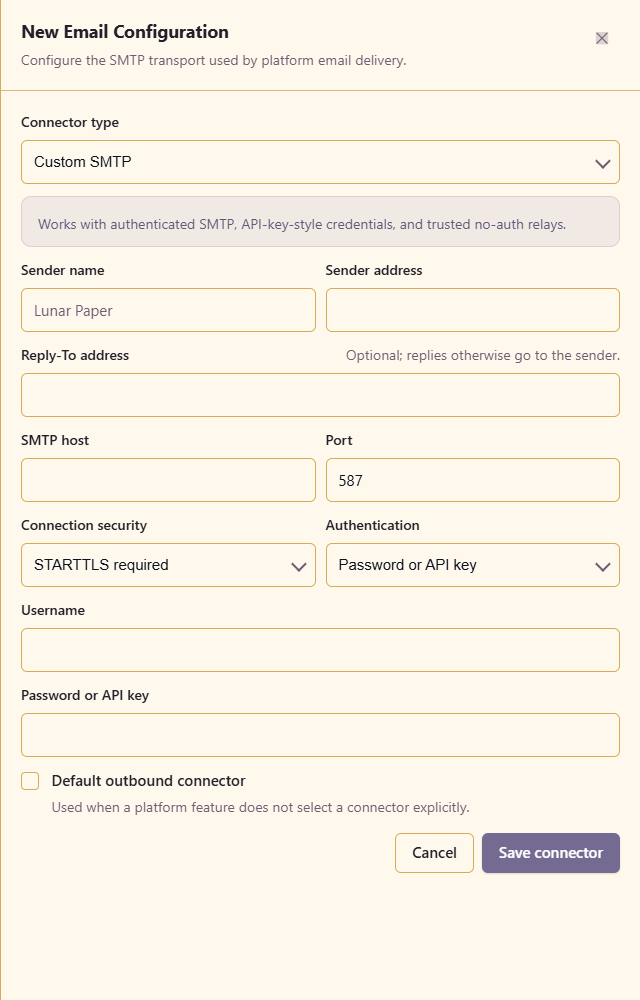
The platform supports multiple email providers for automations, notifications and other email sending purposes.
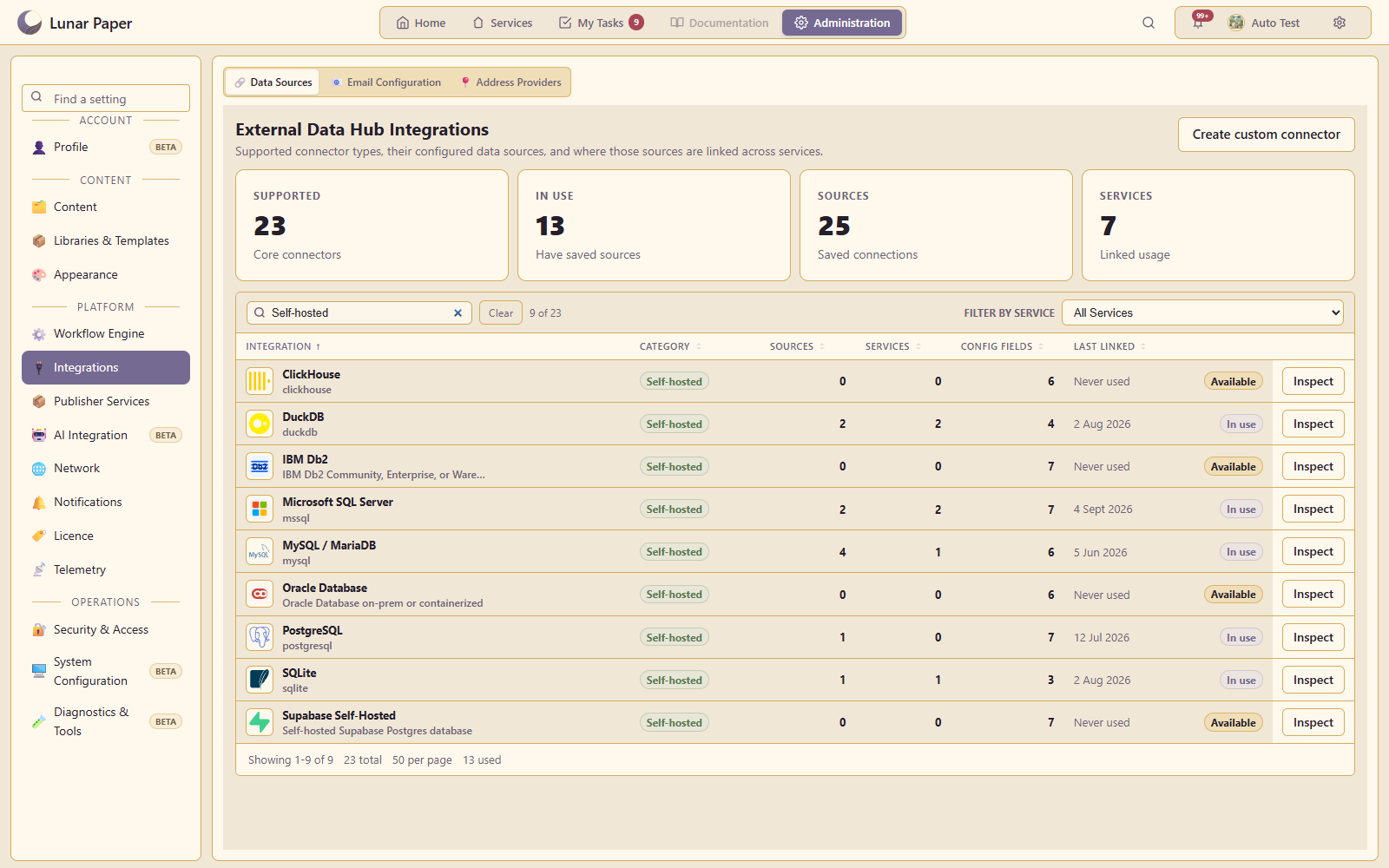
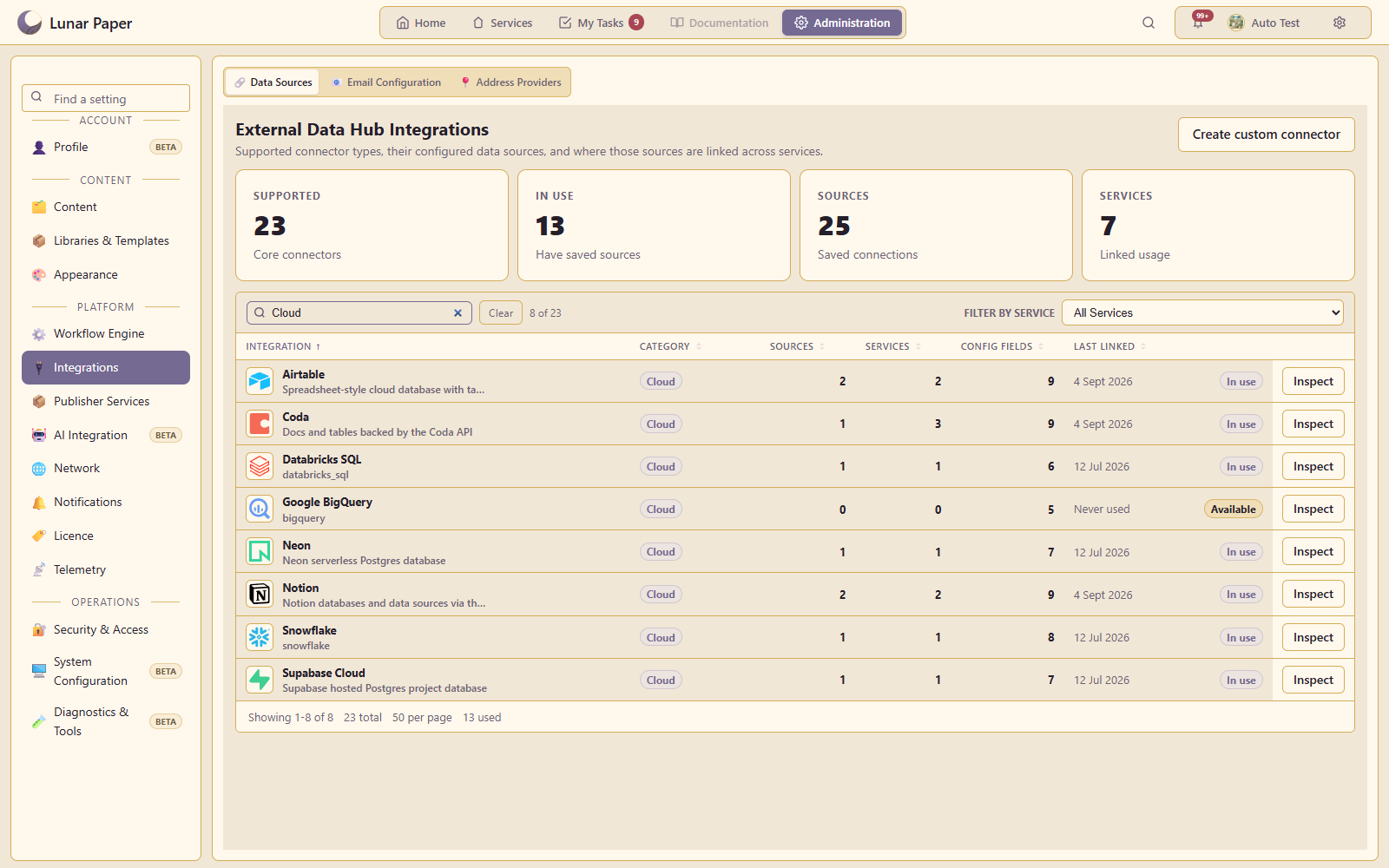
Data Hub includes 14 built-in connectors for cloud and on-premises databases. Transform data, create reports, and use it in automations and form fields.
Configuration includes network access, proxies, publishing, monitoring and regional settings.
Outbound connections support HTTP and SOCKS5 proxies, direct connections and blocked routes. Administrators can allow selected private endpoints. Inbound reverse proxies are configured separately.
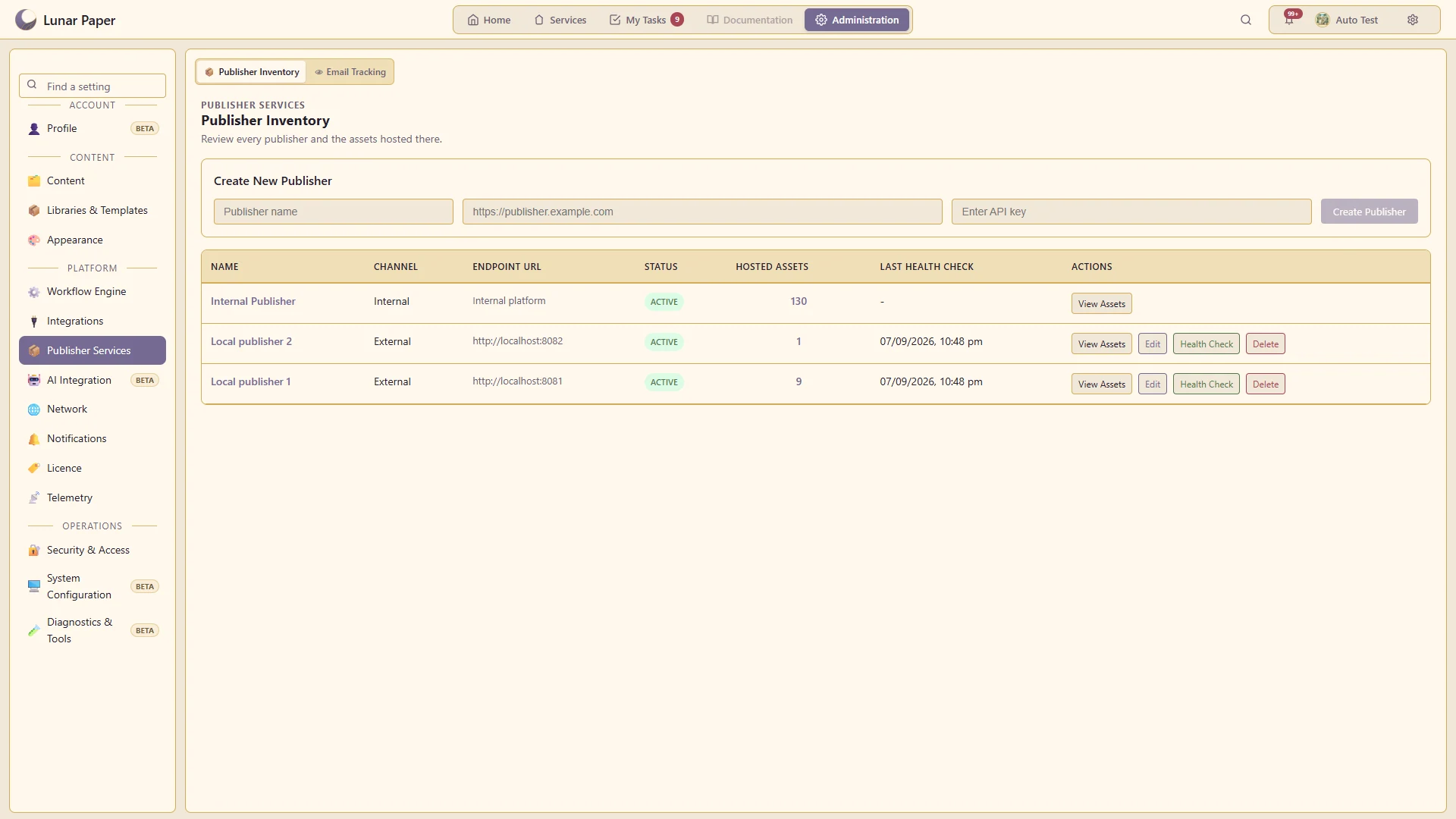
You can run additional publishing instances and connect them to the platform to group content for different audiences or make selected content publicly accessible.
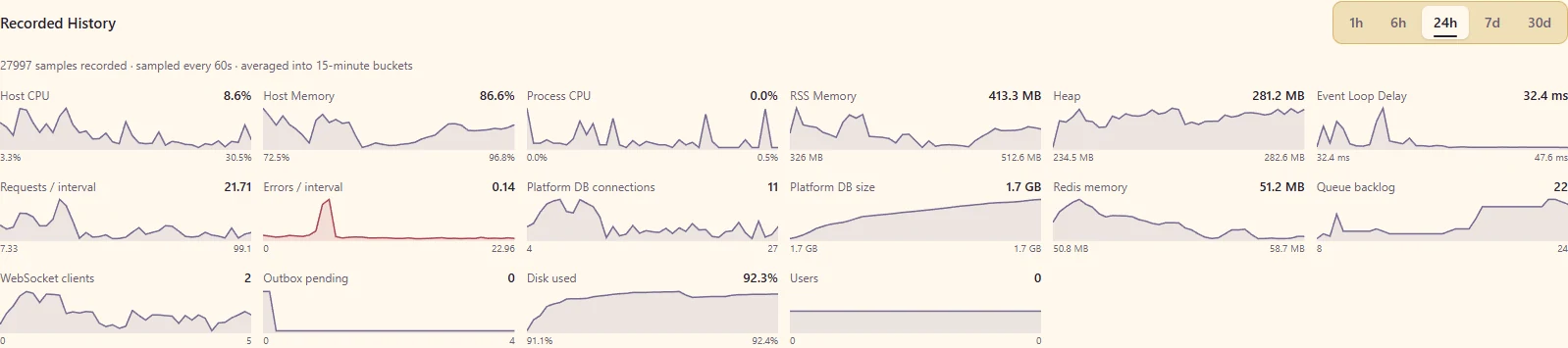
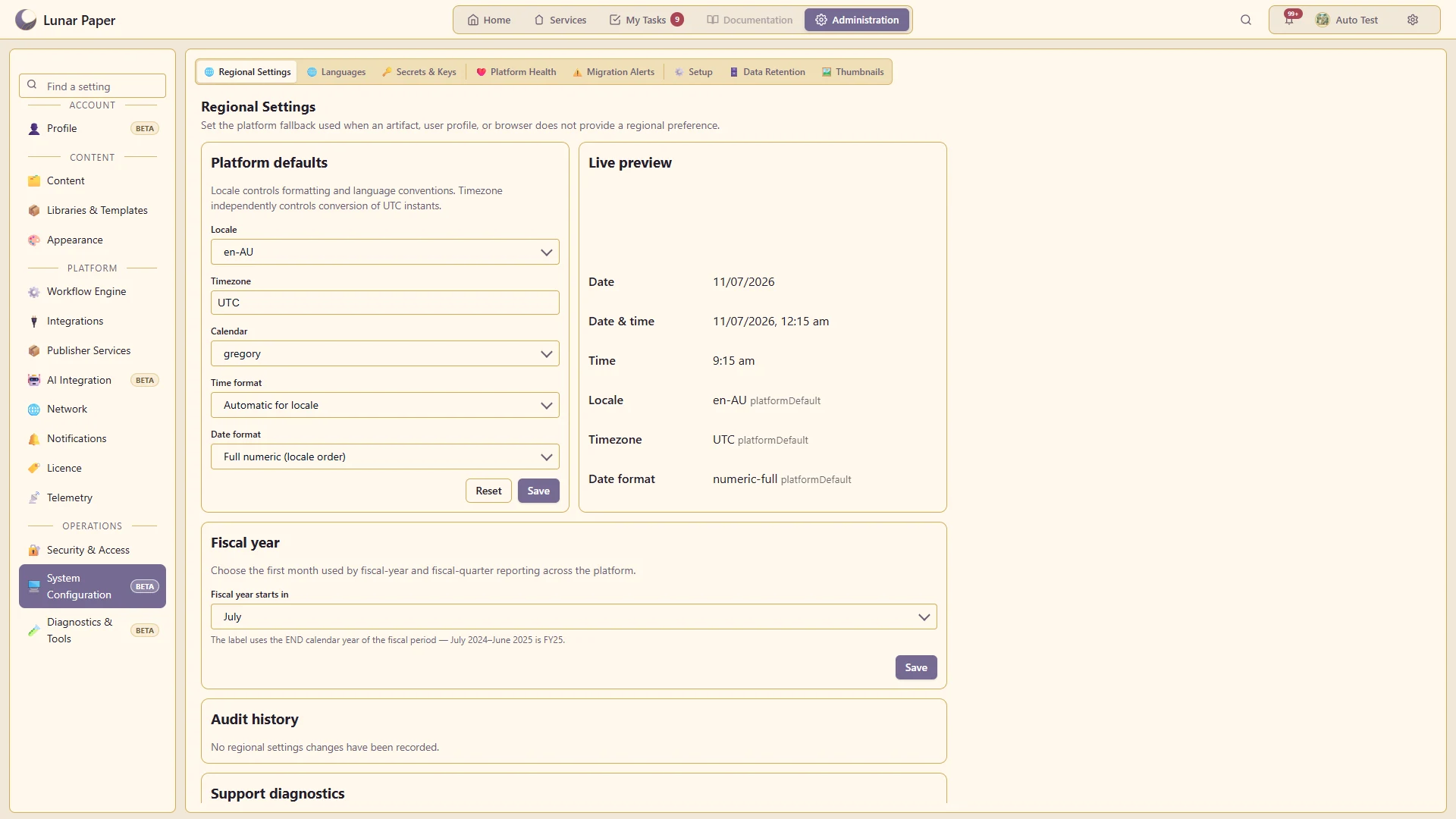
Platform settings include health monitoring, workflow operations, capacity assessments, retention and regional defaults. Users can set supported personal preferences for dates, times and languages.
Run the platform with all features for free for three people.