
People and access
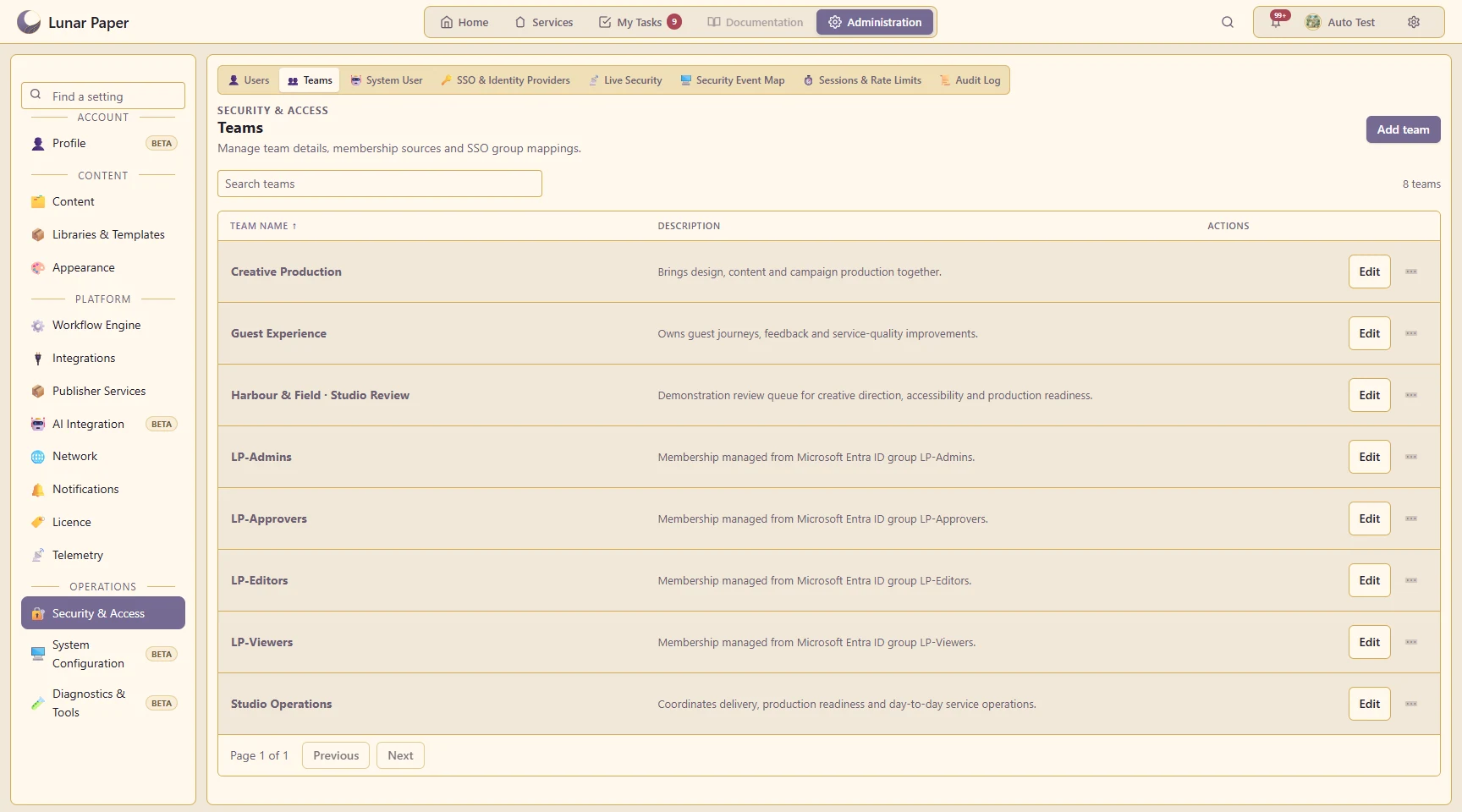
Manage users, teams, roles and identity providers from central administrative surfaces.
Accounts, sign-in, permissions, regional settings and system health.
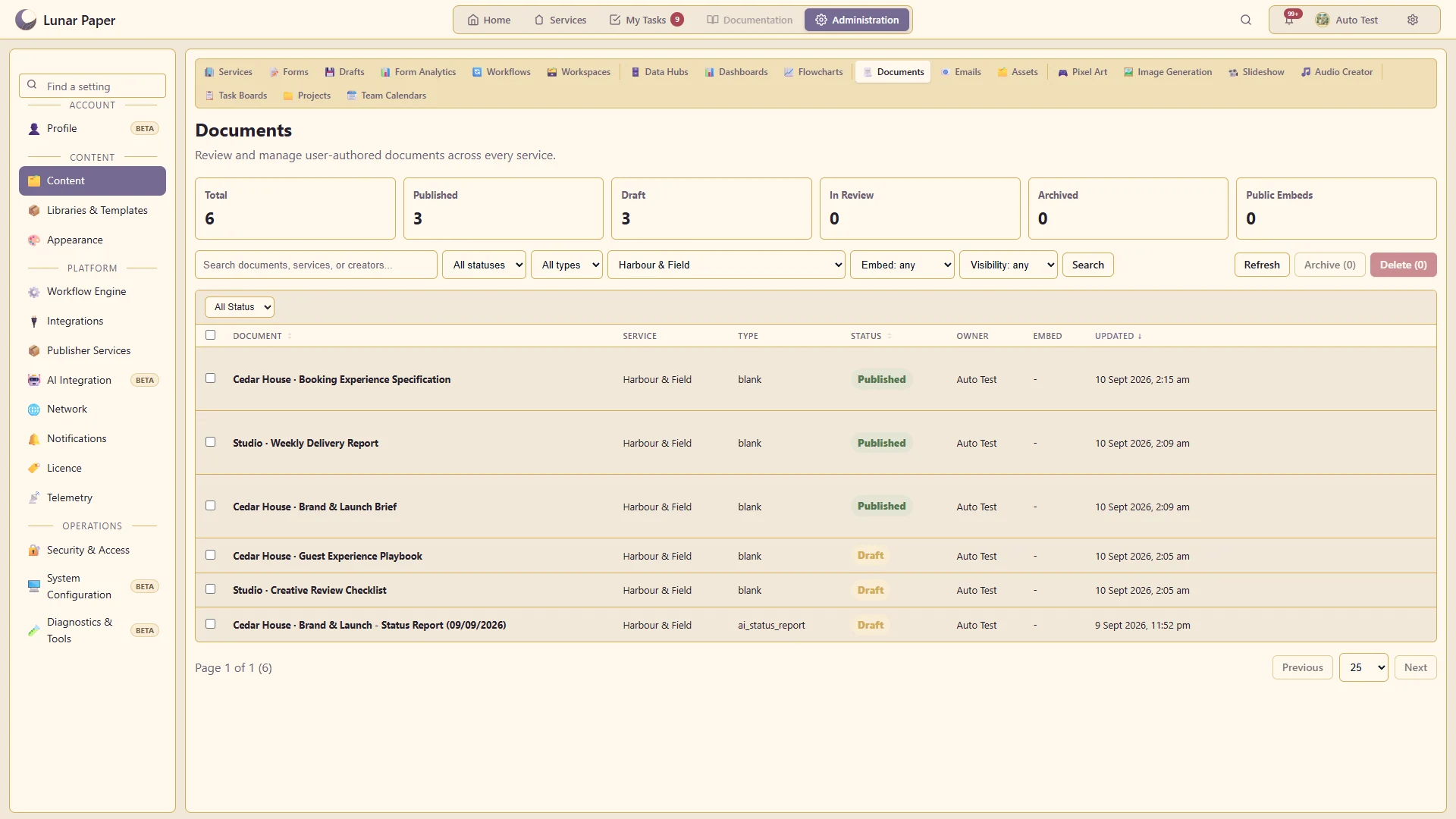
Find and manage application content across the installation from one administrative area.
Manage who can use the platform and how people are organised.
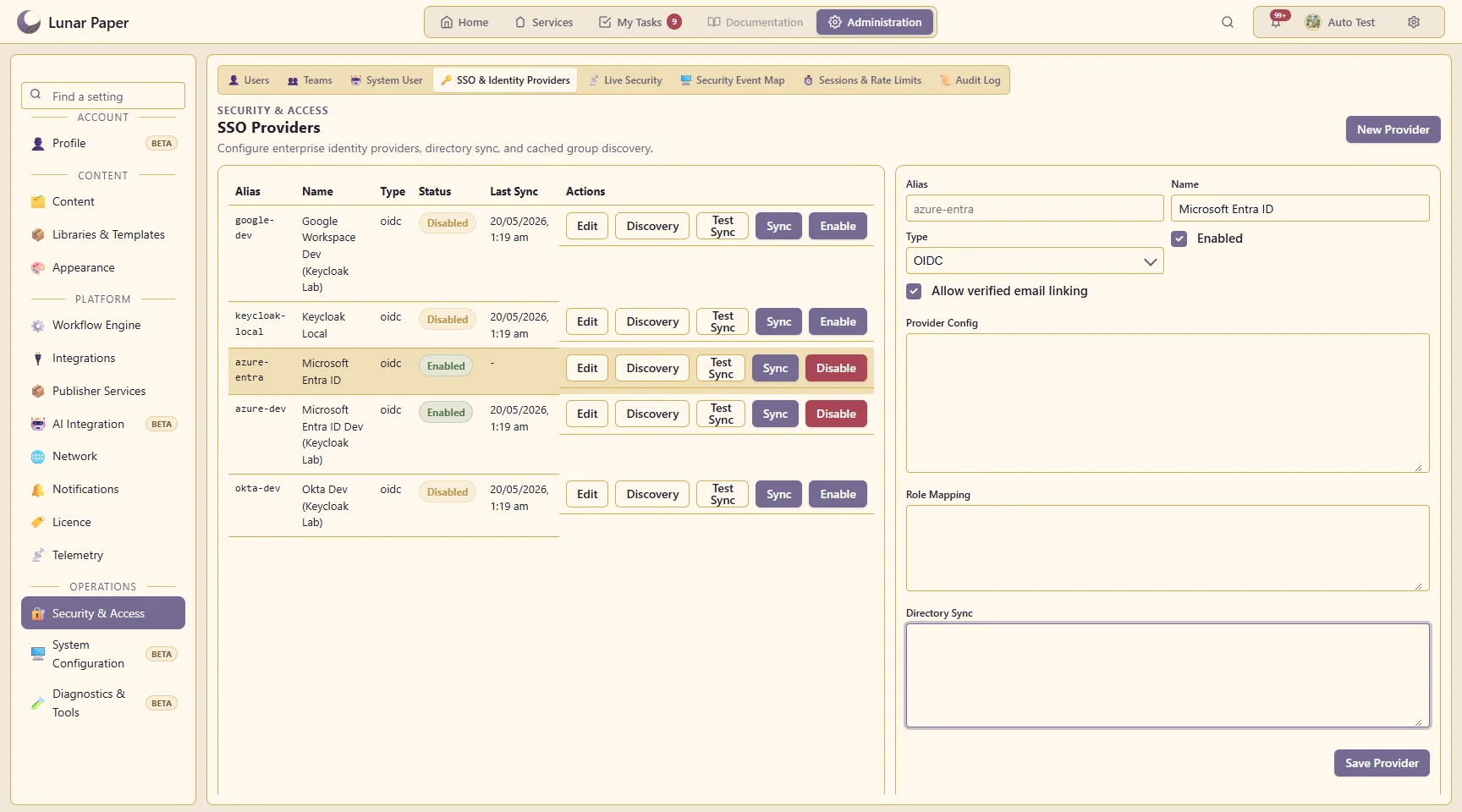
Configure the available OIDC or SAML identity connection.
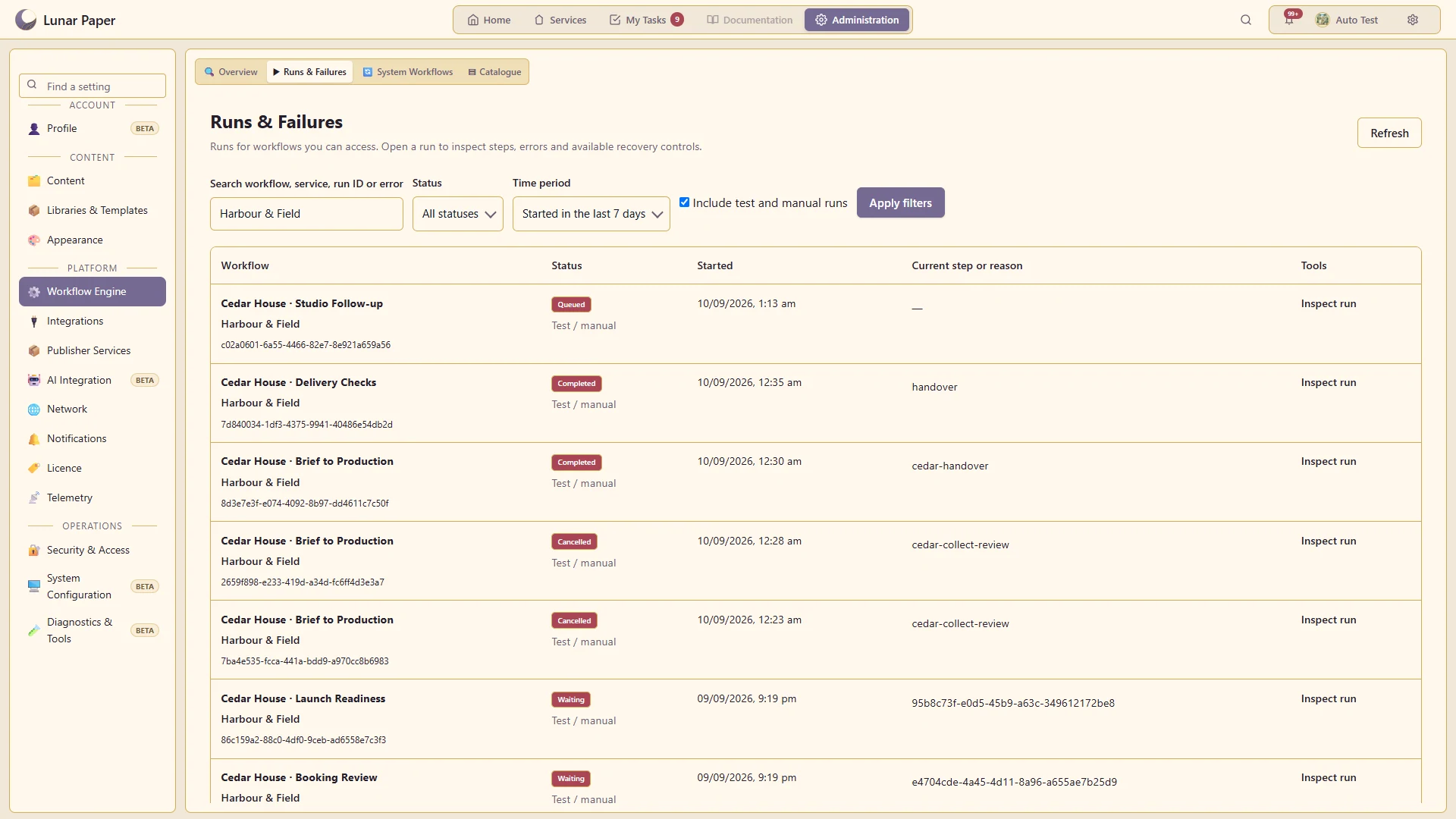
Inspect active runs, waiting work and failures from the workflow administration views.
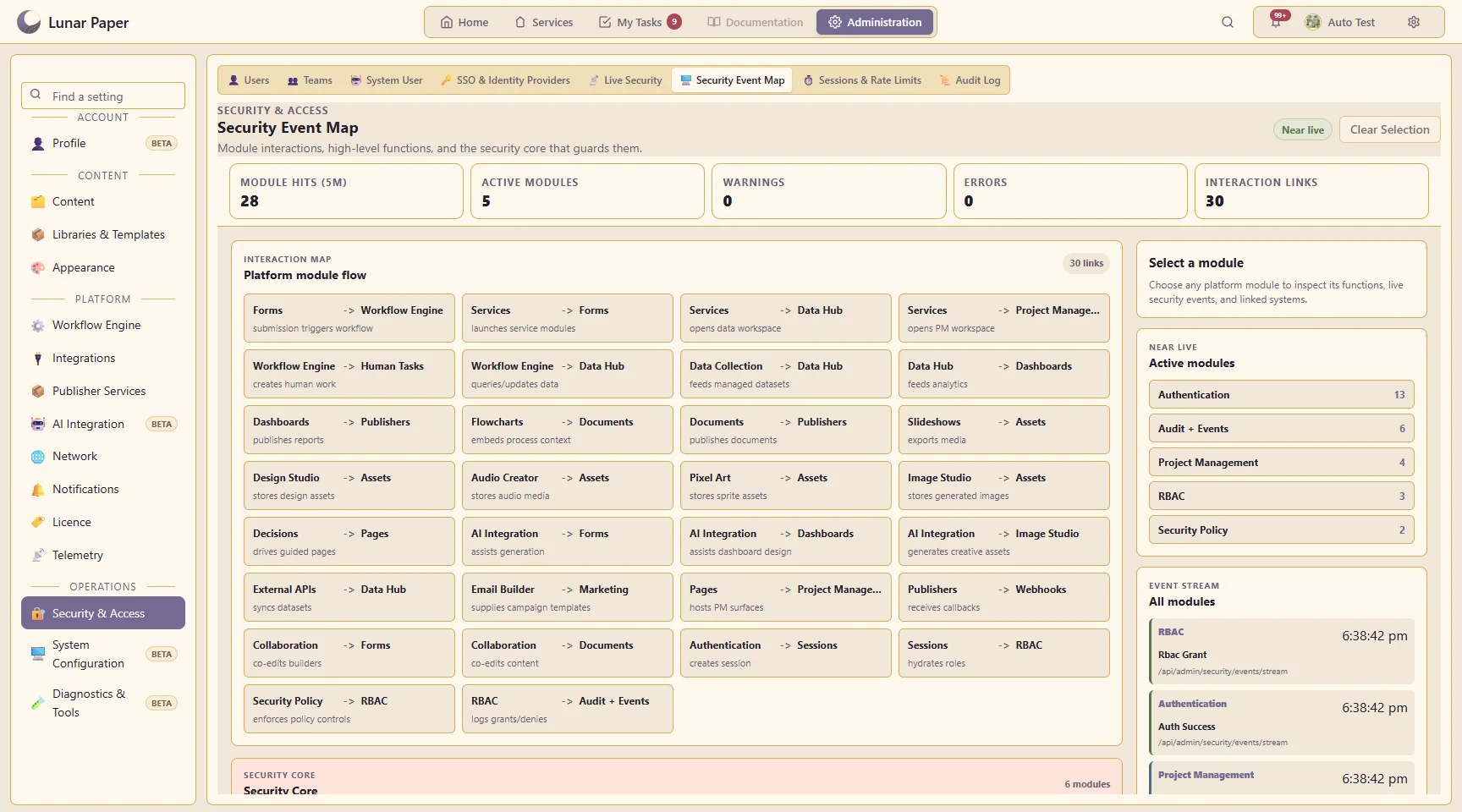
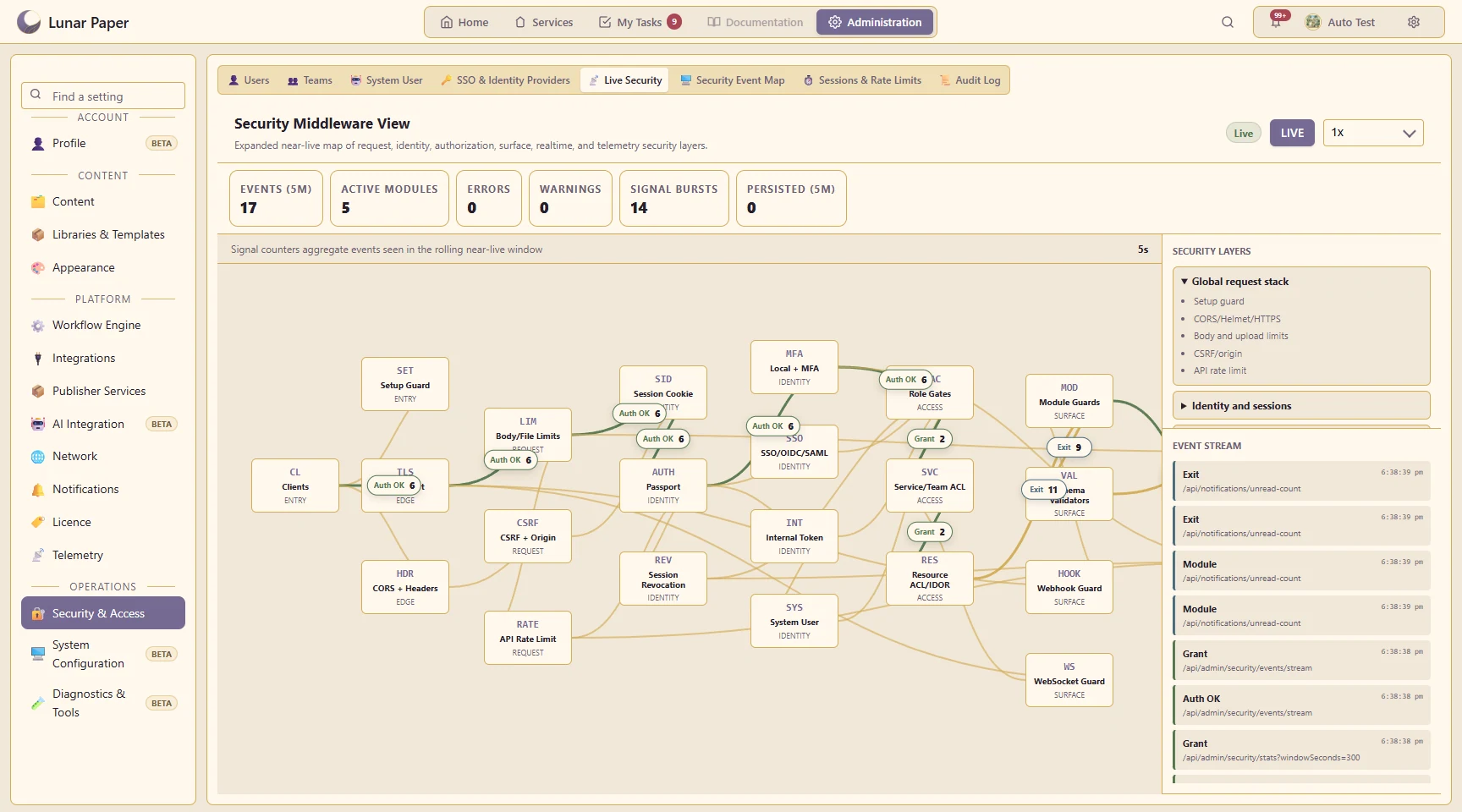
Inspect module interactions, active security controls and the event flow they protect.
Administration is where the installation is configured: who may sign in and how, what roles exist and what they permit, regional and language settings, data retention, and the health of the system itself.
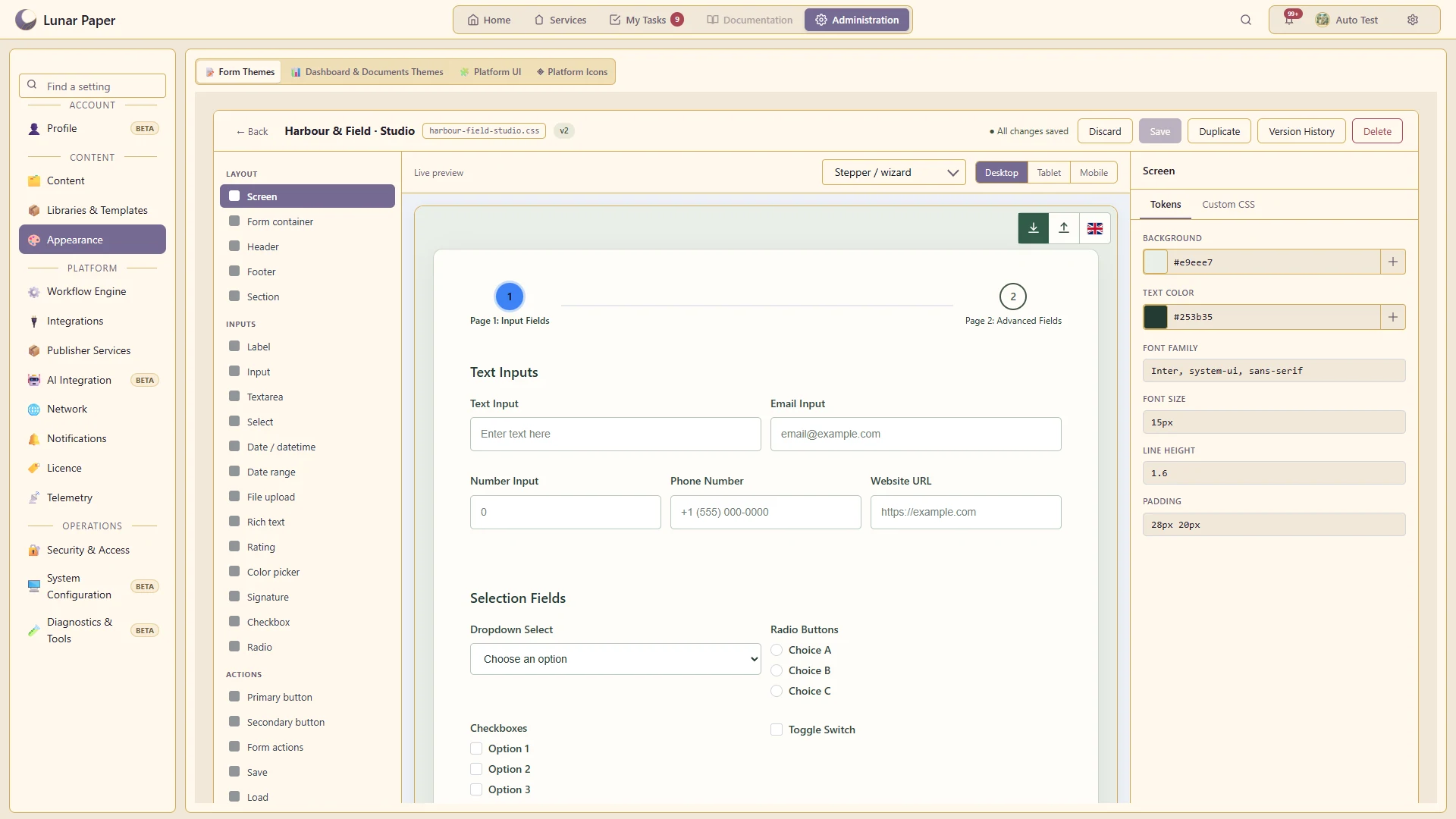
Create and maintain form themes used by the authoring and published experiences.
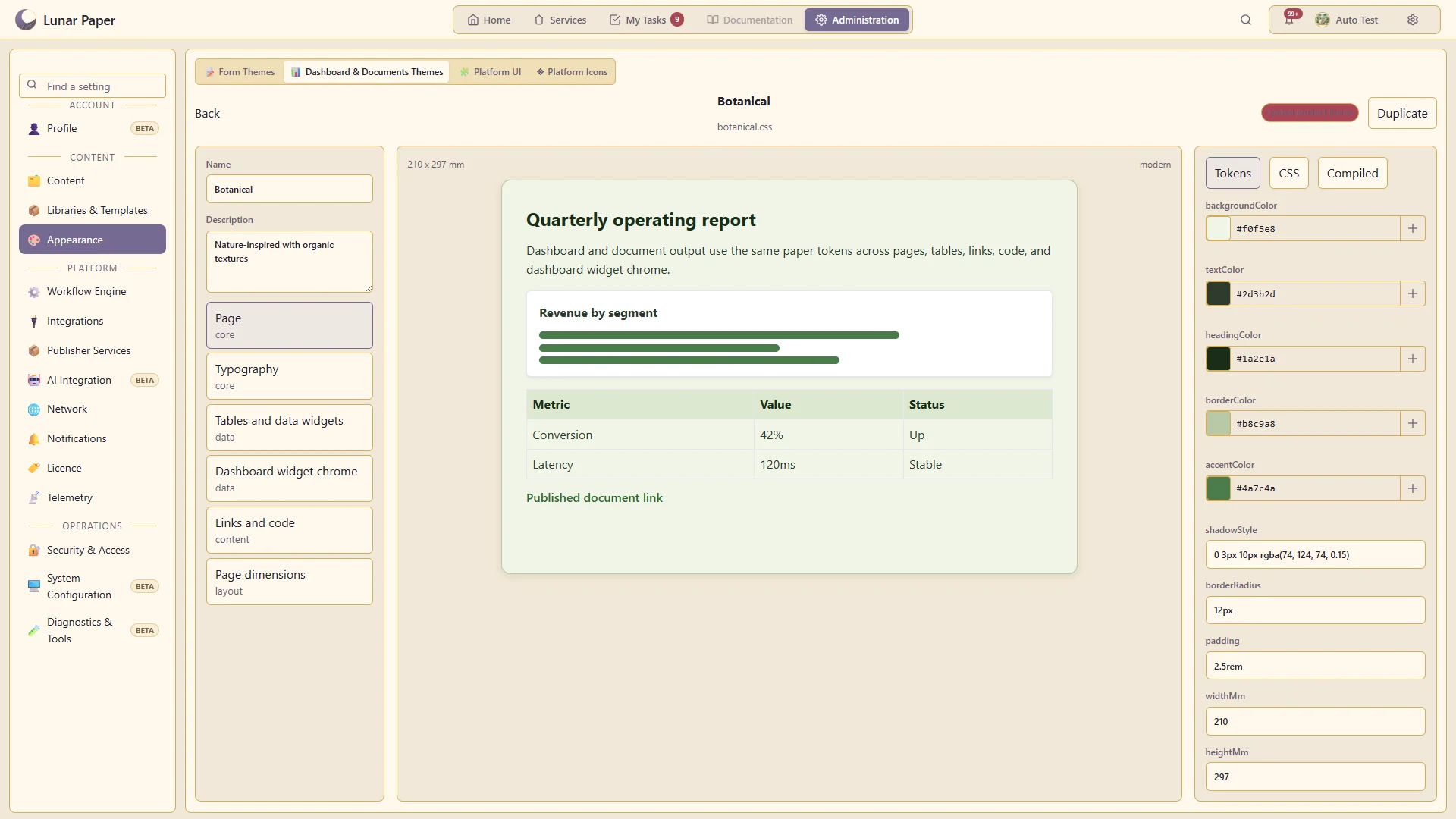
Manage the shared paper themes used in reports and documents.
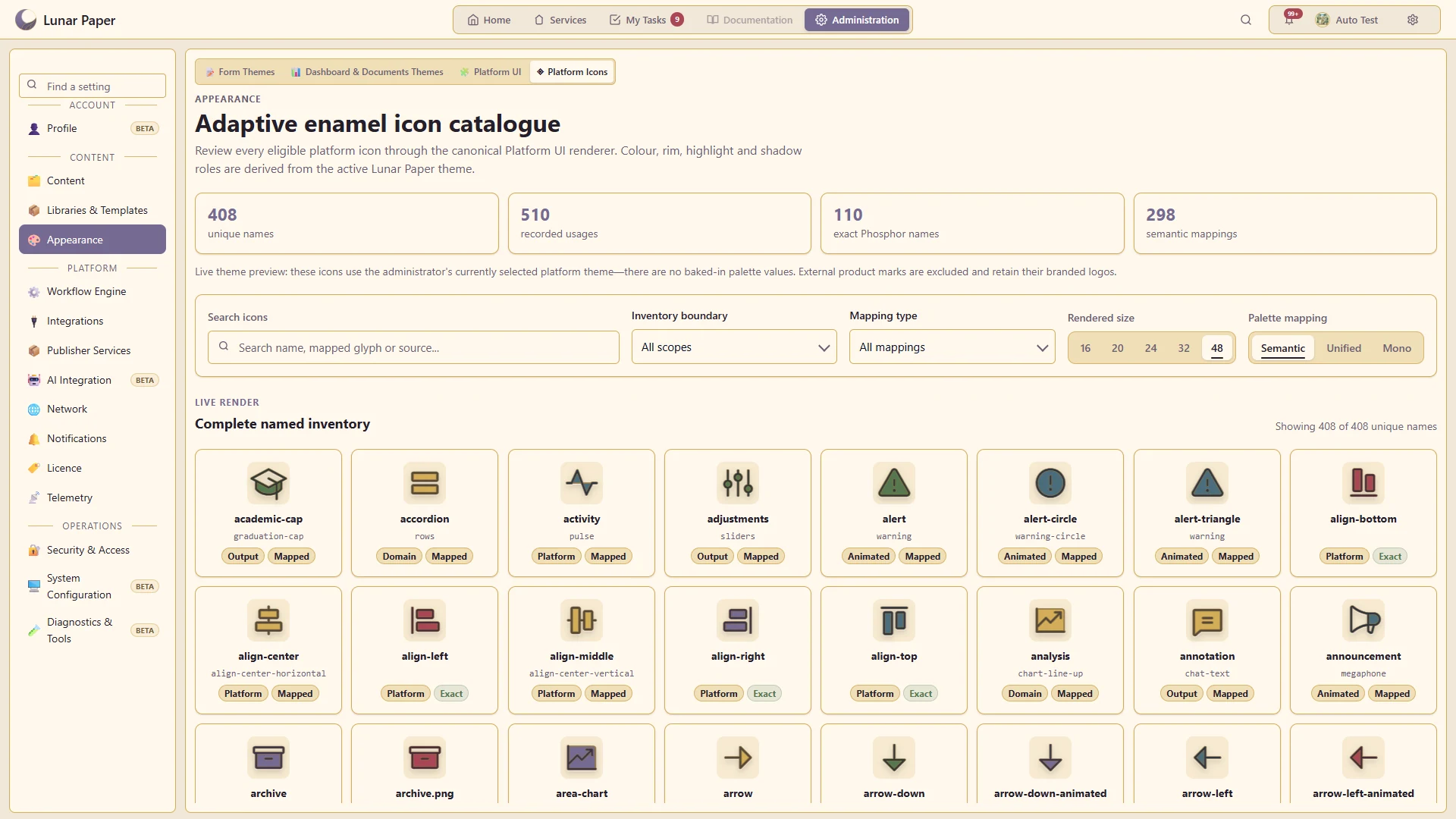
Preview the application’s themed icon system and inspect the available icon families.
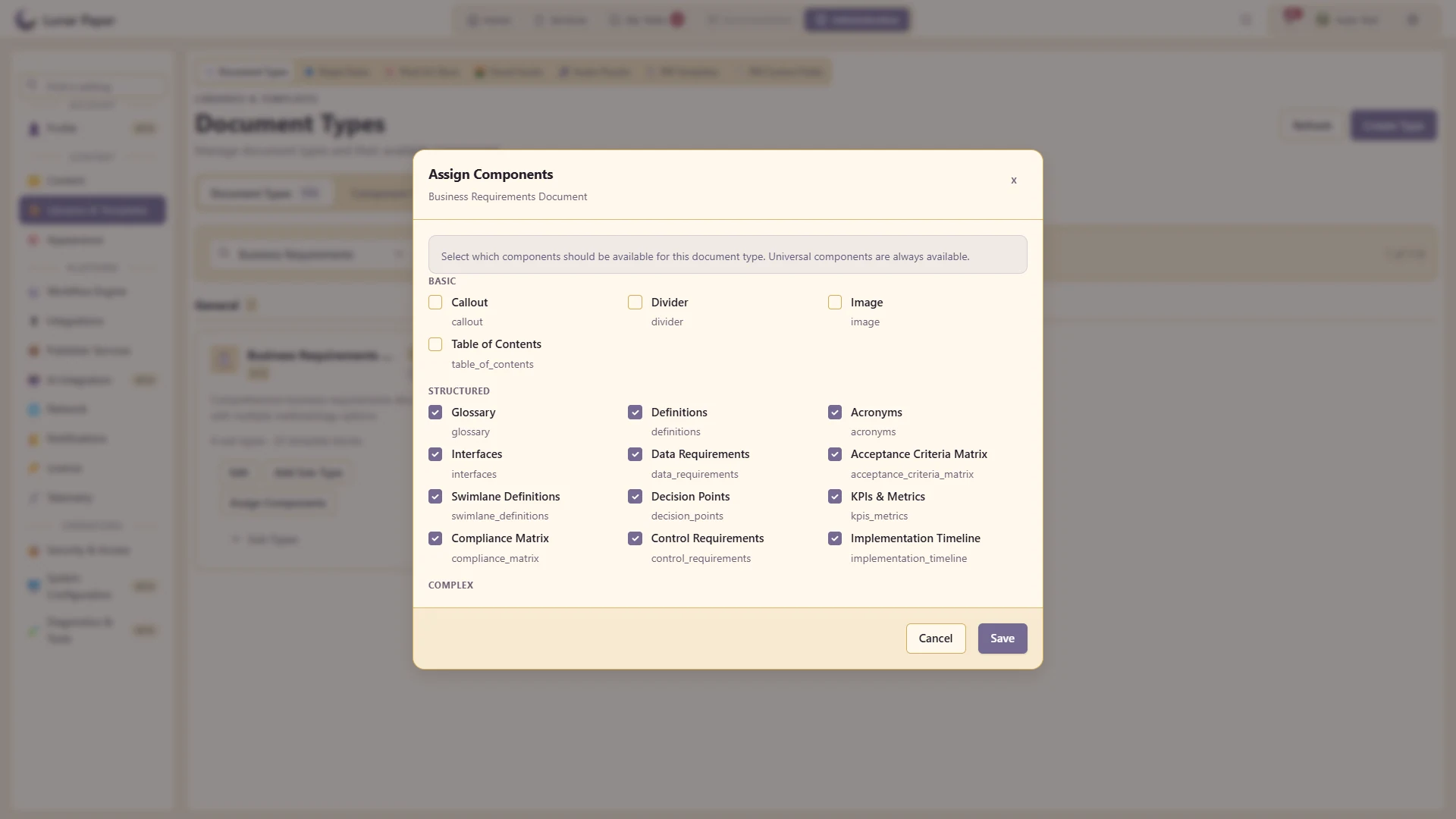
Maintain the structured document catalogue and the components each type permits.
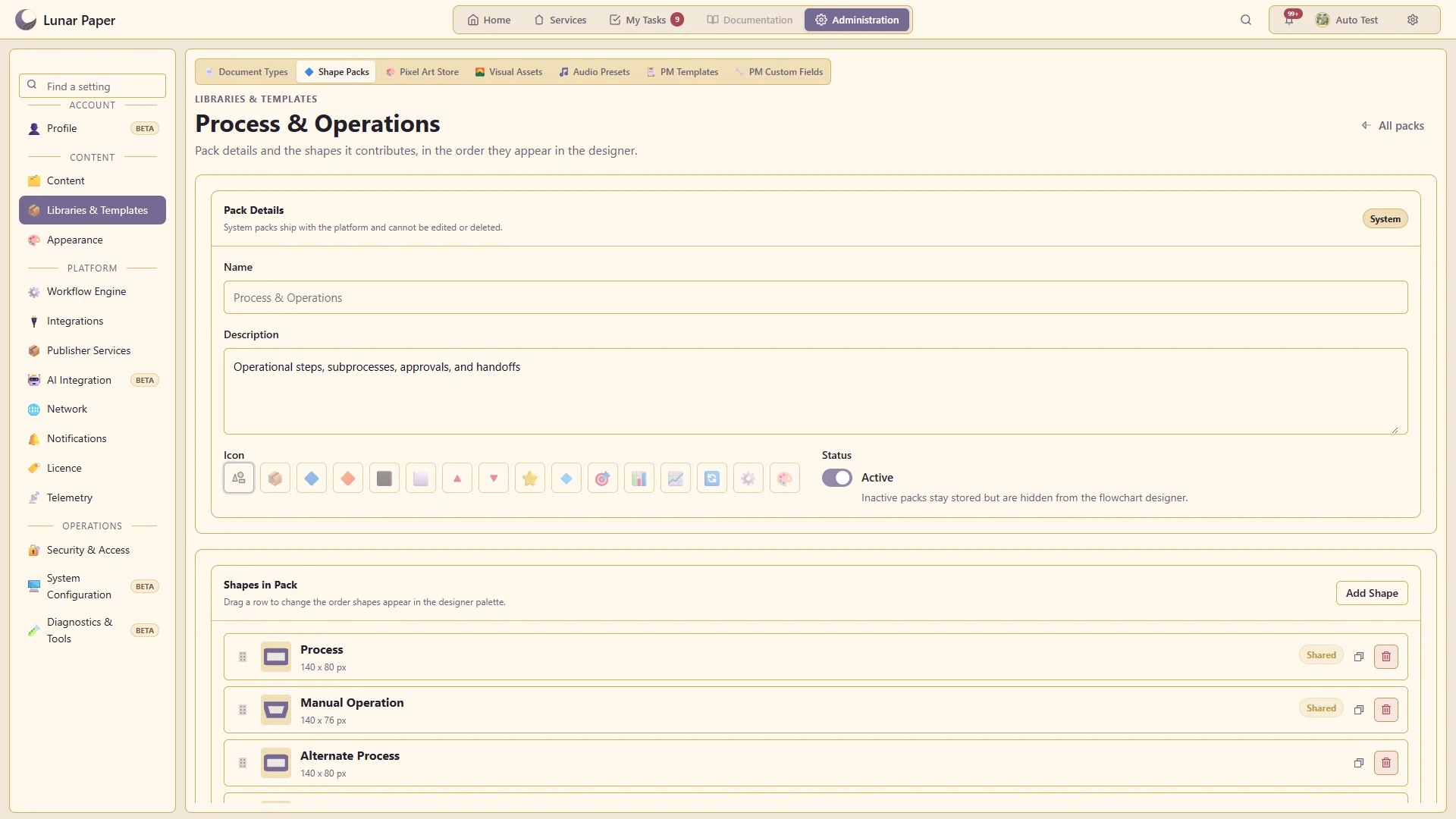
Manage the available shape packs, visual assets, pixel-art packs and audio presets.
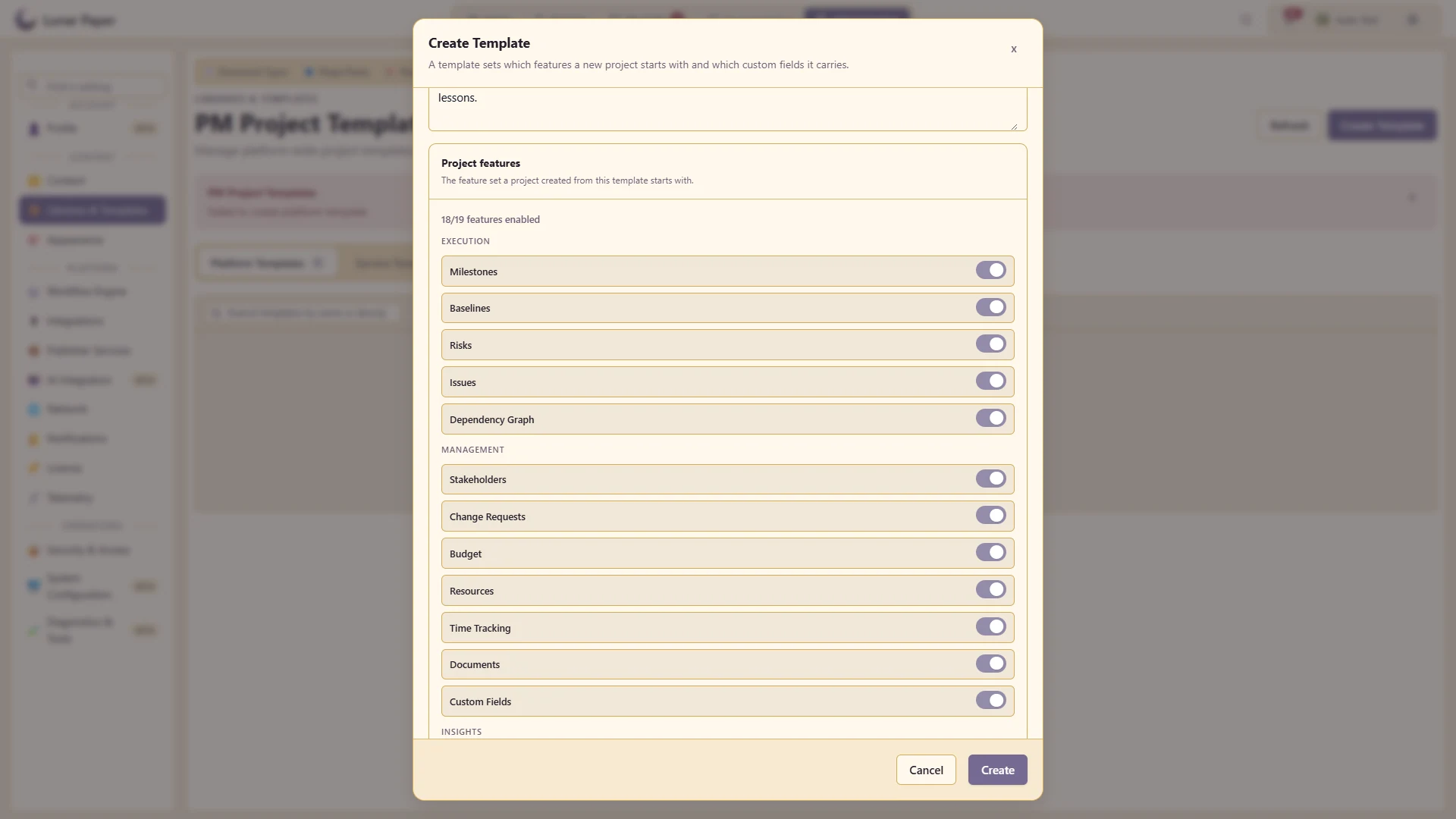
Maintain reusable project-management structures and field definitions.
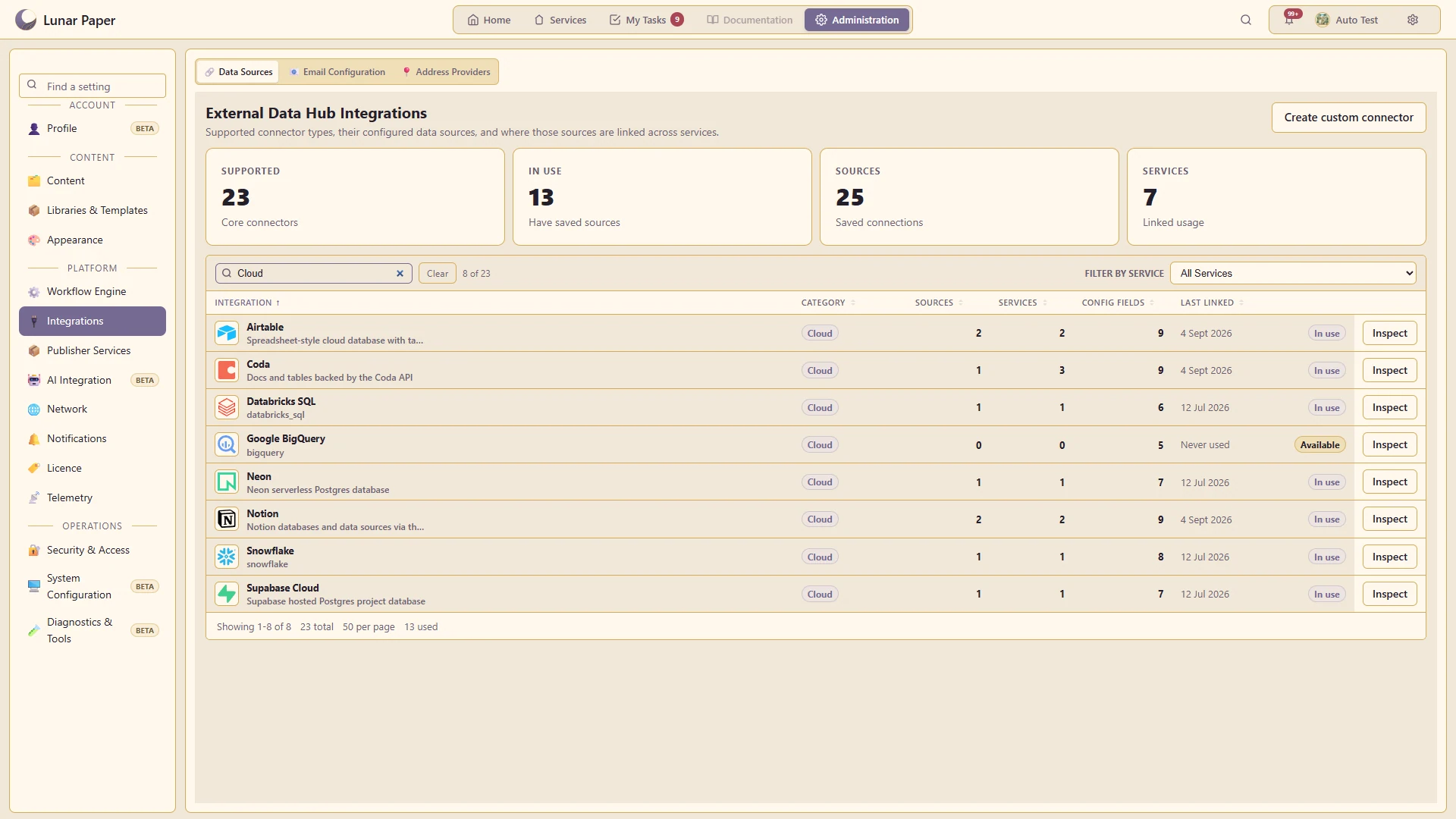
Configure the connections that application data features depend on.
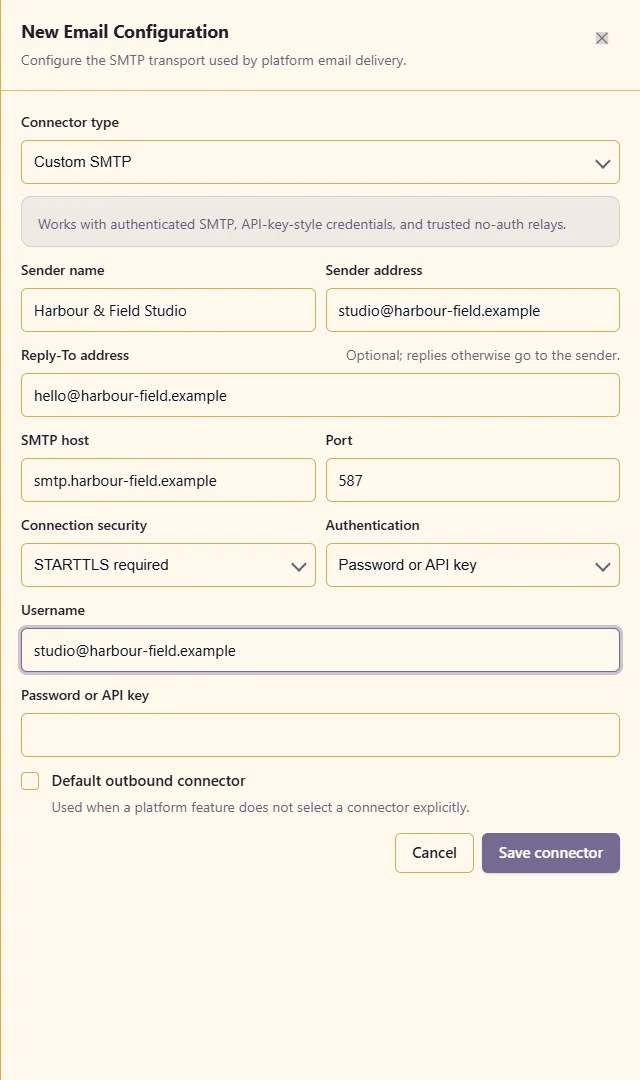
Set up the delivery connections and supported notification behaviour.
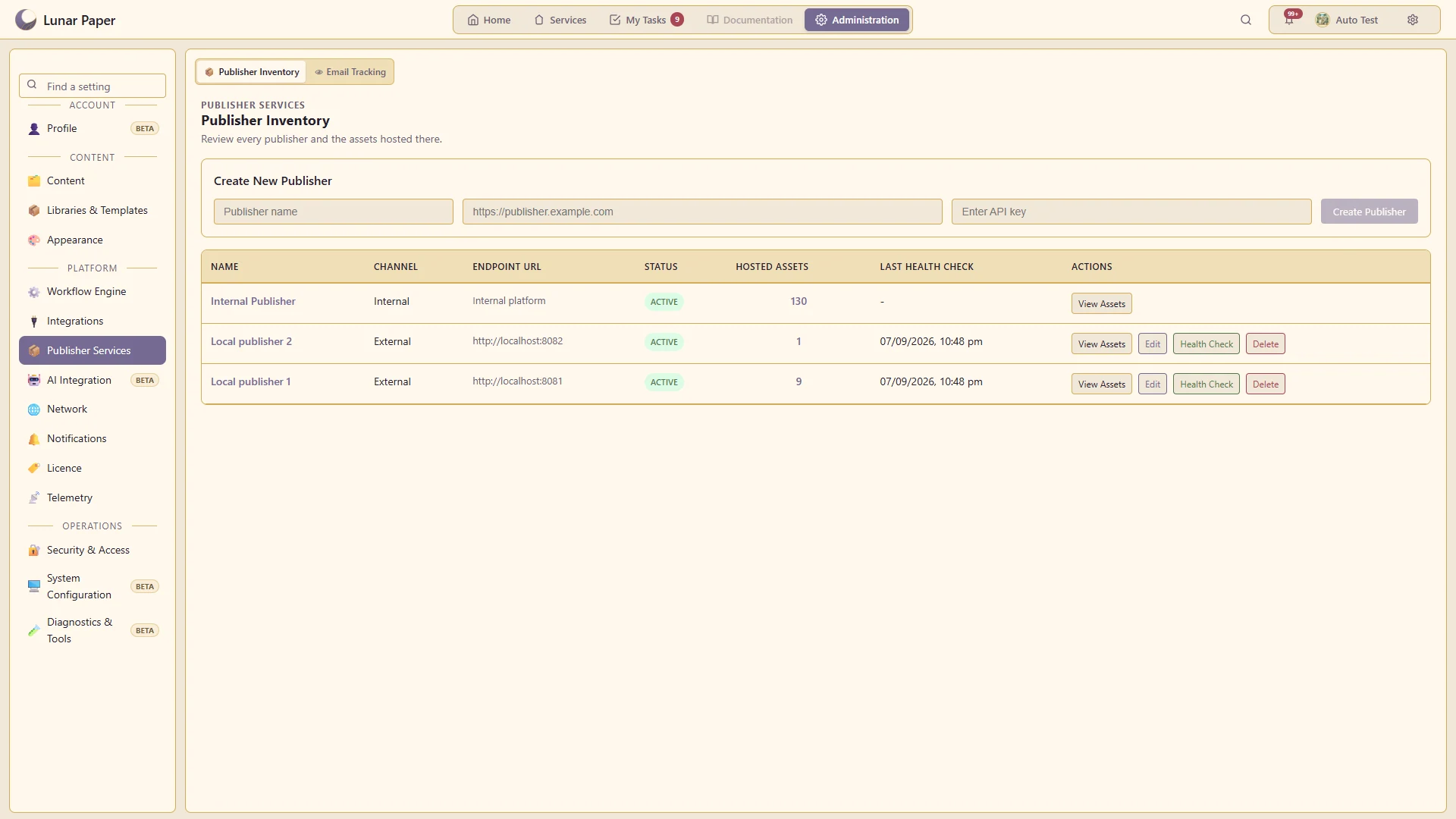
Inspect and configure the destinations used to serve published content.
Follow request, identity, access and surface-security events as they happen.
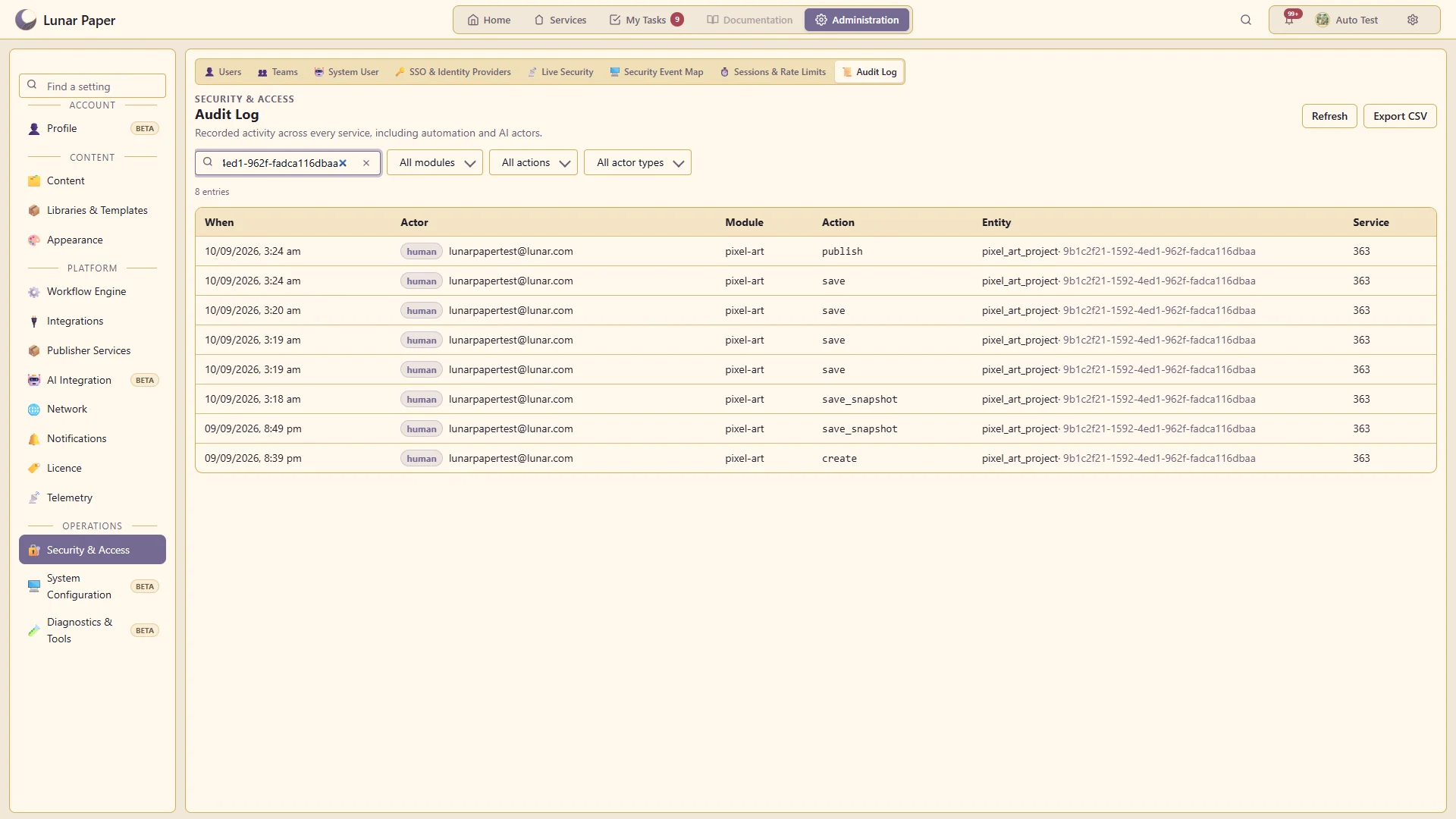
Review recorded administrative and content activity through the central audit surface.
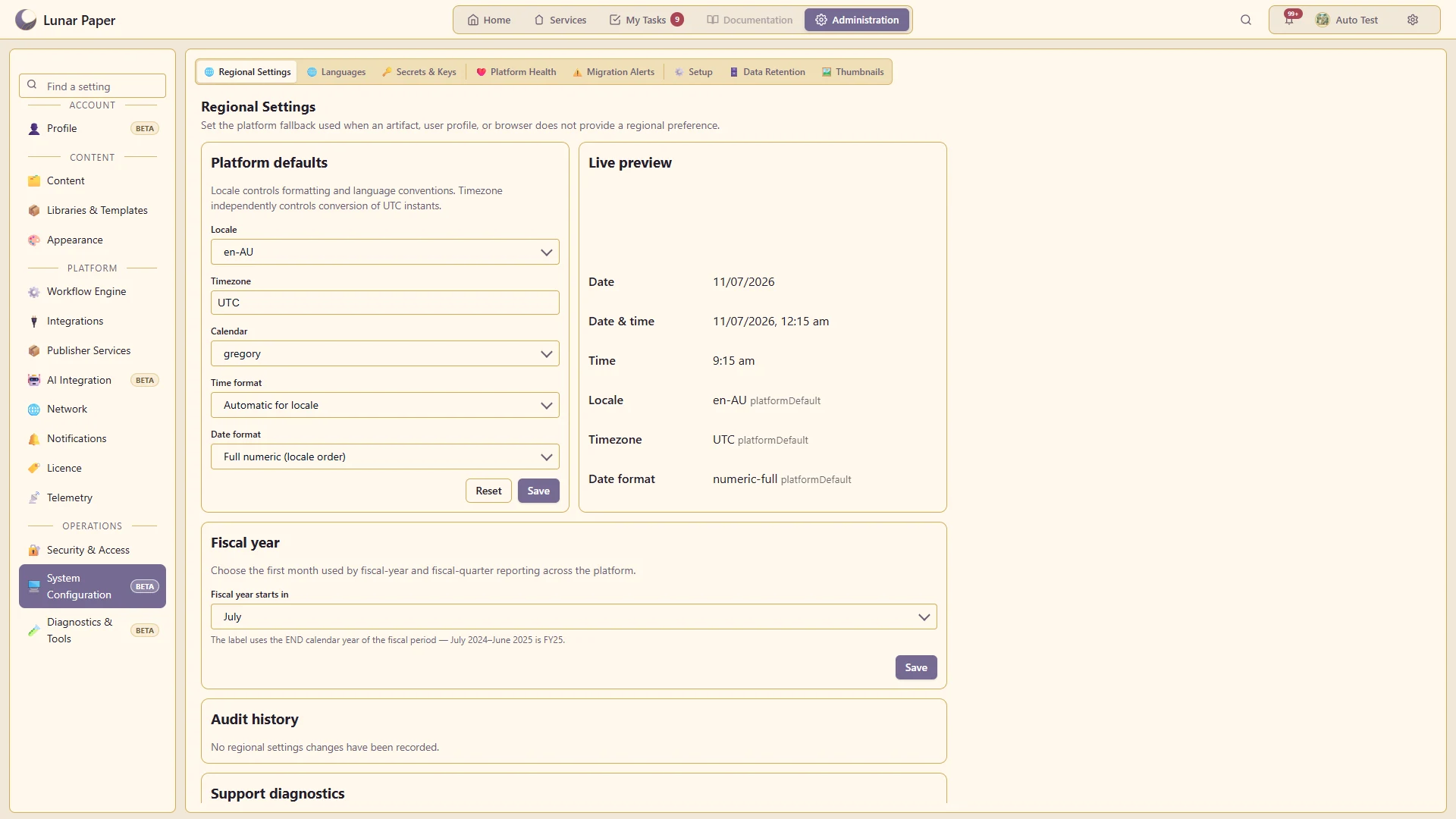
Configure language, dates, times and supported locale overrides.
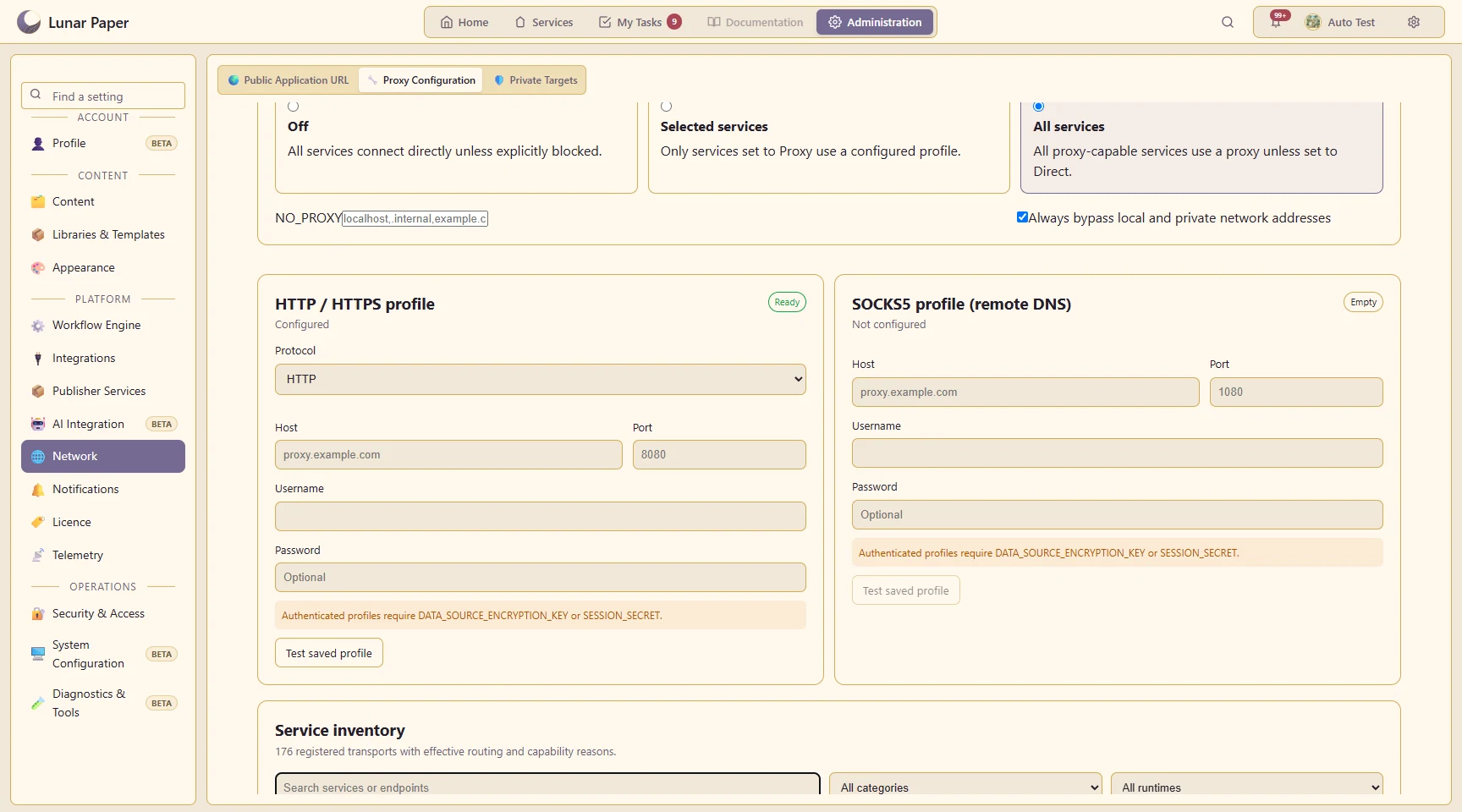
Control how platform services reach external systems through direct or proxied routes.
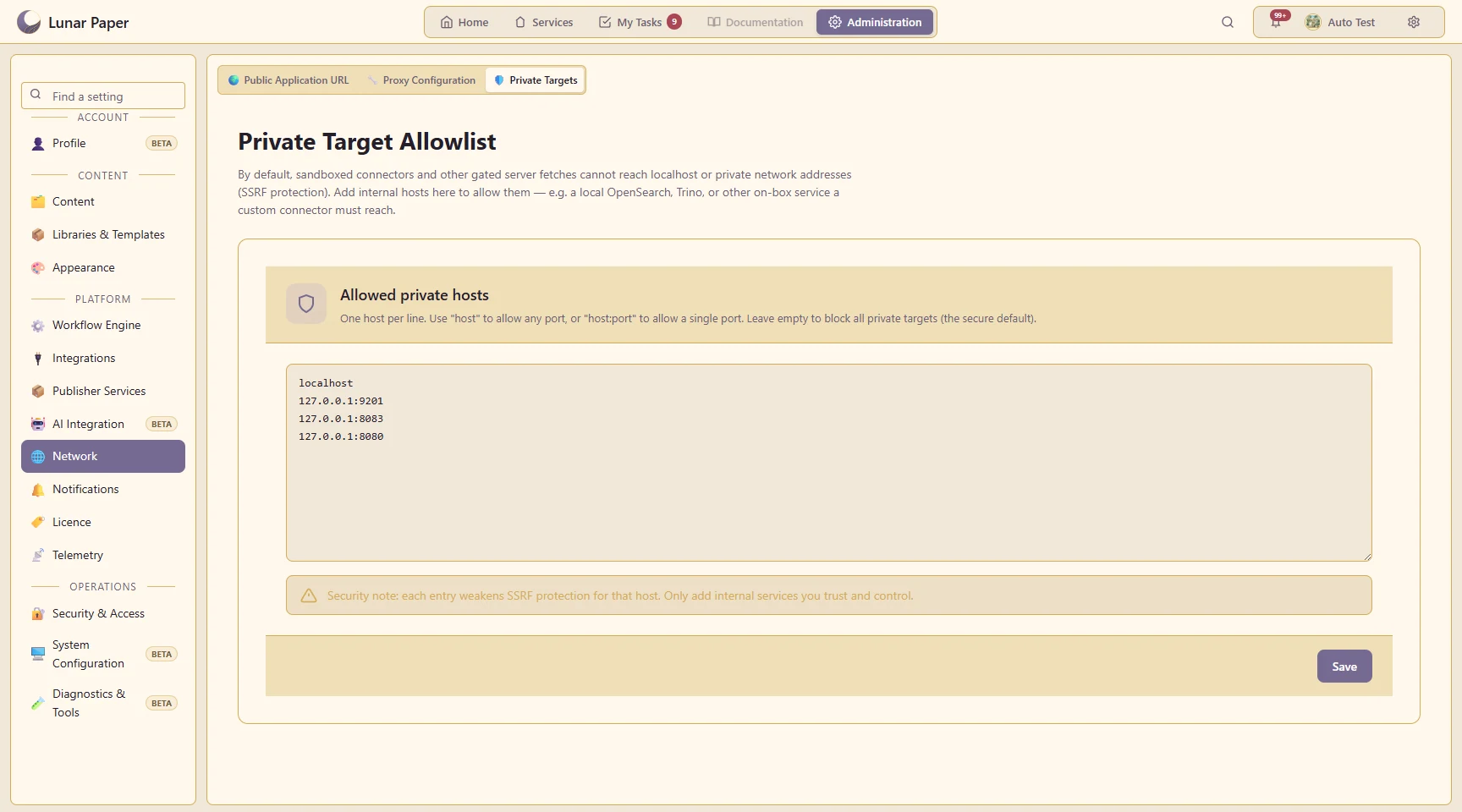
Permit trusted internal hosts while keeping private-network access blocked by default.
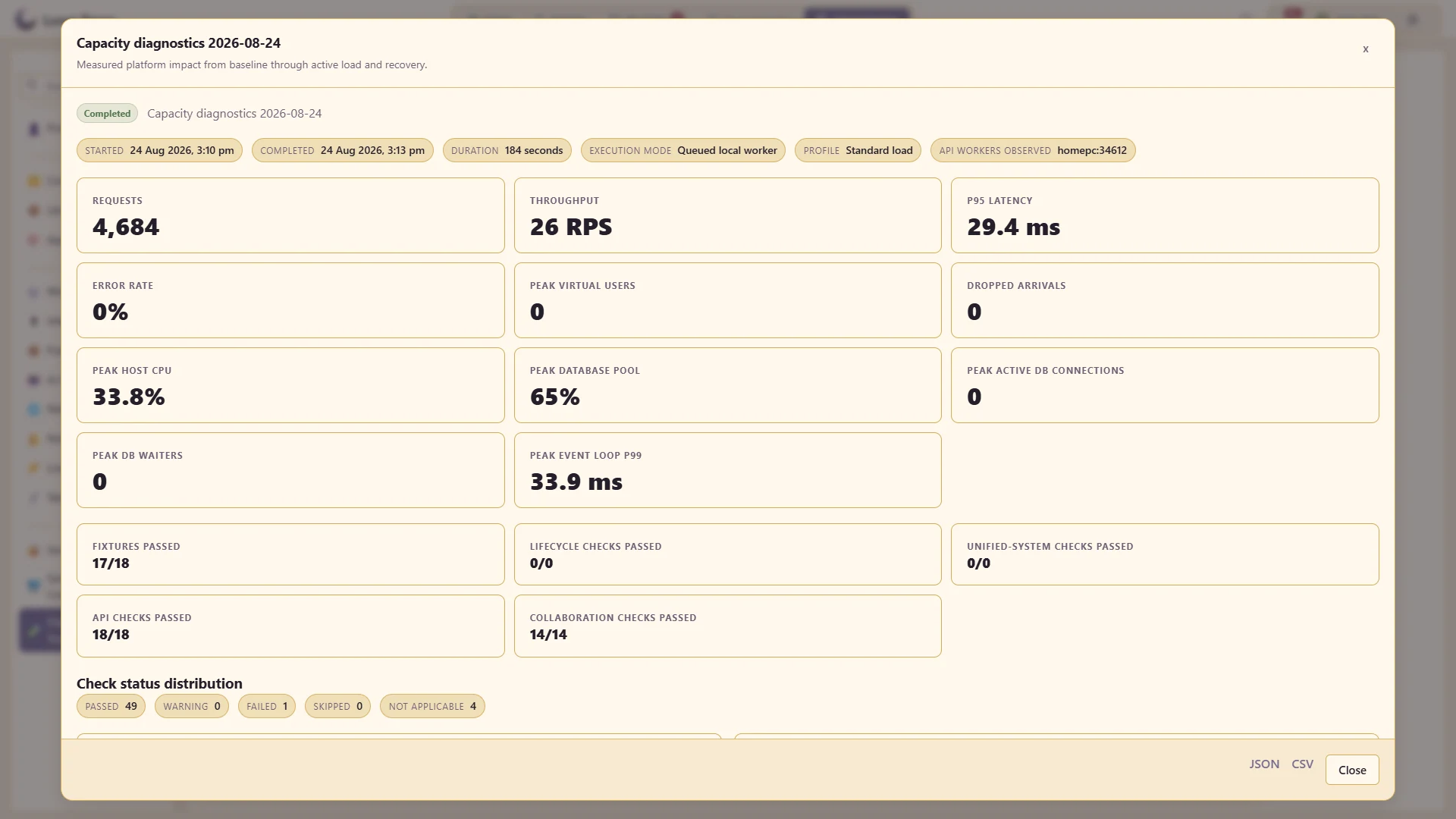
Inspect the installation's entitlement and available capacity-diagnostic information.
The main areas Administration brings together.
Manage users, teams, roles and identity providers from central administrative surfaces.
Maintain themes, icons, document structures, creative libraries and templates used across applications.
Configure data sources, email delivery, publishing destinations and controlled outbound network access.
Inspect live security activity, system behaviour and administrative audit records from operational views.
Control supported languages, date and time conventions, licences and installation-level settings.
Review workflow activity, waiting work and failures alongside the controls used to operate the platform.
Run the platform with all features for free for three people.