Bring pixel art to life. Keep project updates clear.
Lunar Paper 0.8.1 adds animation tools to Pixel Art Studio and improves task sharing and reporting in Project Management.
Pixel Art
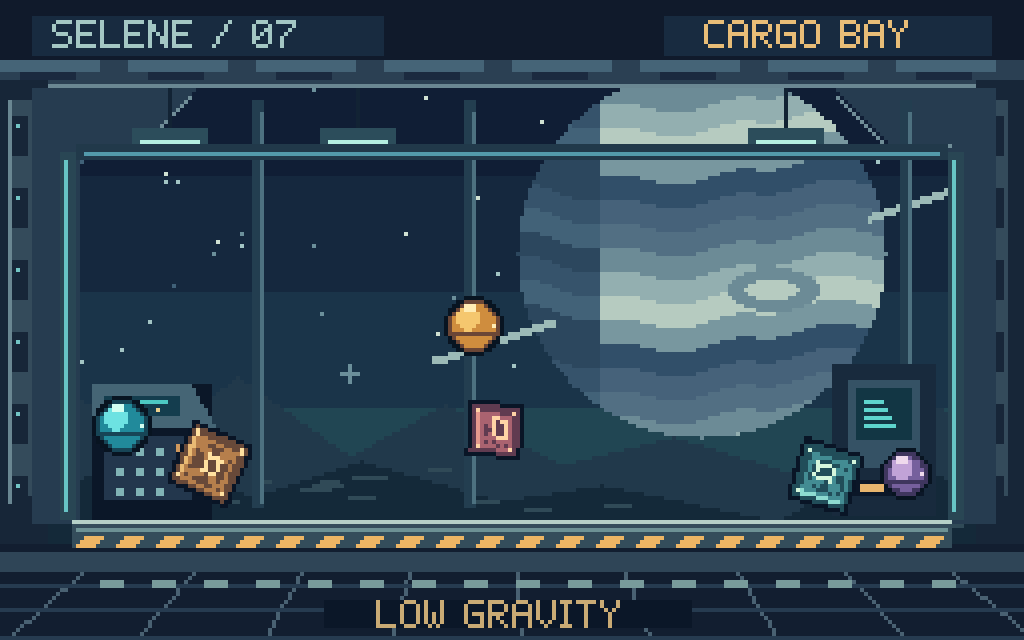
Physics animations
Use fixed layers, moving layers and animated obstacles. Preview collisions along painted outlines, tune gravity and motion, then bake editable frames.
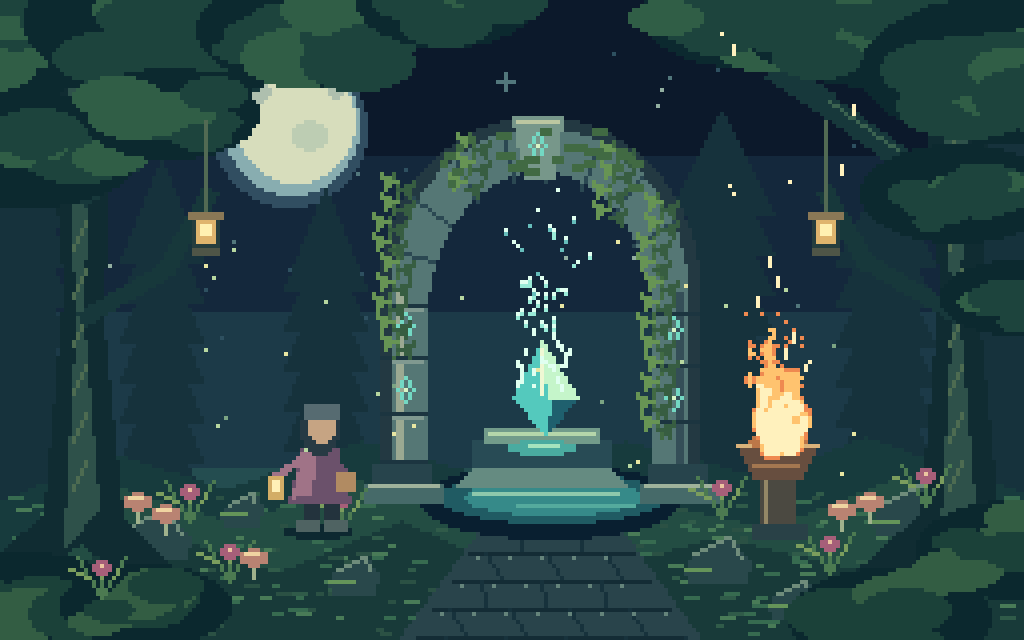
Particle effects
Add sparks, rain, snow, smoke, fire or confetti. Set emission, lifetime, wind and the frame range, then bake the effects into animation frames.
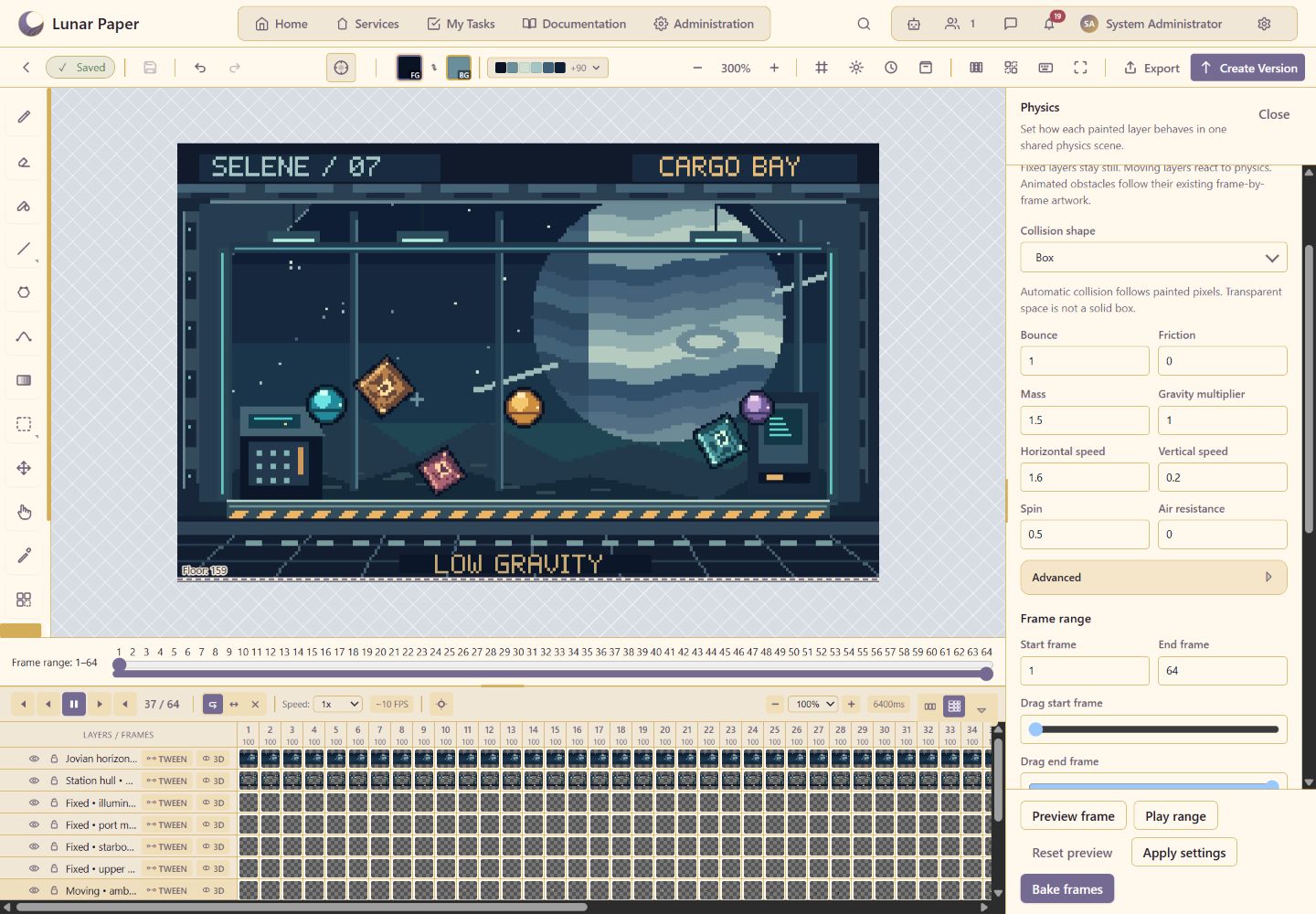
Configure and bake physics
Change speed and spin, preview collisions, then bake the motion into editable frames.
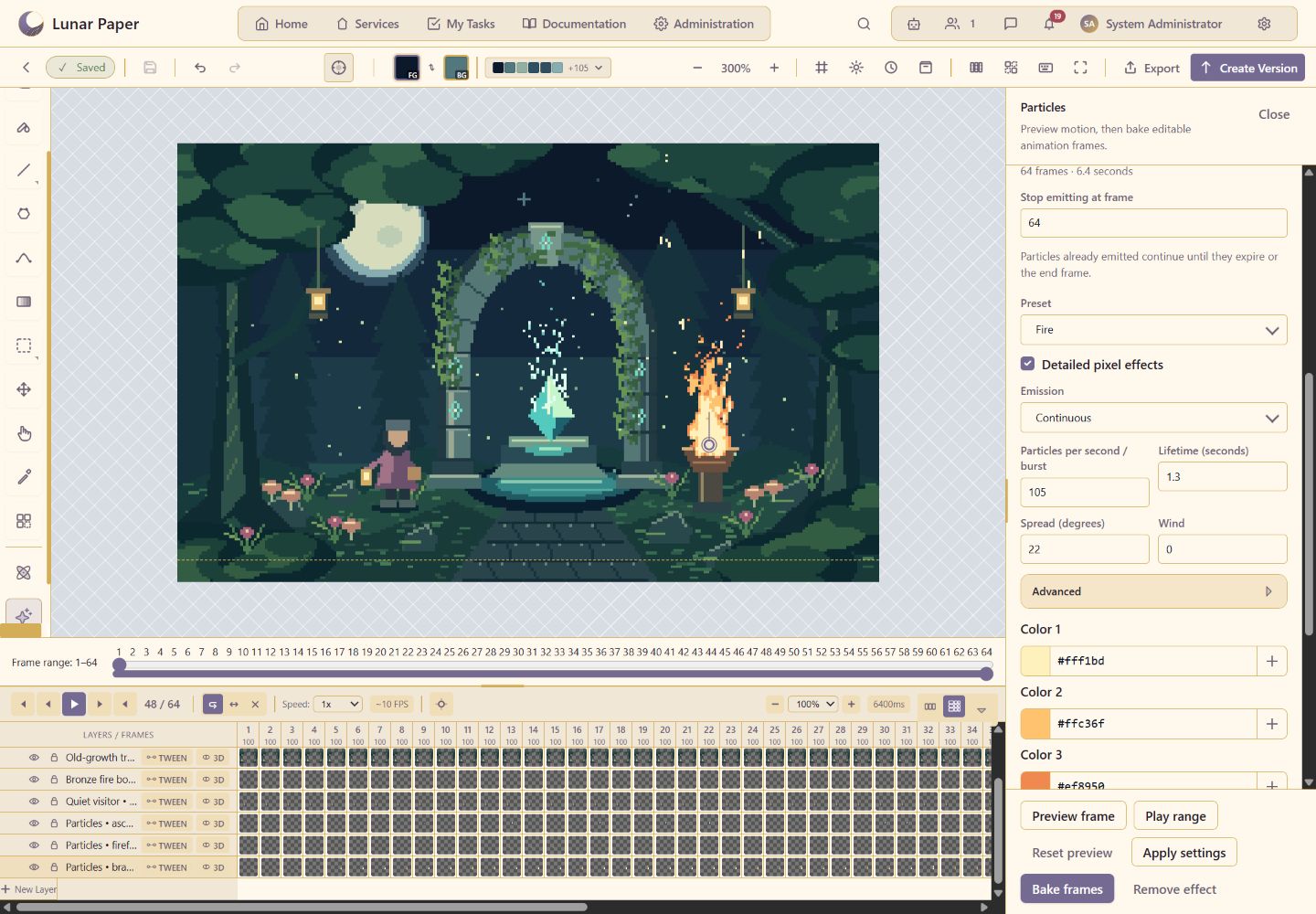
Configure and bake particles
Adjust emission and lifetime, preview the fire effect, then bake it into the selected layer.
The new Hand tool moves painted artwork within the canvas. Resize tool panels and the timeline to make room for drawing or animation controls.
Task summaries and sharing
- Generate summaries or changelogs from selected tasks, a board, milestone, sprint or bucket. Preview and edit the Markdown, then copy or download it.
- Open tasks in a dedicated view, share direct links, and navigate between parent tasks and subtasks.
Installation
Keep populated credentials outside the bundle. Back up existing installations and review the release notes before upgrading. Database initialization and upgrades require explicit action in web setup.