
Shared calendars
Create team calendars that bring events, schedules and operational dates into one coordinated view.
Coordinate the dates, people and availability behind shared work. Team Calendar brings configurable events, recurring schedules, attendance, absence and reminders into shared service calendars, so teams can plan together, understand who is available and connect calendar activity to the work that follows.
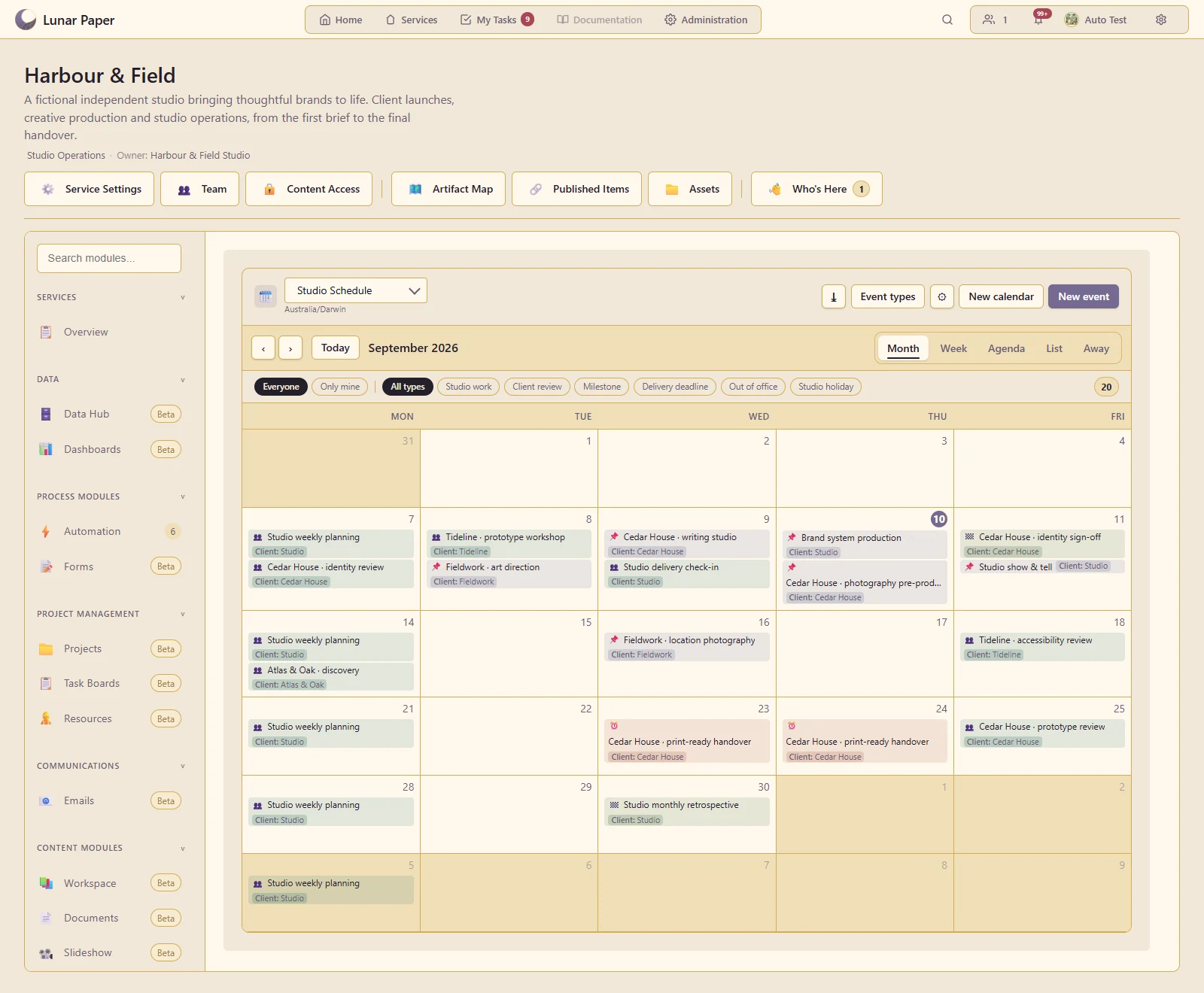
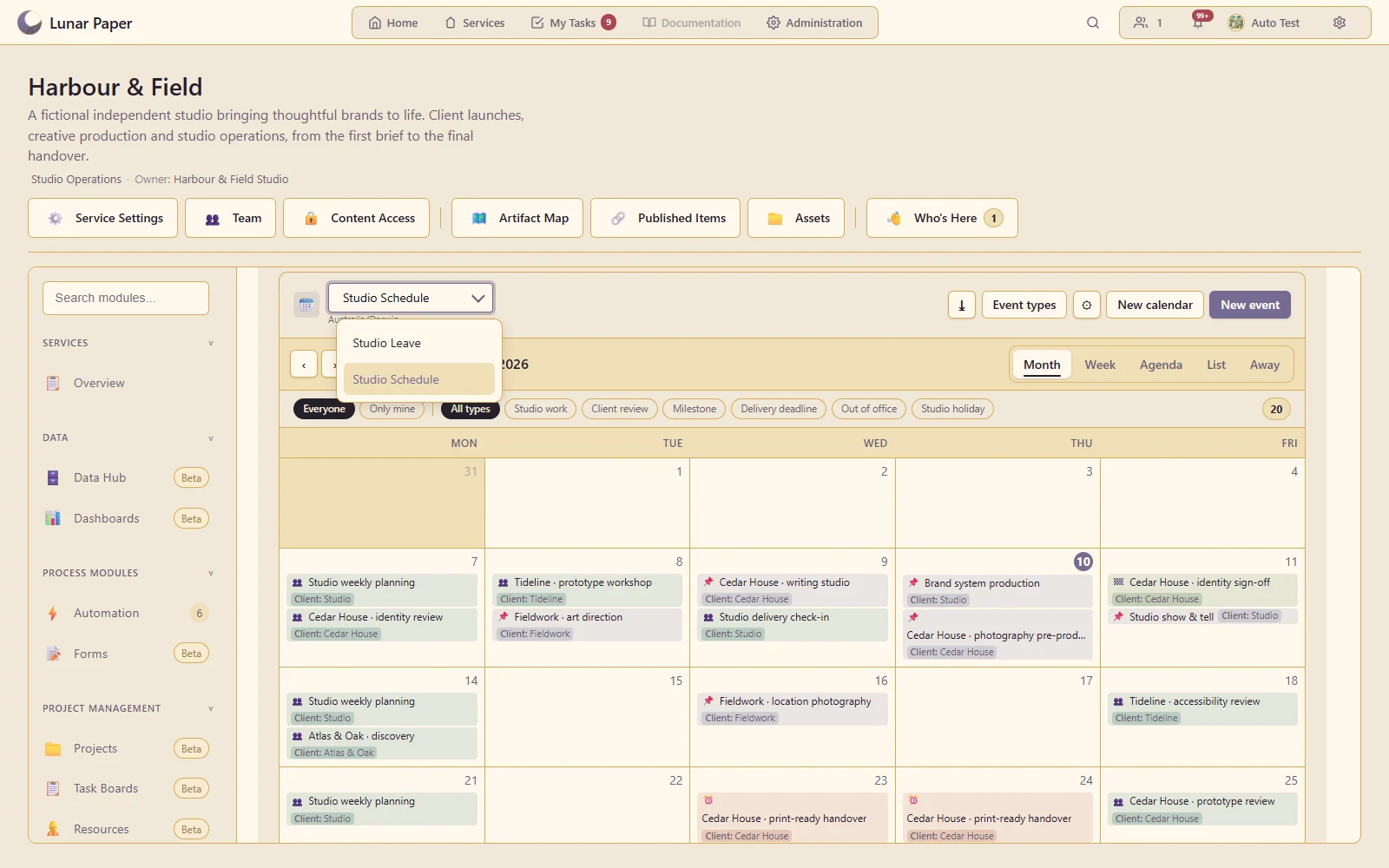
See the team's commitments and event categories across a full month.
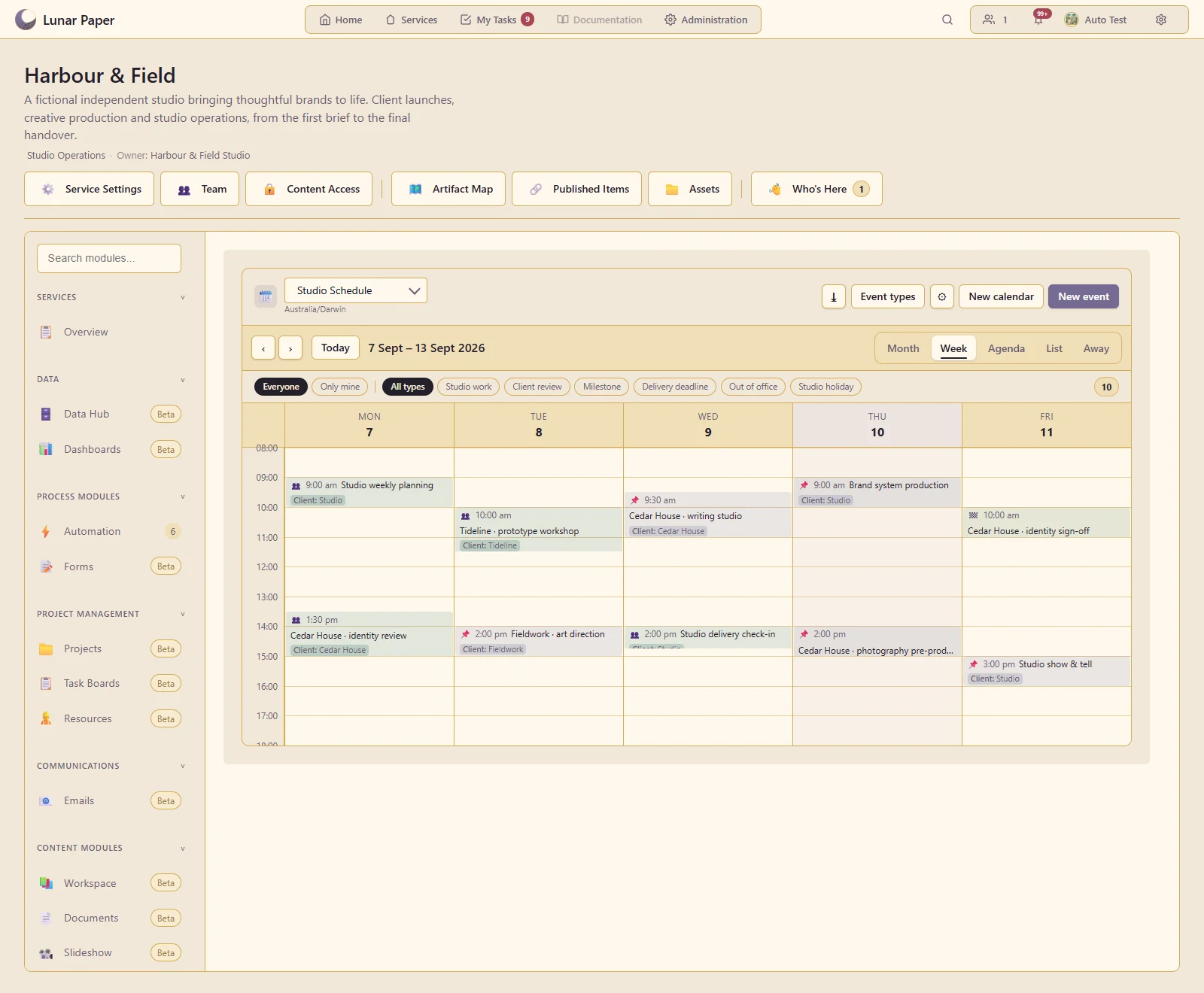
Inspect timed events in the context of the working week.
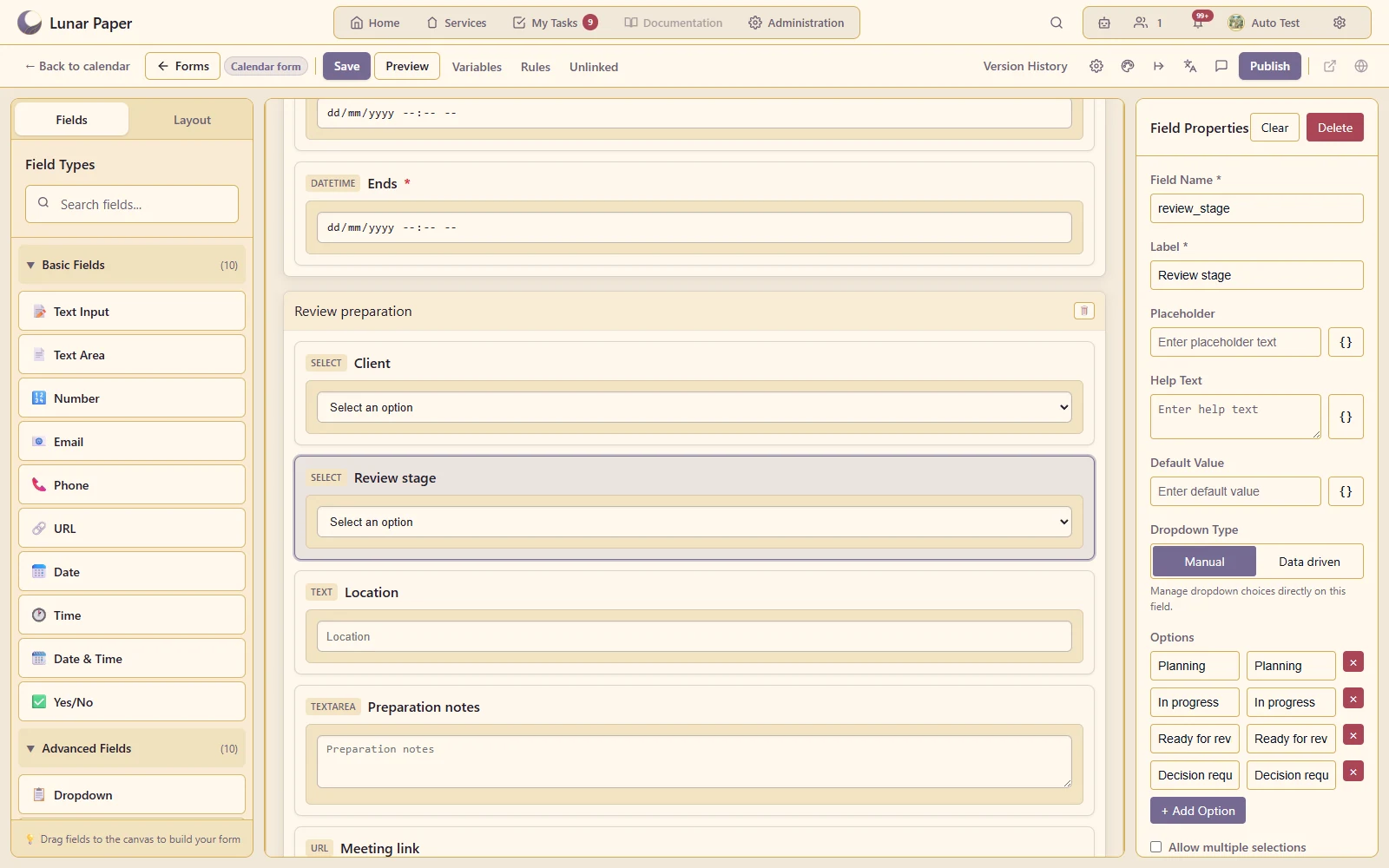
Use the form builder to give different calendars the fields they need.
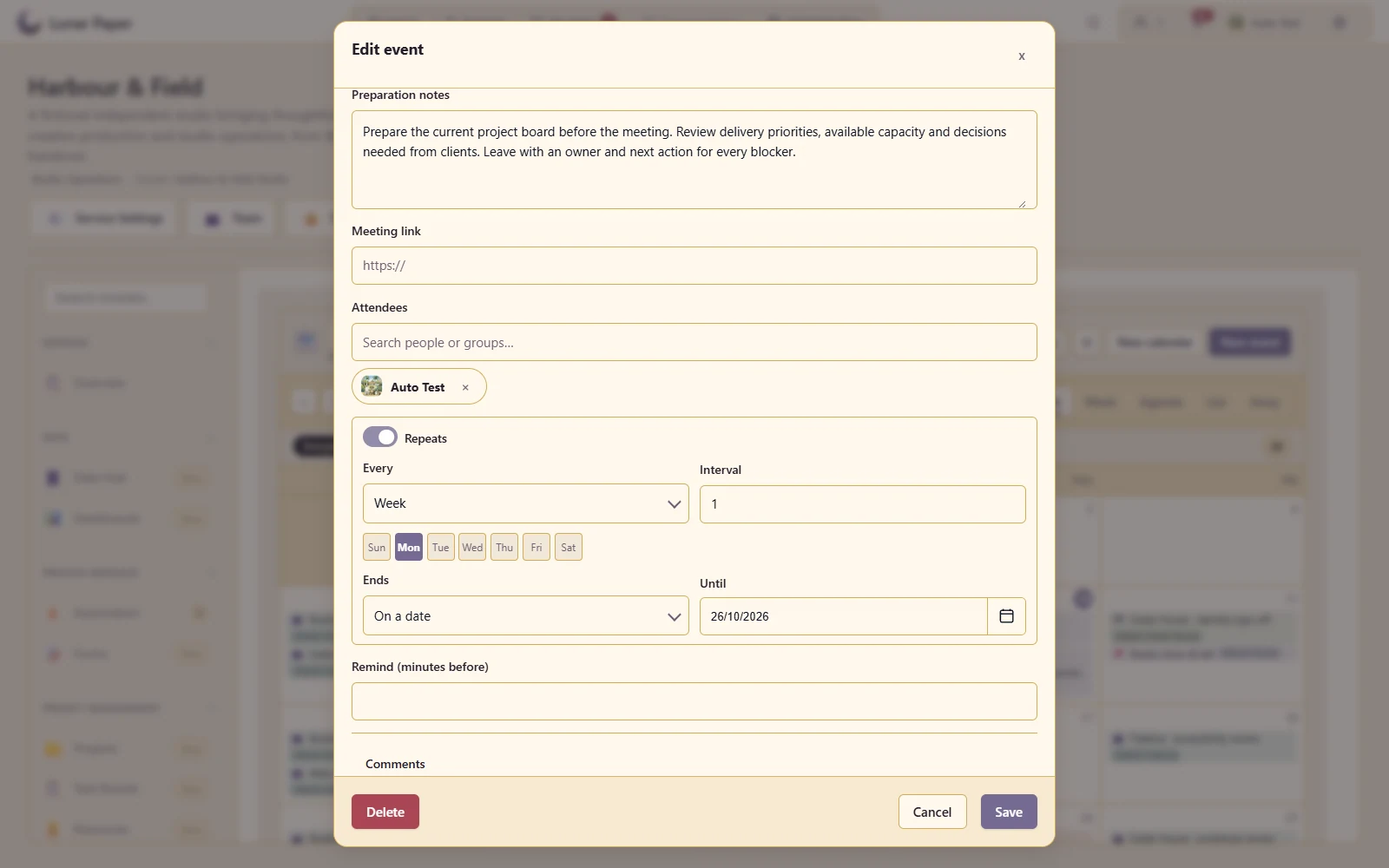
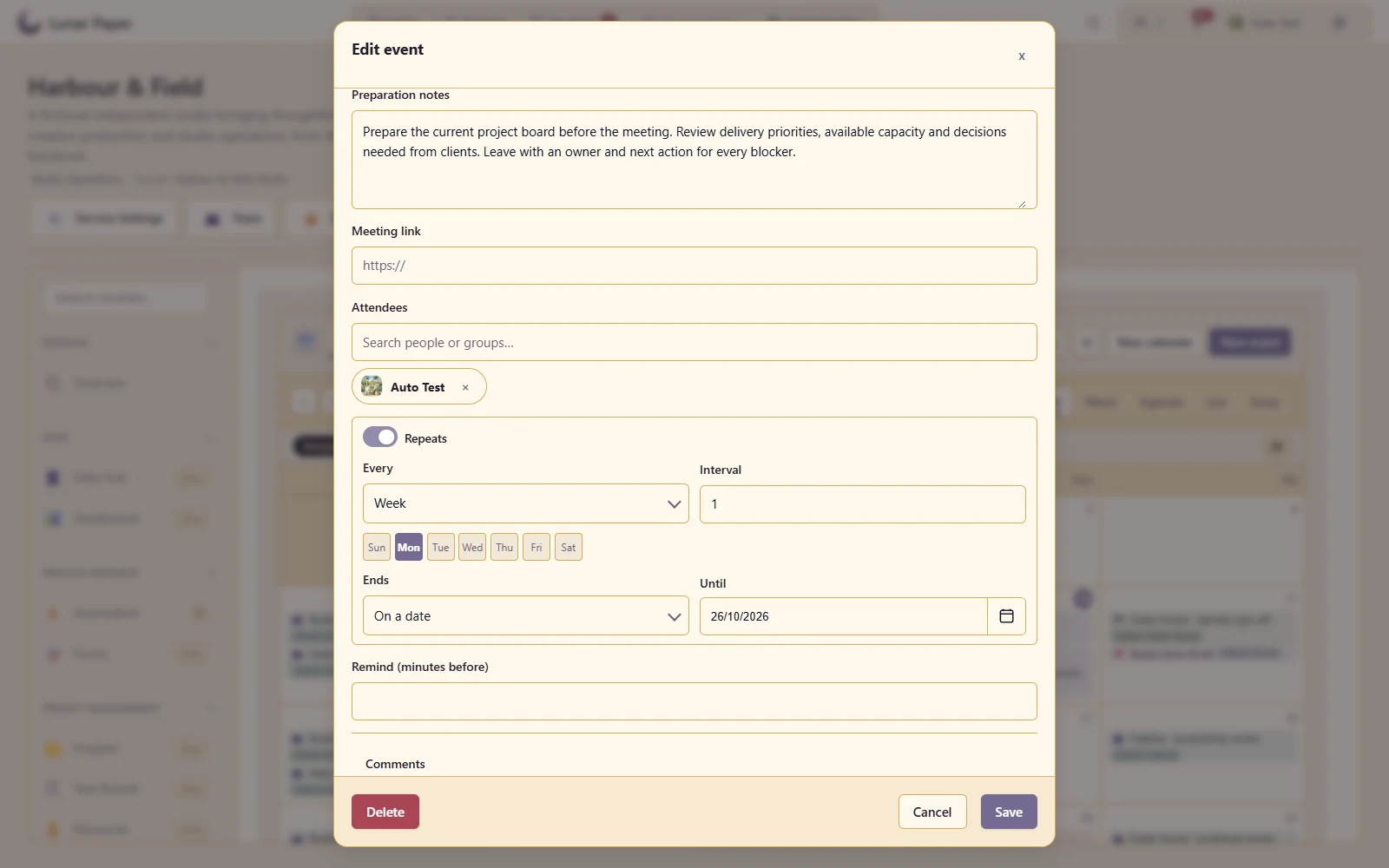
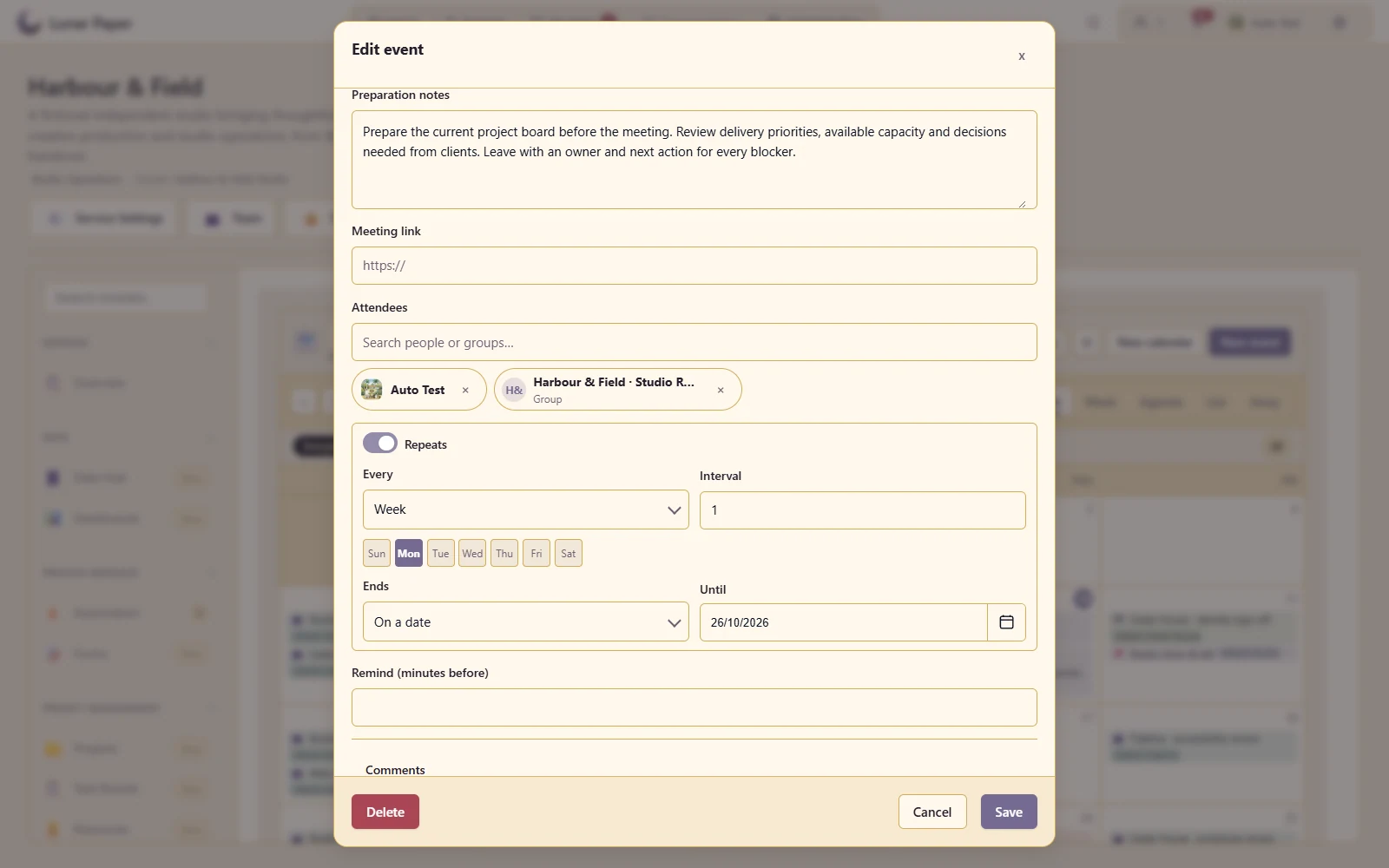
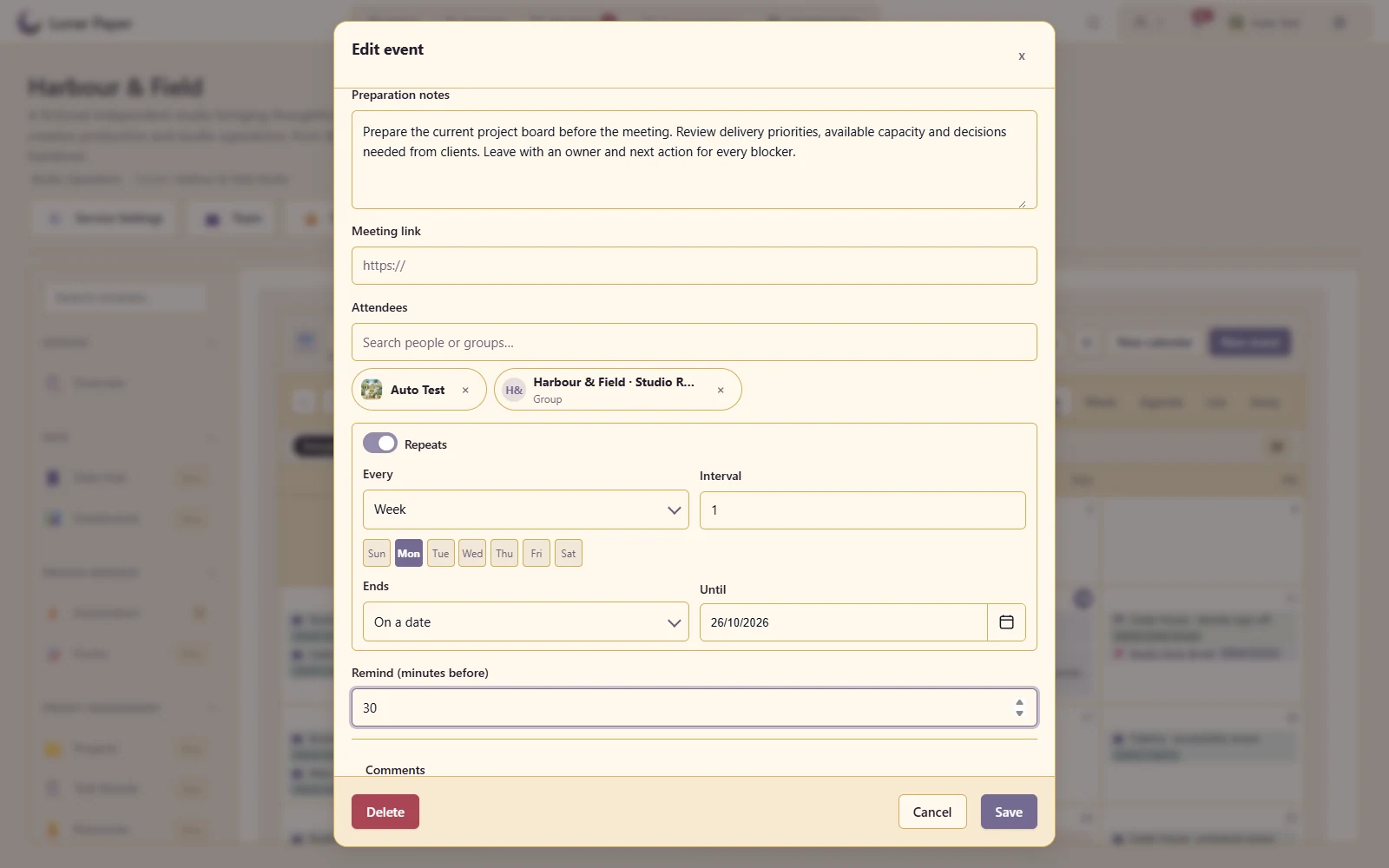
Create a repeating team rhythm and edit an individual occurrence when plans change.
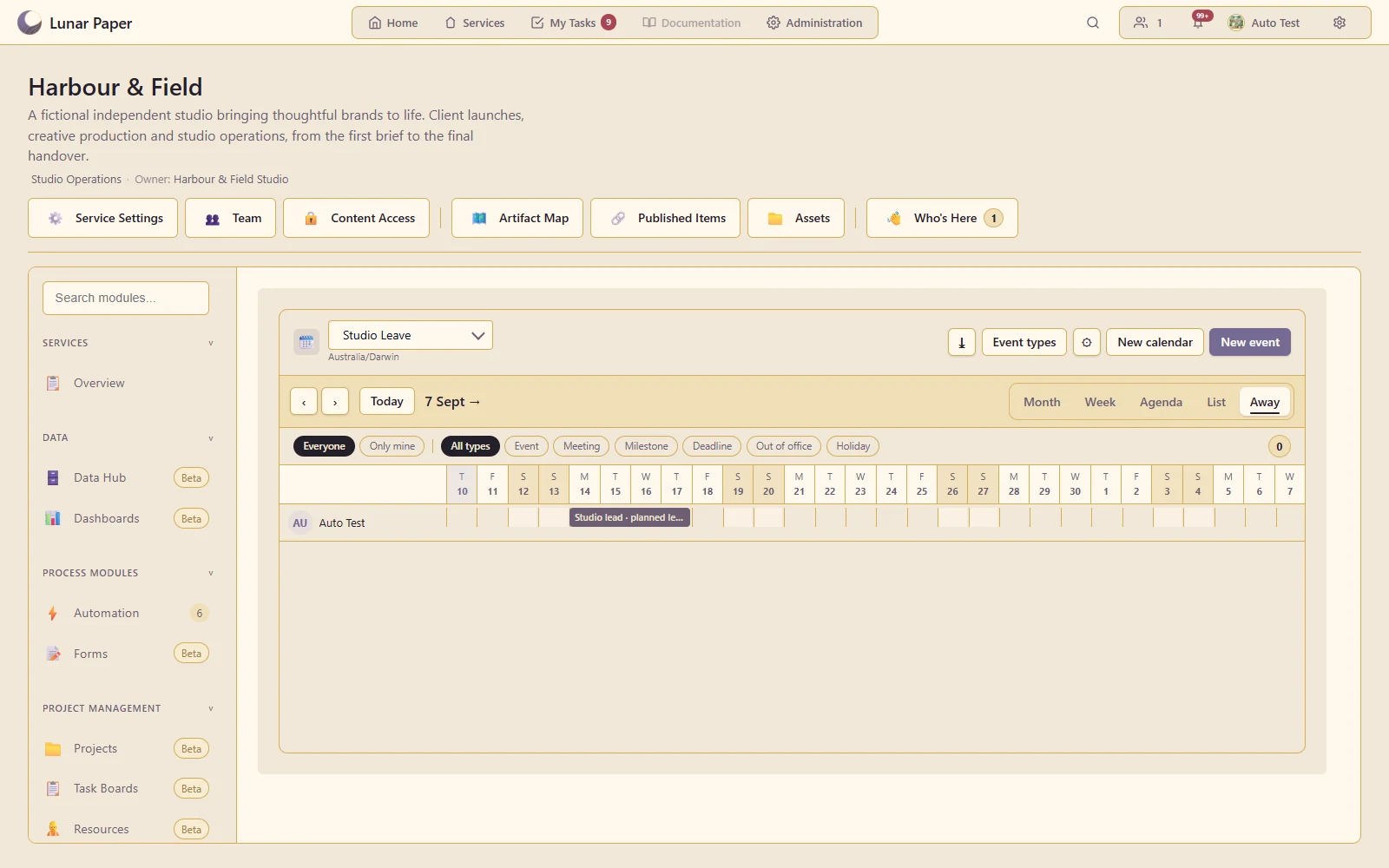
Record absence and view the team's out-of-office information.
Keep distinct schedules, such as delivery, leave and editorial activity, within one service.
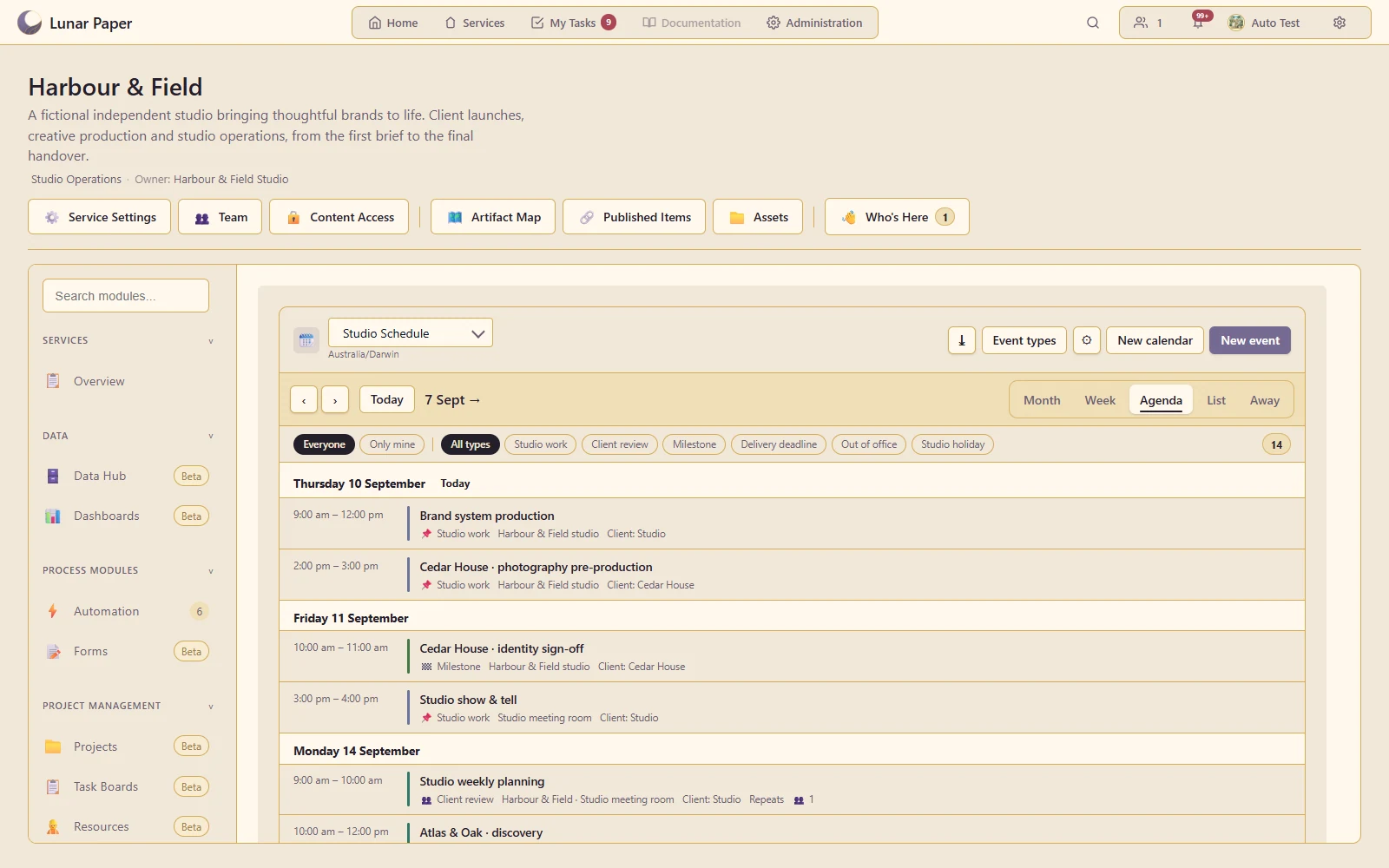
Read upcoming events as a chronological schedule.
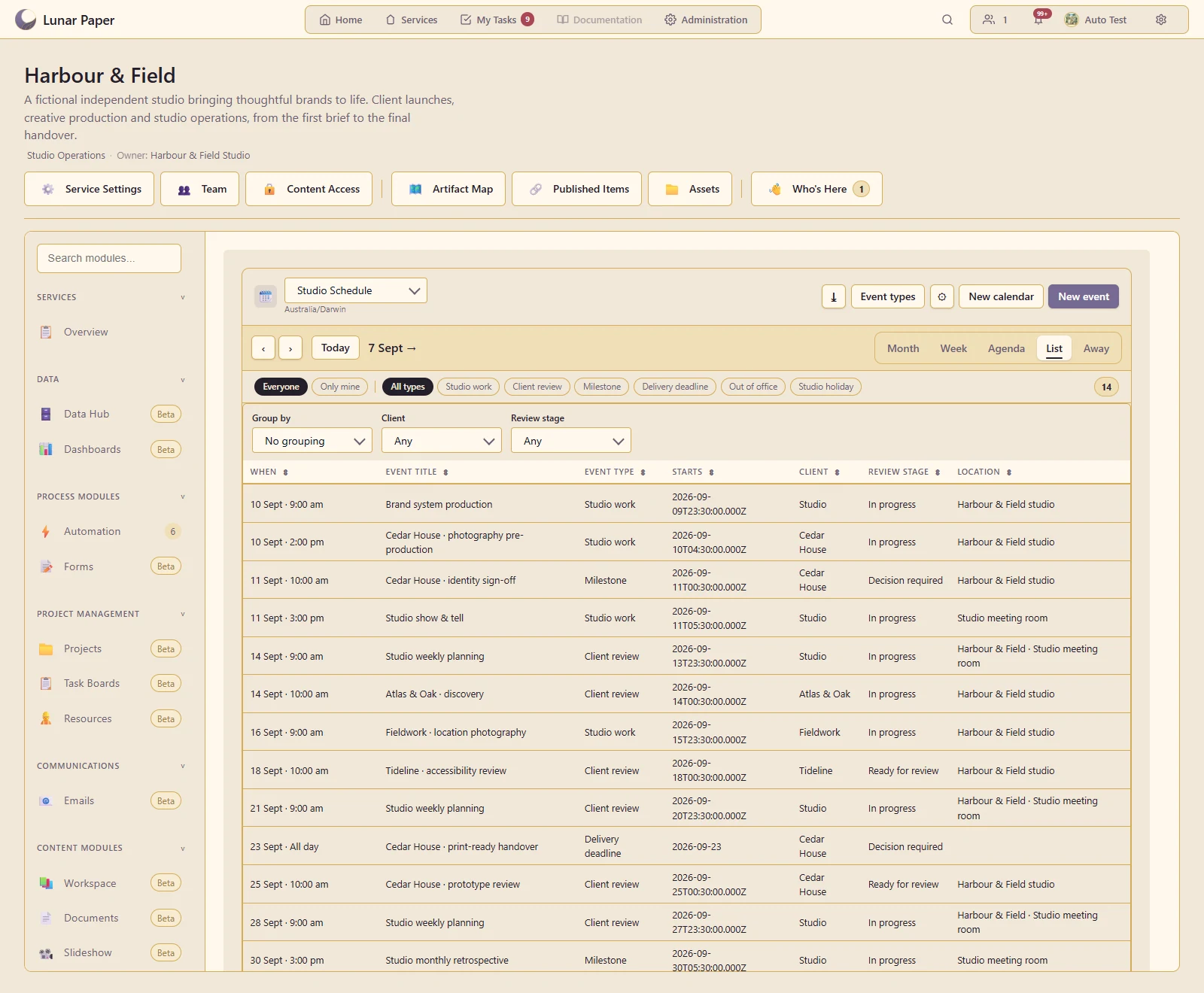
Compare event details and custom fields in a structured list.
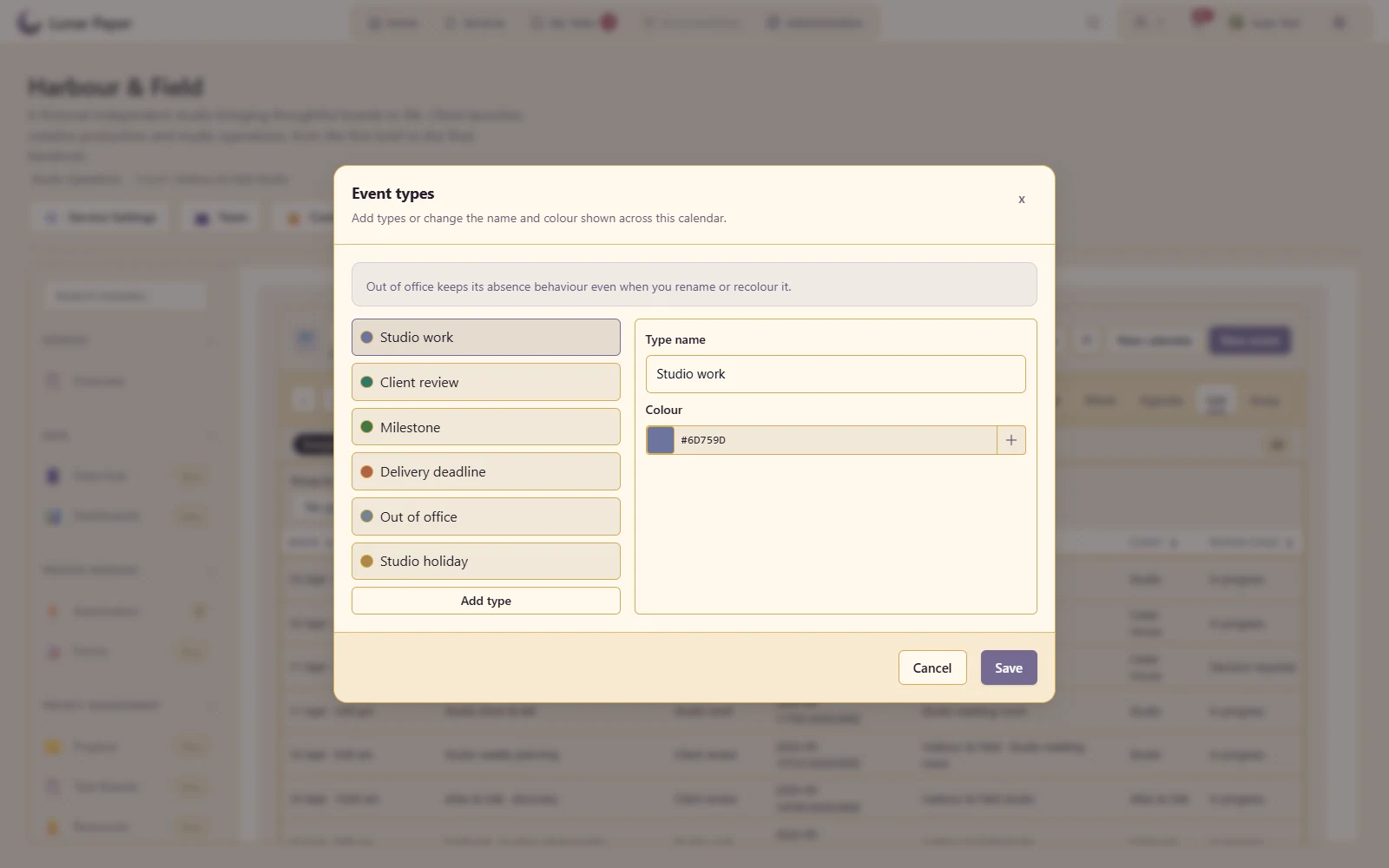
Define a recognisable vocabulary for the team's different kinds of event.
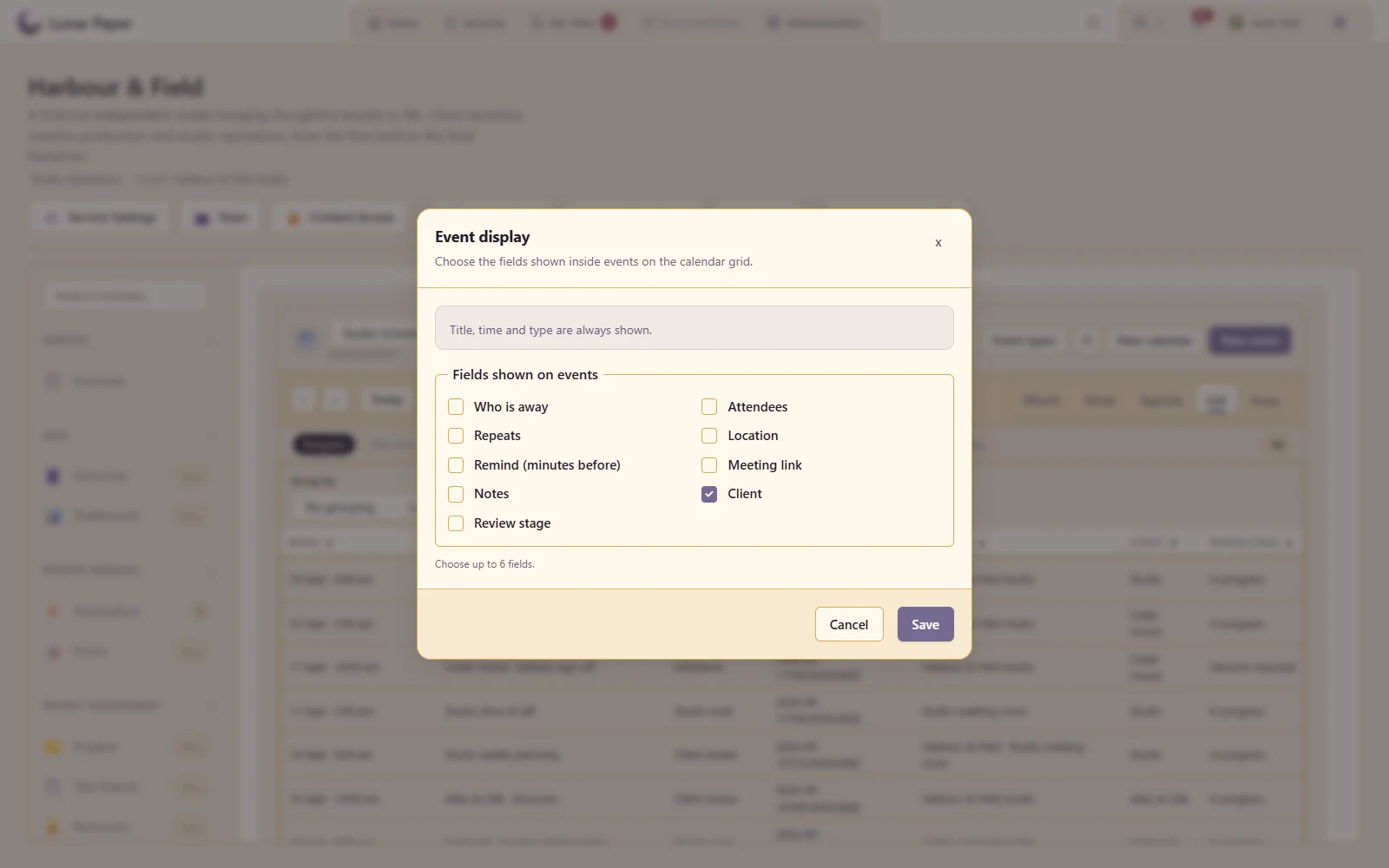
Choose which additional fields appear directly on the calendar grid.
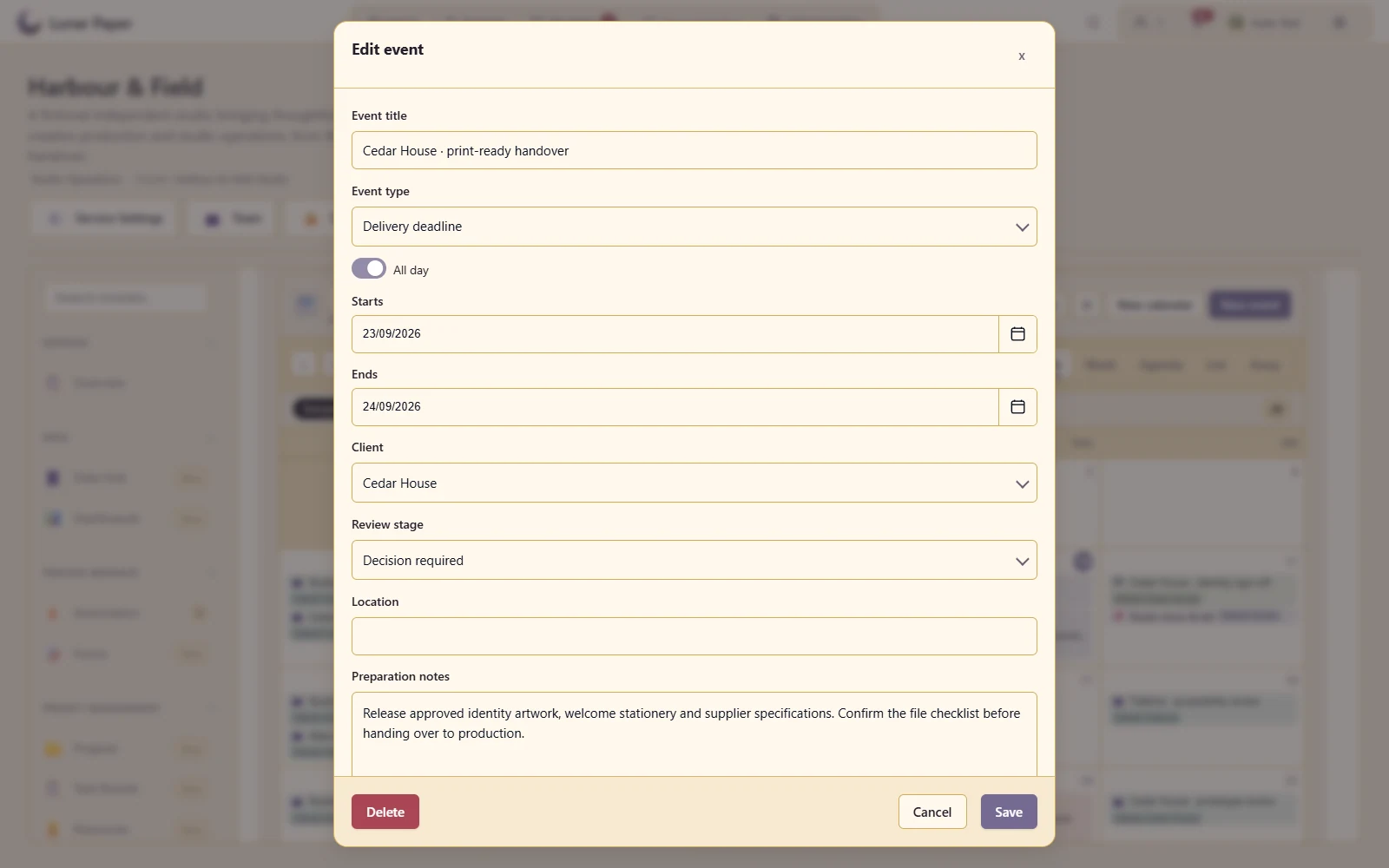
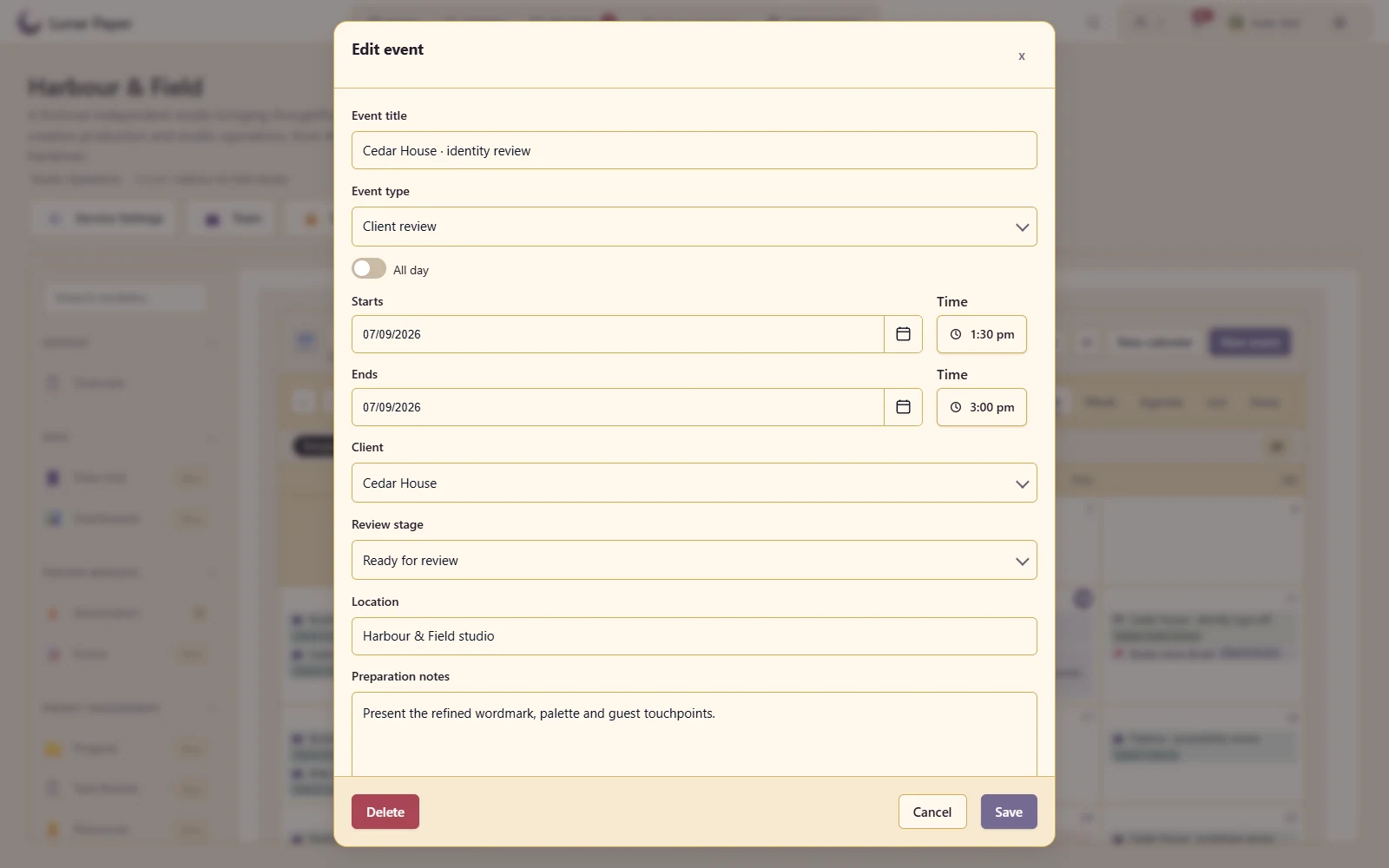
Represent a meeting differently from a whole-day commitment.
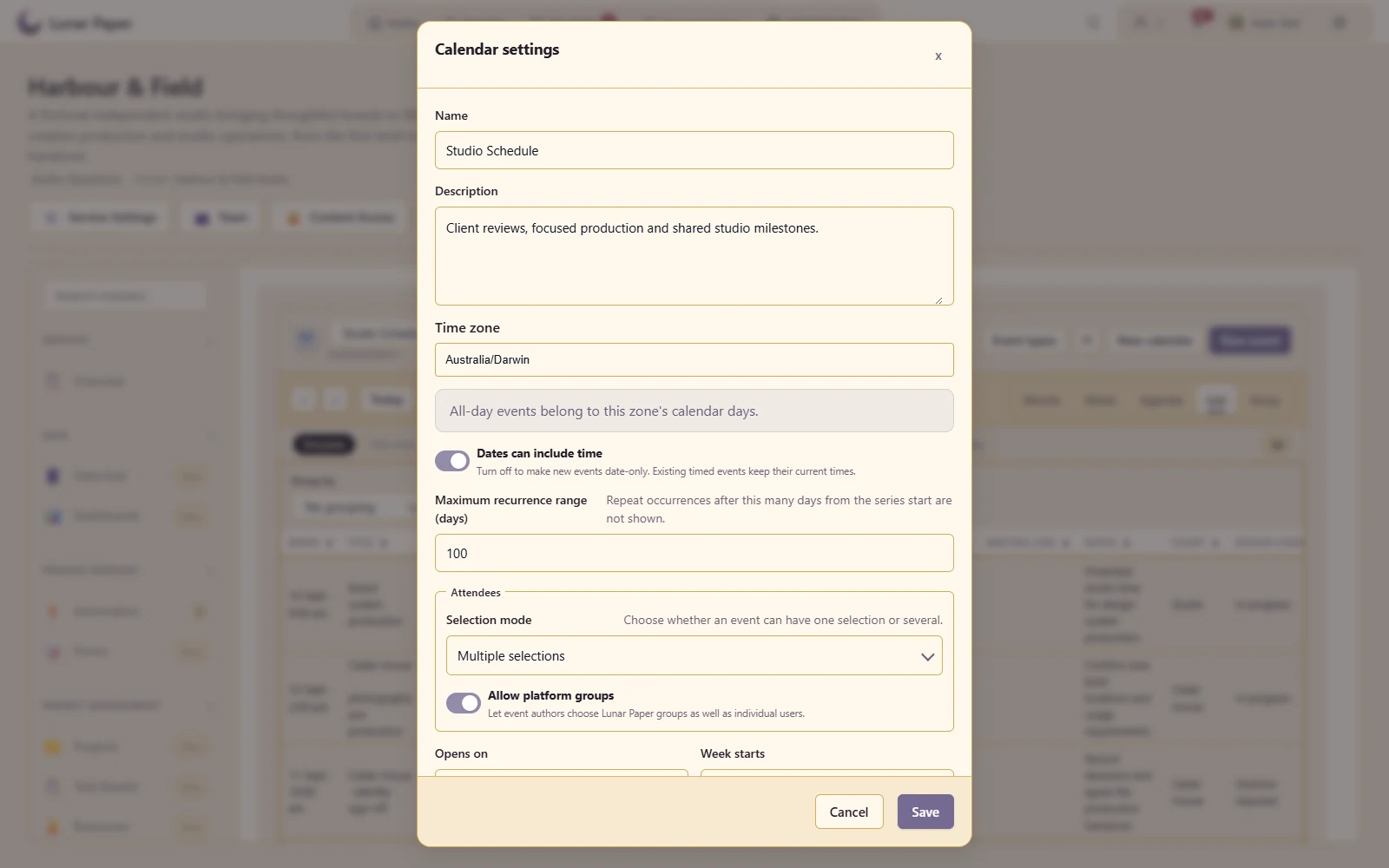
Set the calendar's time context and working-day presentation.
Associate an event with selected people in the service.
Select platform groups when the calendar permits group attendance.
Give an event enough context for somebody to attend or prepare.
Send the configured event reminders, including email when a transport is available.
Export a bounded period as CSV or iCalendar for further use.
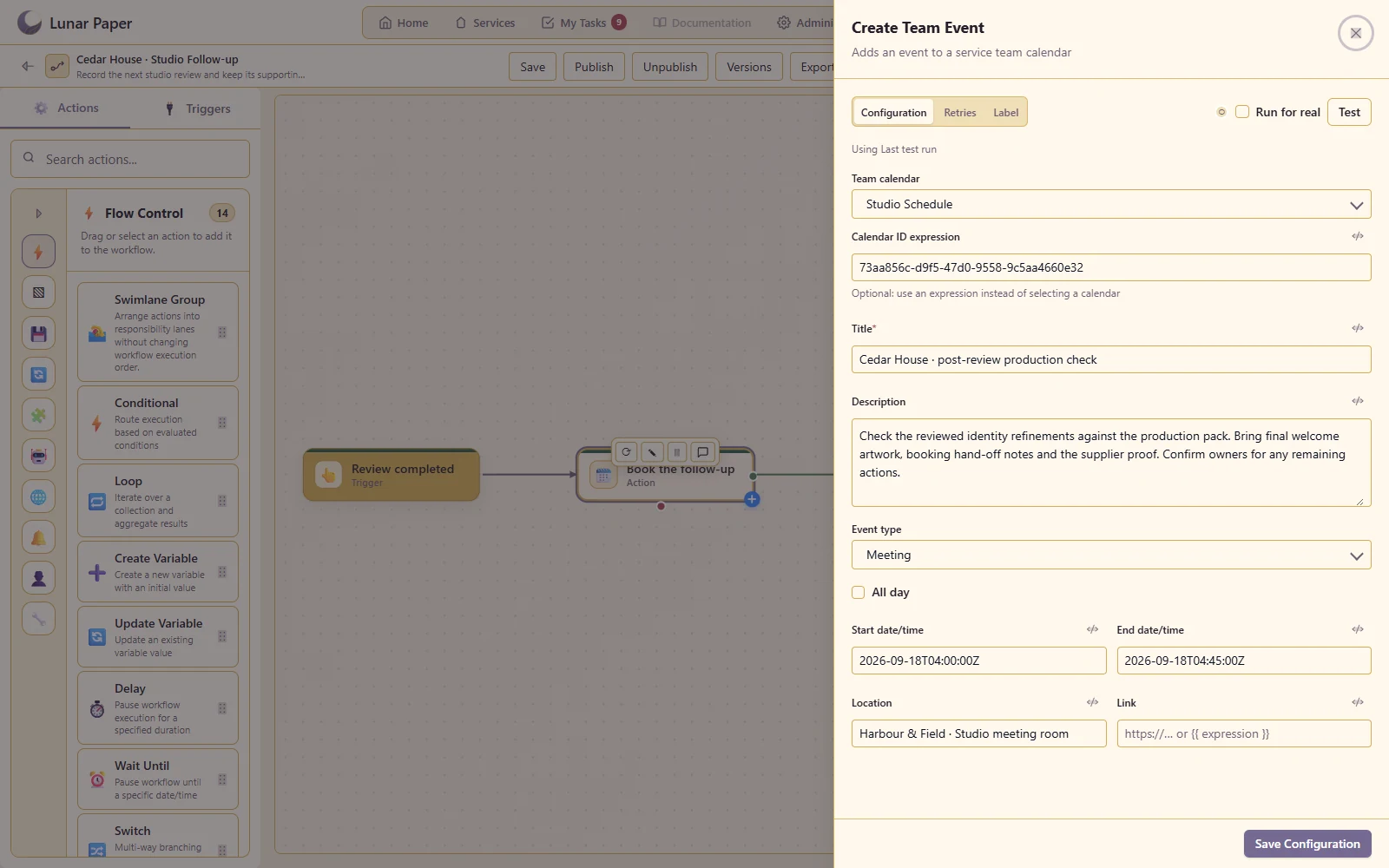
Place a follow-up event on the calendar as part of an automated process.
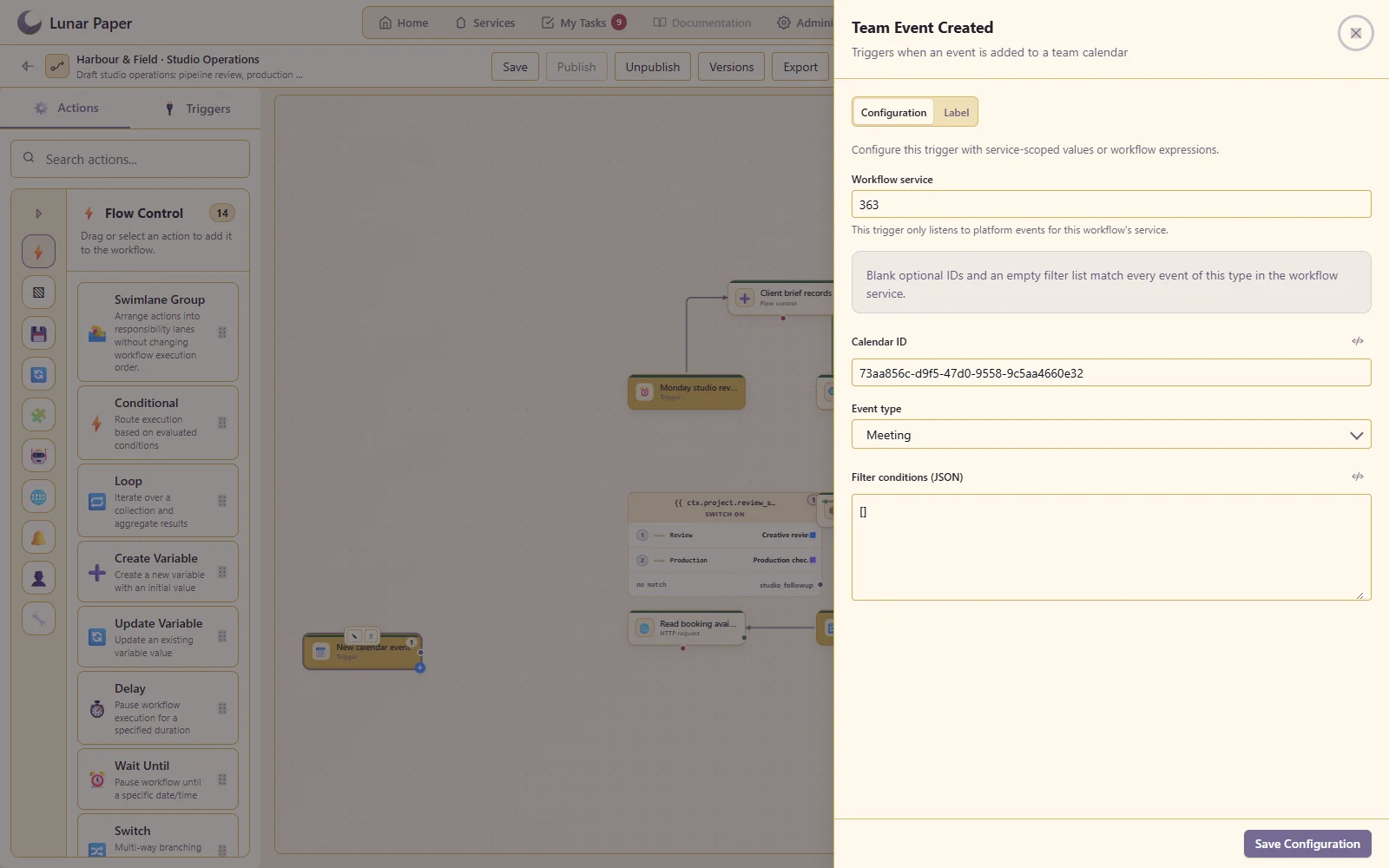
Start configured workflows from supported calendar changes.
Show changes reaching other viewers while respecting event ownership and editor permissions.
The main areas Team Calendar brings together.
Create team calendars that bring events, schedules and operational dates into one coordinated view.
Move through different time ranges and list-based views to match planning, coordination and review needs.
Capture the people, timing, context and supporting information needed to act on an event.
Coordinate attendees, understand availability and manage repeating events without duplicating the work.
Organise busy calendars with meaningful event types, fields, filters and presentation choices.
Support reminders, exports, automation and controlled collaboration around shared schedules.
Run the platform with all features for free for three people.