
Flexible boards
Create boards and workflows that reflect how a team receives, organises and completes work.
Organise and deliver day-to-day work in one shared place. Task Boards brings tasks, owners, priorities, dates, dependencies and discussion into a configurable workflow, so teams can see what is moving, what is blocked and what needs attention next.
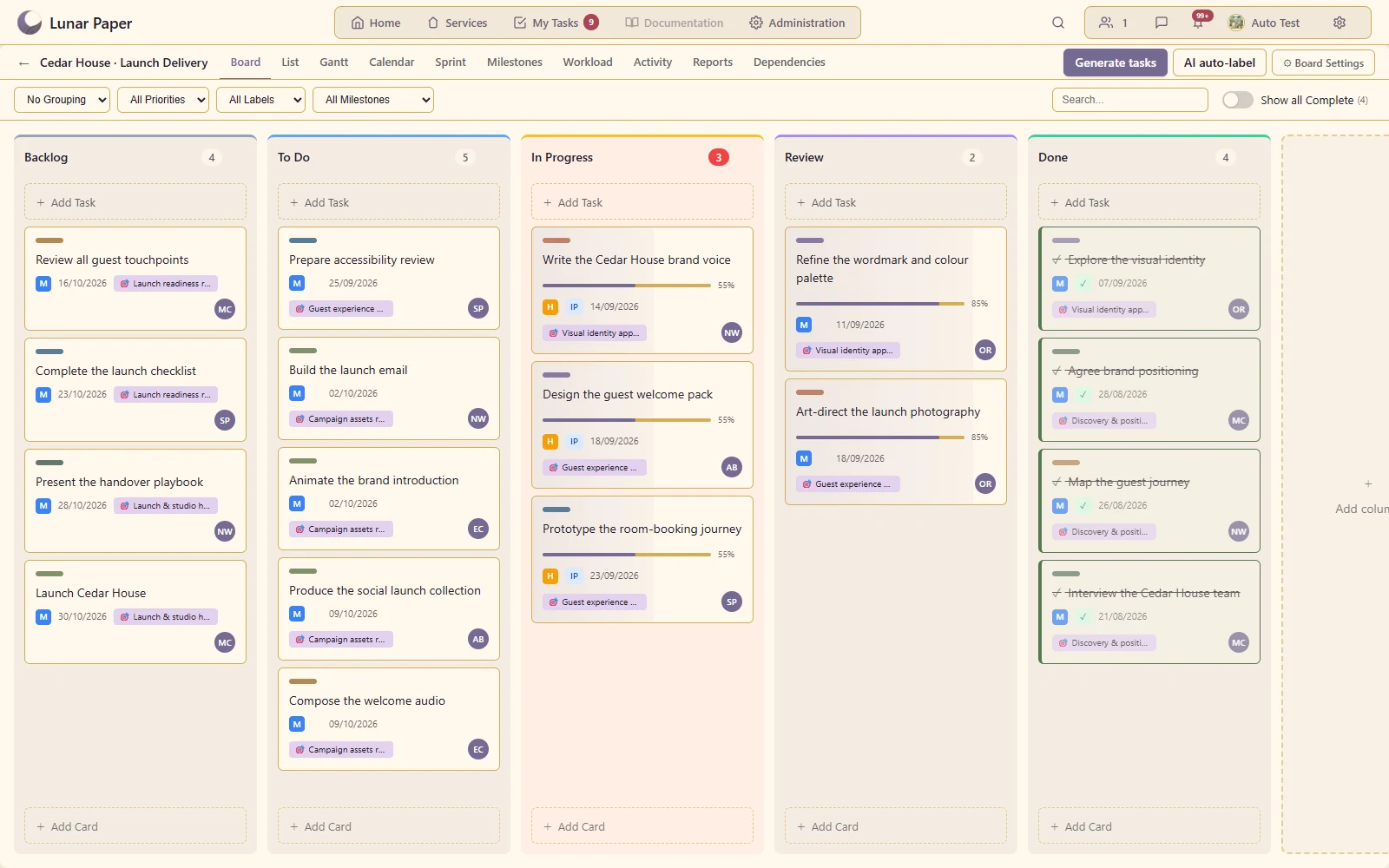
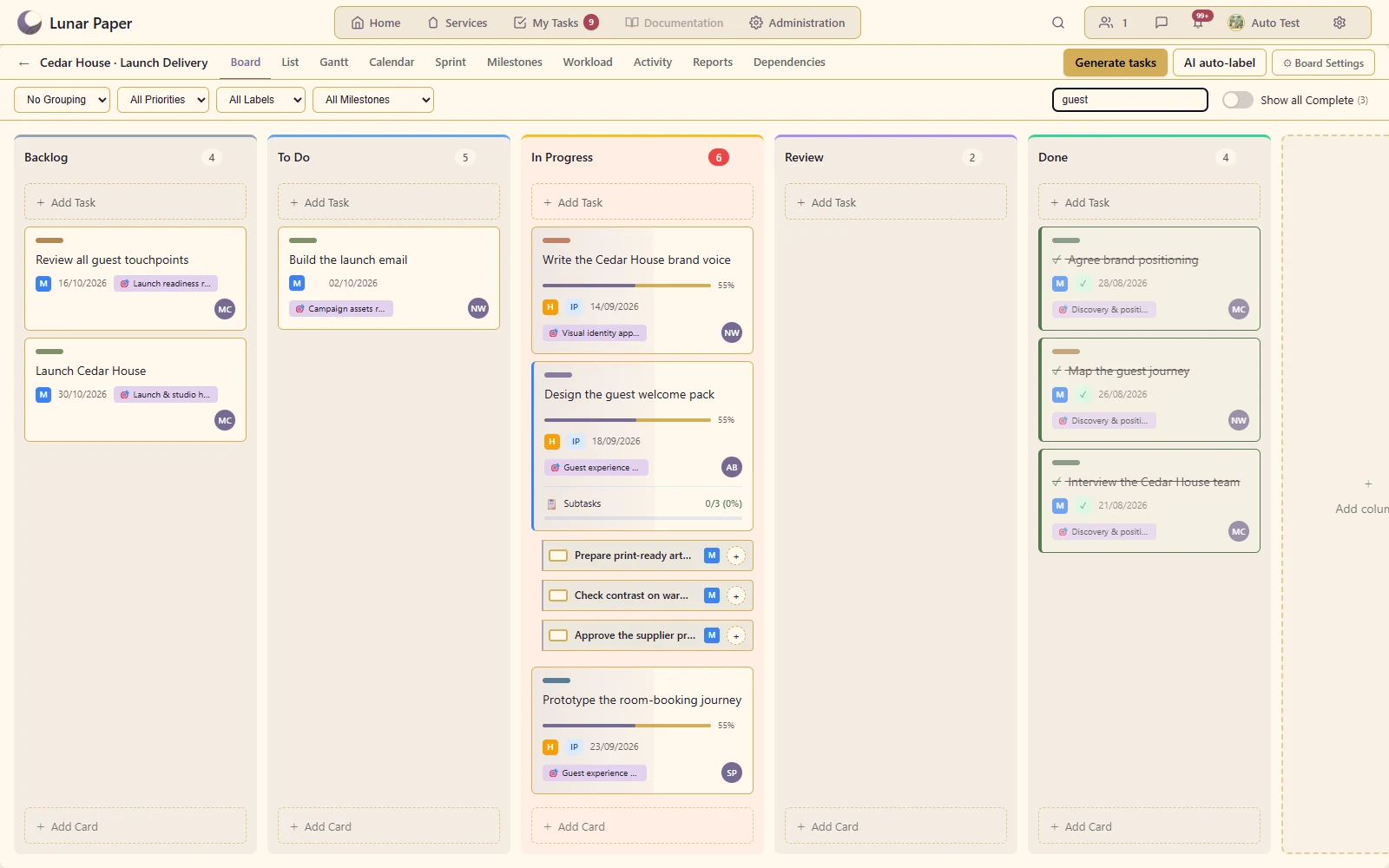
Move meaningful work through a configurable delivery process with clear card ownership.
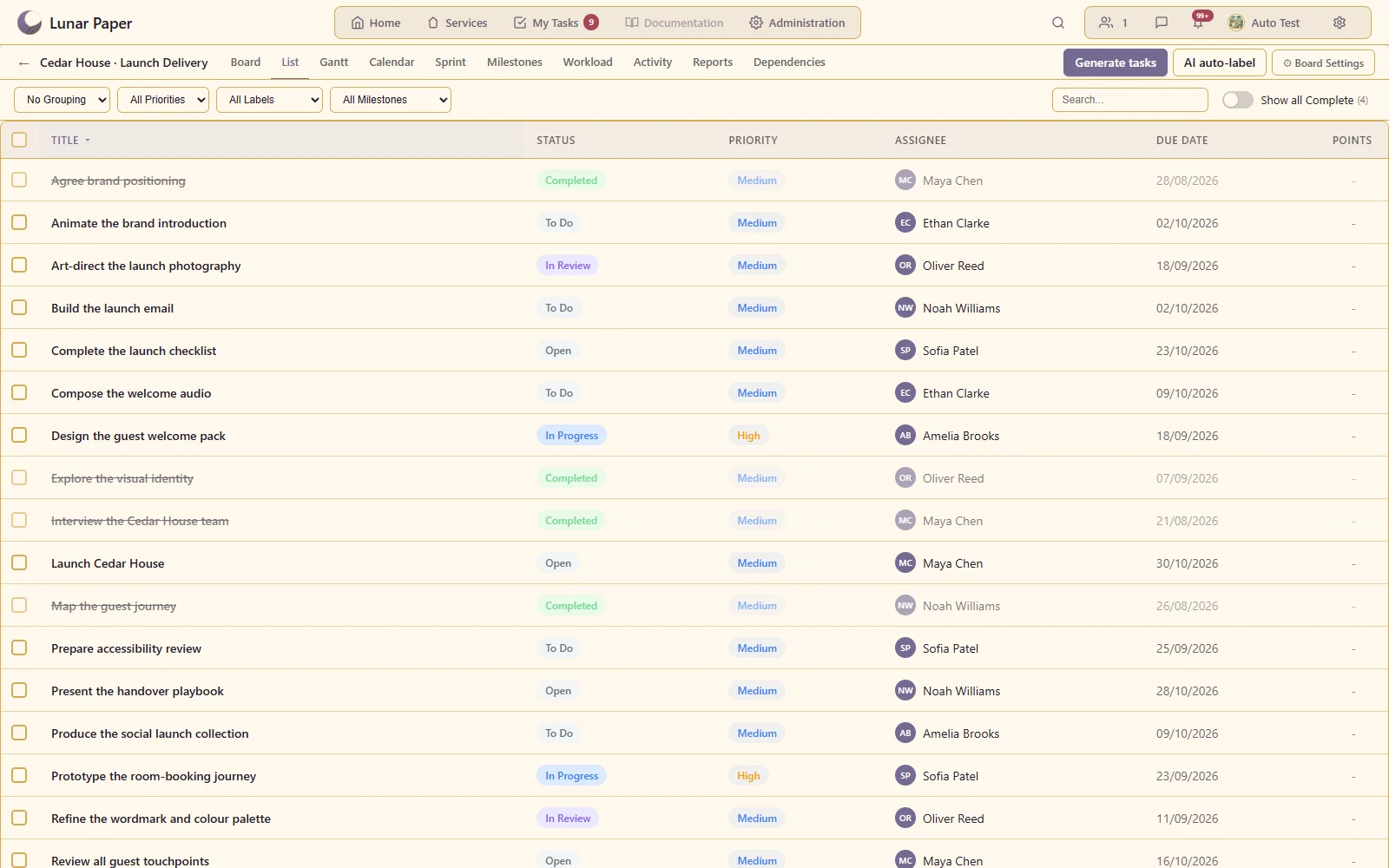
Compare task dates, priorities, assignees and progress in a compact table.
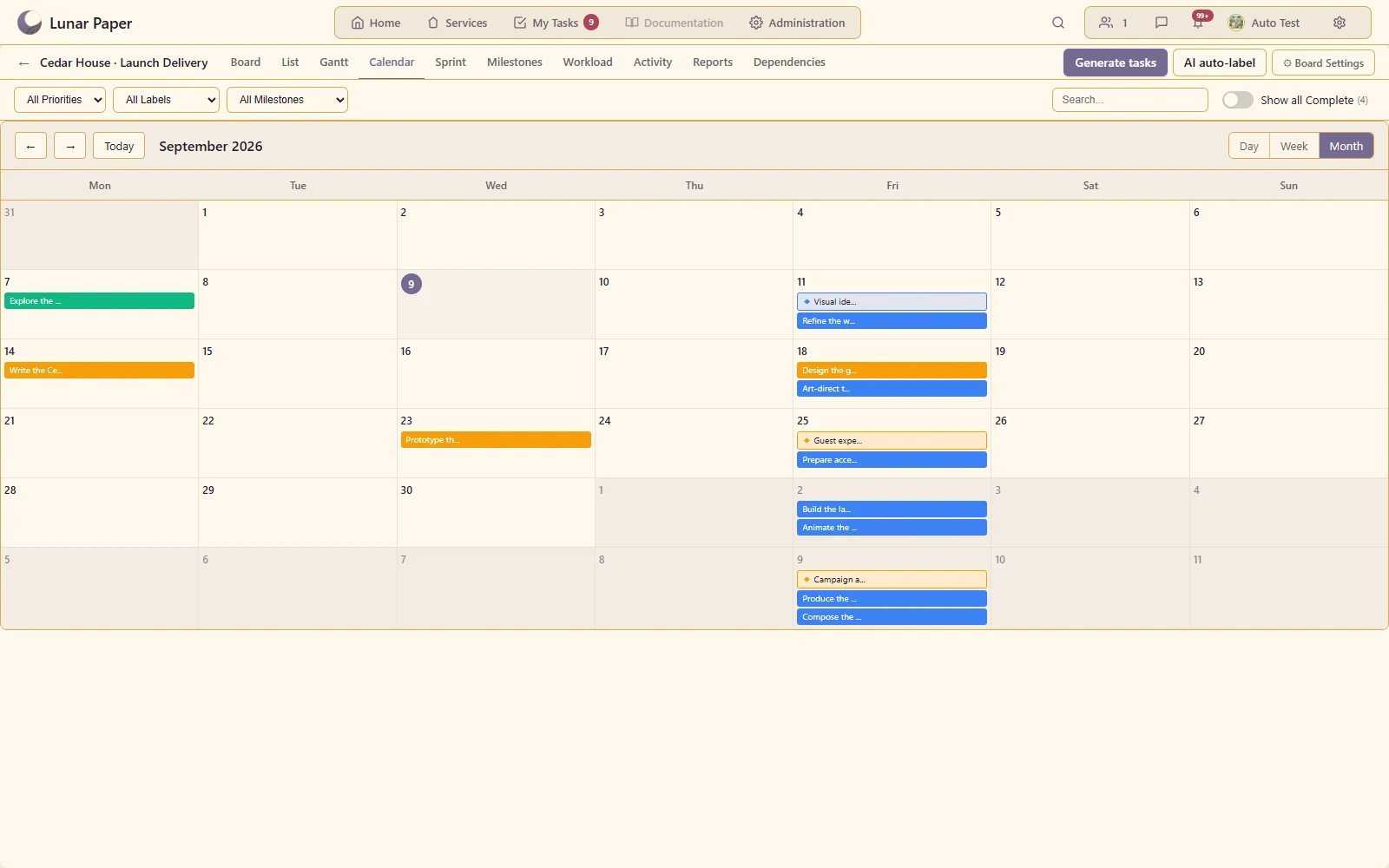
See deadlines and planned work in the context of a week or month.
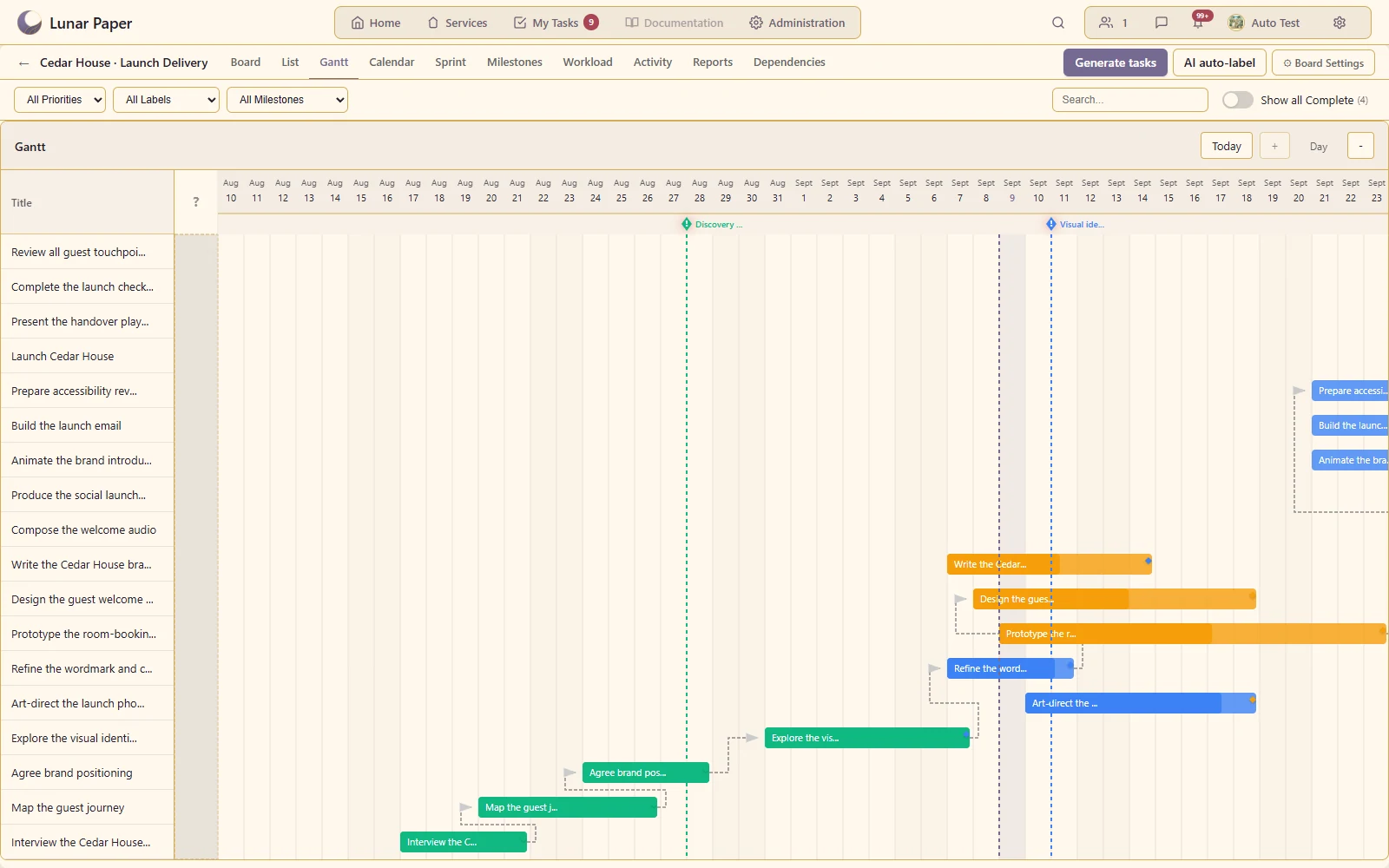
Show task duration and sequencing across a delivery period.
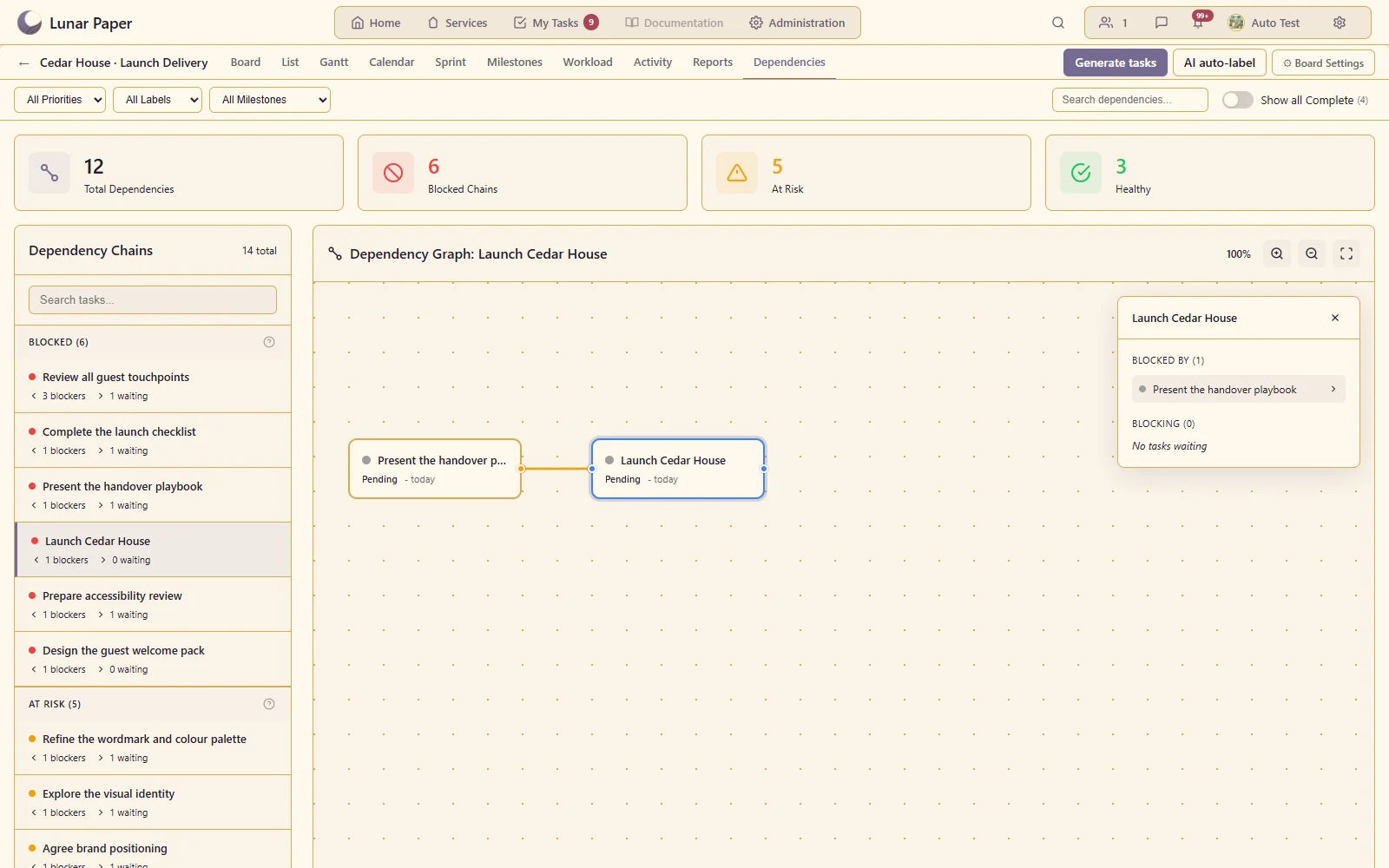
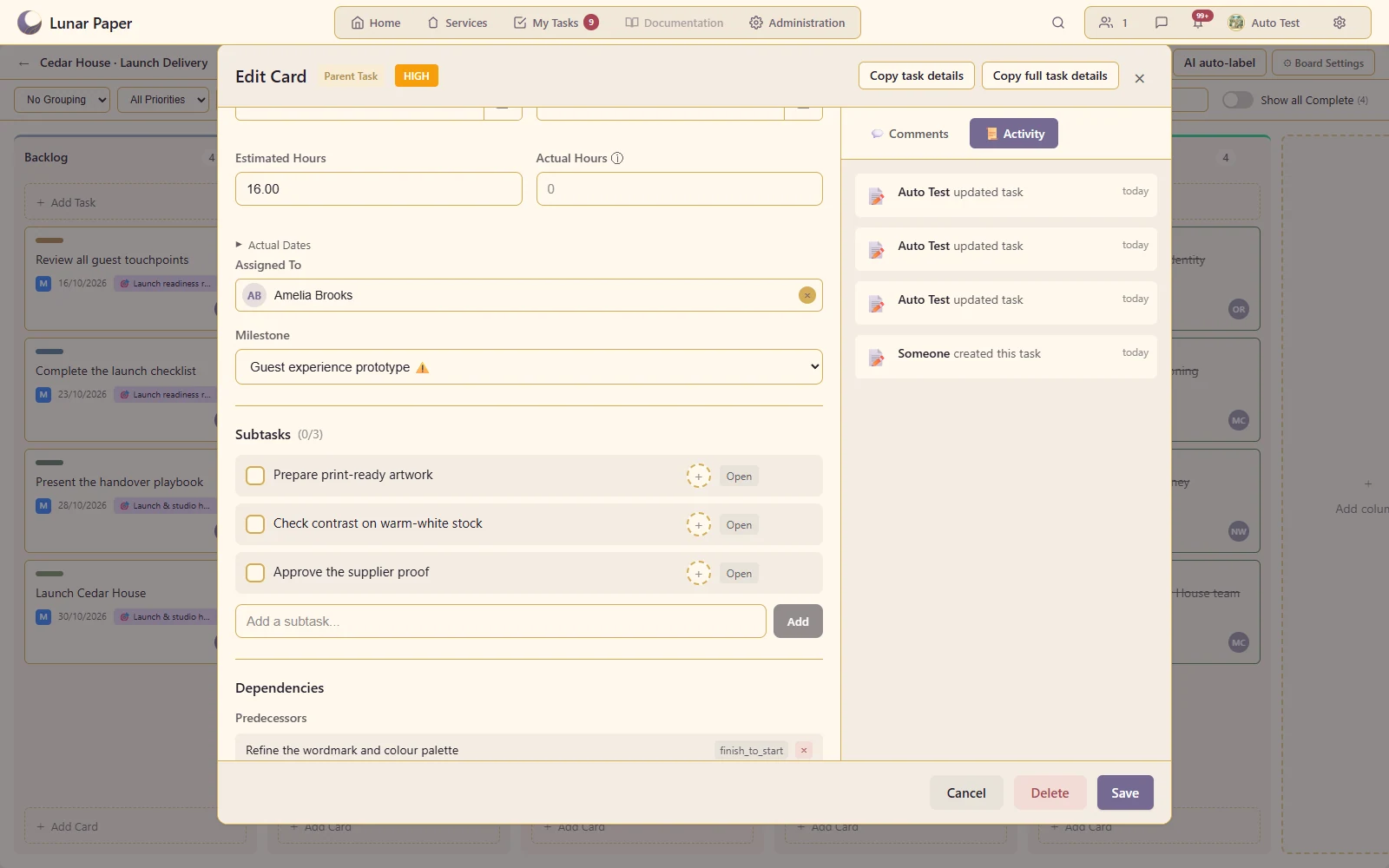
Make prerequisites and blocked work visible as connected tasks.
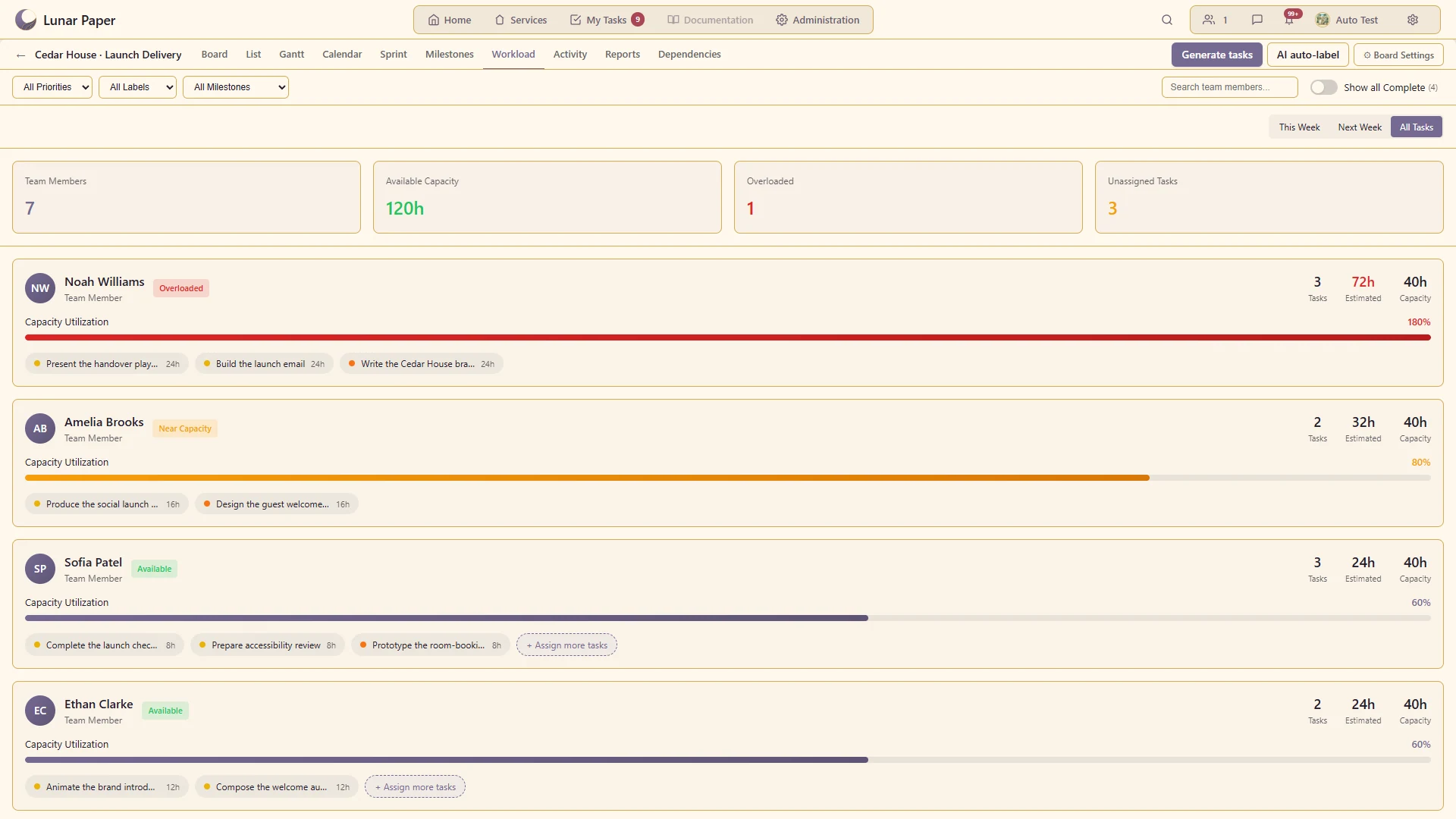
Compare assigned work across contributors and time periods.
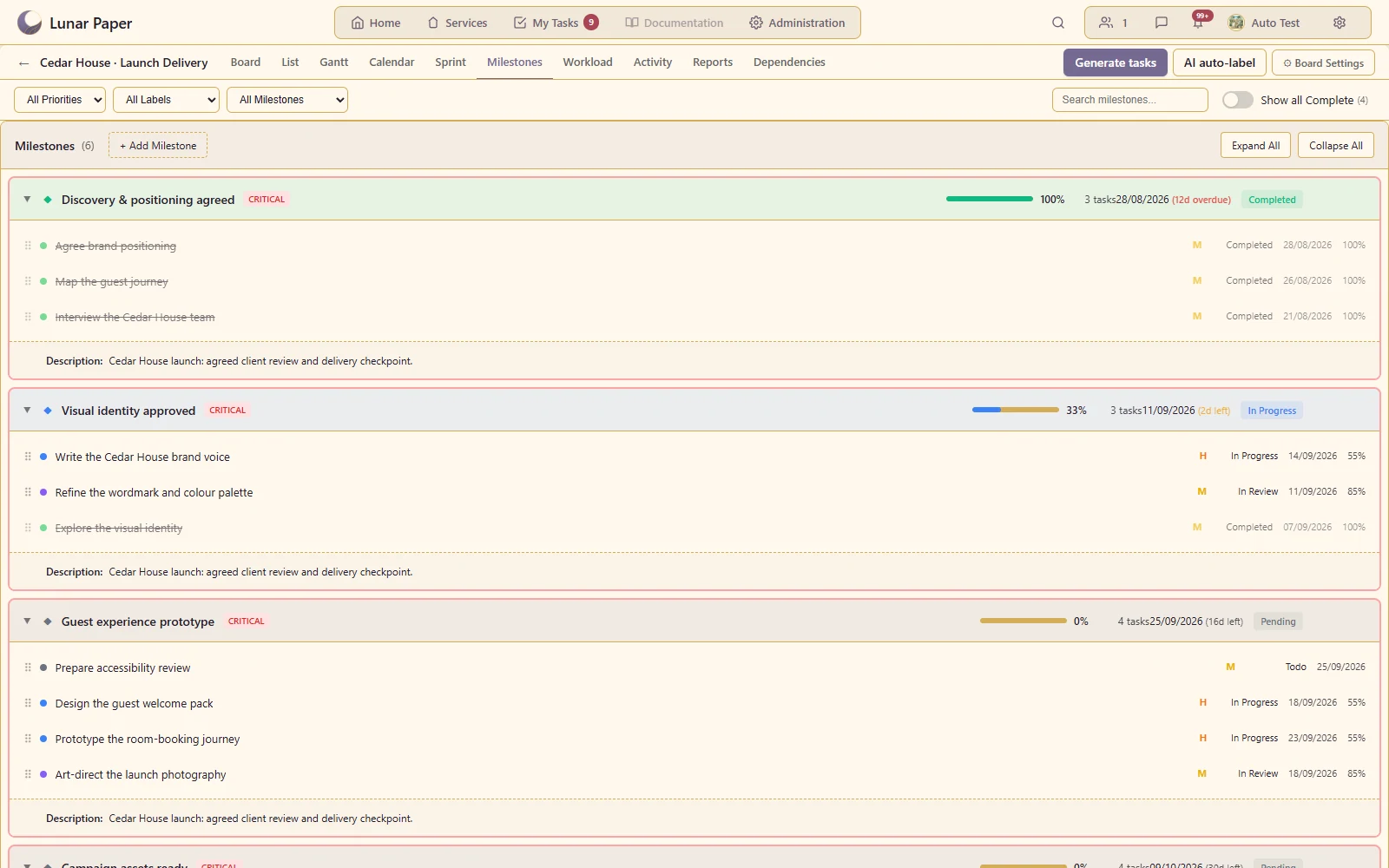
Relate the task board to the key checkpoints in the project.
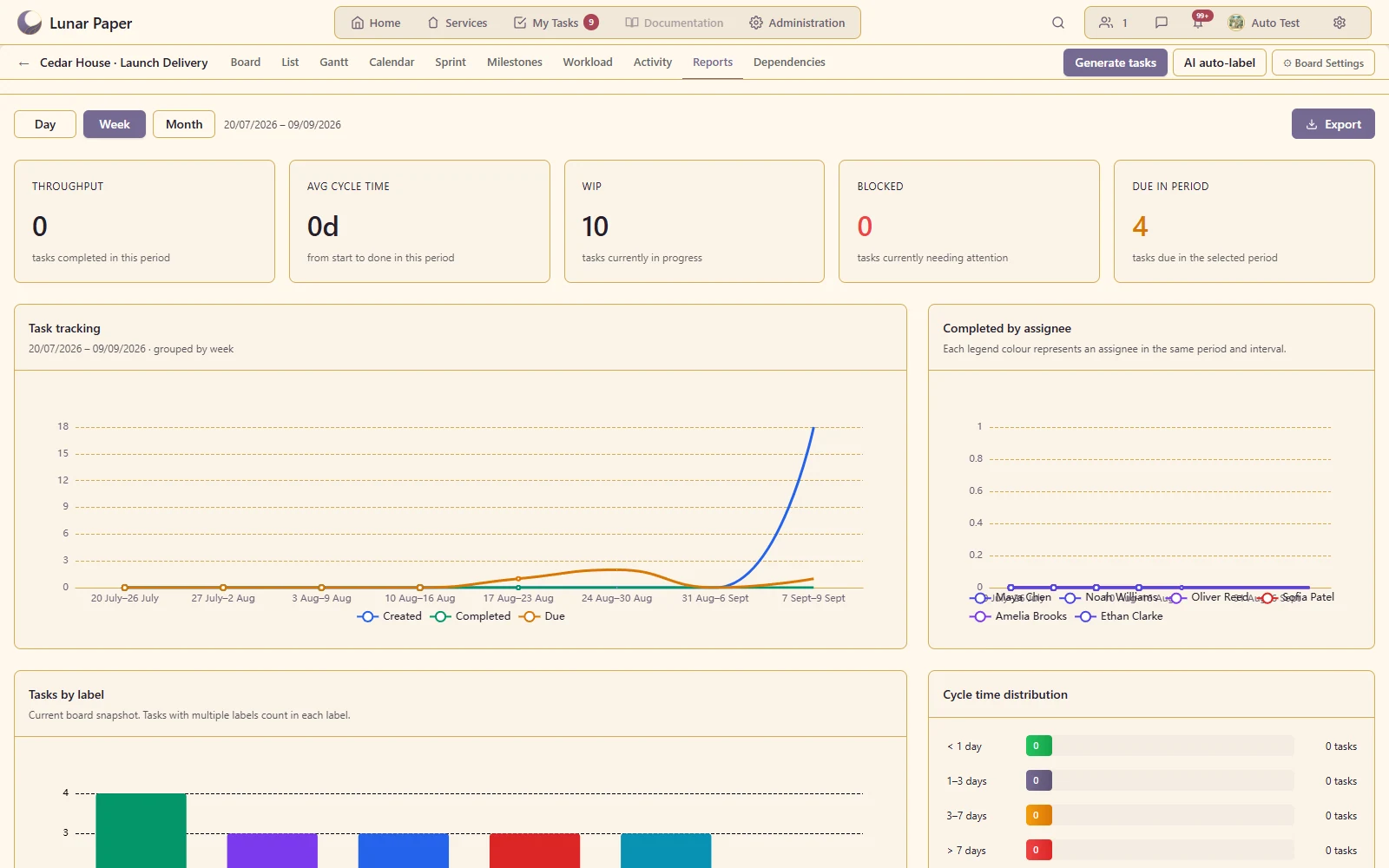
Show delivery measures derived from actual open and completed tasks.
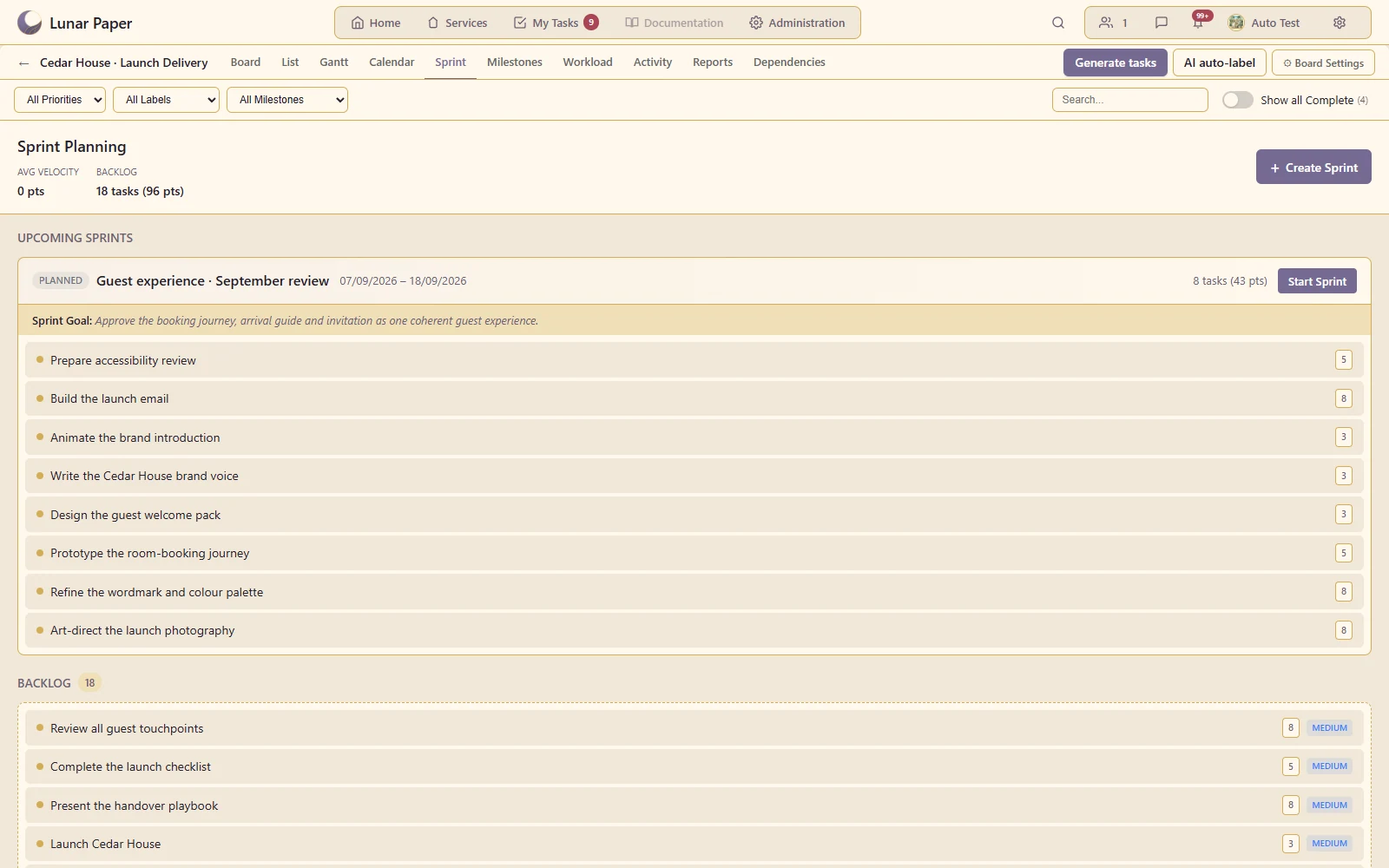
Organise a defined batch of tasks into a sprint when sprint mode is enabled.
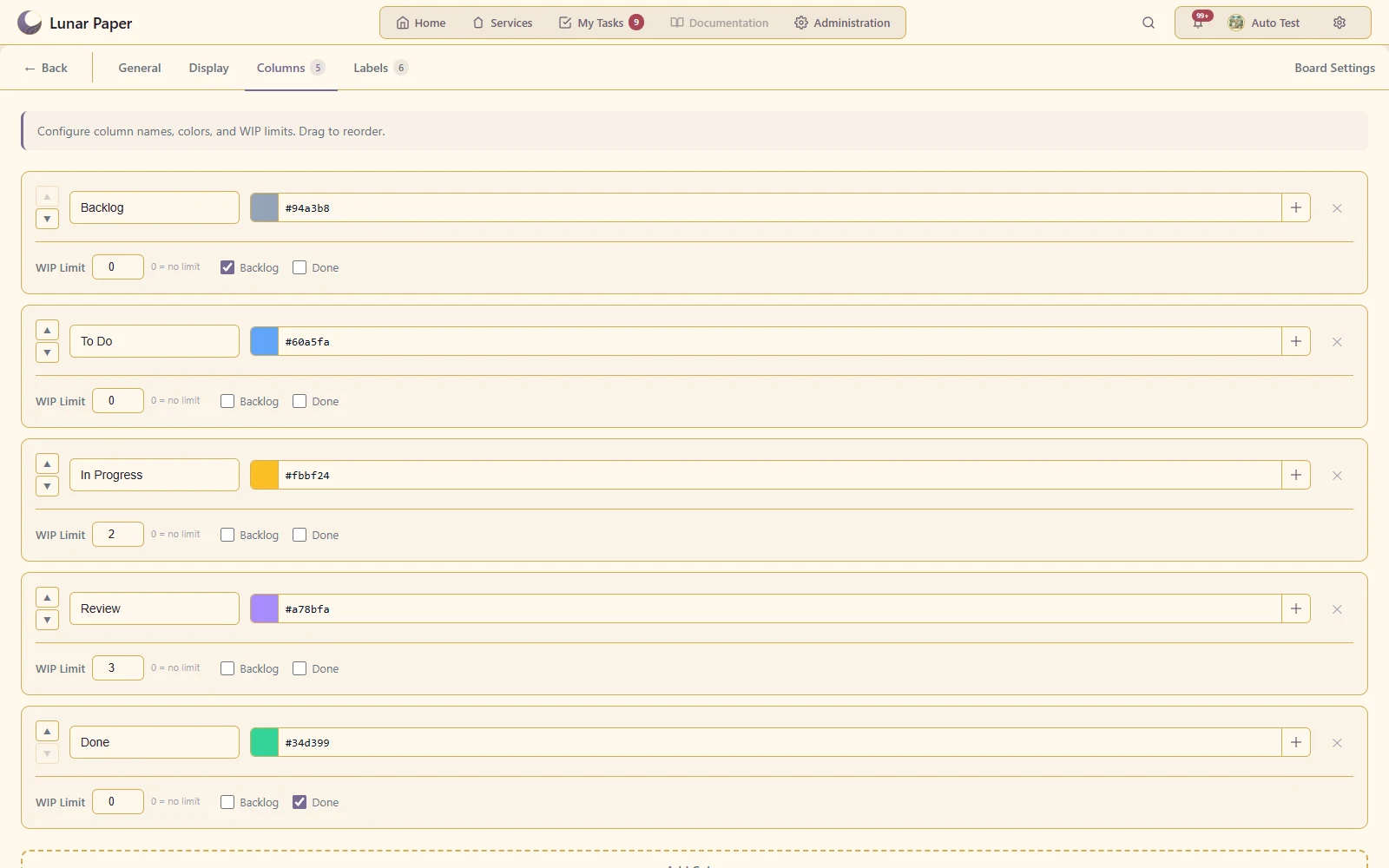
Set a column limit and show the warning when too much work enters that stage.
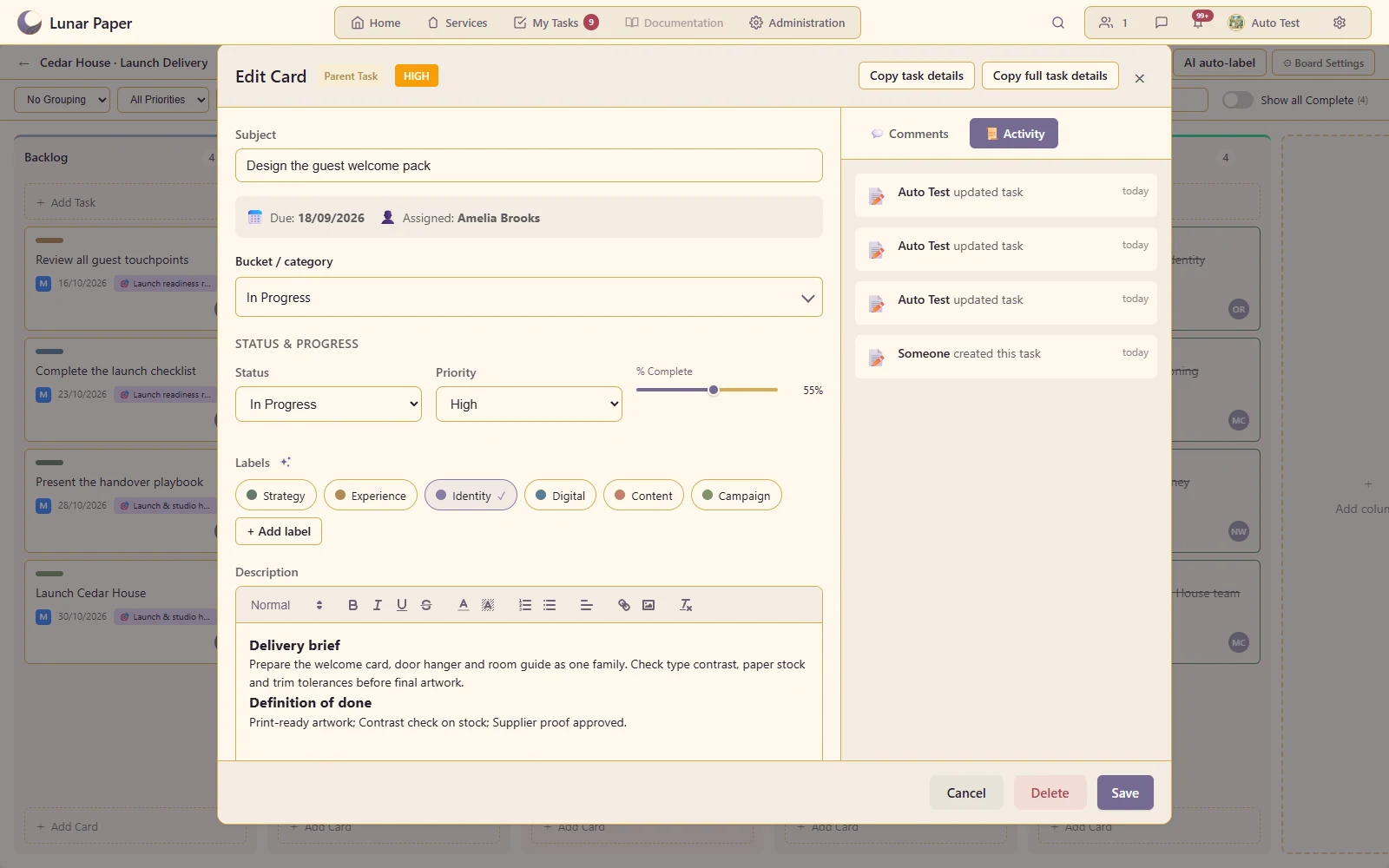
Give a task a useful formatted description, supporting images and delivery context.
Break a delivery task into smaller, named pieces of work that the team can complete and track.
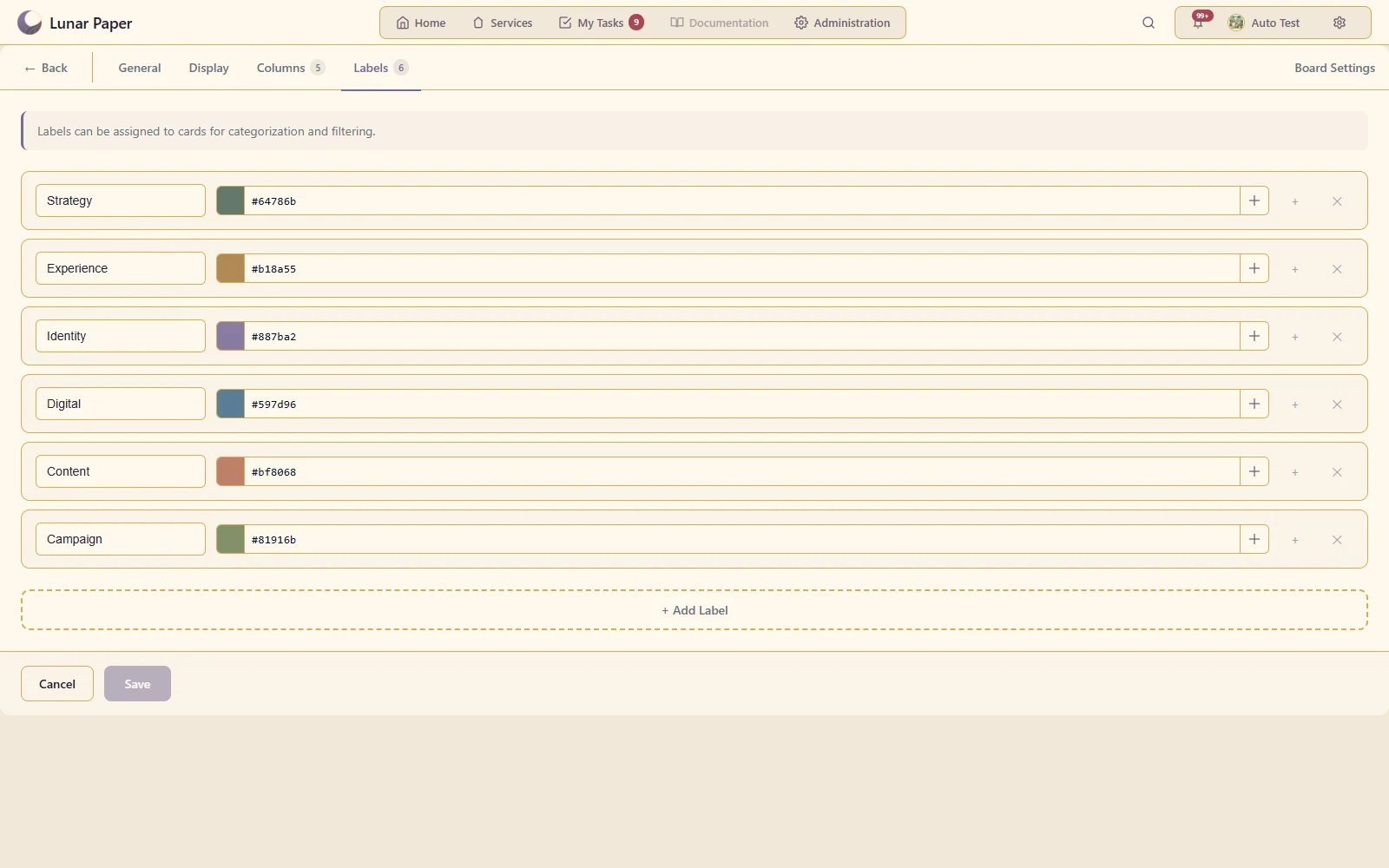
Distinguish workstreams, deliverable types and other meaningful groupings.
Make urgency visible without relying solely on card position.
Connect responsibility on a card to the project's available people.
Record start/due dates, estimates and percentage completion together.
Adapt the board's statuses, colours and completion stage to the team's process.
Isolate a contributor, workstream or milestone without creating another board.
Reuse a well-written task through the board's copy and paste actions.
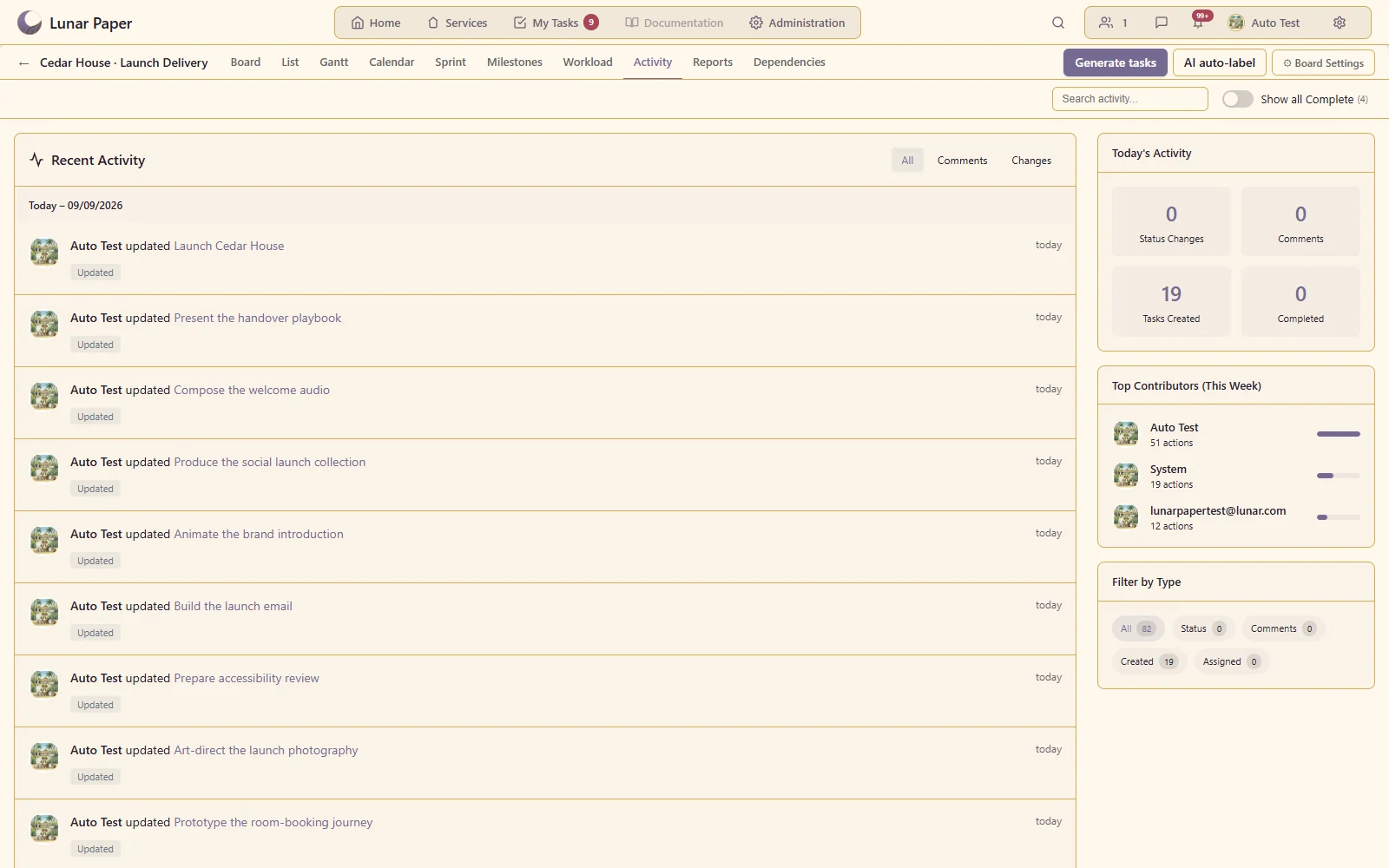
Discuss a specific deliverable and inspect the board's change history.
The main areas Task Boards brings together.
Create boards and workflows that reflect how a team receives, organises and completes work.
Move between board, list and planning views while working from the same underlying task records.
Keep ownership, dates, fields, files, discussion and related work together on each task.
Connect tasks, subtasks and delivery dates so teams can understand sequence and downstream impact.
Use search, filters, grouping and ordering to focus on the work that matters now.
Support repeatable workflows, team coordination and delivery reporting from the board itself.
Run the platform with all features for free for three people.