
Presentation building
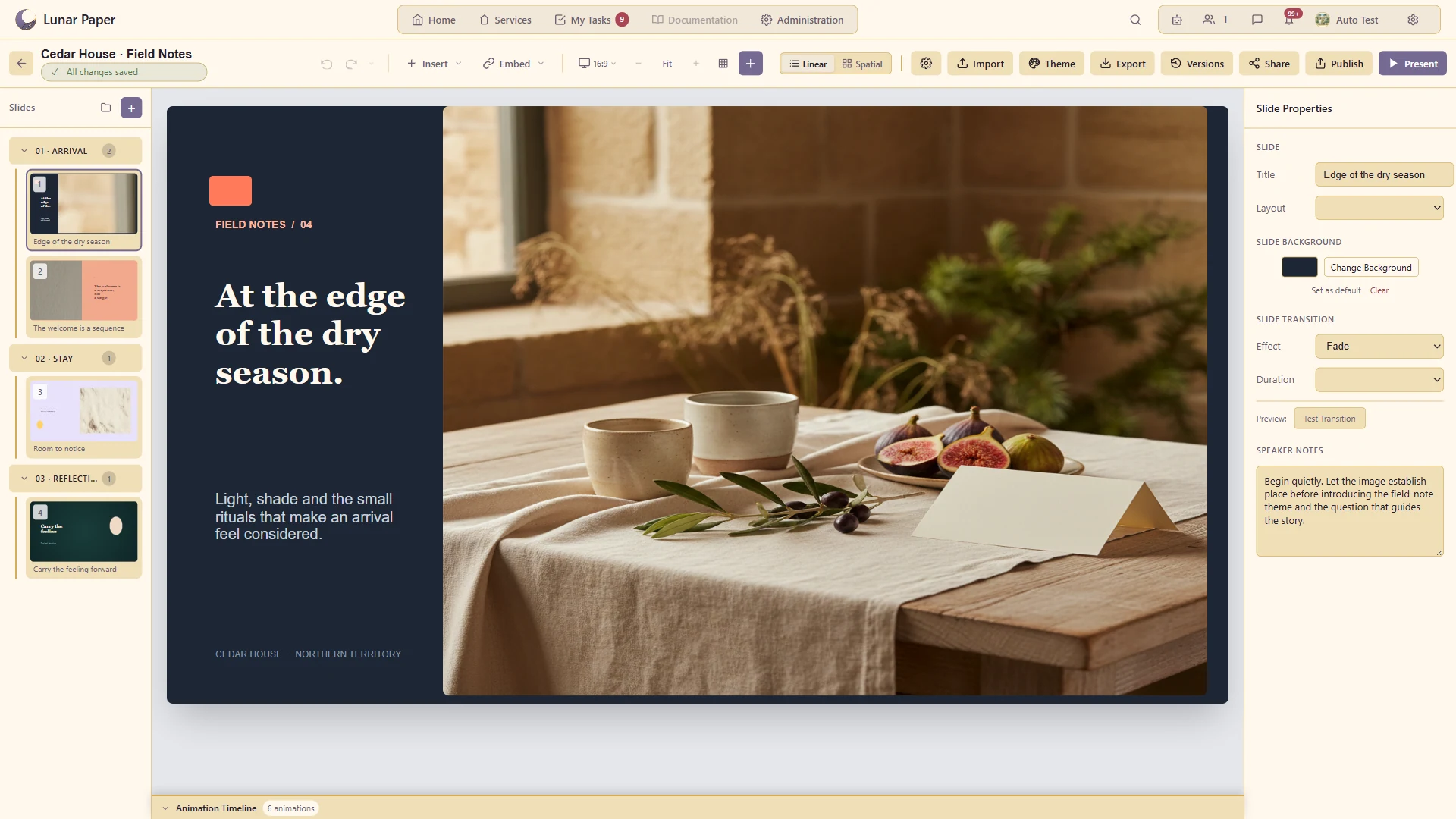
Create presentations from reusable layouts and organise slides and sections around a clear story.
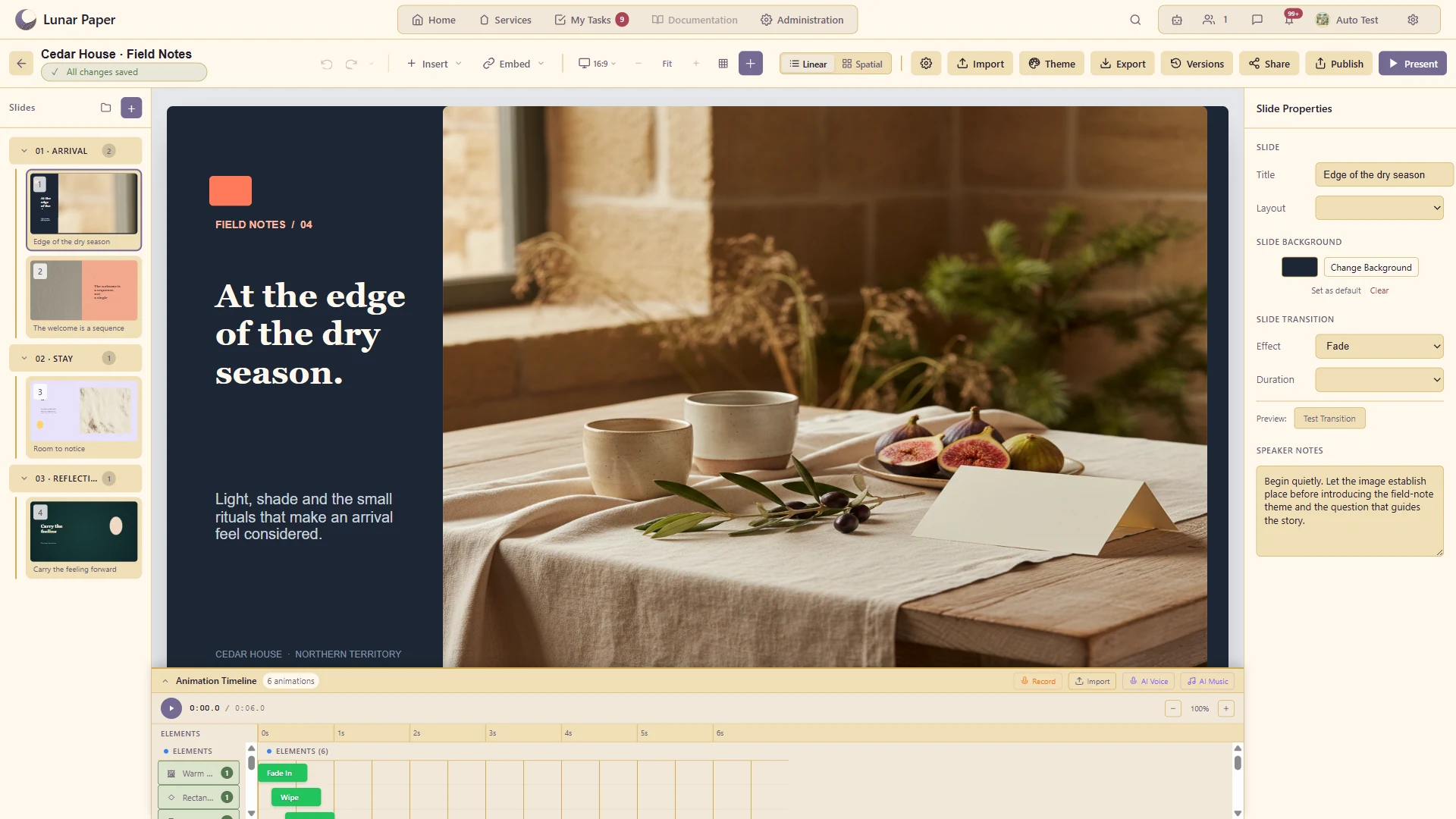
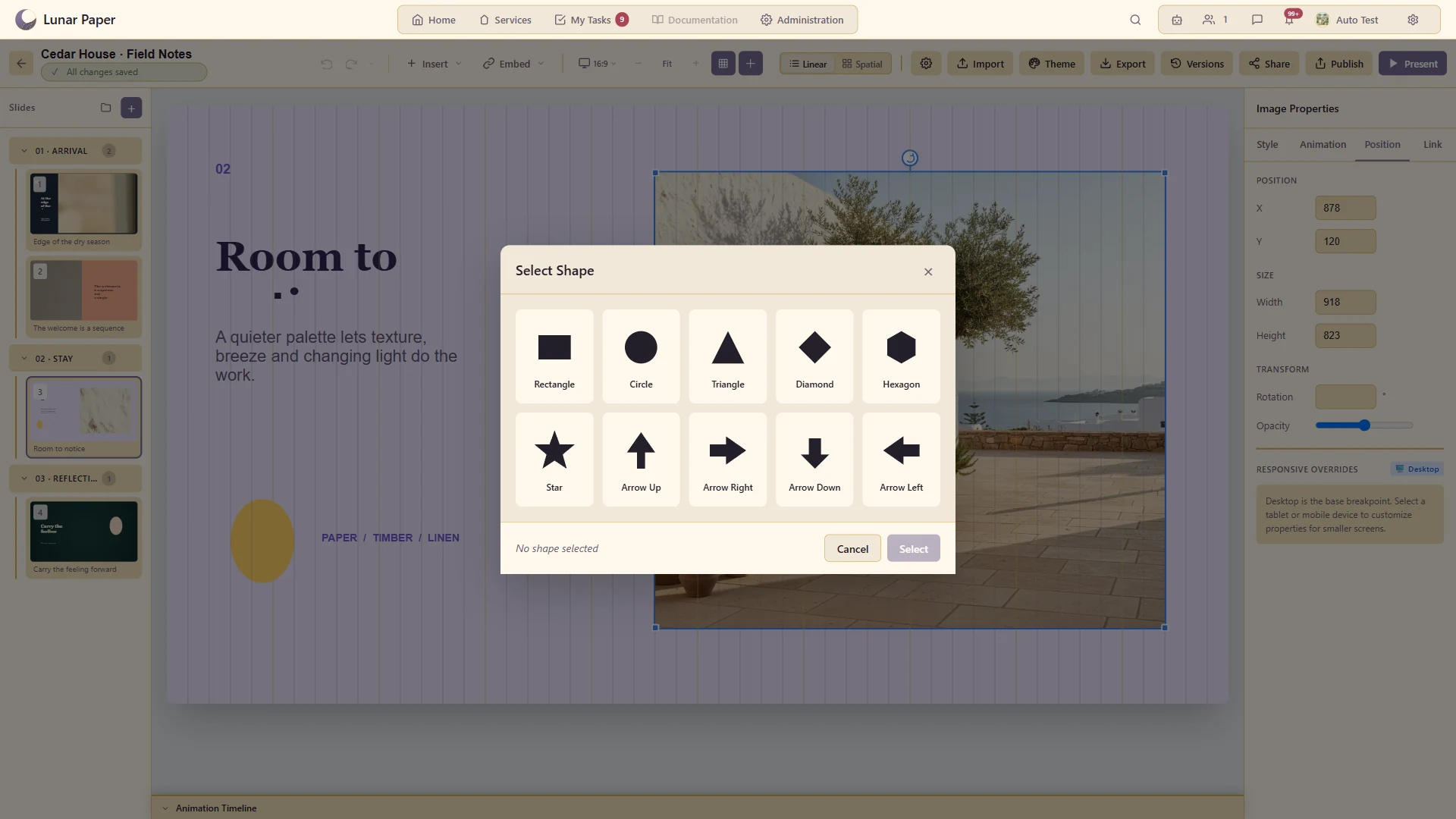
Create, organise and deliver presentations from first draft to final delivery. Slideshow combines linear and spatial editing, reusable layouts and themes, rich media, connected platform content, animation, narration, presenter tools, collaboration and multi-format publishing in one workspace.
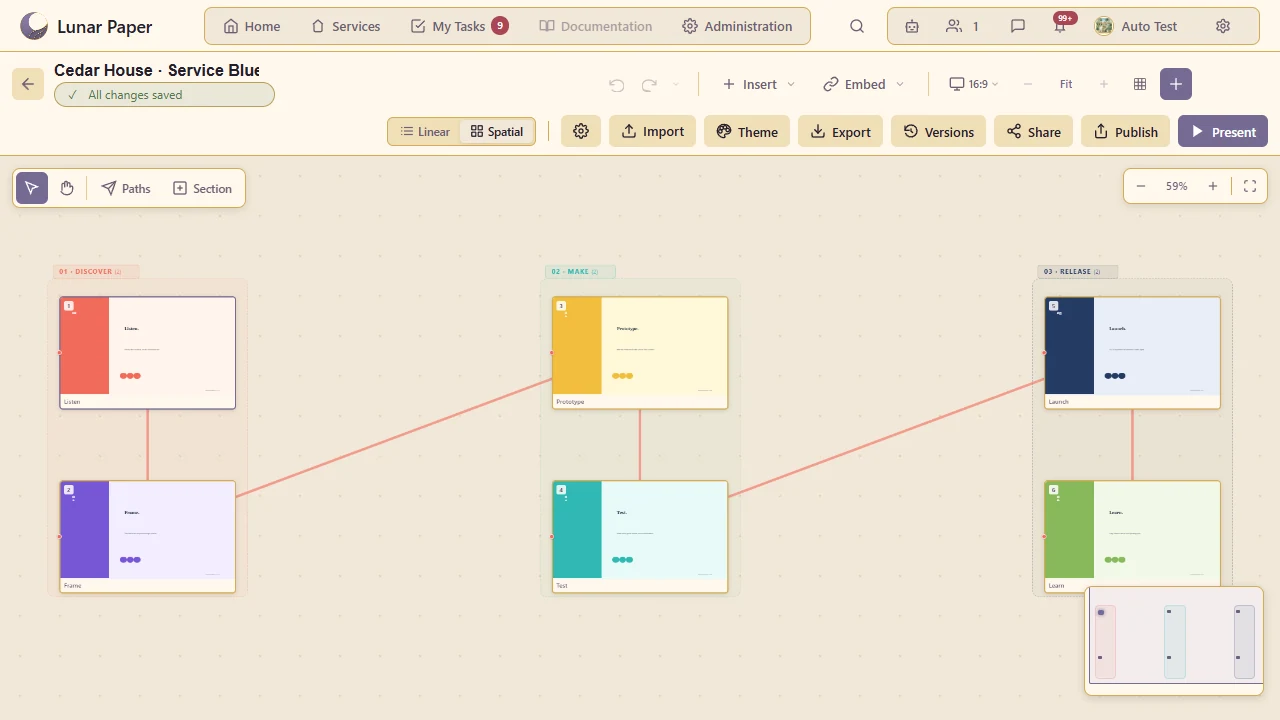
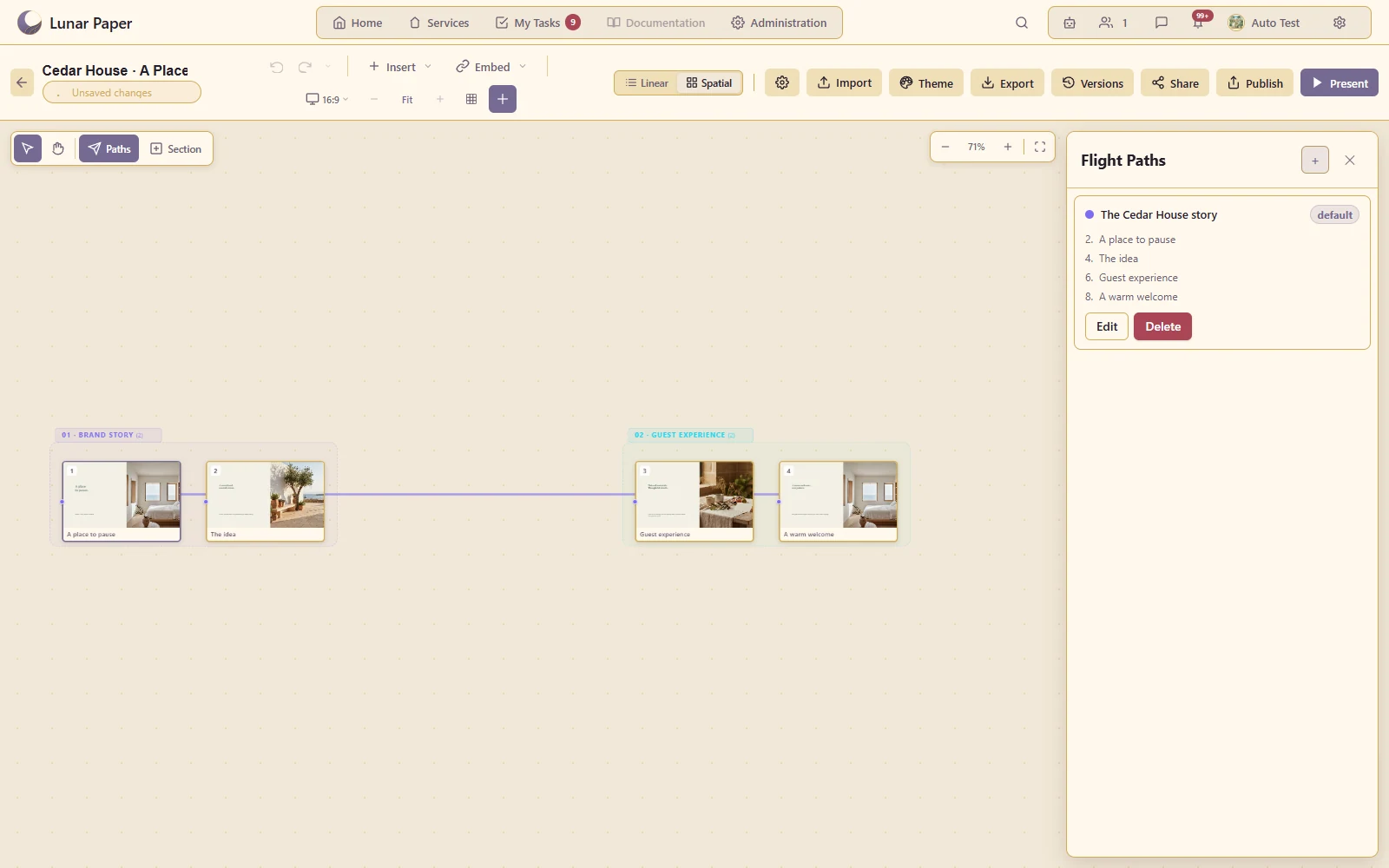
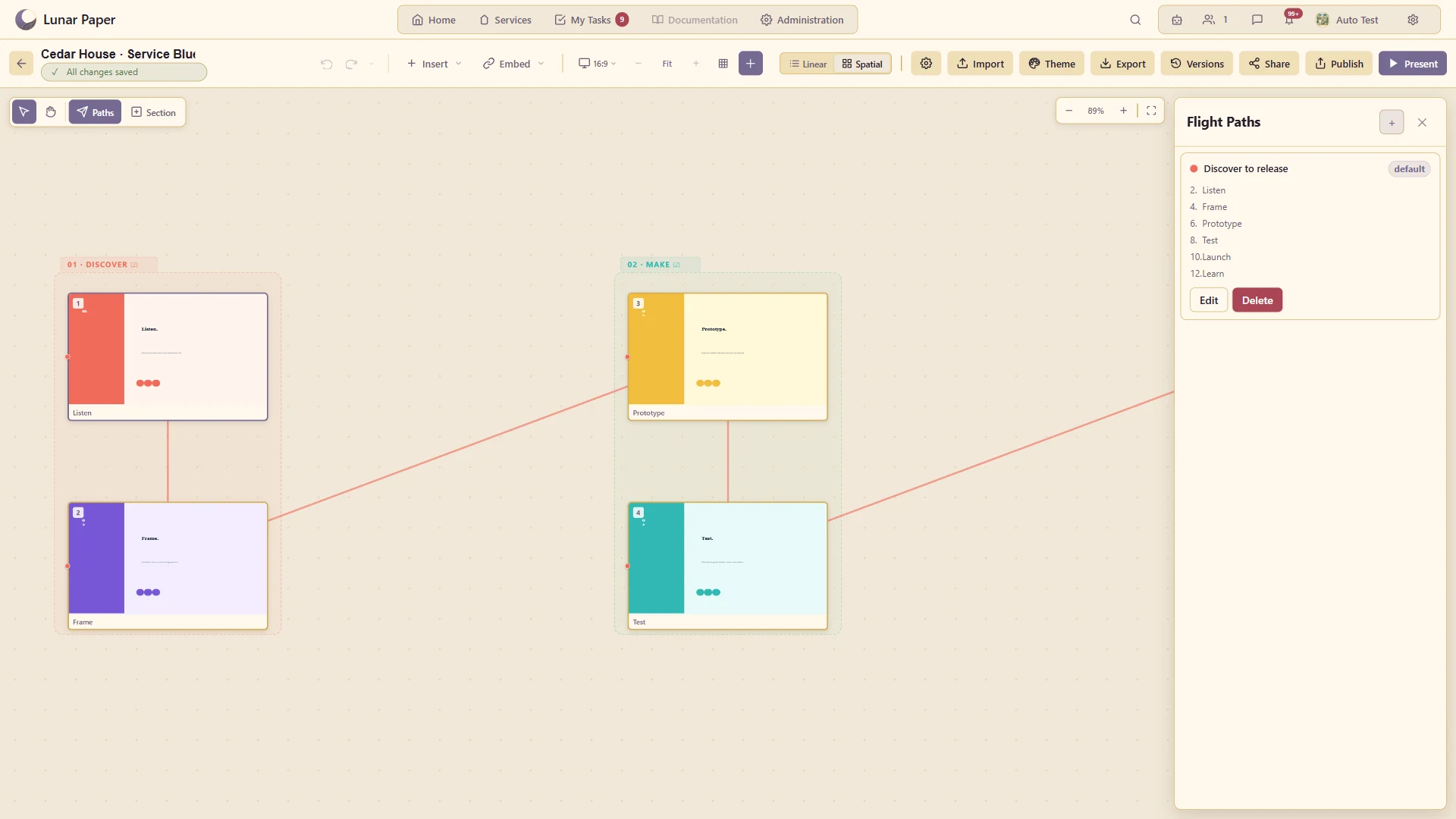
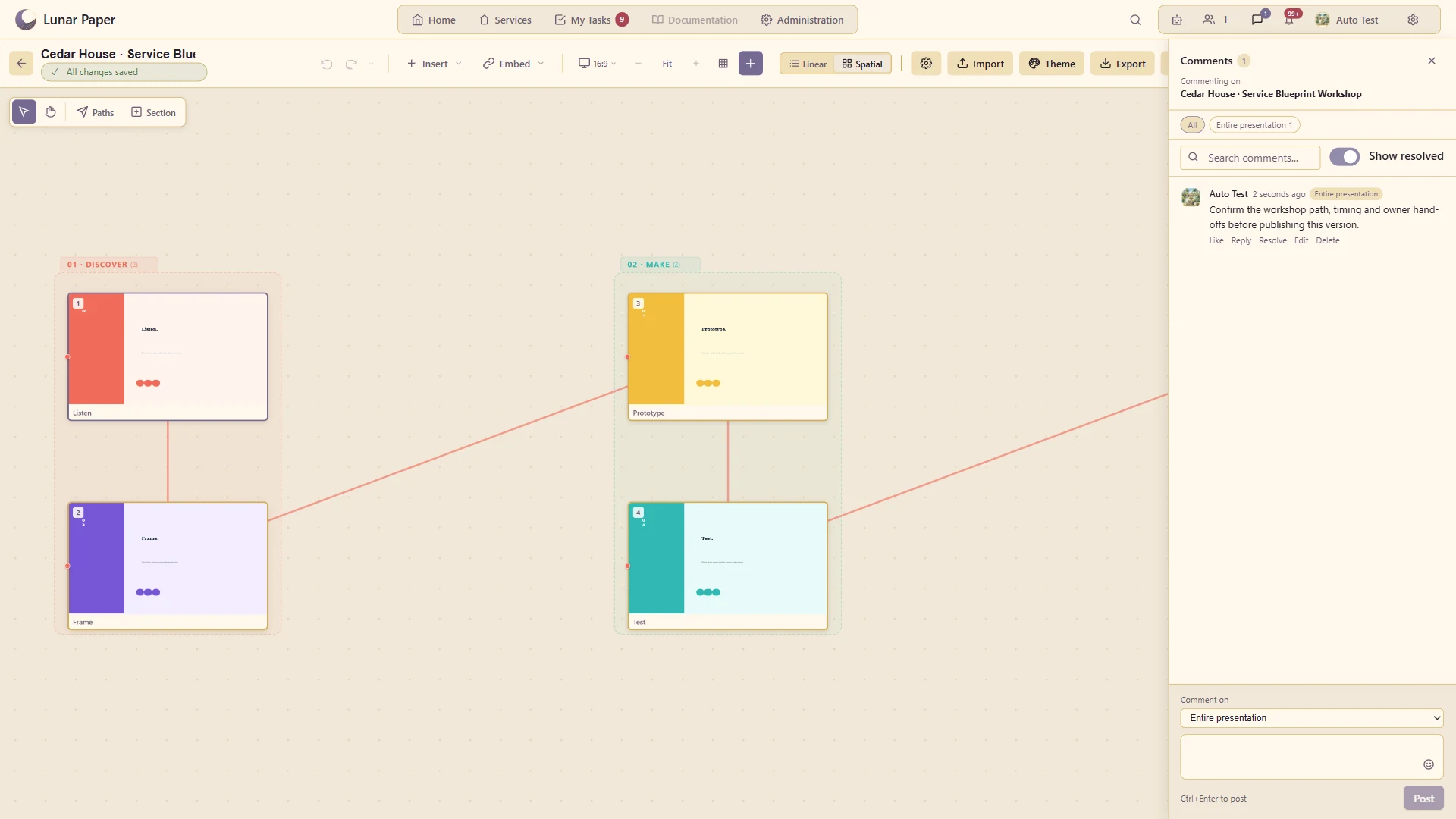
Arrange the presentation as a visual landscape of related slides and sections.
Define the route the audience follows through that spatial presentation.
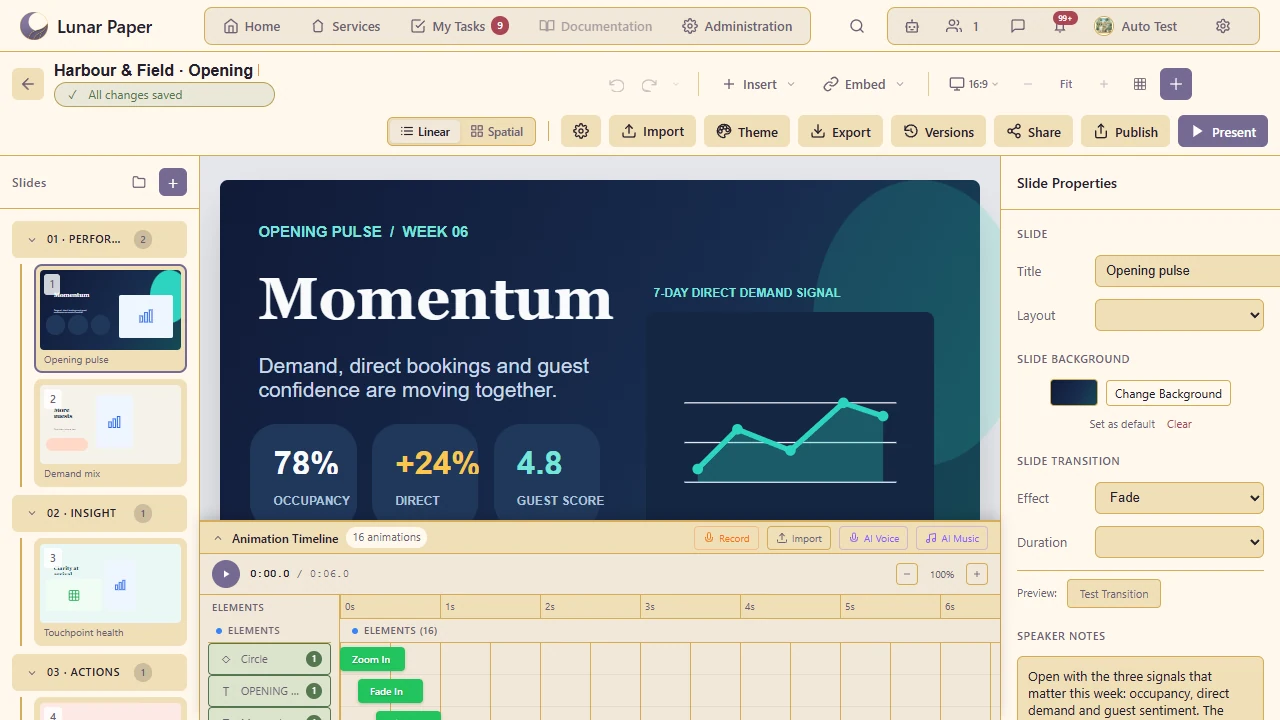
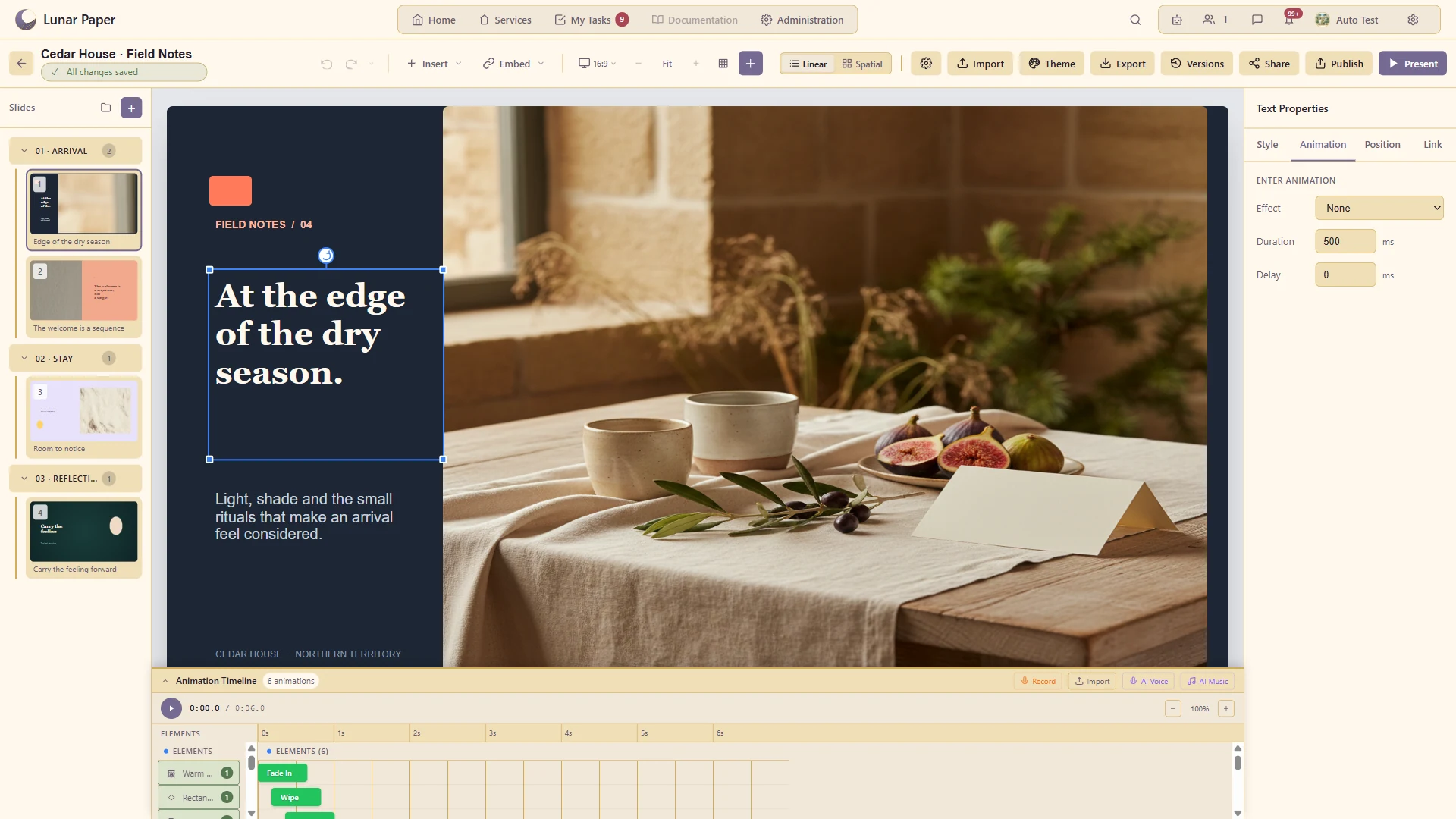
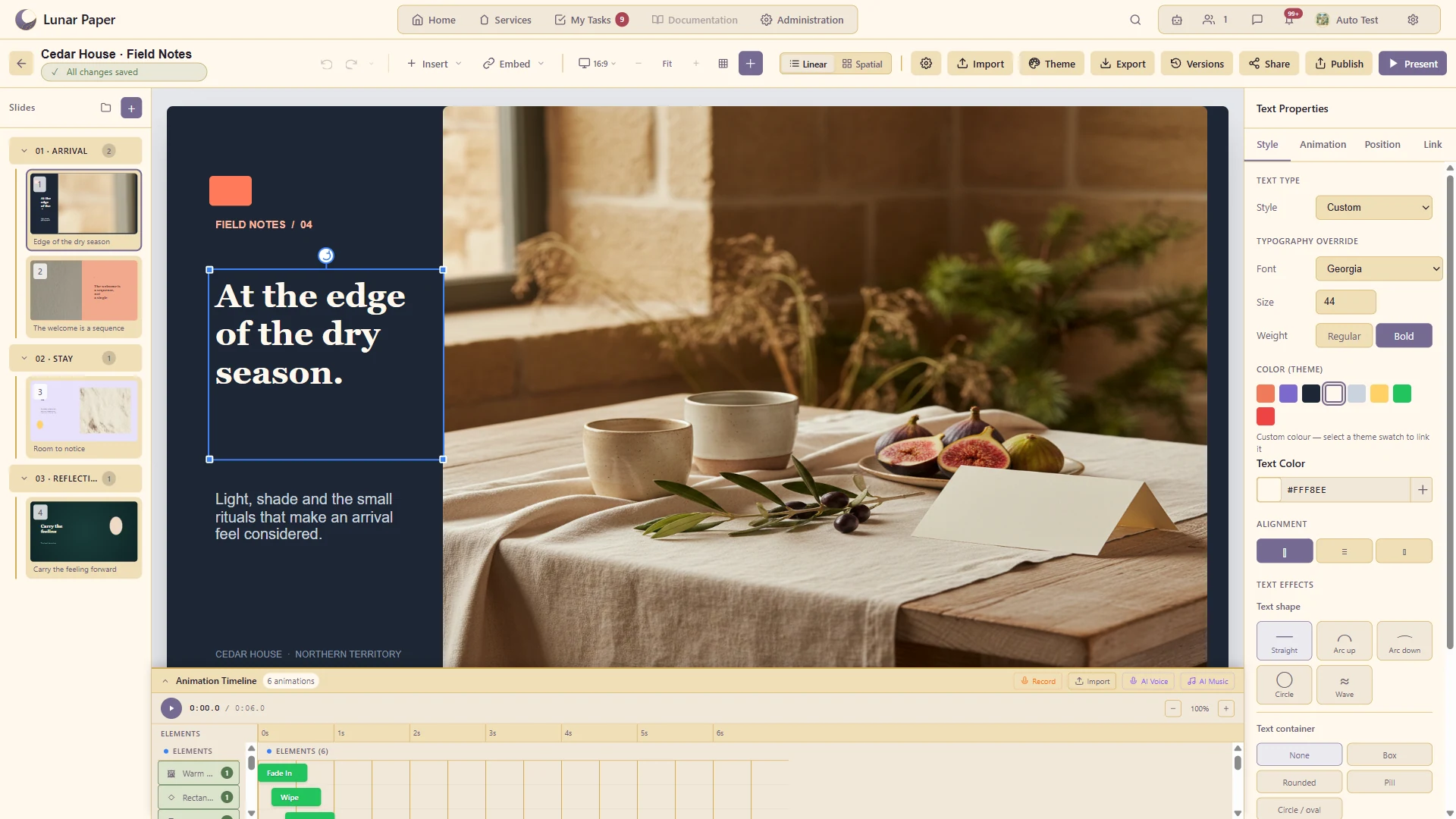
Coordinate the timing, duration and order of elements appearing on a slide.
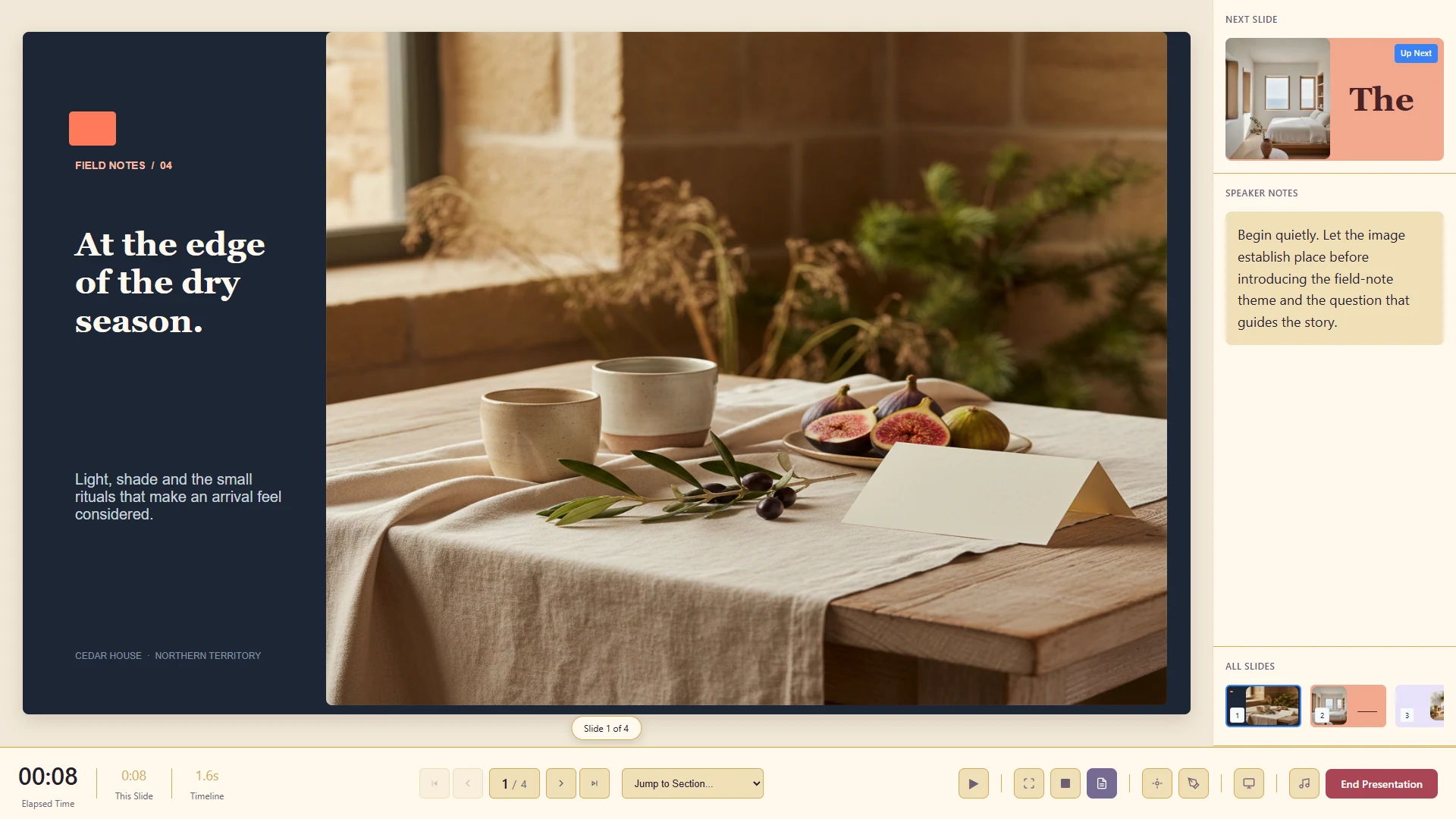
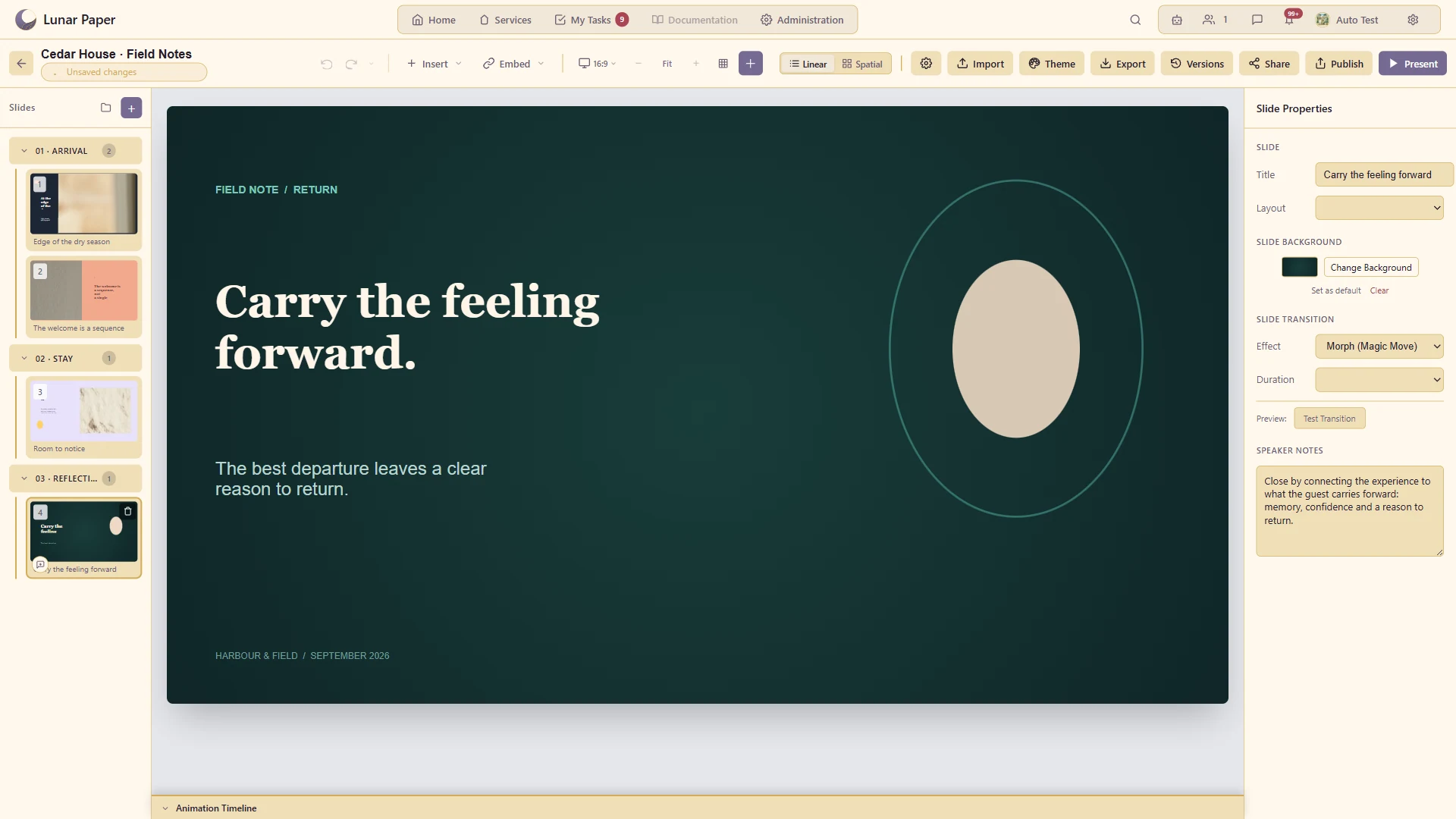
Present with speaker notes, timing and supported pointer or annotation tools.
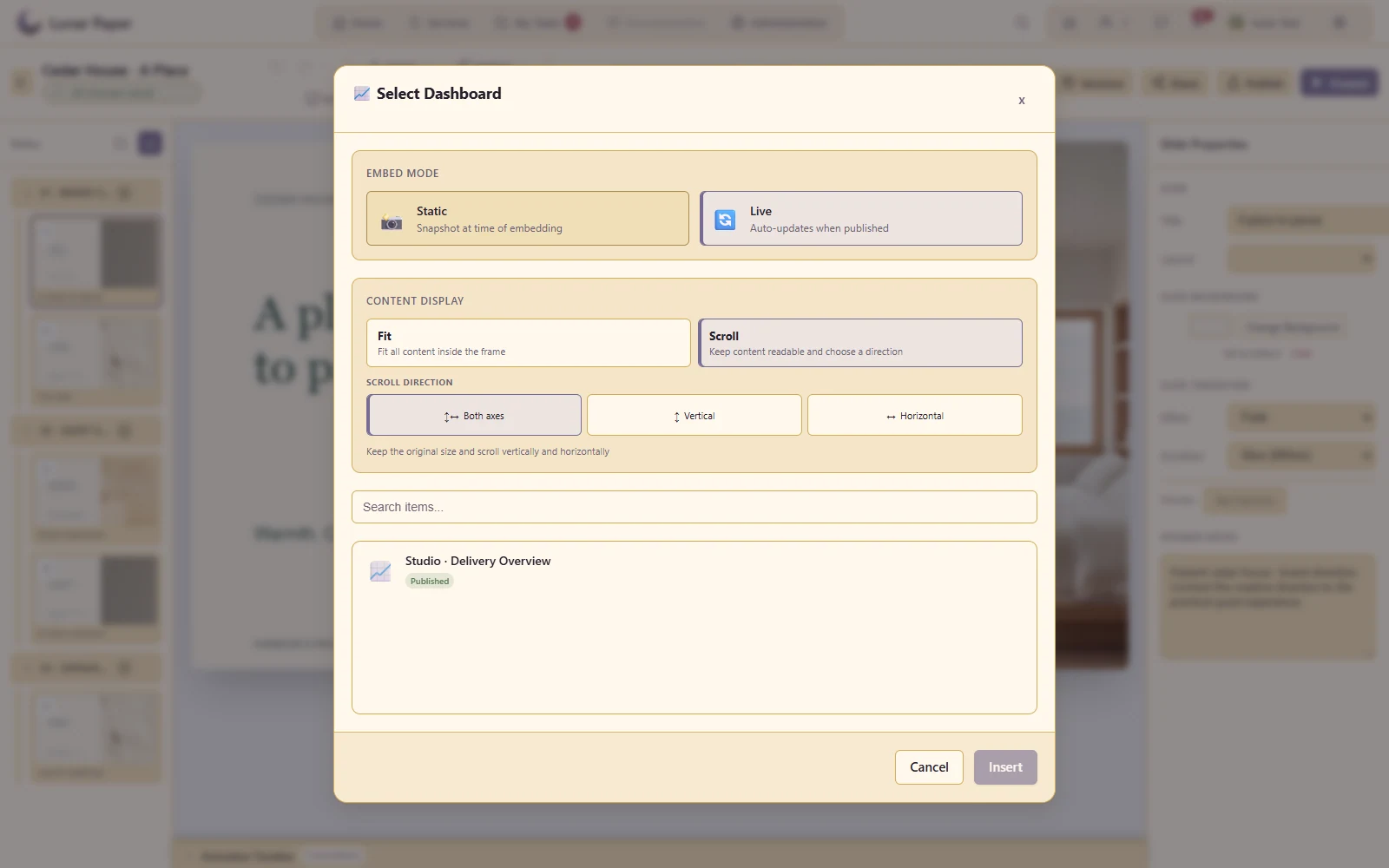
Bring supported content from other applications into the presentation.
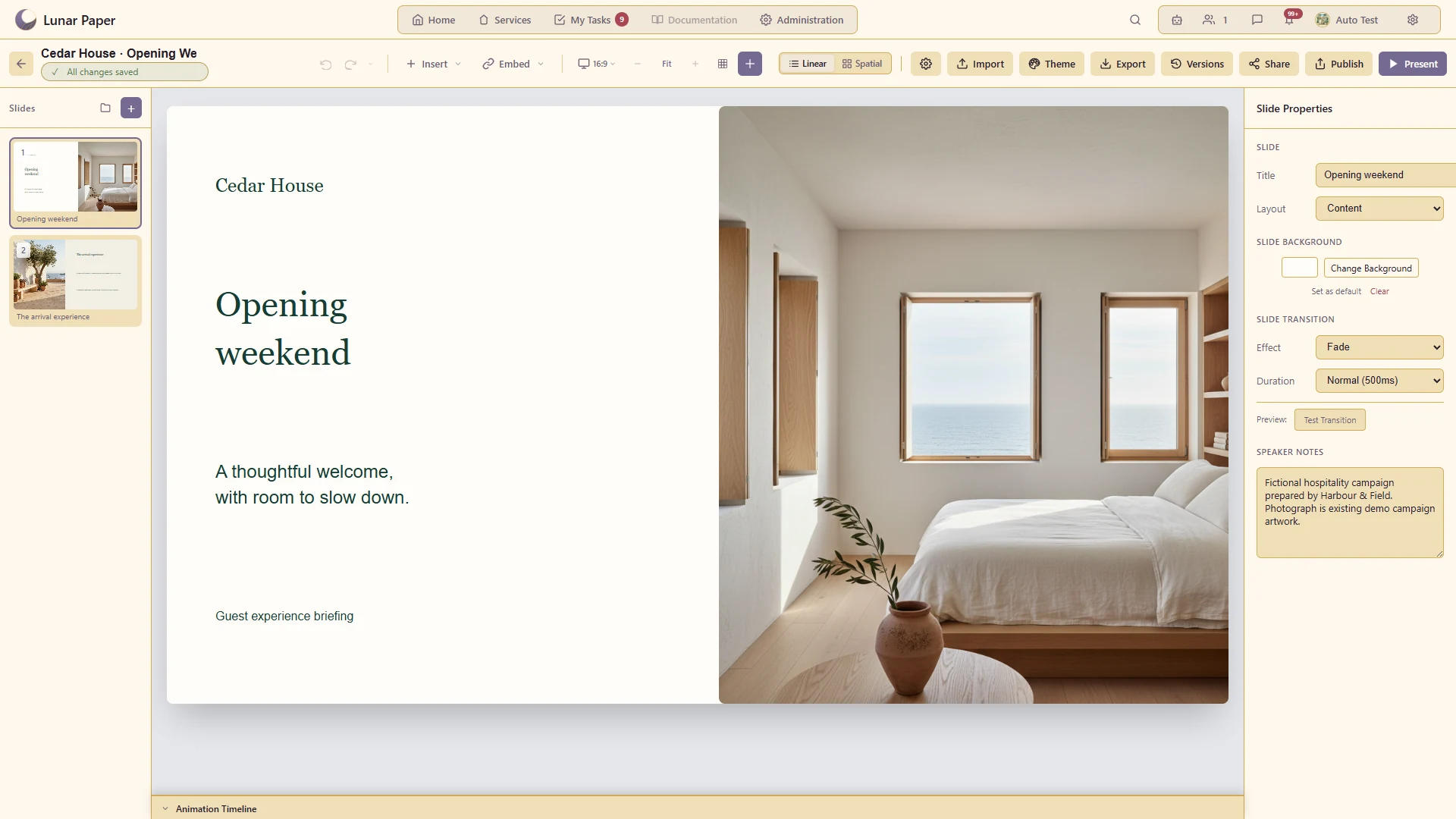
Build and reorder a conventional deck when a sequential story is appropriate.
Give an element an entrance, emphasis or exit effect, then preview the movement on the slide.
Control when an effect starts, how long it lasts and how its movement accelerates or slows.
Show related elements changing position and appearance between slides.
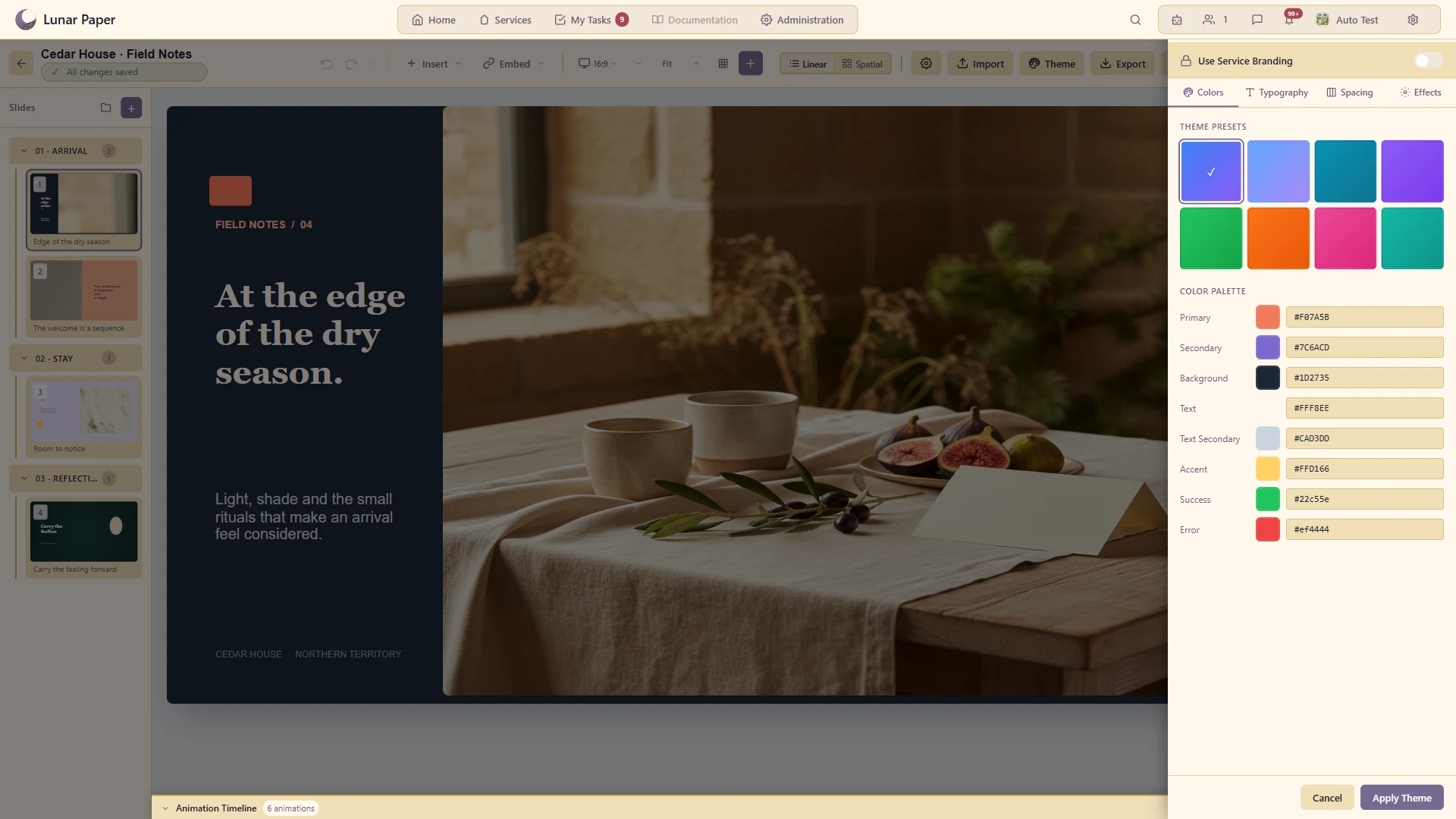
Apply a consistent palette and typography across a deck.
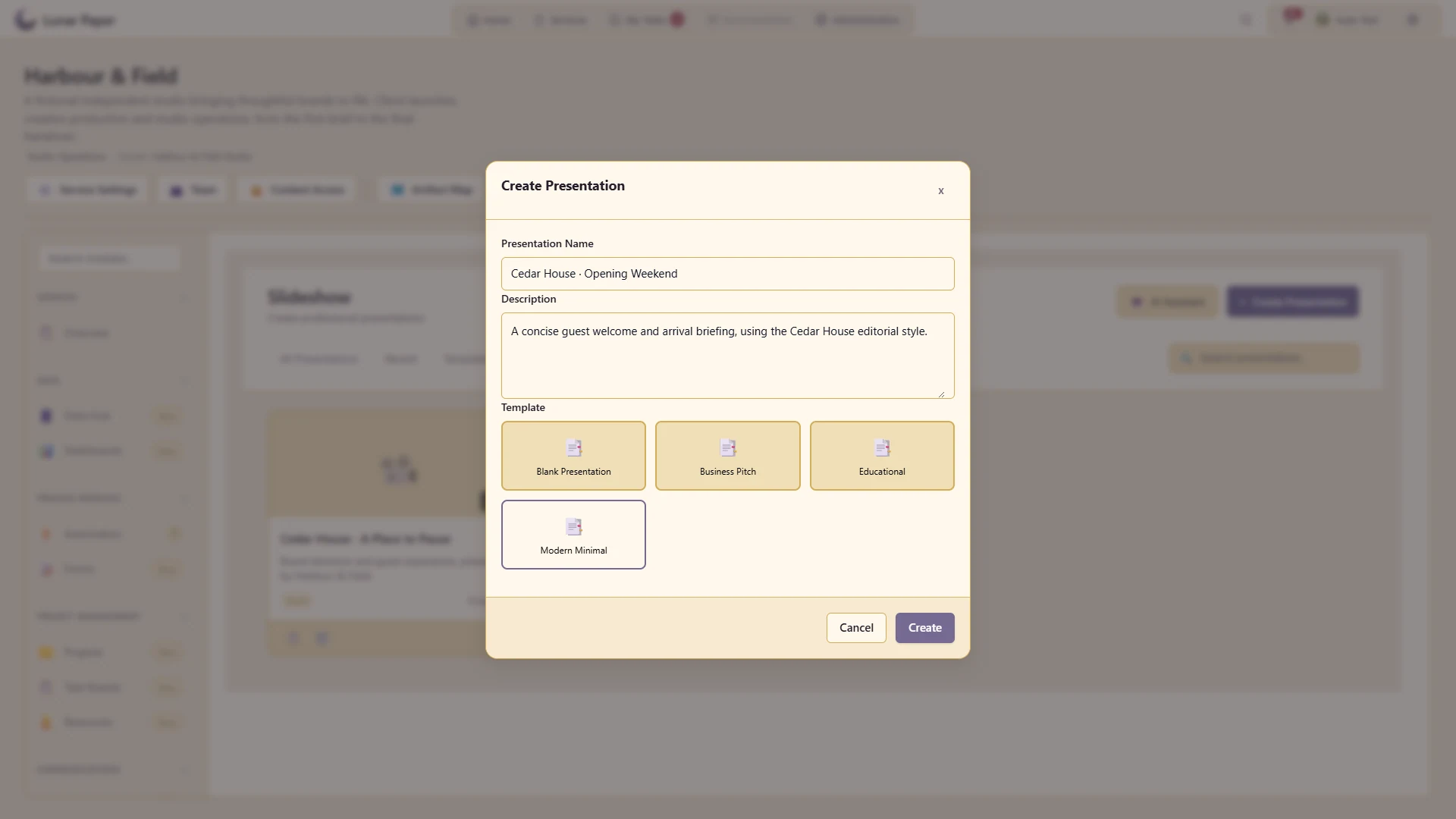
Start from an existing structure and adapt it to the content.
Organise a long presentation into meaningful groups.
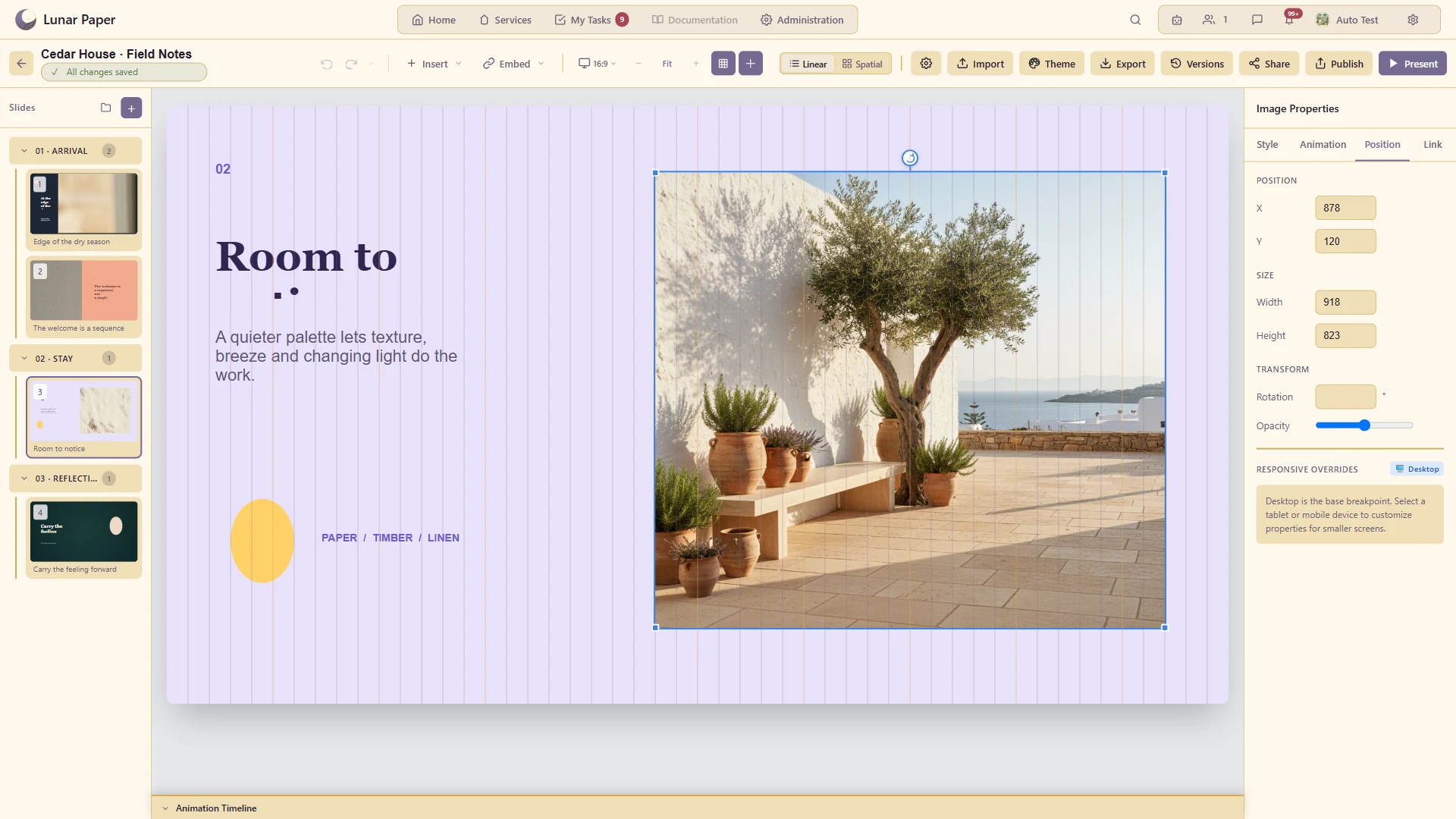
Explain concepts with visual elements instead of text alone.
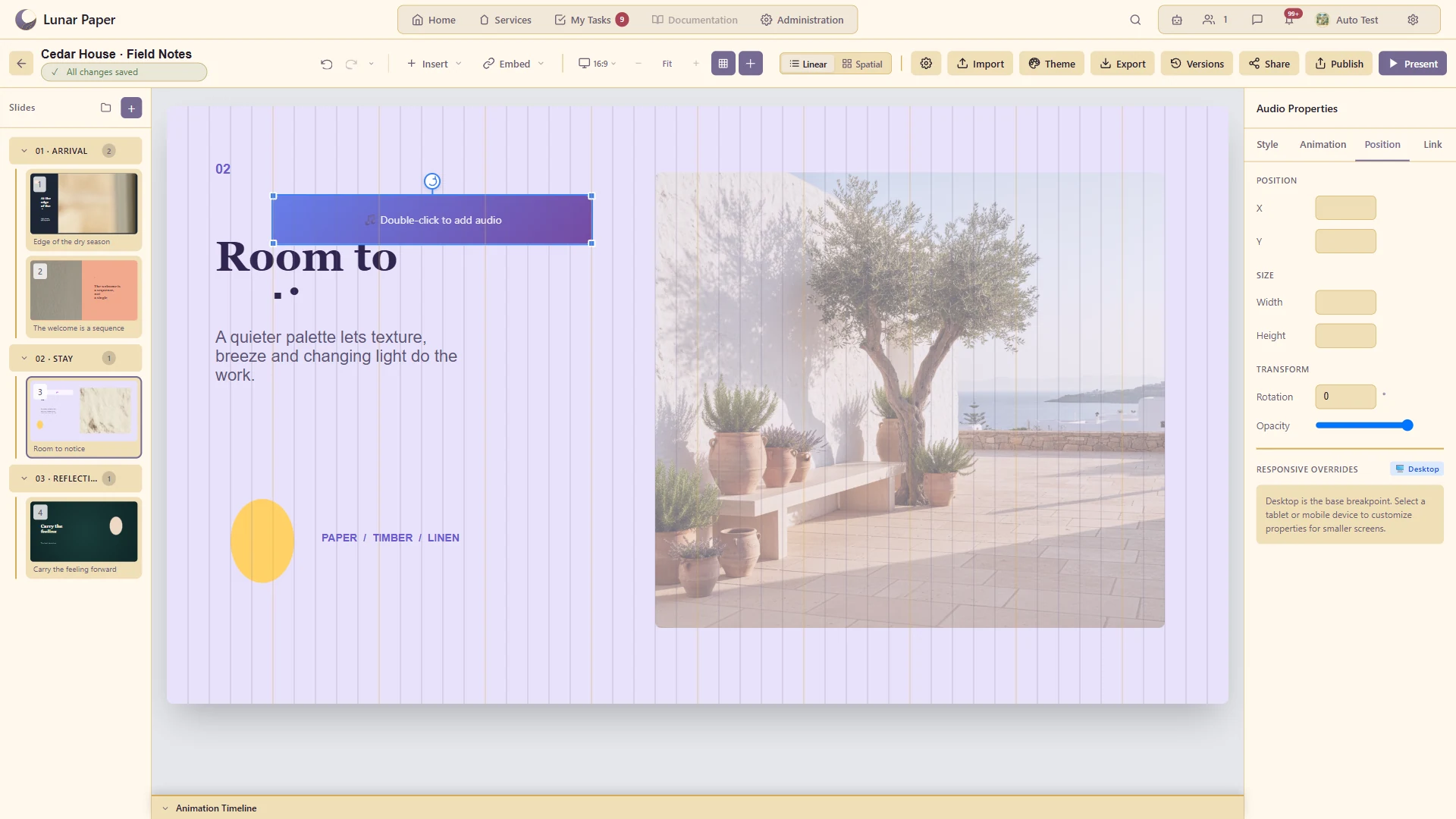
Add media to support a demonstration or narrated story.
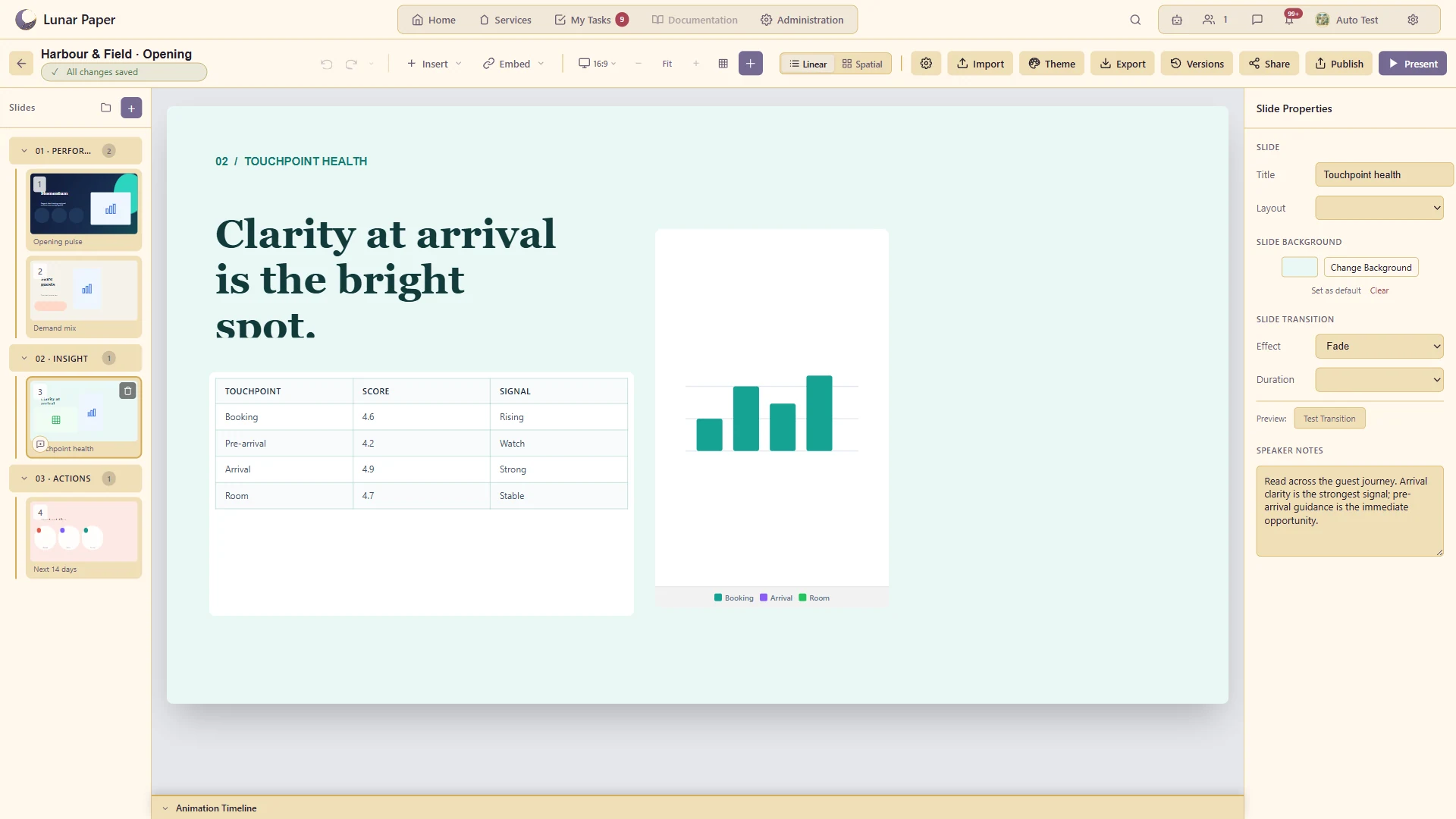
Present evidence and comparisons within the deck.
Create expressive titles with the supported text styling and path controls.
Keep a complex slide precisely arranged and easy to edit.
Bring an existing presentation into the authoring workflow.
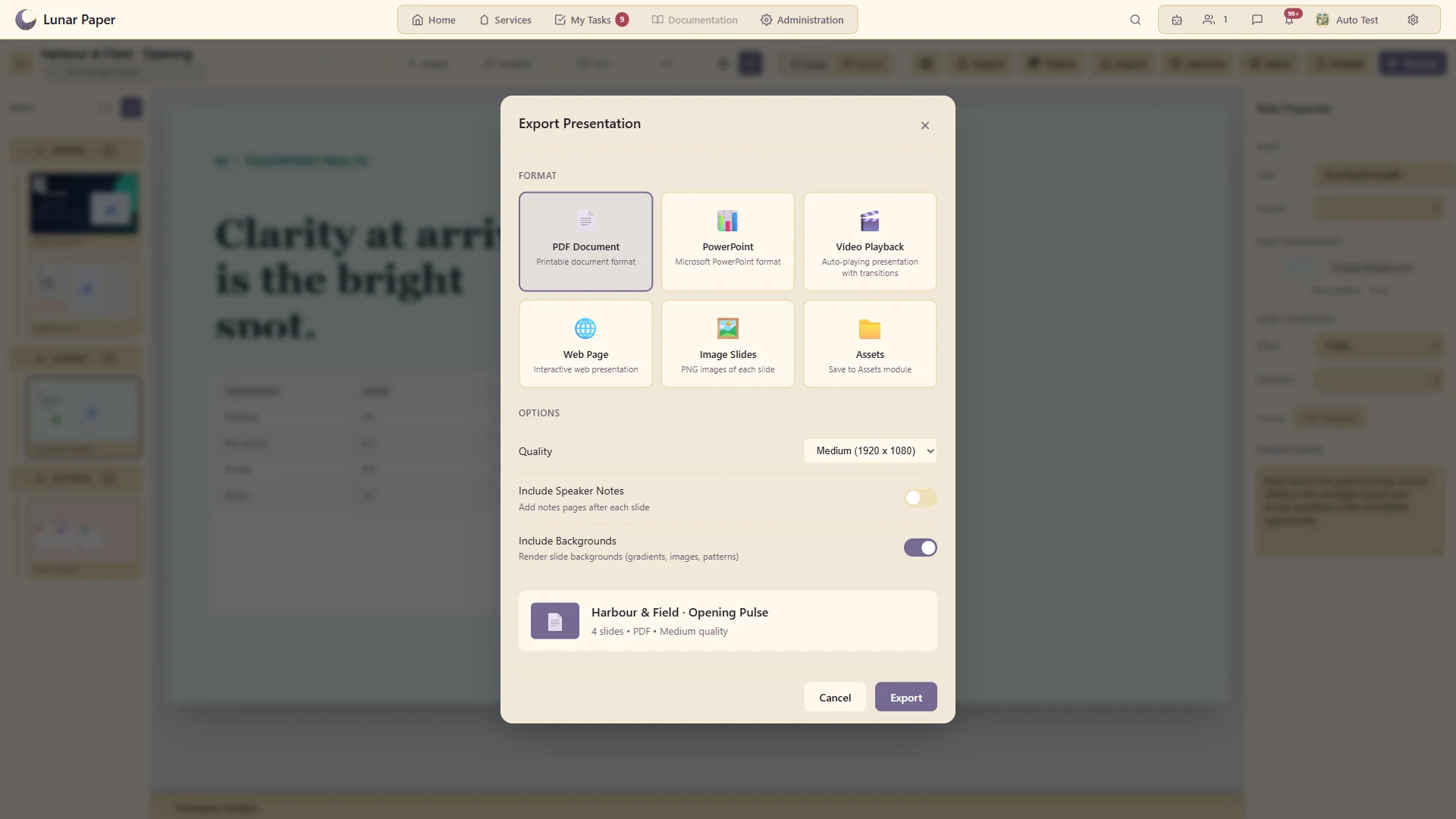
Deliver through the supported PDF, PowerPoint, web, image and video options.
Work with other contributors and comment on the presentation or a particular slide.
The main areas Slideshow brings together.
Create presentations from reusable layouts and organise slides and sections around a clear story.
Combine text, shapes, imagery, media and charts with responsive layout and precise canvas controls.
Bring governed data and material from other platform applications directly into presentation work.
Apply brand styling, backgrounds, animation and transitions consistently across a presentation.
Prepare music, narration, timing and presenter views for linear or spatial storytelling.
Review changes together, recover earlier work and share or export presentations in useful formats.
Run the platform with all features for free for three people.