
Guided image generation
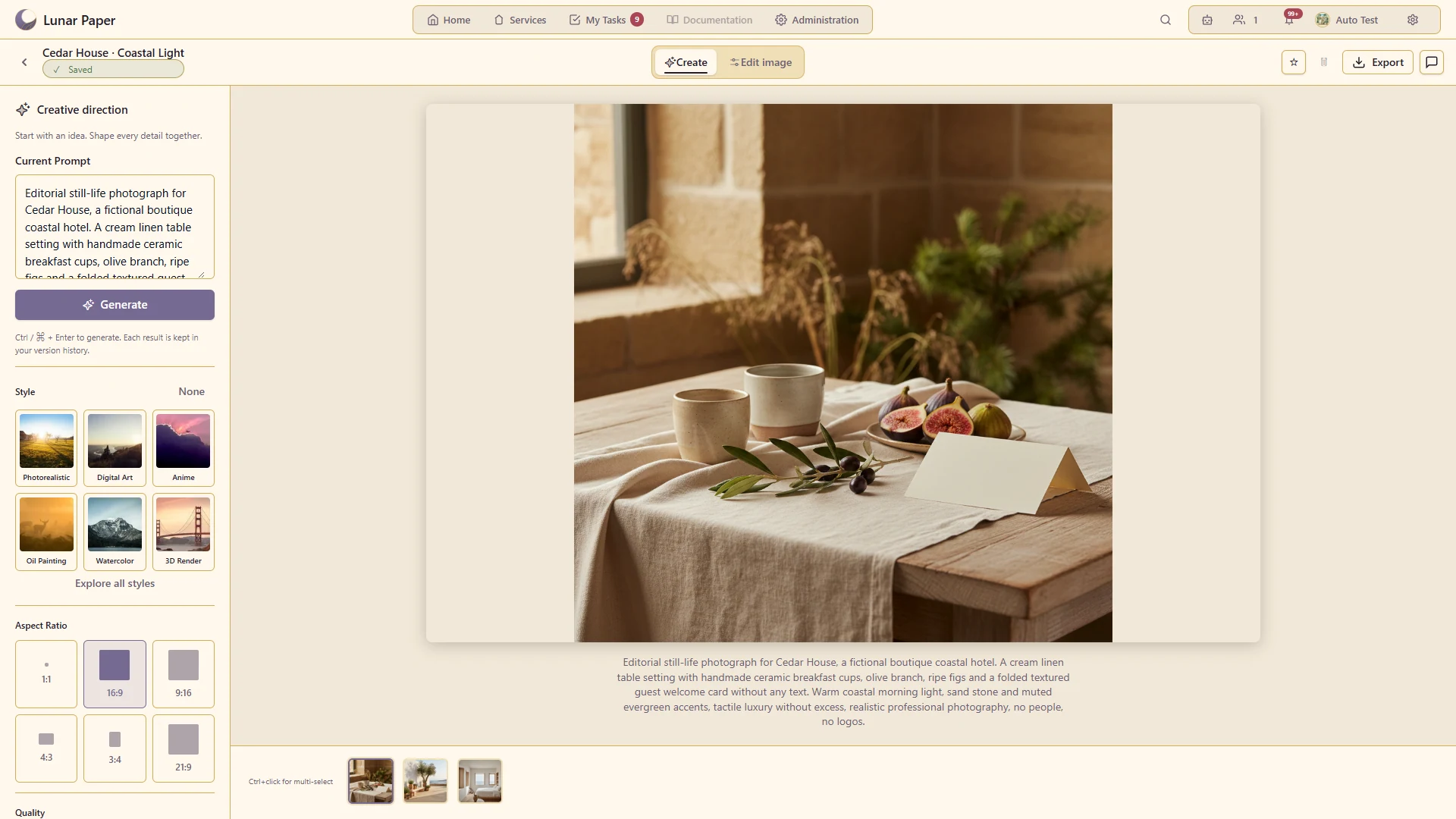
Create new visual directions with controls for subject, style, dimensions and other generation choices.
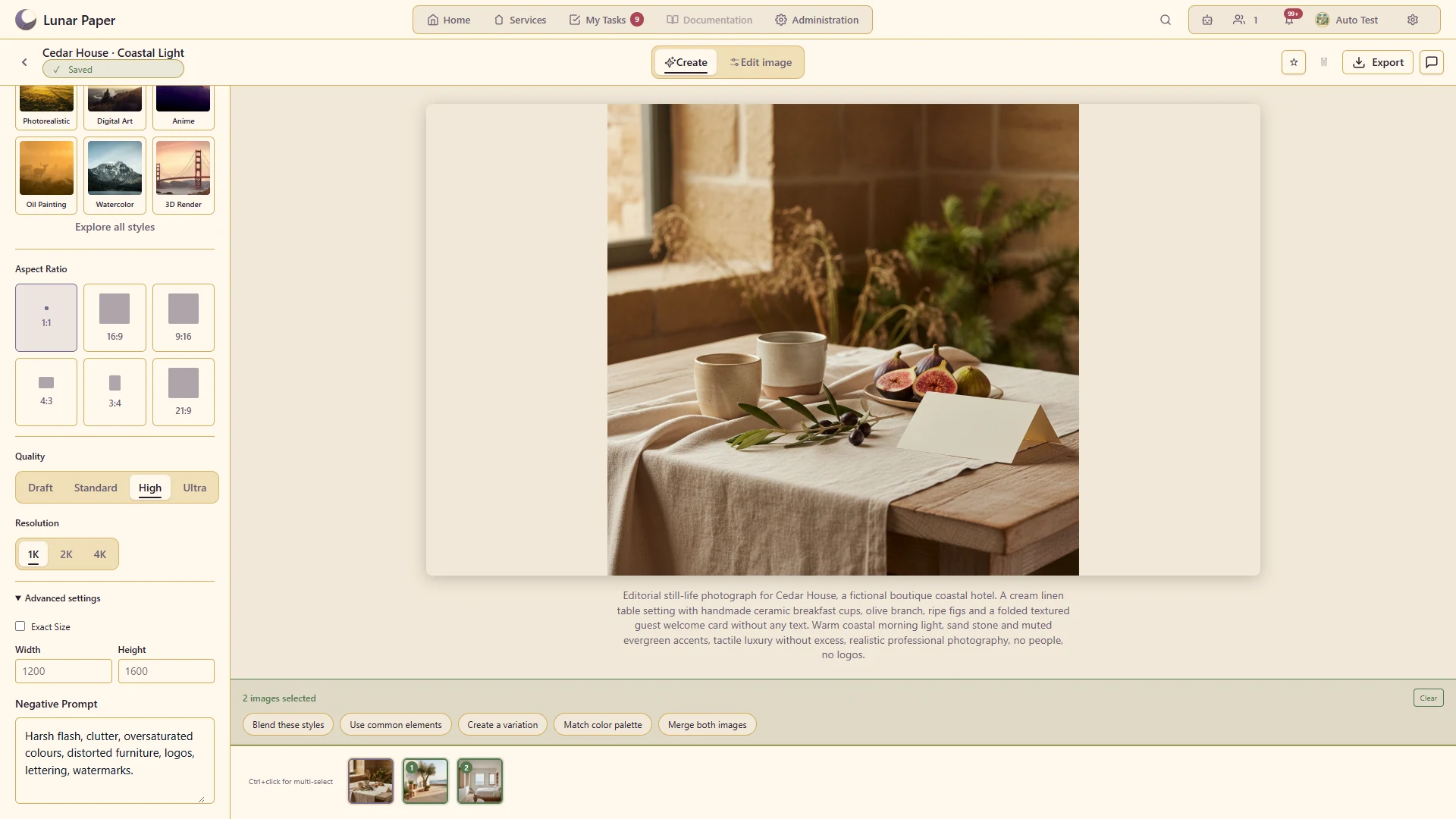
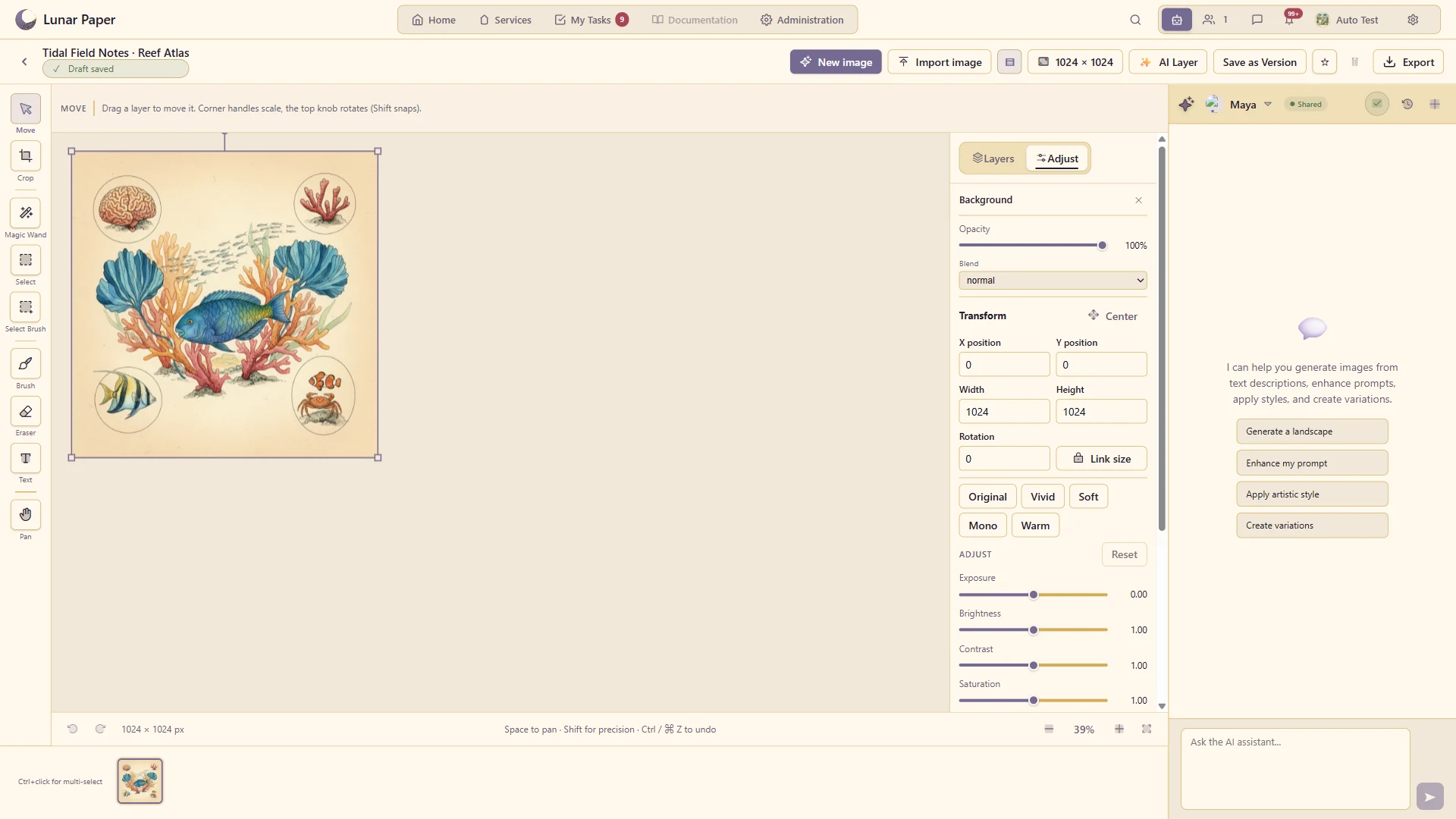
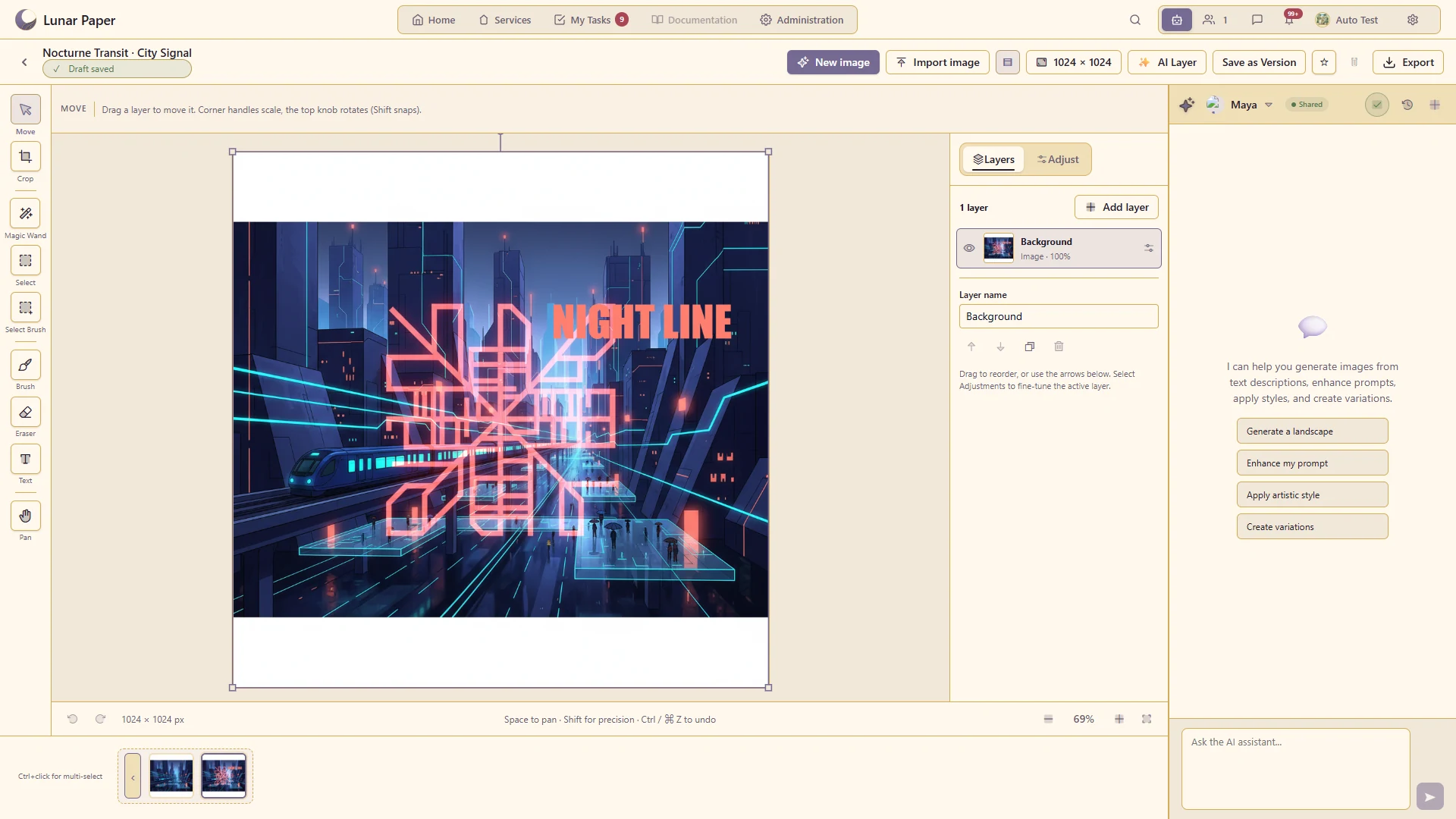
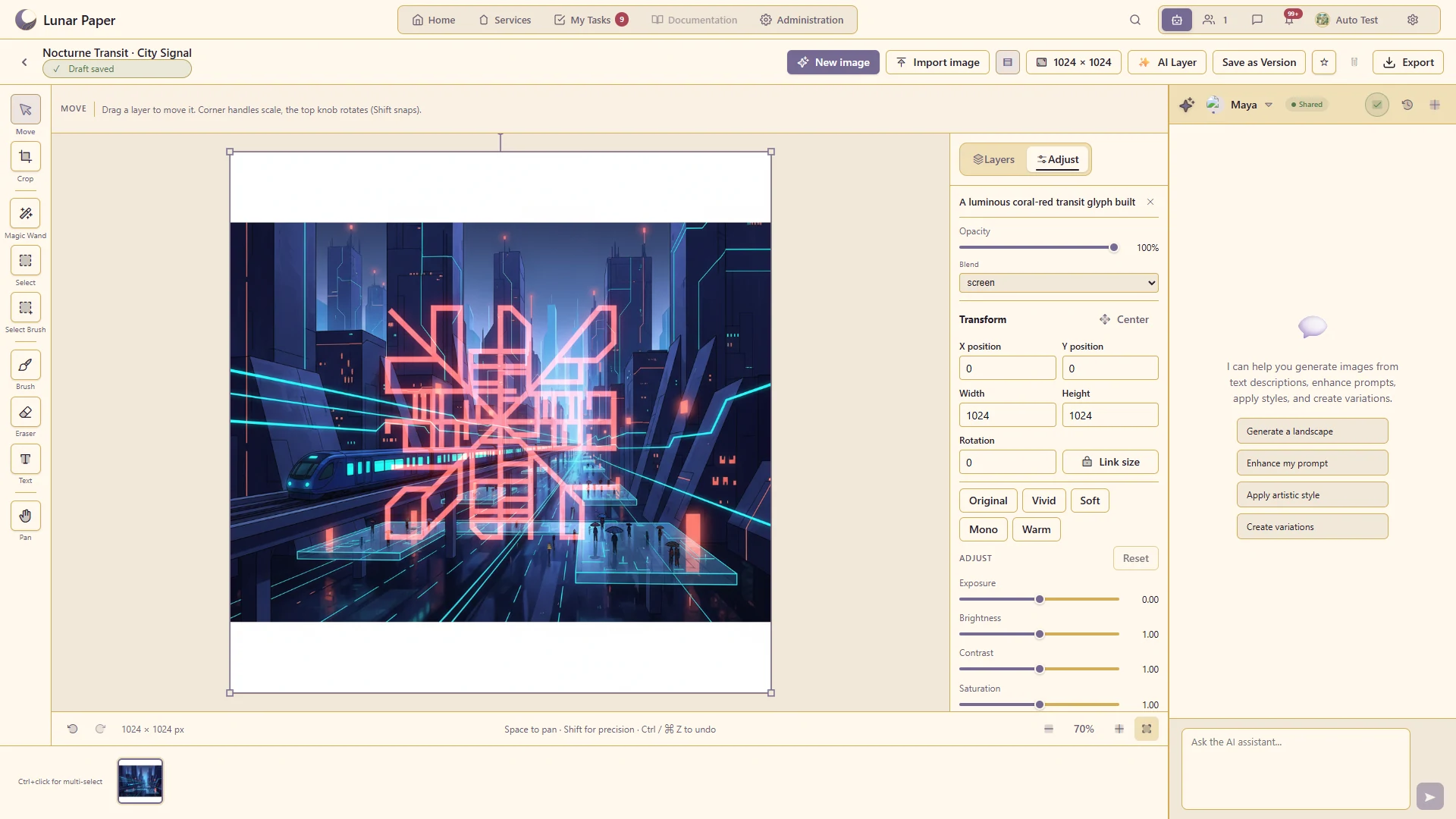
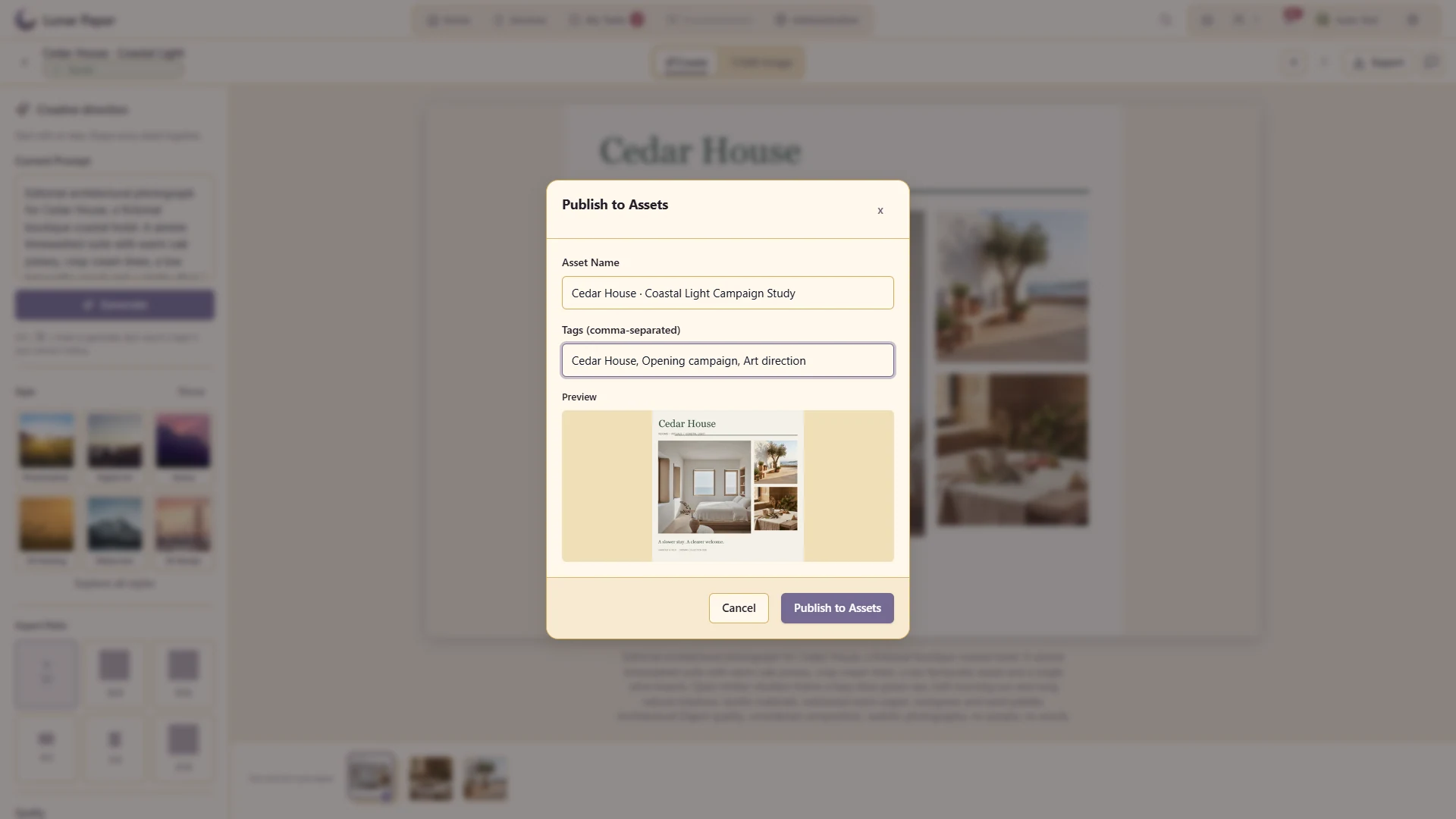
Generate and refine images inside one collaborative workspace. Image Generation combines guided prompts, reusable styles and precise output controls with a layered canvas for cropping, drawing, typography, adjustments and selection-based AI edits, then keeps every version ready to review, download or publish into the shared asset library.
Turn a specific visual brief into an image using a configured provider.
Supply visual material to guide supported generation or editing operations.
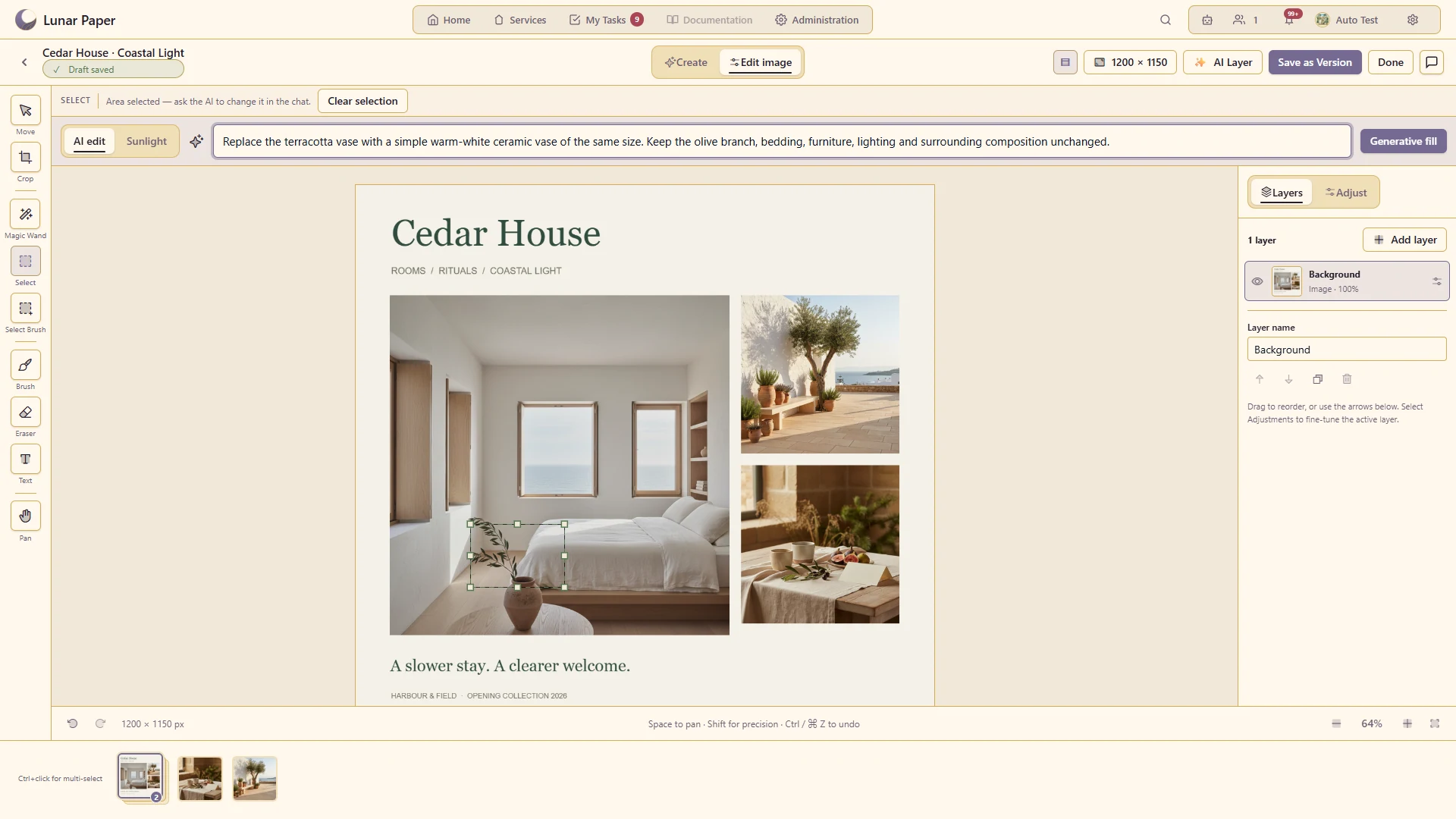
Select an area and request a focused change while retaining the surrounding composition.
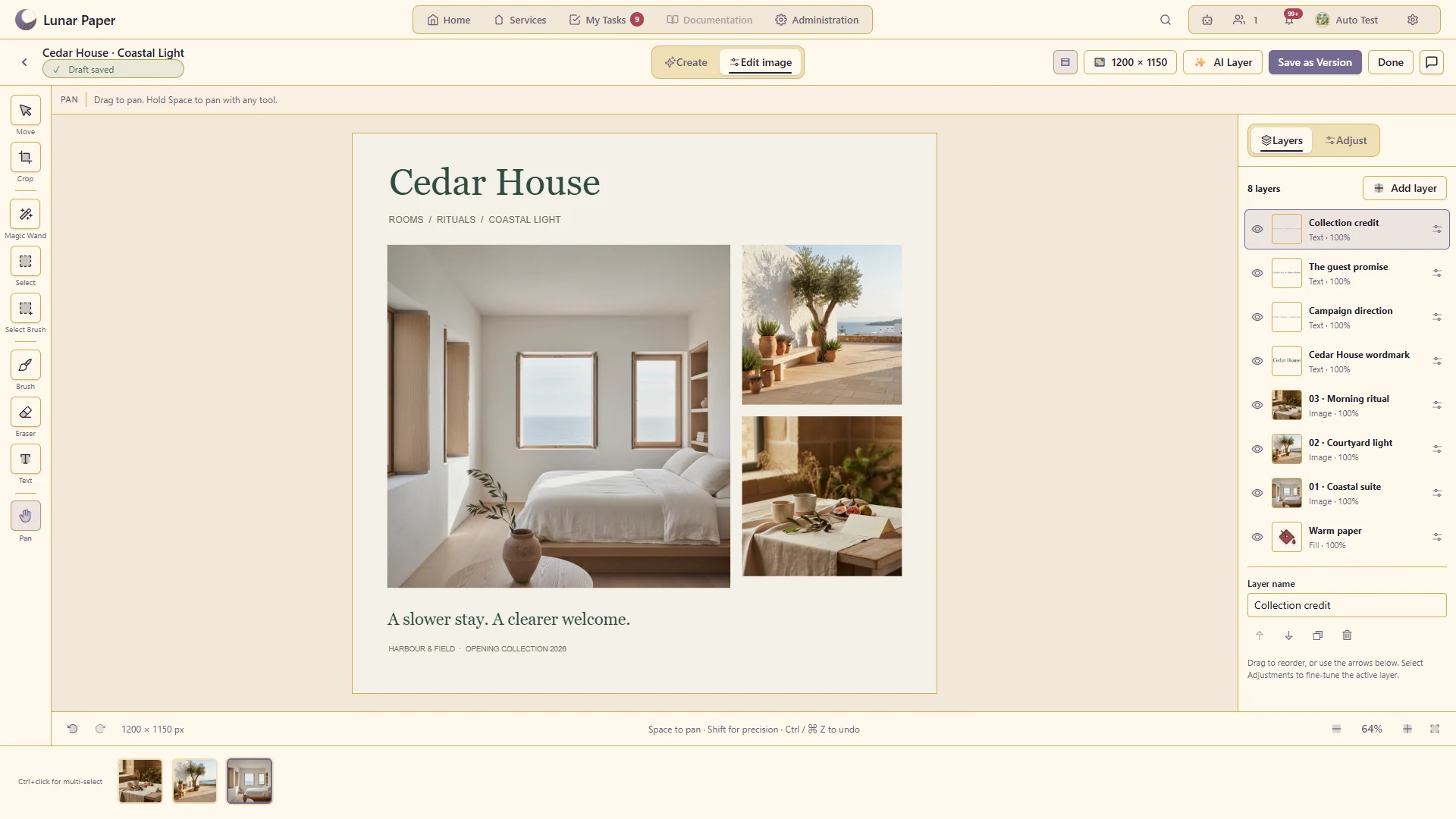
Combine and arrange multiple image layers within one editable canvas.
Refine the image with the available brightness, contrast, colour and preset controls.
Revisit prior results and compare alternatives within an image project.
Control how the layers combine visually.
Use finished imagery in the service's designs, slideshows and emails.
The main areas Image Generation brings together.
Create new visual directions with controls for subject, style, dimensions and other generation choices.
Combine generated and uploaded material on an editable canvas rather than treating every result as final.
Refine specific areas with selection, masking and supported AI editing tools.
Add painted detail, shapes and text where a composition needs direct creative control.
Tune visual treatment, compare alternatives and preserve useful versions as an image develops.
Collaborate on results, export finished images and reuse them in other platform applications.
Run the platform with all features for free for three people.