
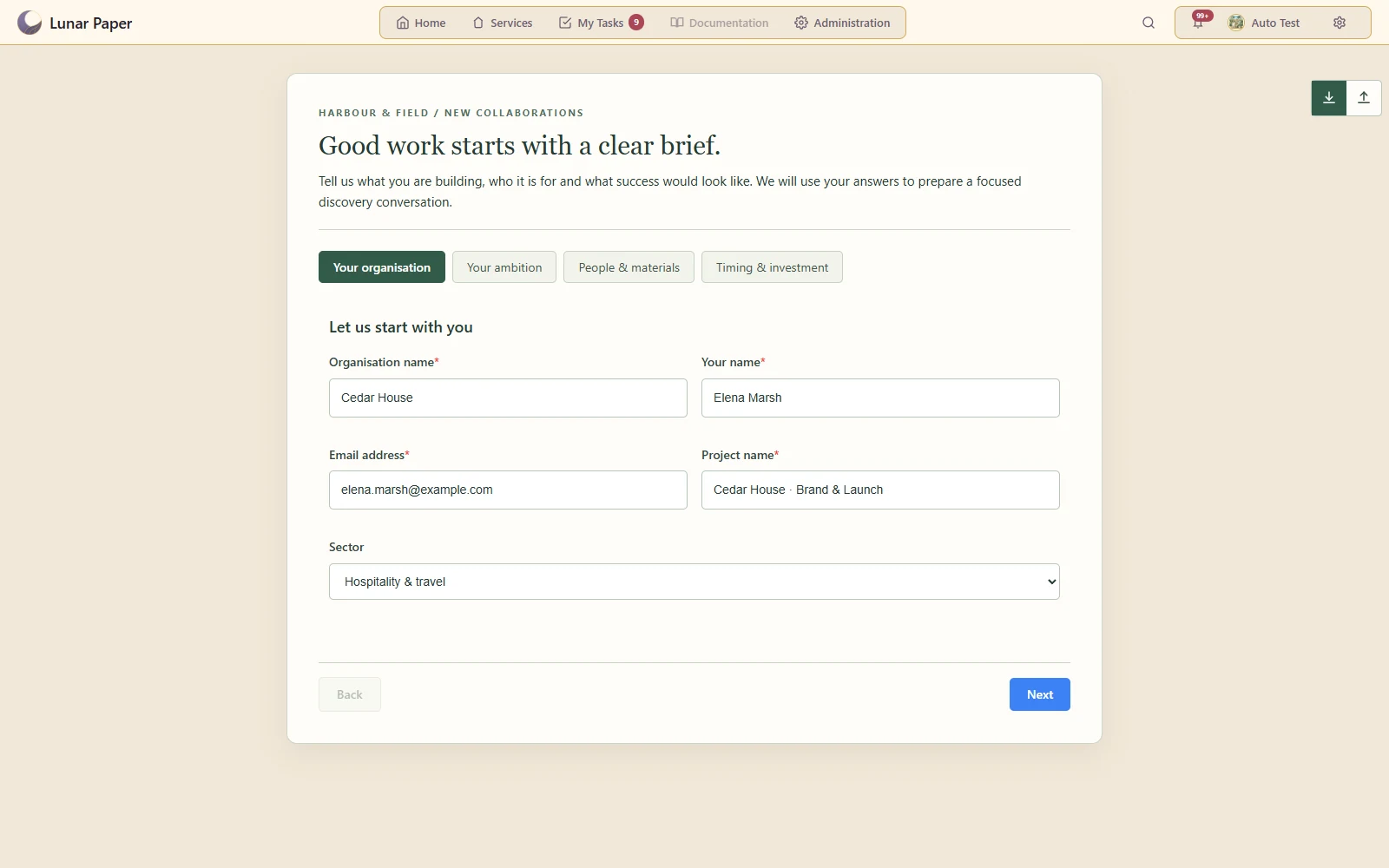
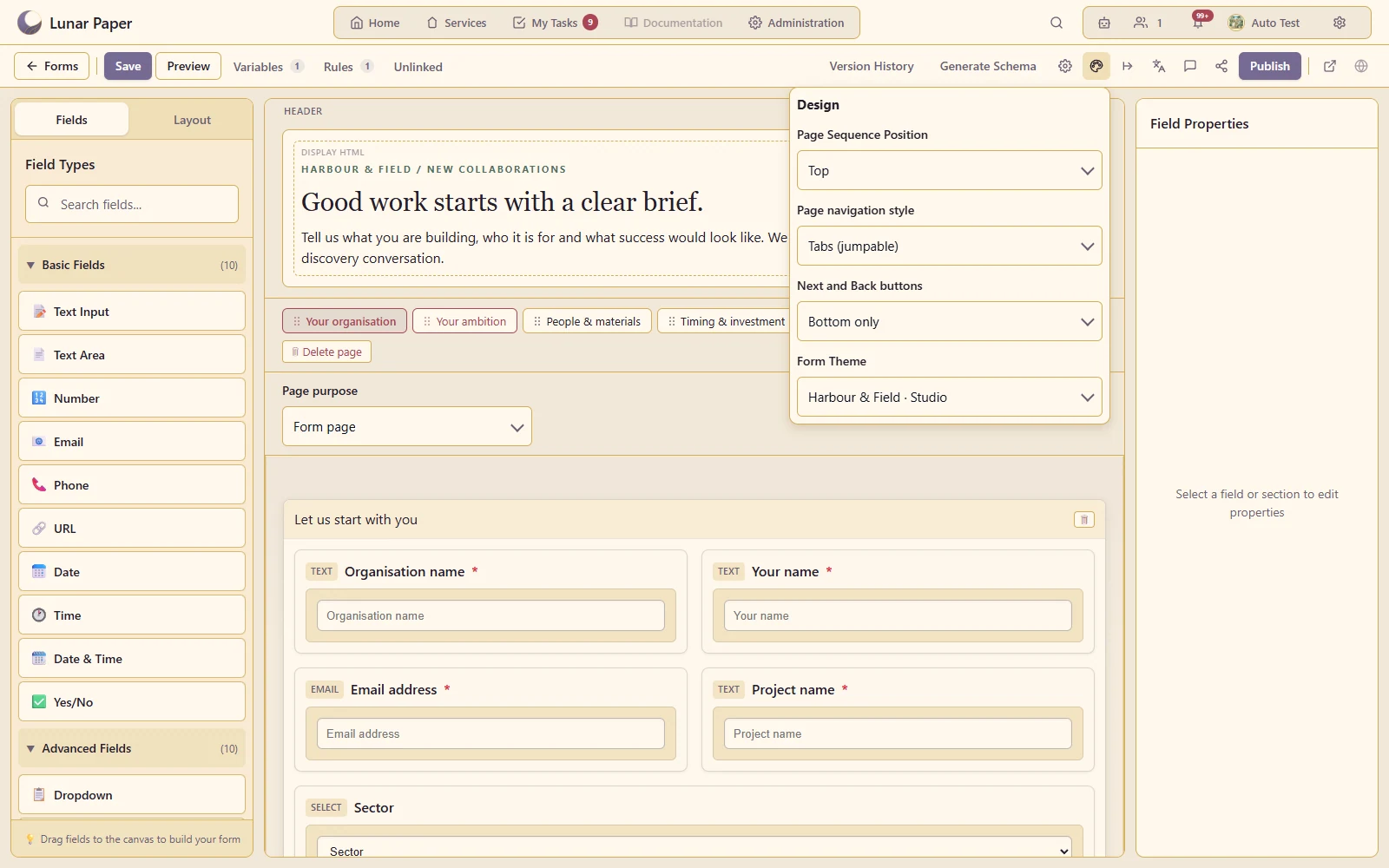
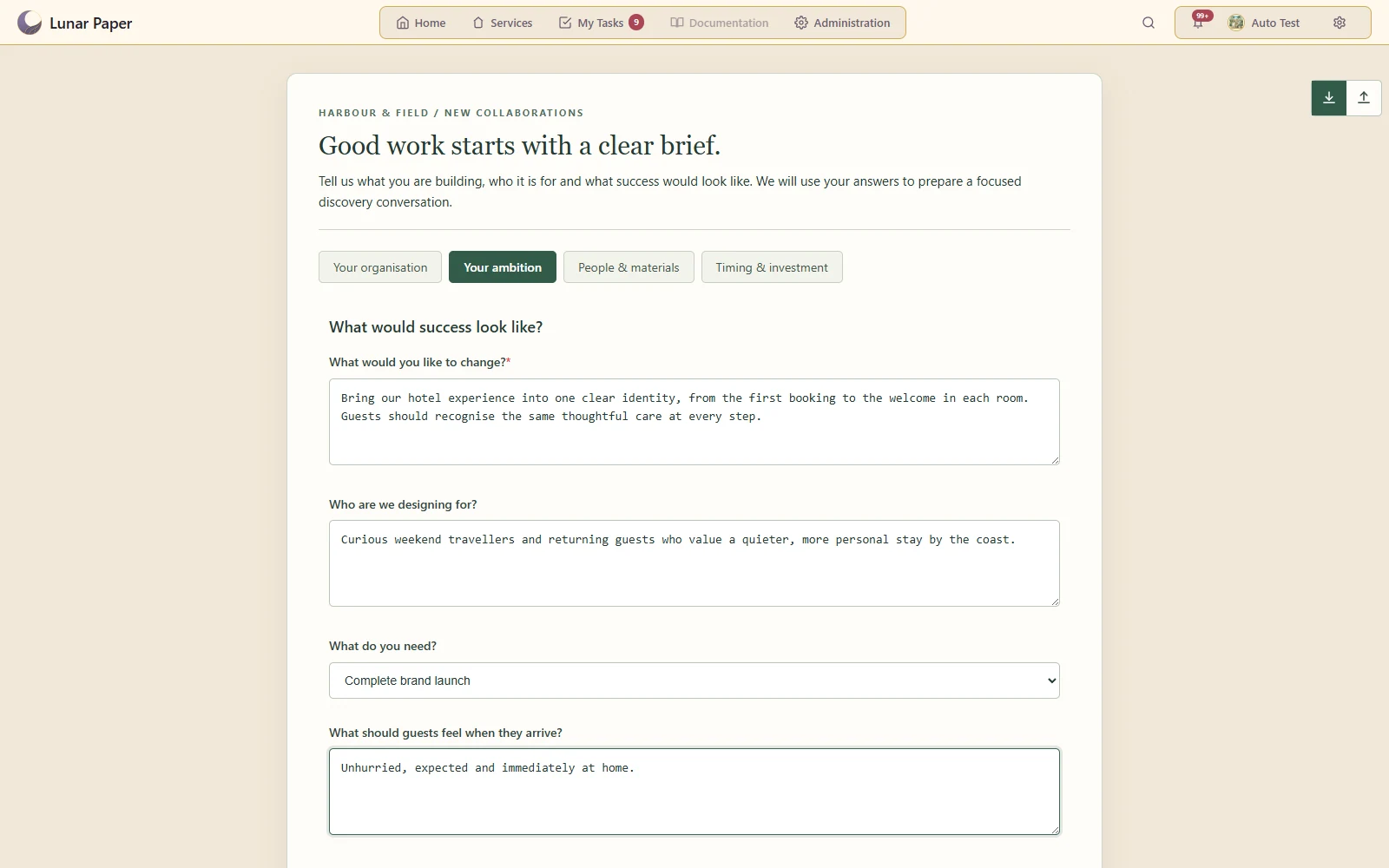
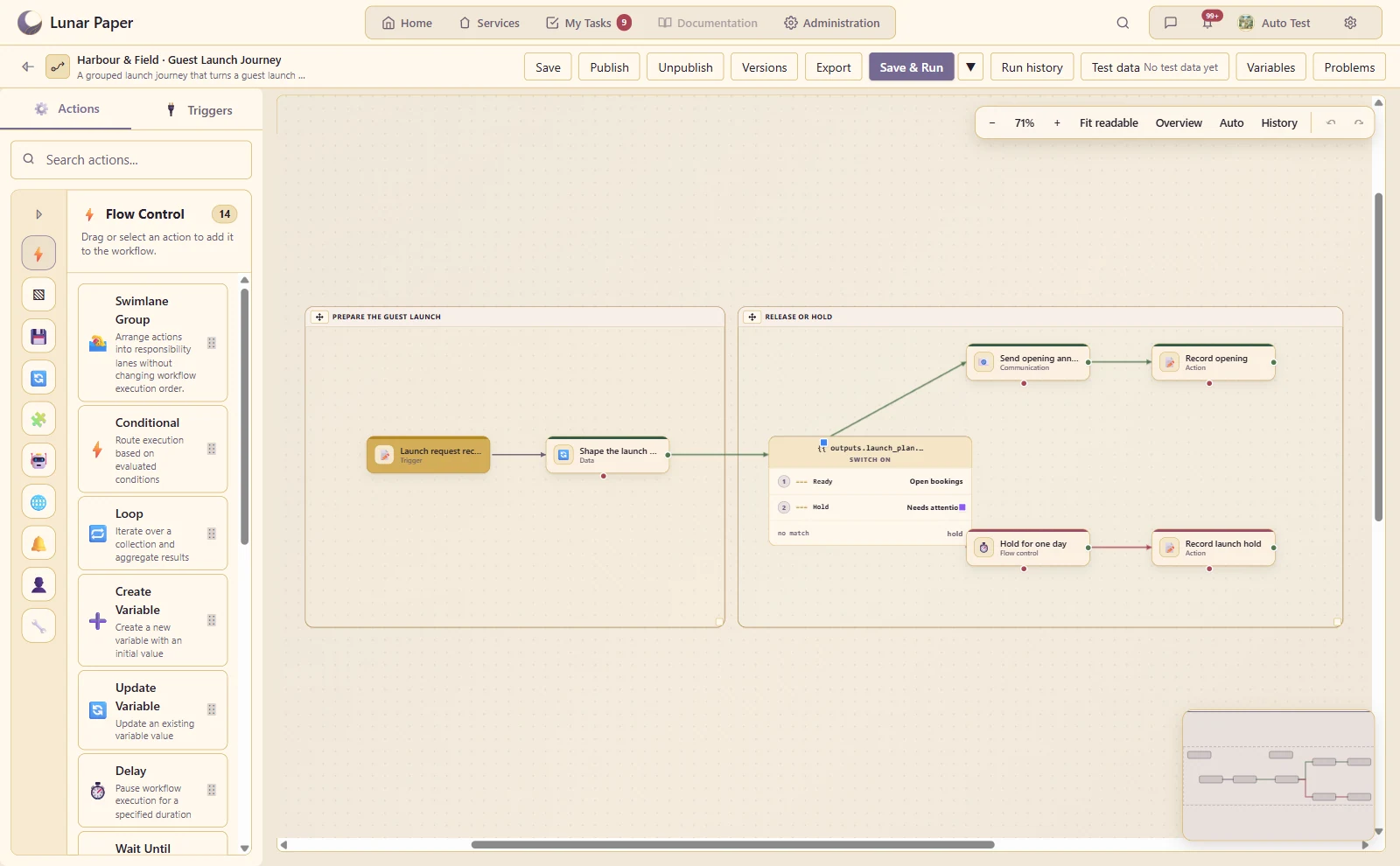
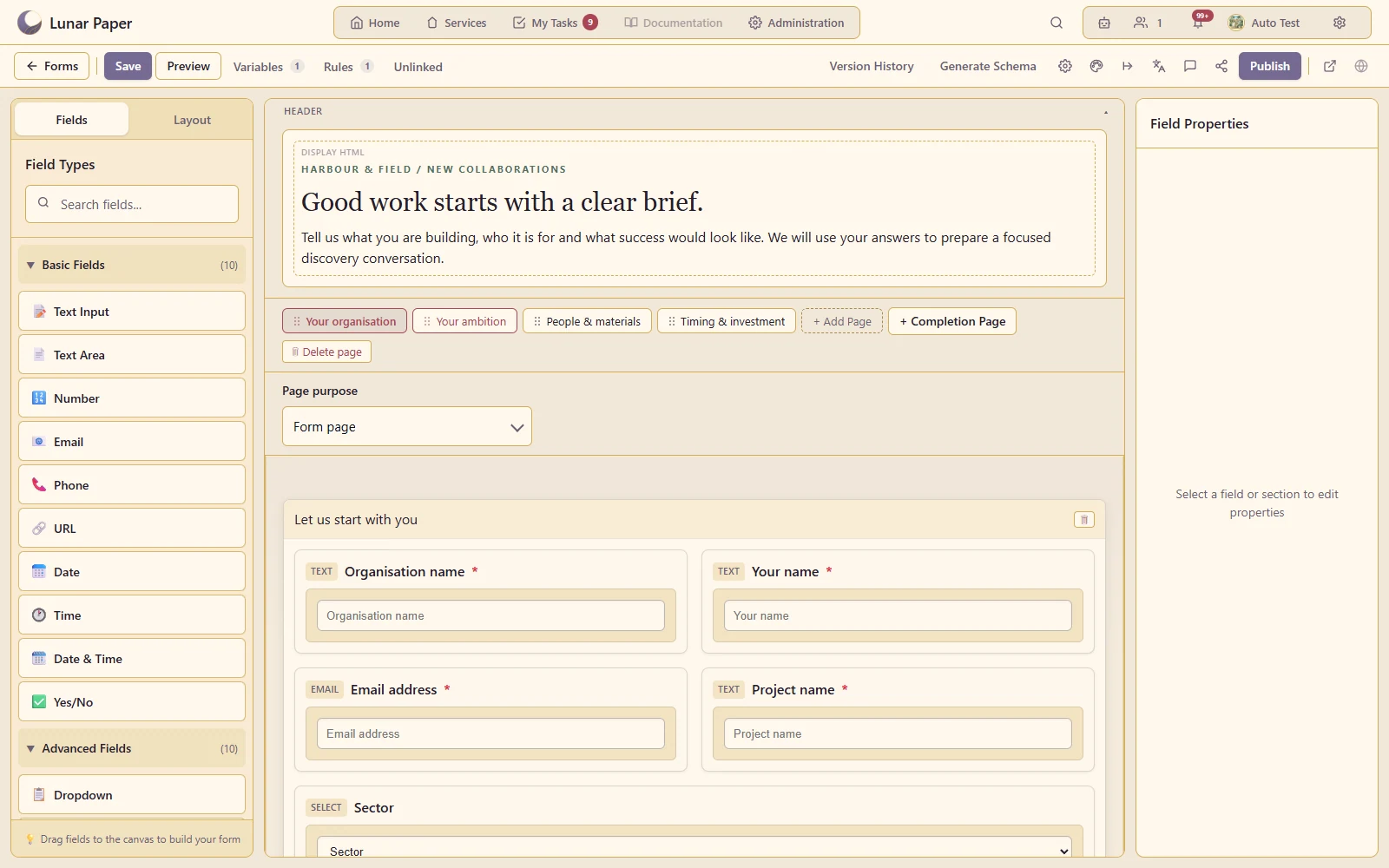
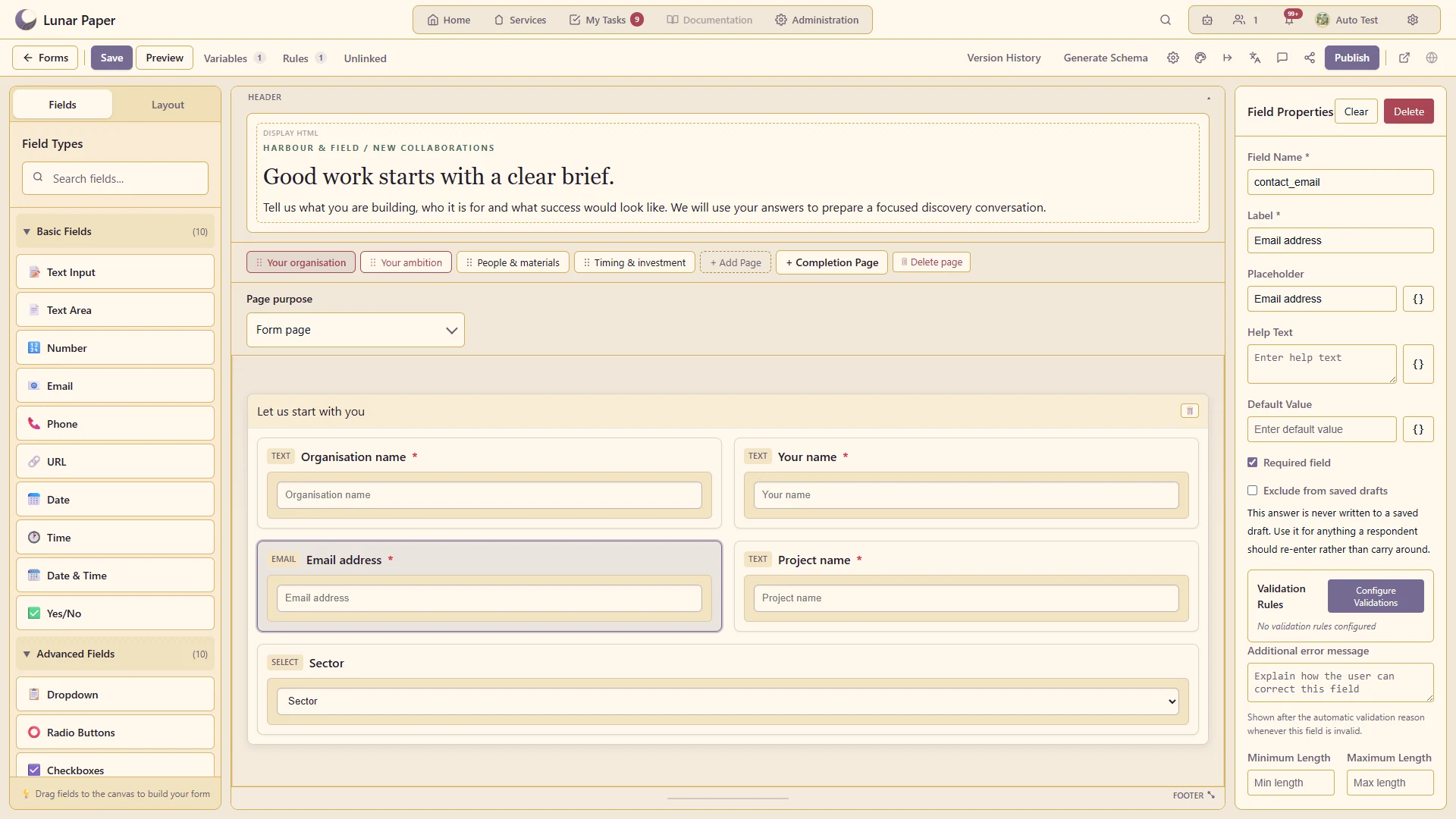
Drag-and-drop building
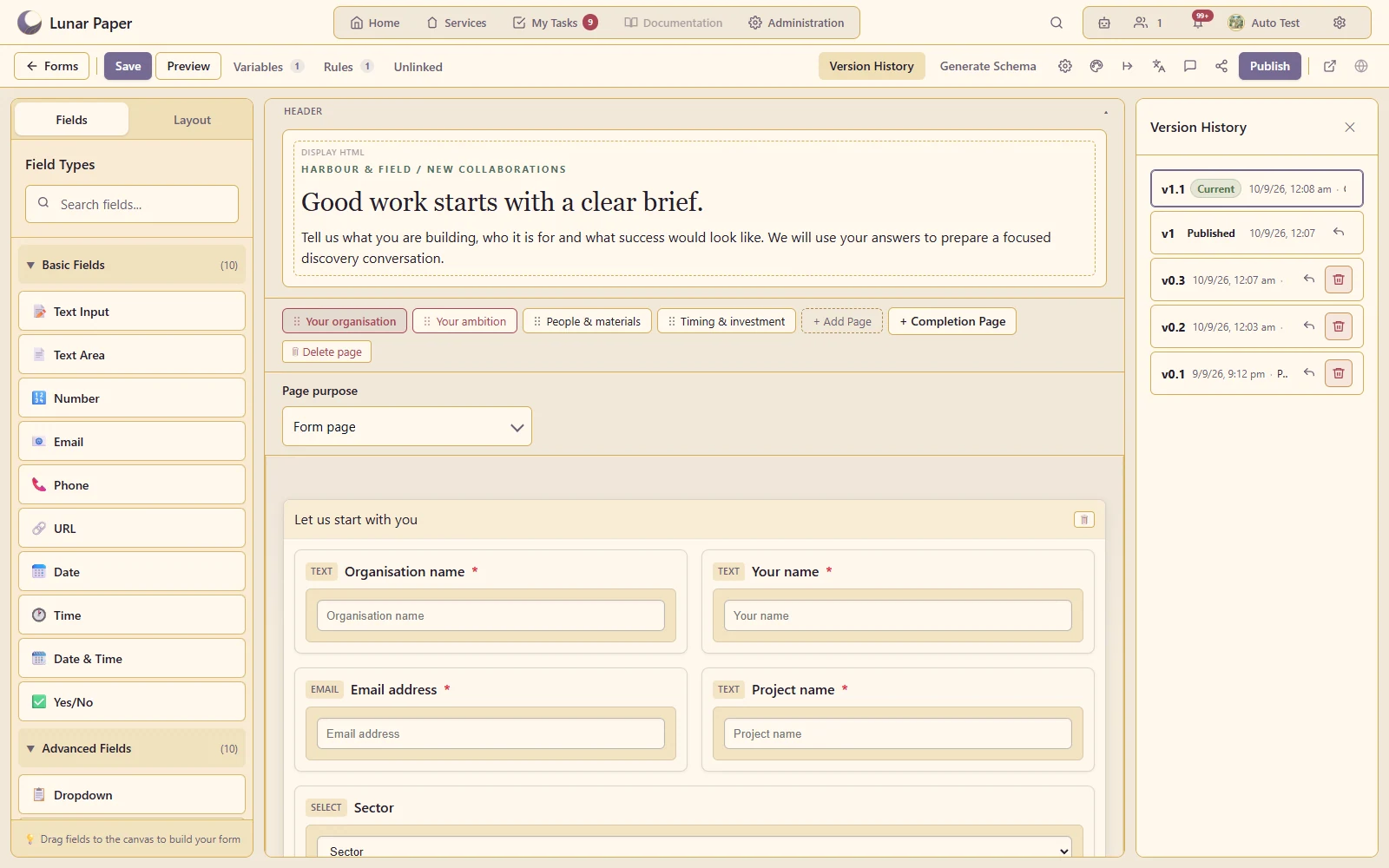
Compose multi-page forms from structured fields, content blocks and flexible layout containers.
Build data-driven online forms with a drag-and-drop editor, 23 components, reusable variables and custom themes, alongside many more features. Publish forms for internal teams or external audiences, with every submission stored in PostgreSQL and ready to use across the platform.
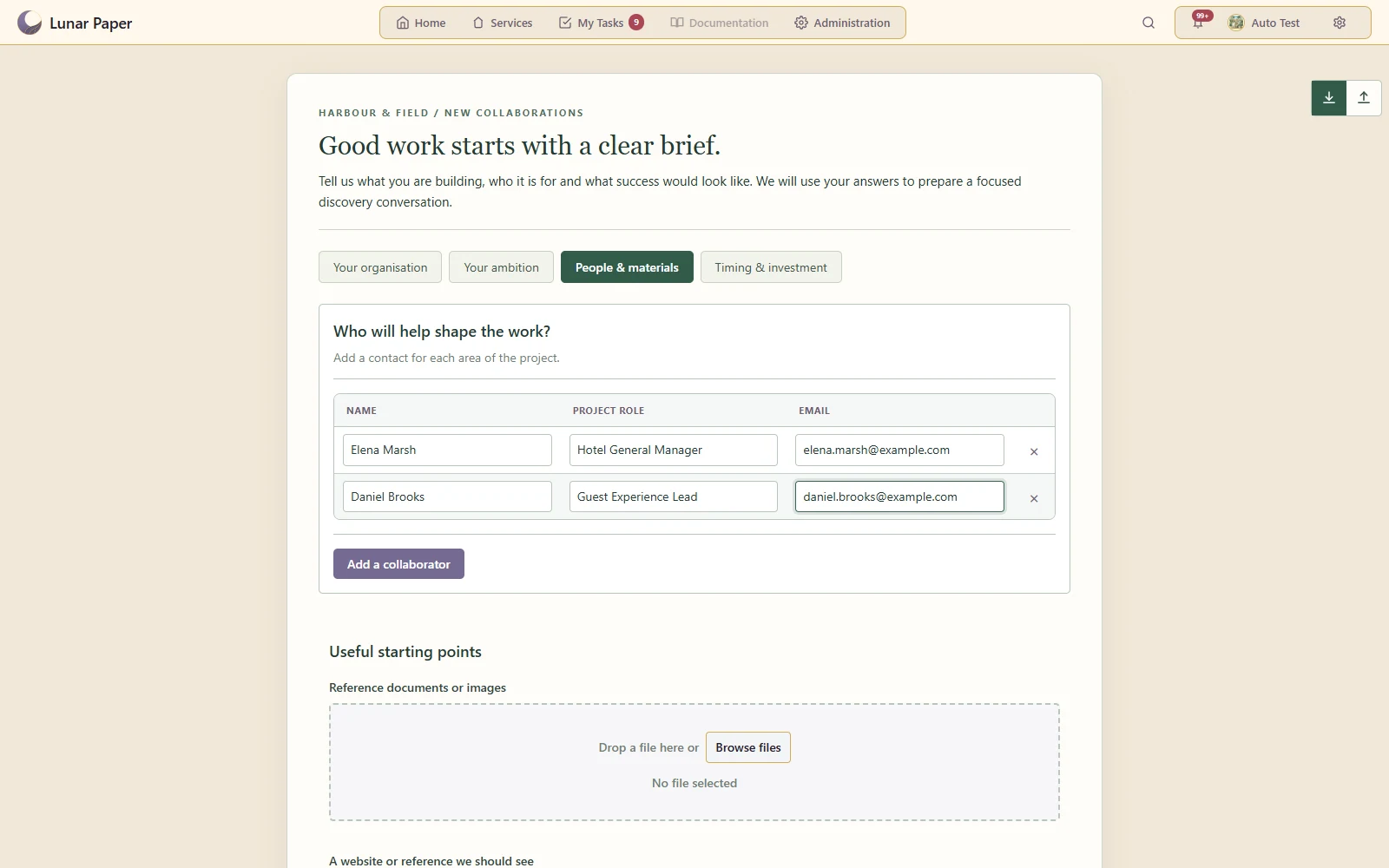
Guide a respondent through clear stages using tabs, a stepper or progress navigation.
Create a distinct visual treatment for fields, layout, navigation and completion screens.
Reveal the questions that are relevant to the respondent's previous answers.
Use an initial form, follow-up data requests and approval forms in one workflow.
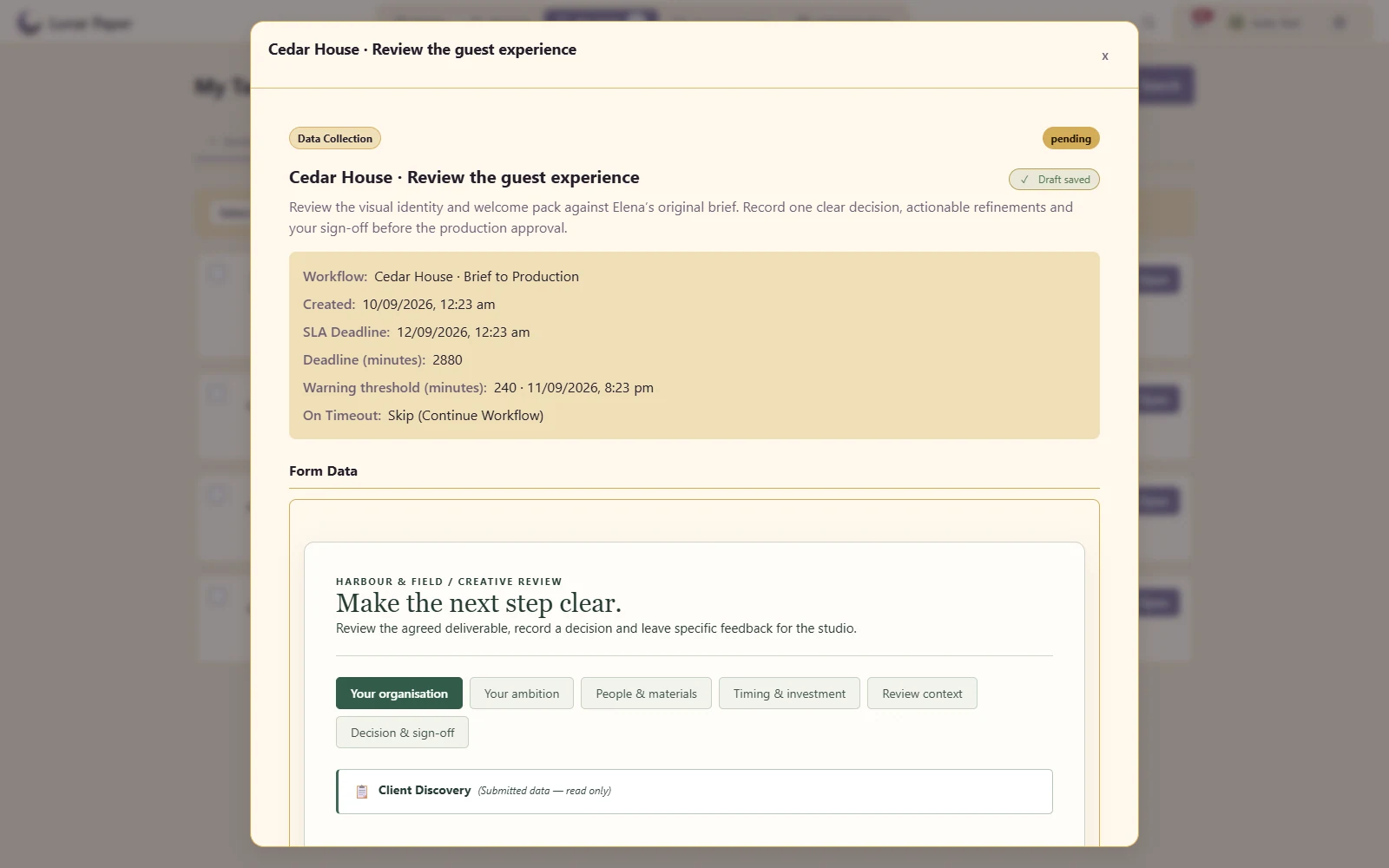
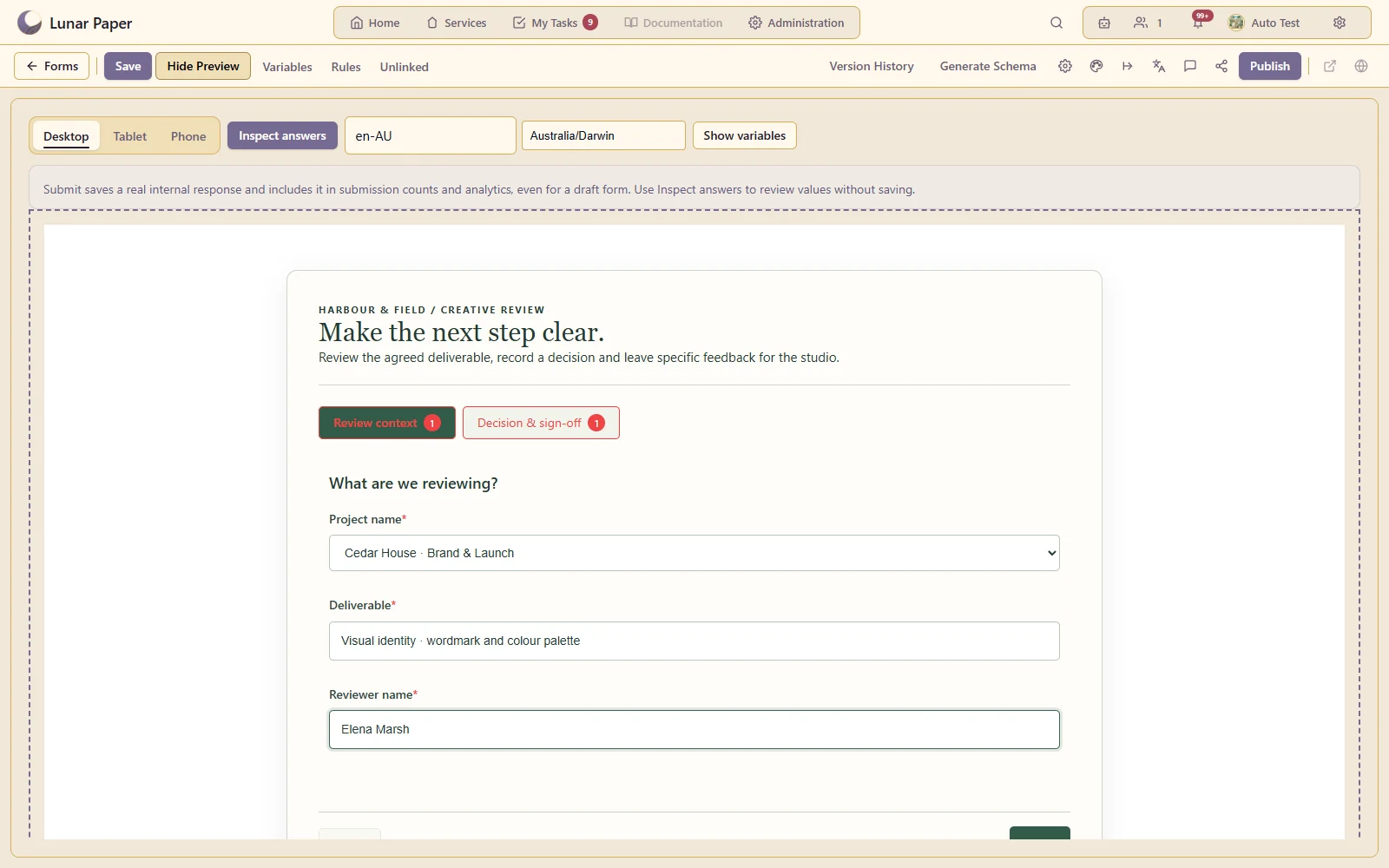
Let staff complete the next form or approval from My Tasks with earlier submissions visible as context.
Combine text, choices, dates, ratings and other structured inputs in one form.
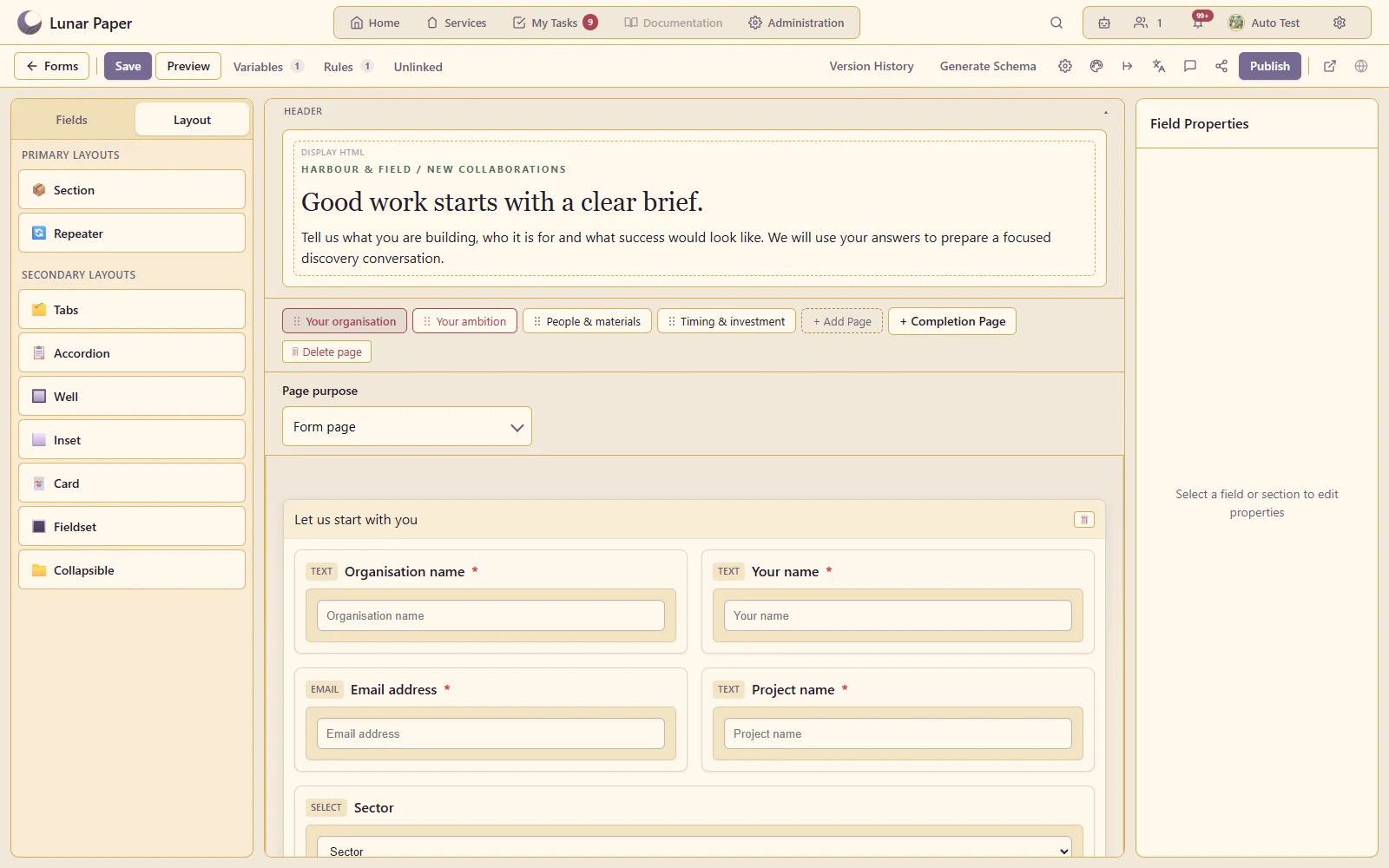
Organise questions into columns, cards, fieldsets, accordions and other readable groups.
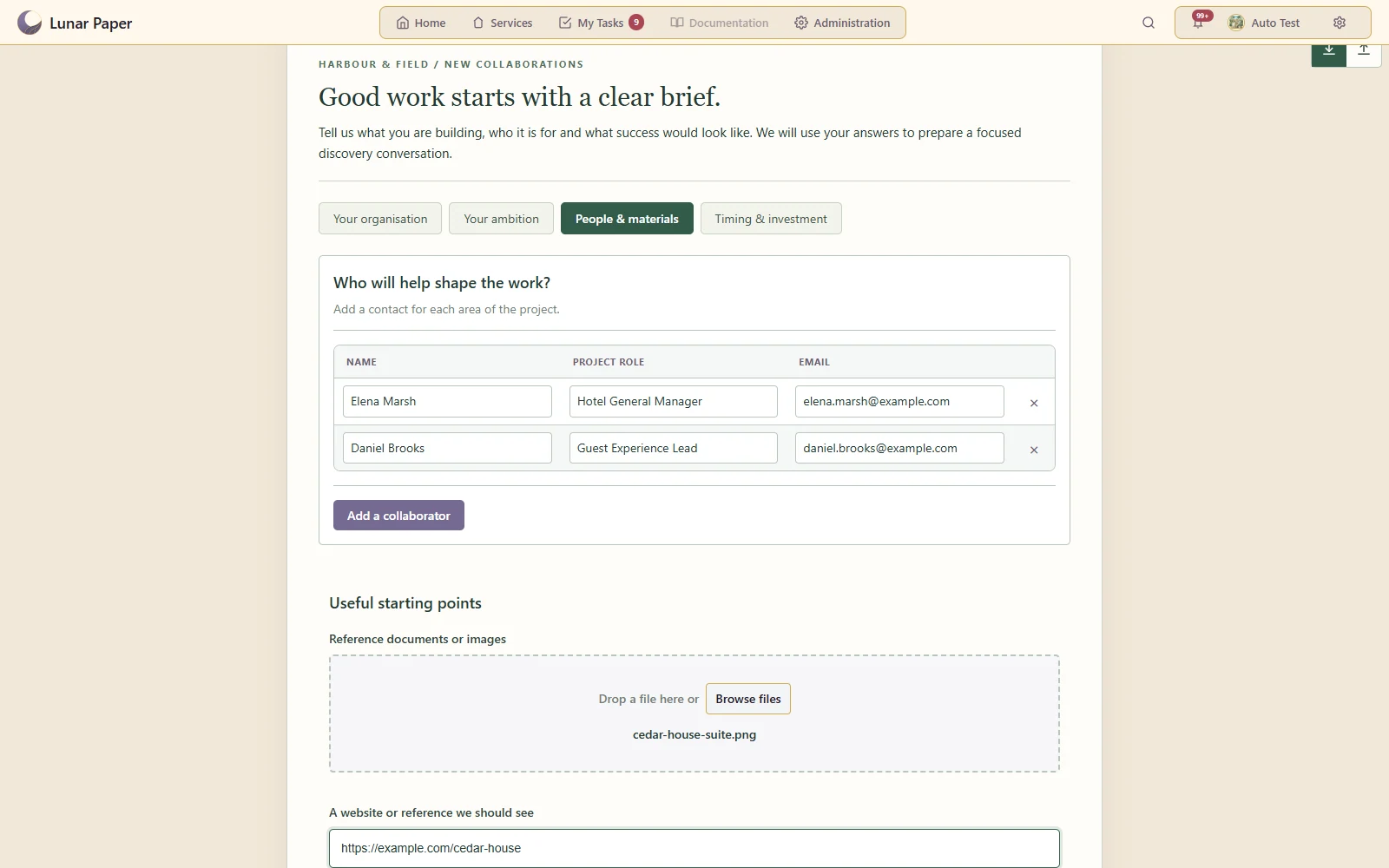
Let respondents add several line items, people or other repeated records.
Enforce required answers, formats and configured rules before accepting a submission.
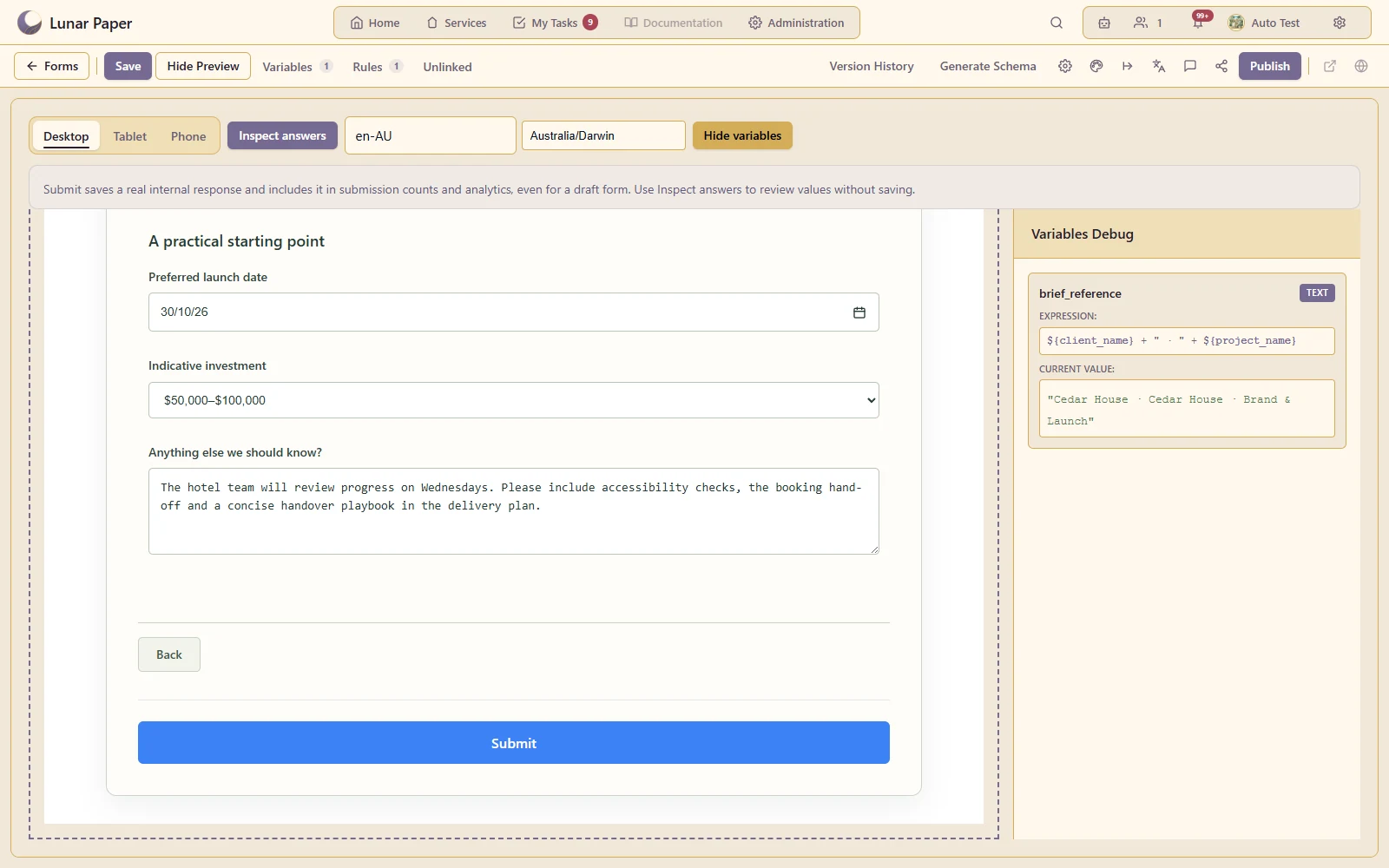
Derive values and insert them into the respondent's experience.
Show the original brief alongside the next form so reviewers can make informed decisions.
Populate supported selections from configured datasets and sources.
Collect supporting documents and images with the submission.
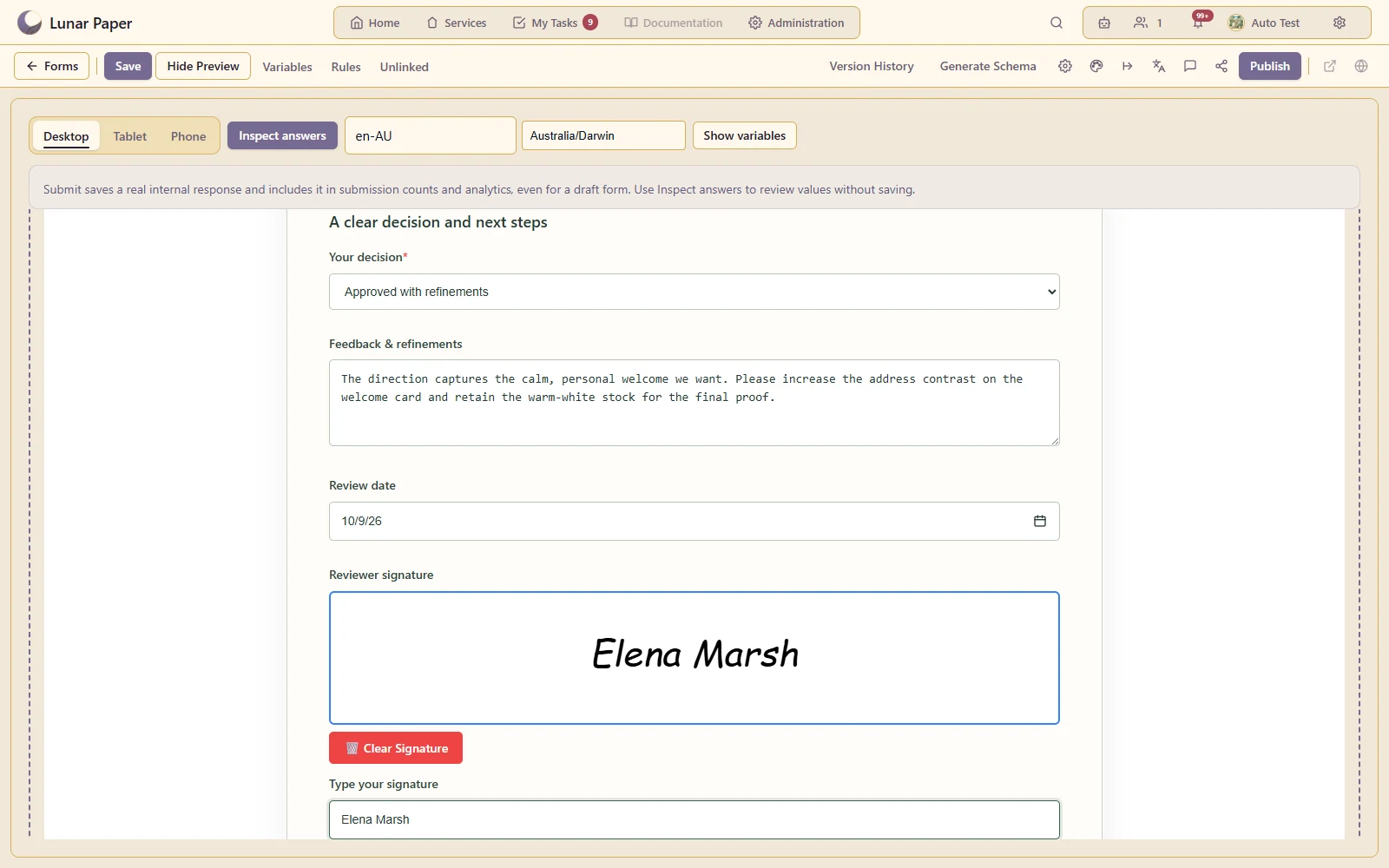
Capture a signature as part of a form or workflow task.
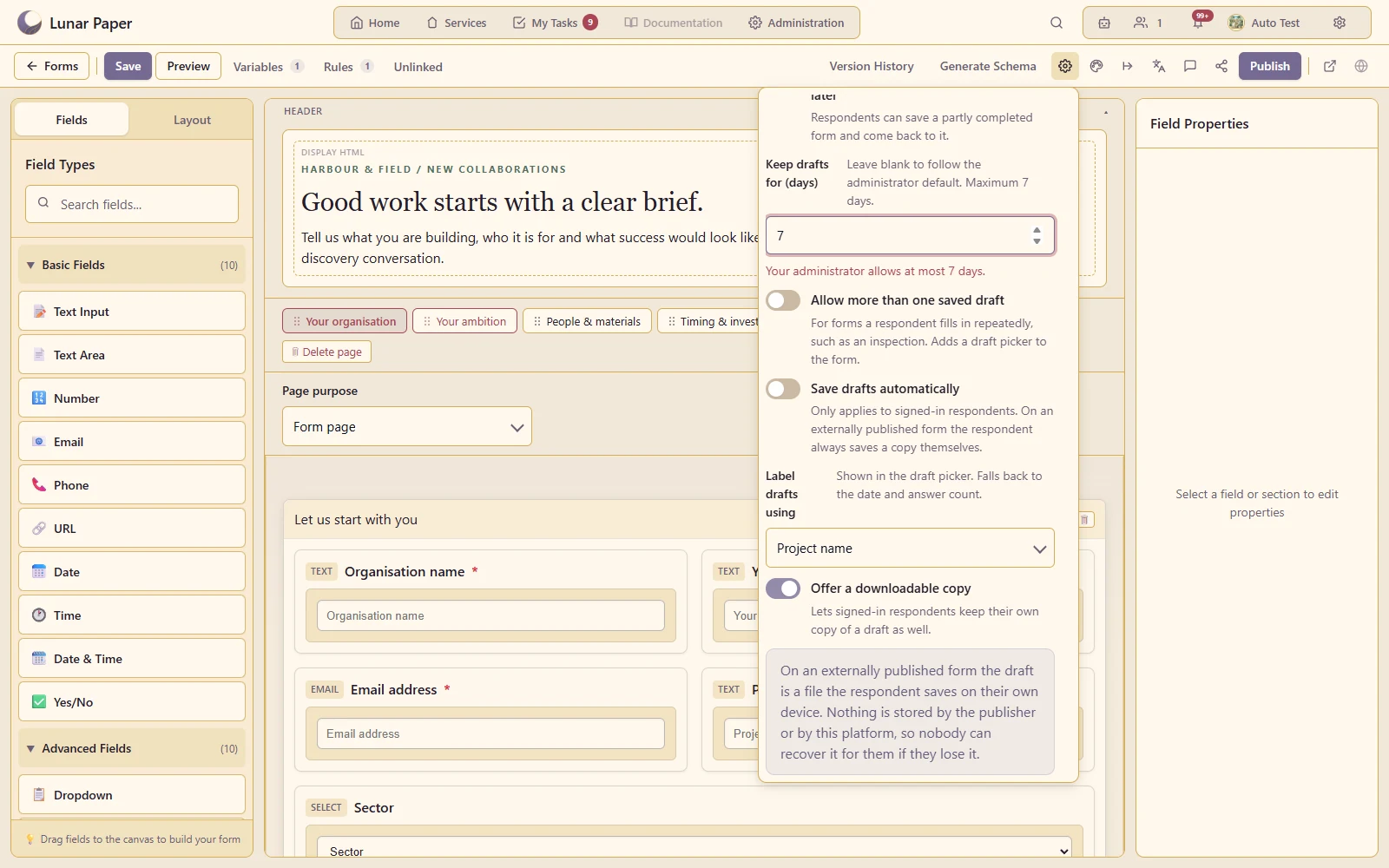
Let respondents save unfinished answers using the configured server/device draft options.
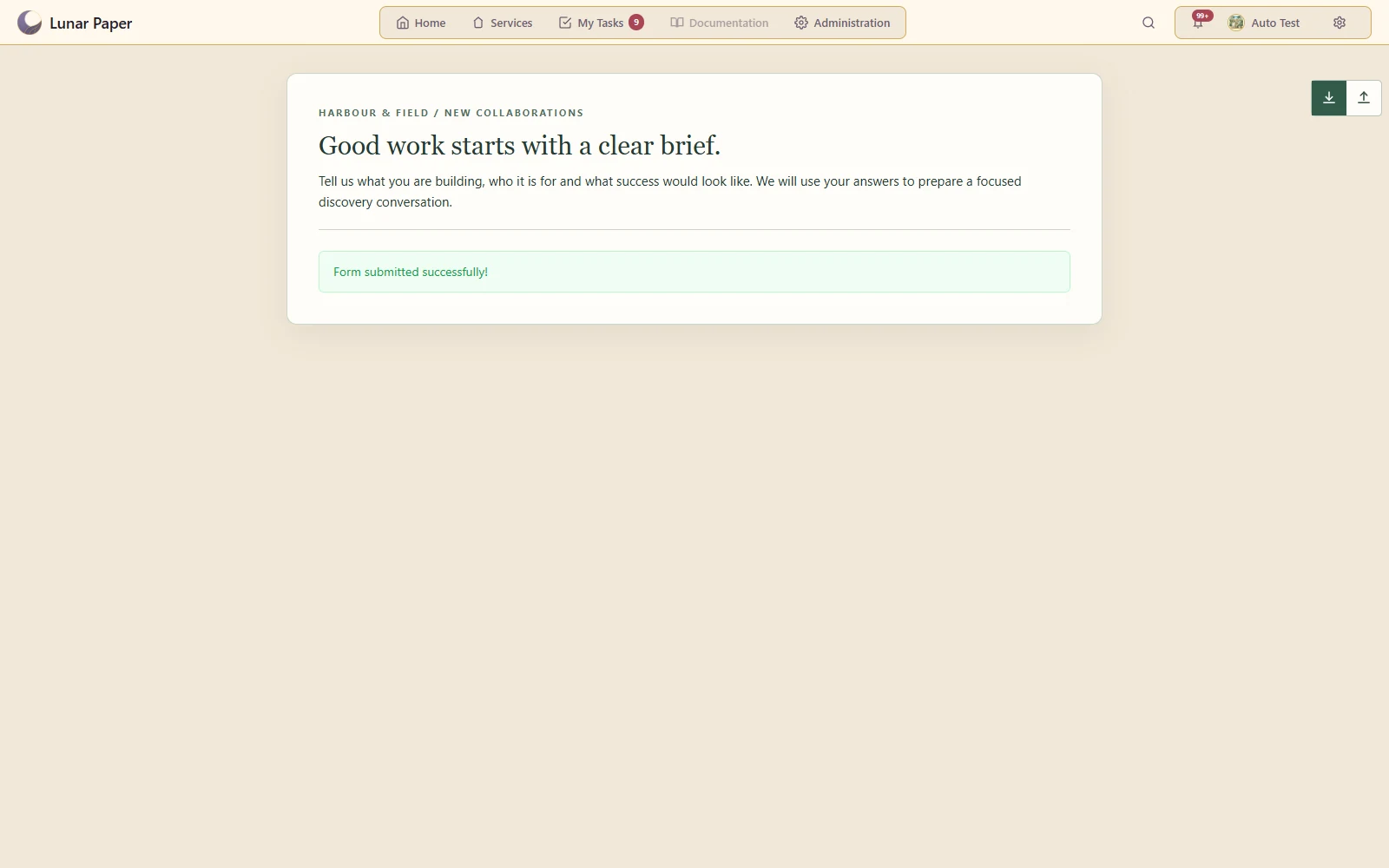
Configure the success message and supported follow-on actions after a successful submission.
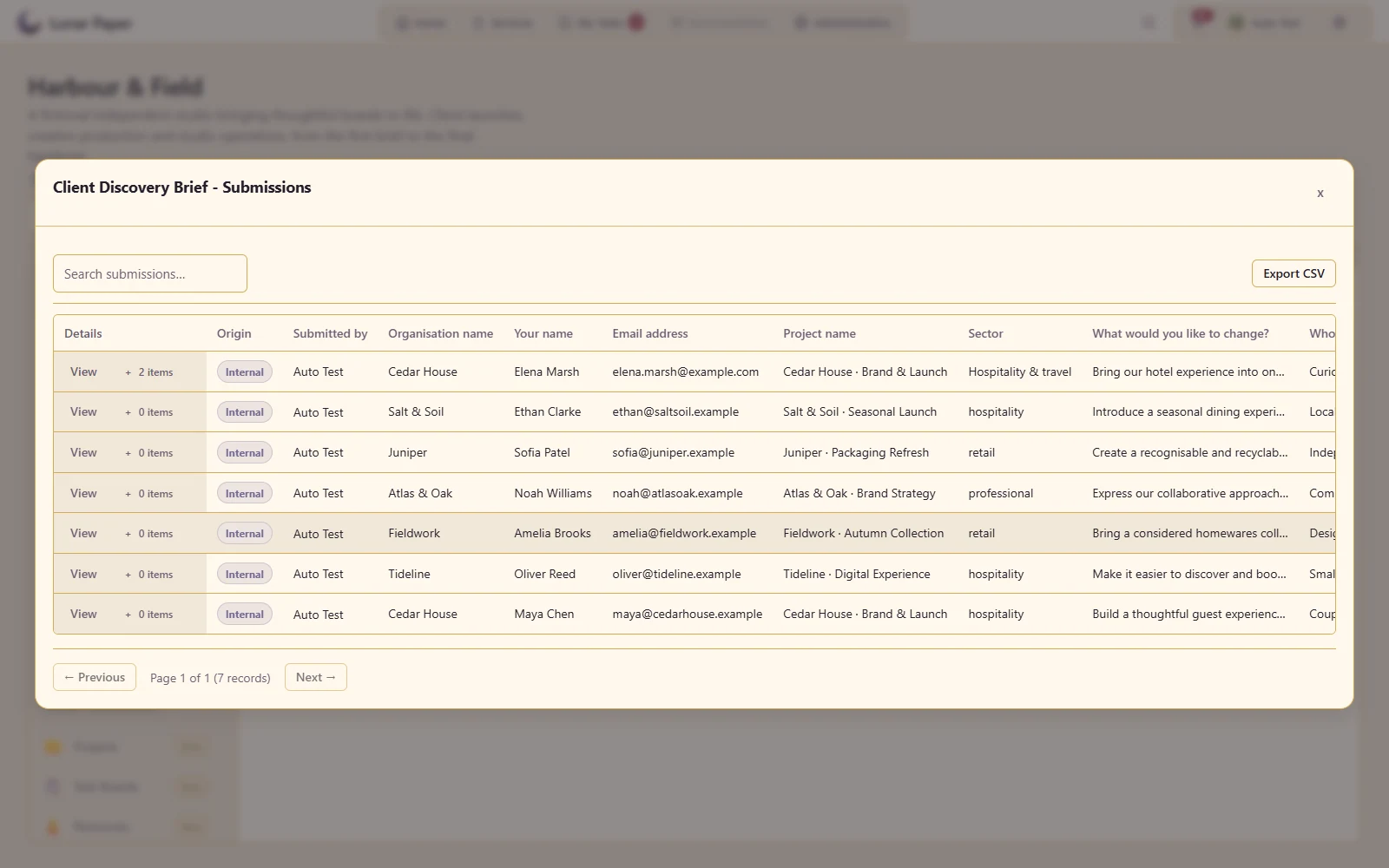
Review actual responses and export them for downstream use.
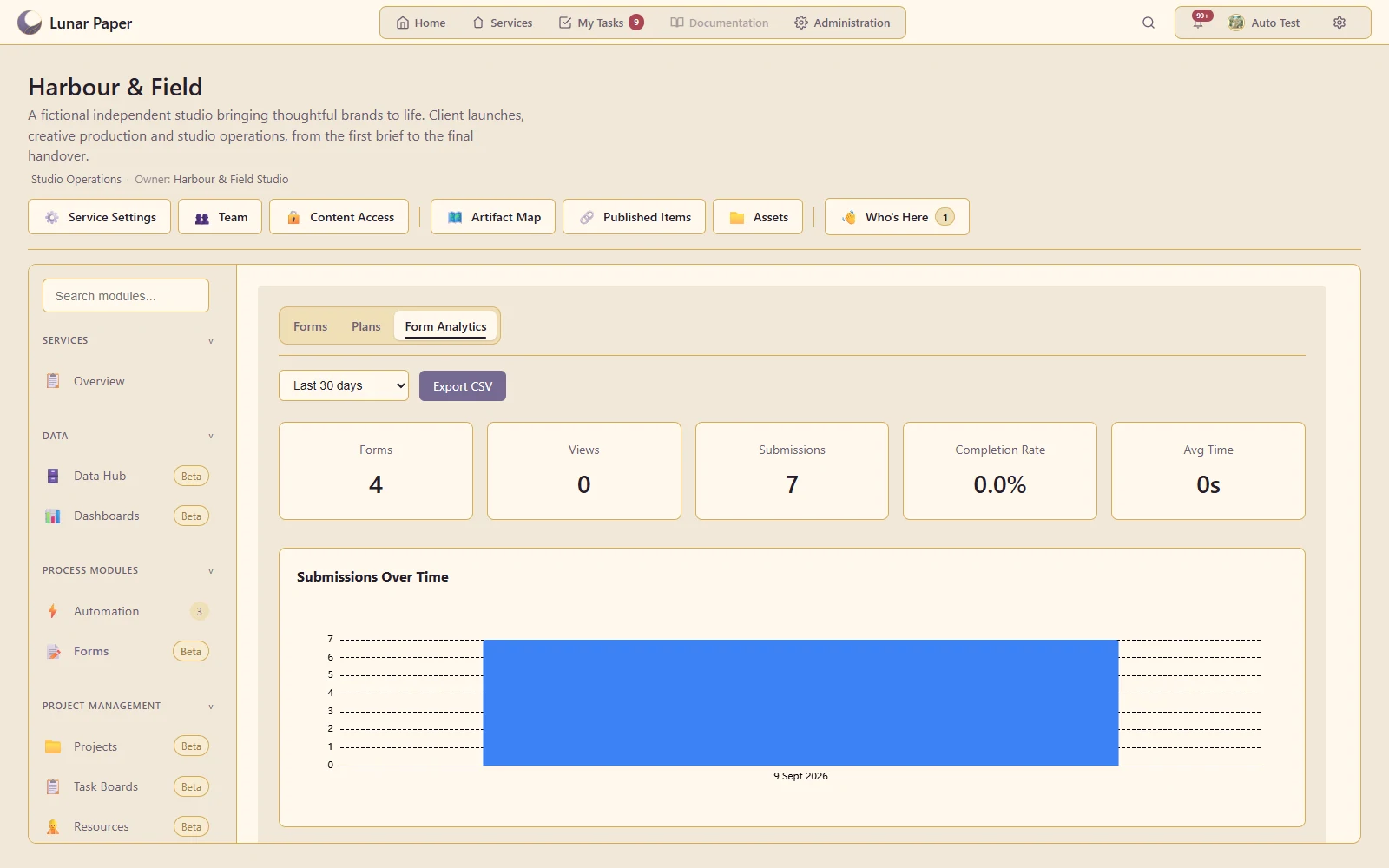
Inspect submission activity and the available form-level reporting.
Preserve the form structure associated with an answer or an in-flight task.
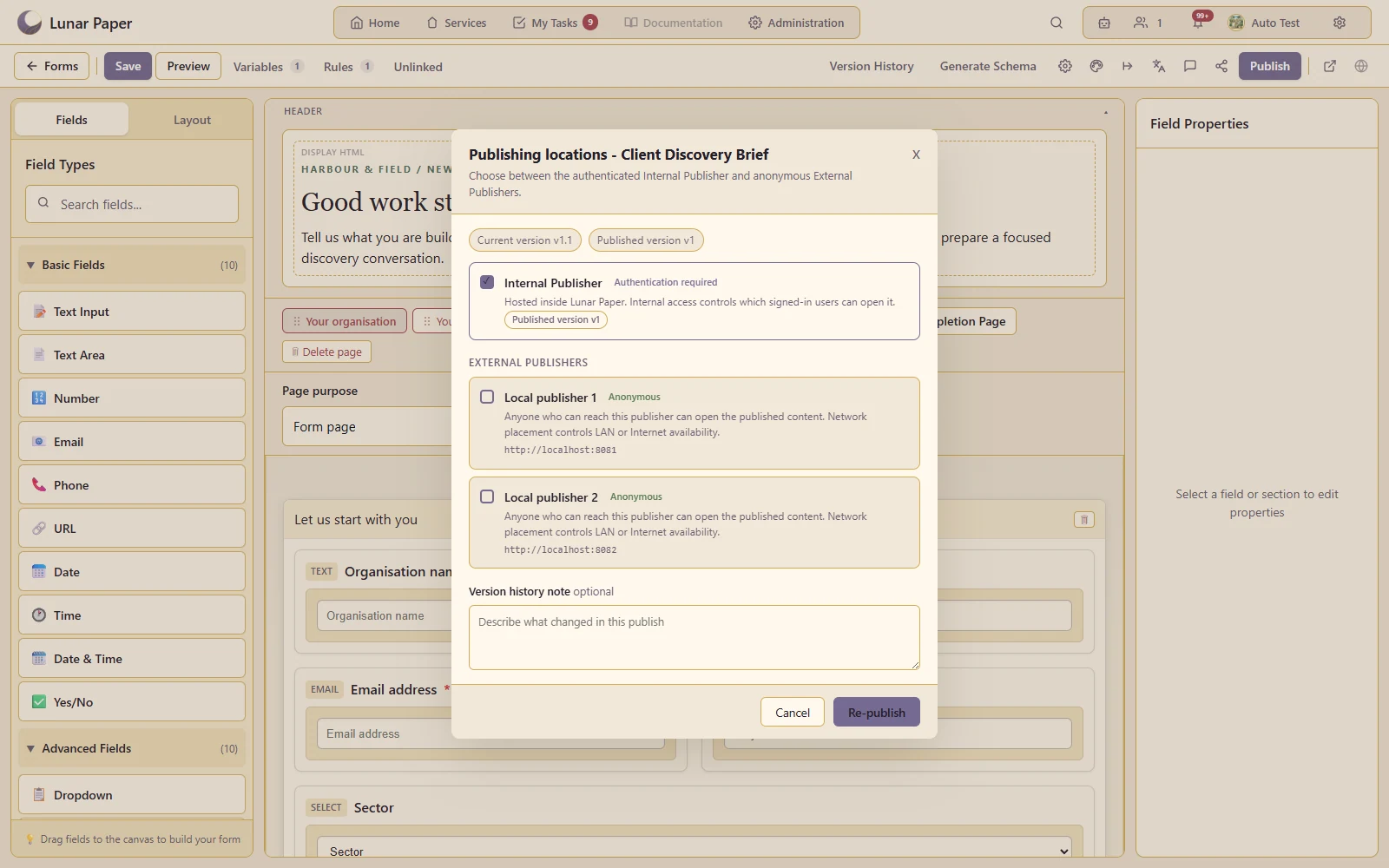
Choose the audience and publishing destination appropriate to the form.
The main areas Forms brings together.
Compose multi-page forms from structured fields, content blocks and flexible layout containers.
Use validation, conditional behaviour and variables to guide people towards complete, usable submissions.
Bring platform and PostgreSQL-backed data into forms where questions need governed choices or context.
Apply reusable themes, responsive layouts and language settings to internal and external experiences.
Publish forms for internal teams or external networks with the access controls appropriate to each audience.
Review incoming data, understand response activity and pass submissions into connected platform processes.
Run the platform with all features for free for three people.