
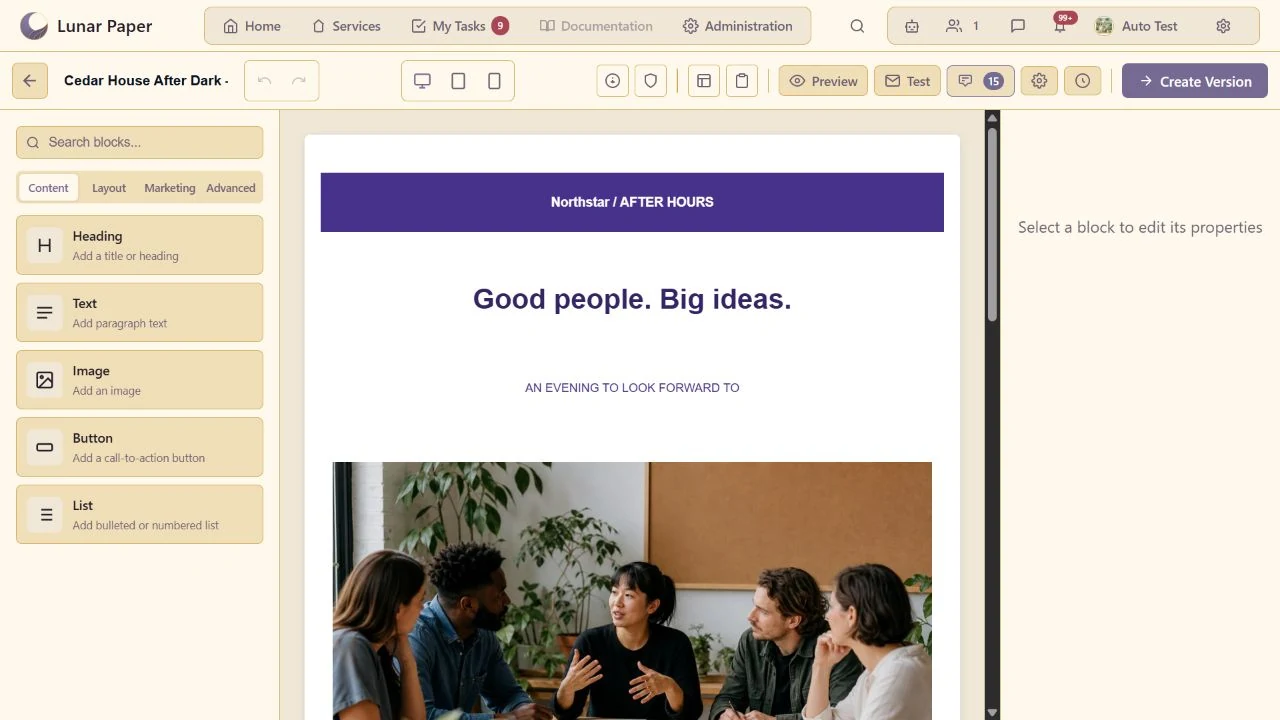
Visual email composition
Build responsive emails from reusable layouts and content blocks in a focused visual editor.
Design responsive emails from reusable content, layout and campaign blocks. Email Builder brings brand styling, personalisation, media, accessibility and spam checks, collaboration, version history and test delivery into one visual workspace, so teams can create consistent messages for workflows, campaigns and scheduled reports.
Build a message from purpose-built content and layout blocks.
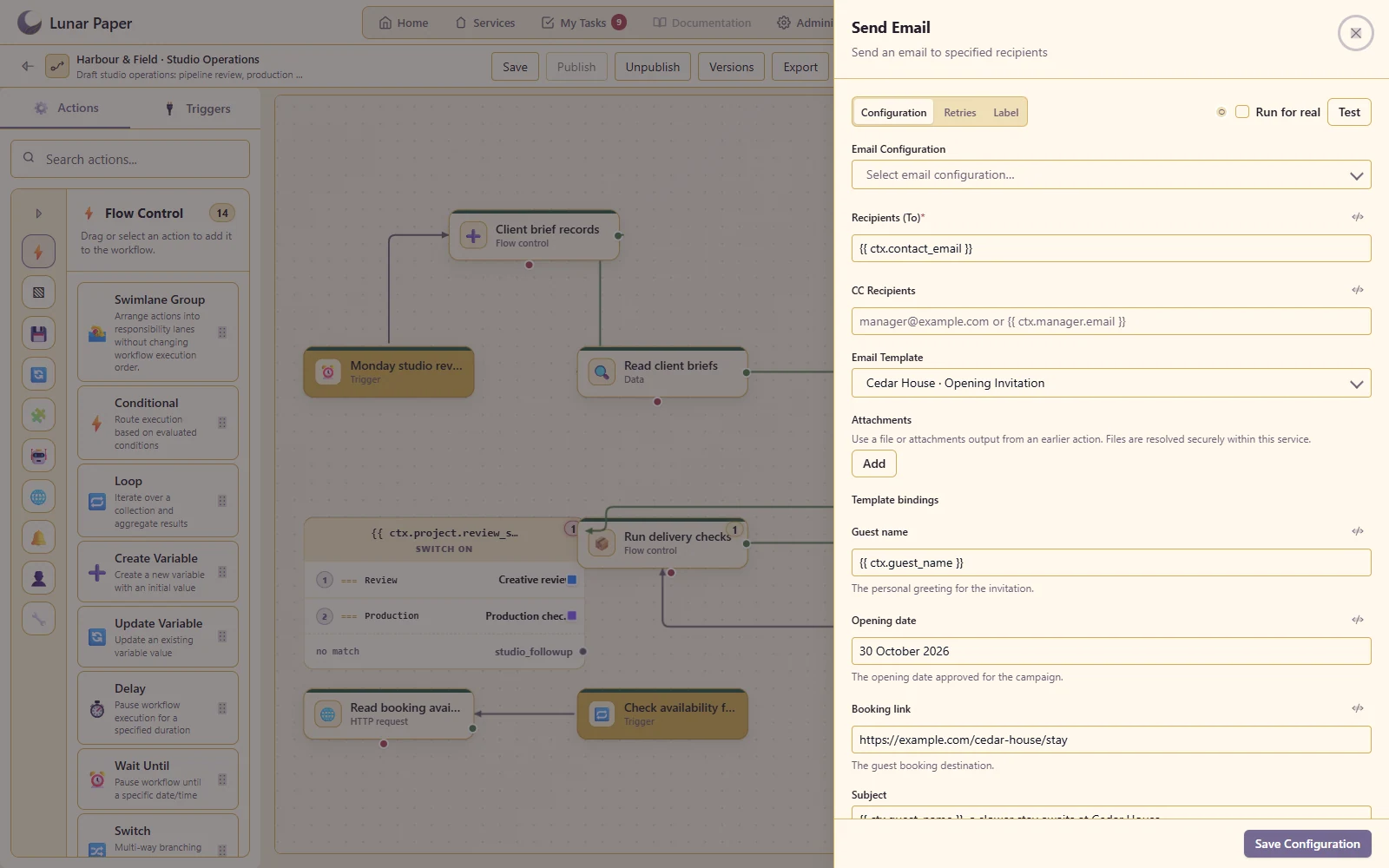
Select the template in an Email action and map live workflow values into its variables.
Define values such as recipient name, project, date and action URL in one reusable template.
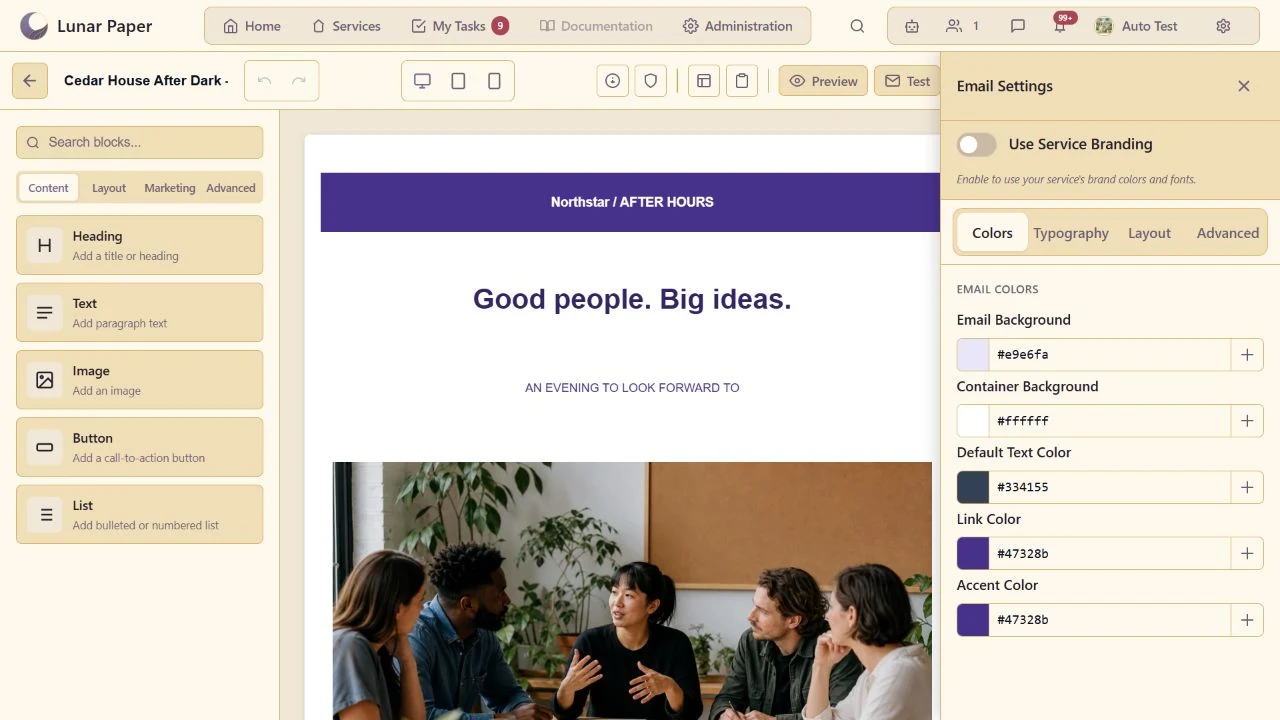
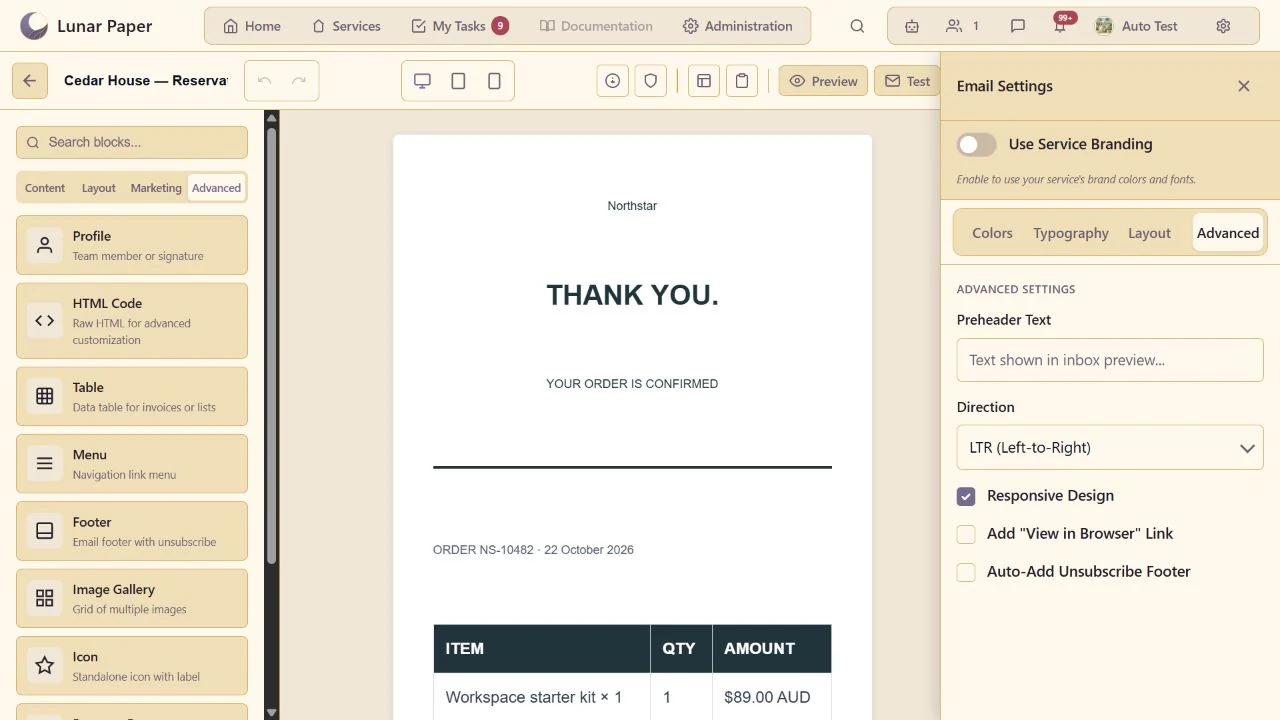
Apply a coherent palette, typography, container and background treatment.
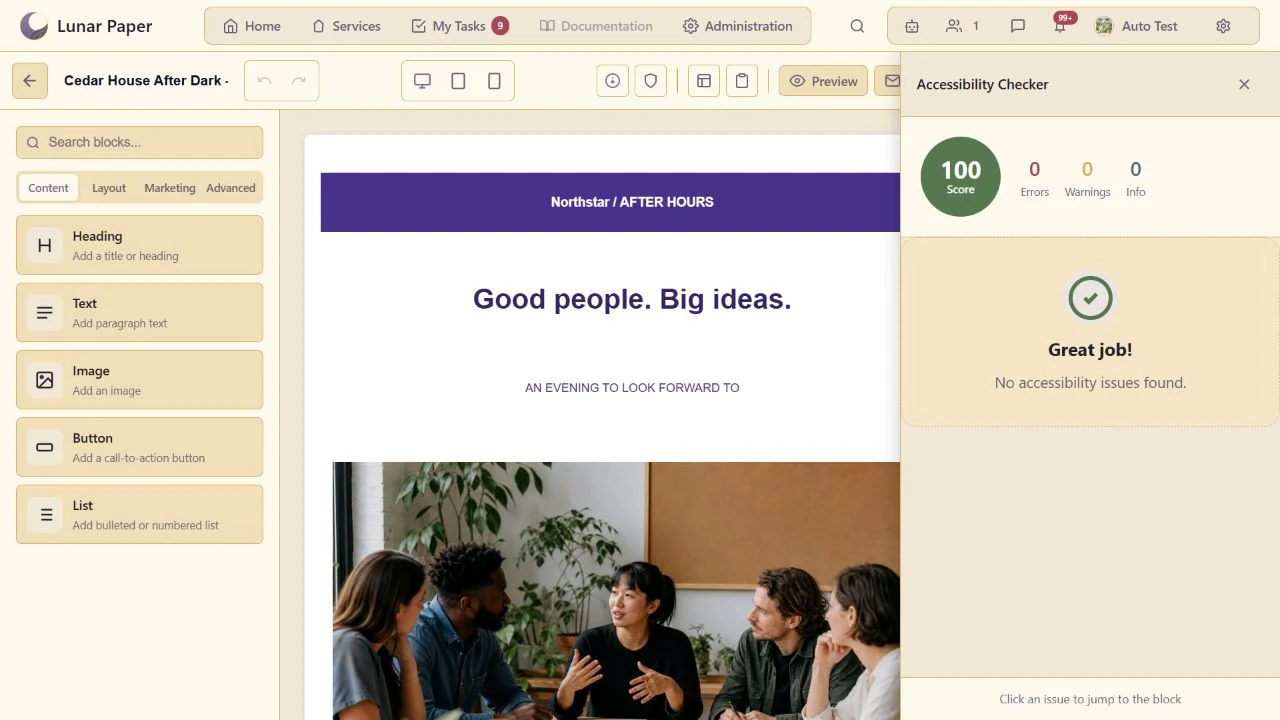
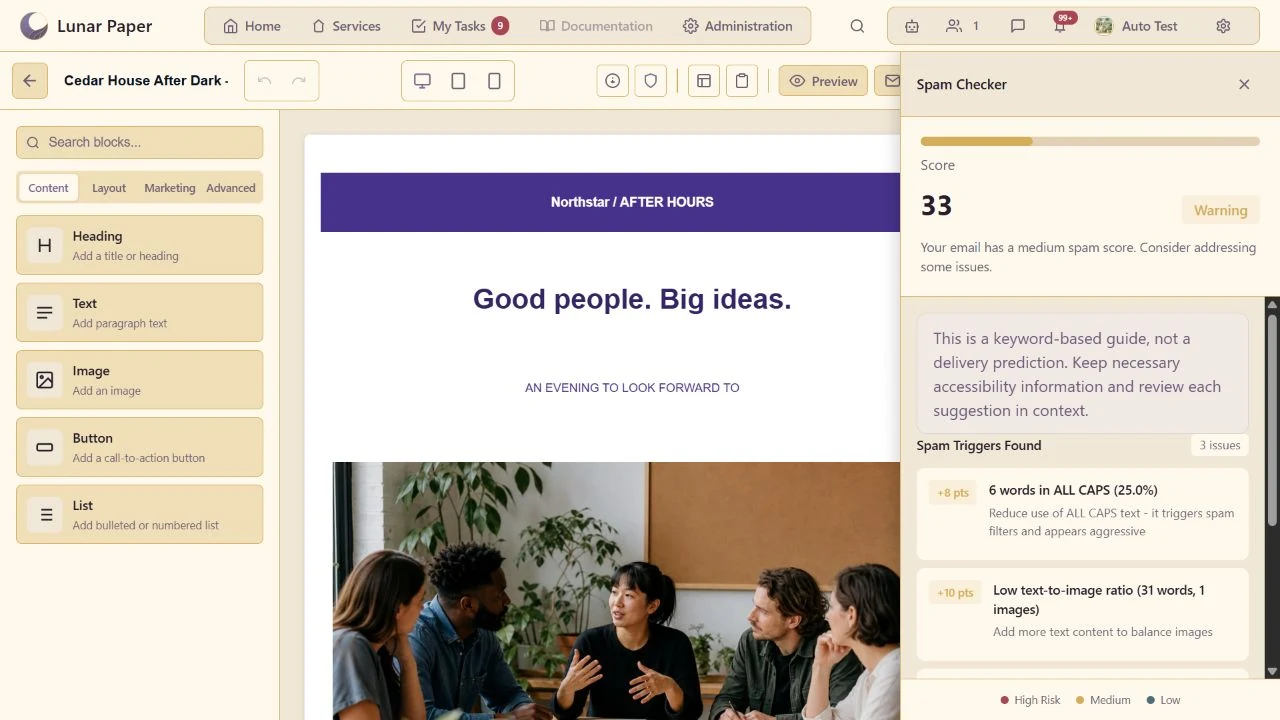
Inspect the built-in review for issues such as missing image descriptions or contrast concerns.
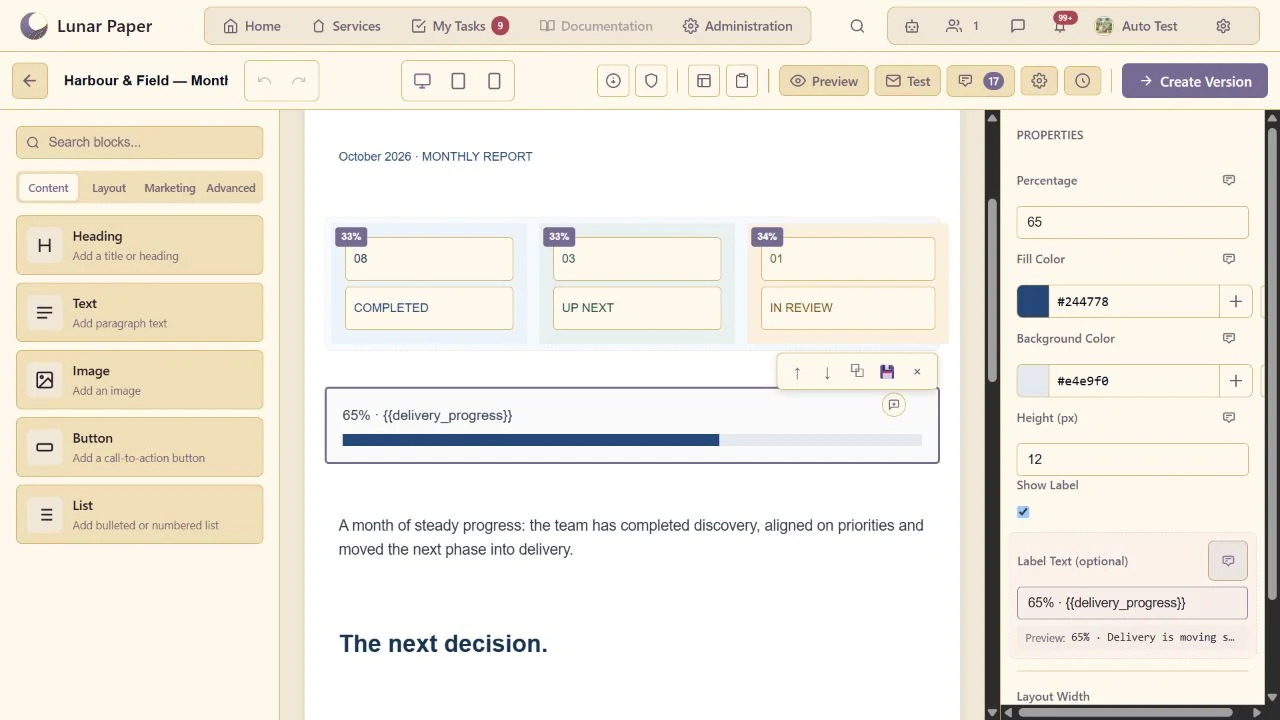
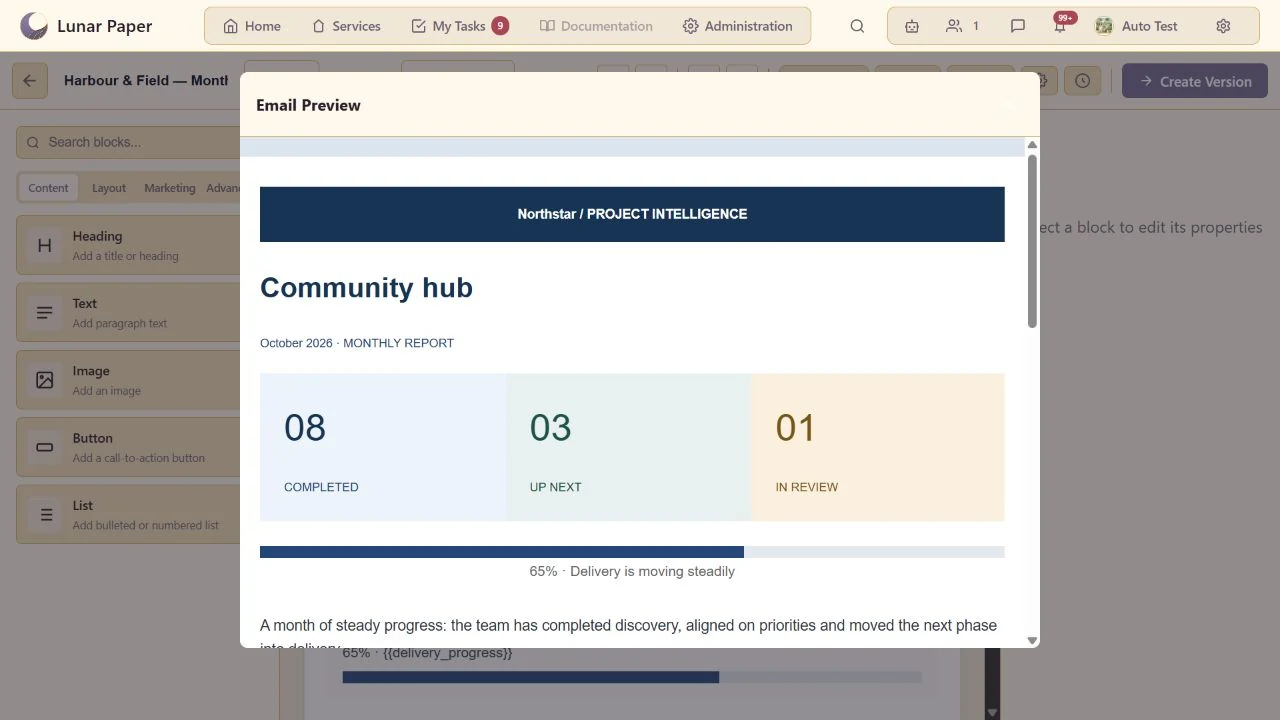
Preview the actual personalised result using representative sample values.
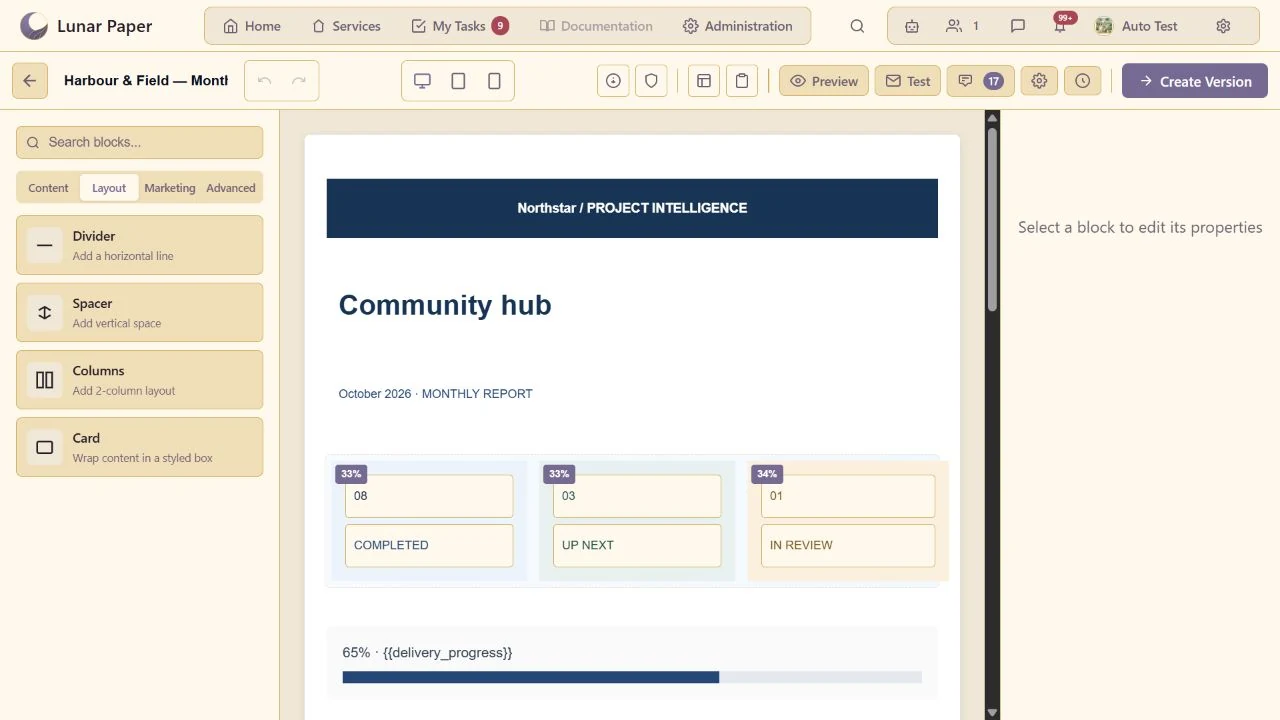
Create grouped, multi-column content within the email layout.
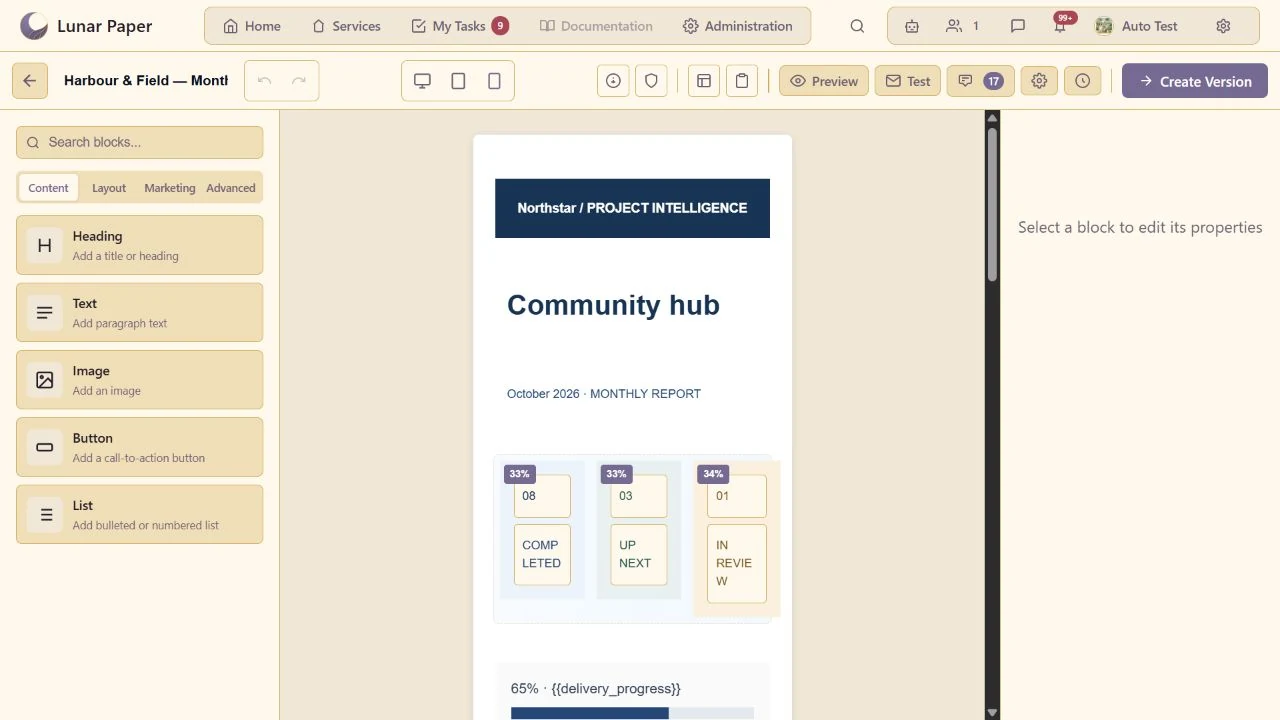
Inspect the message at the available desktop and mobile widths.
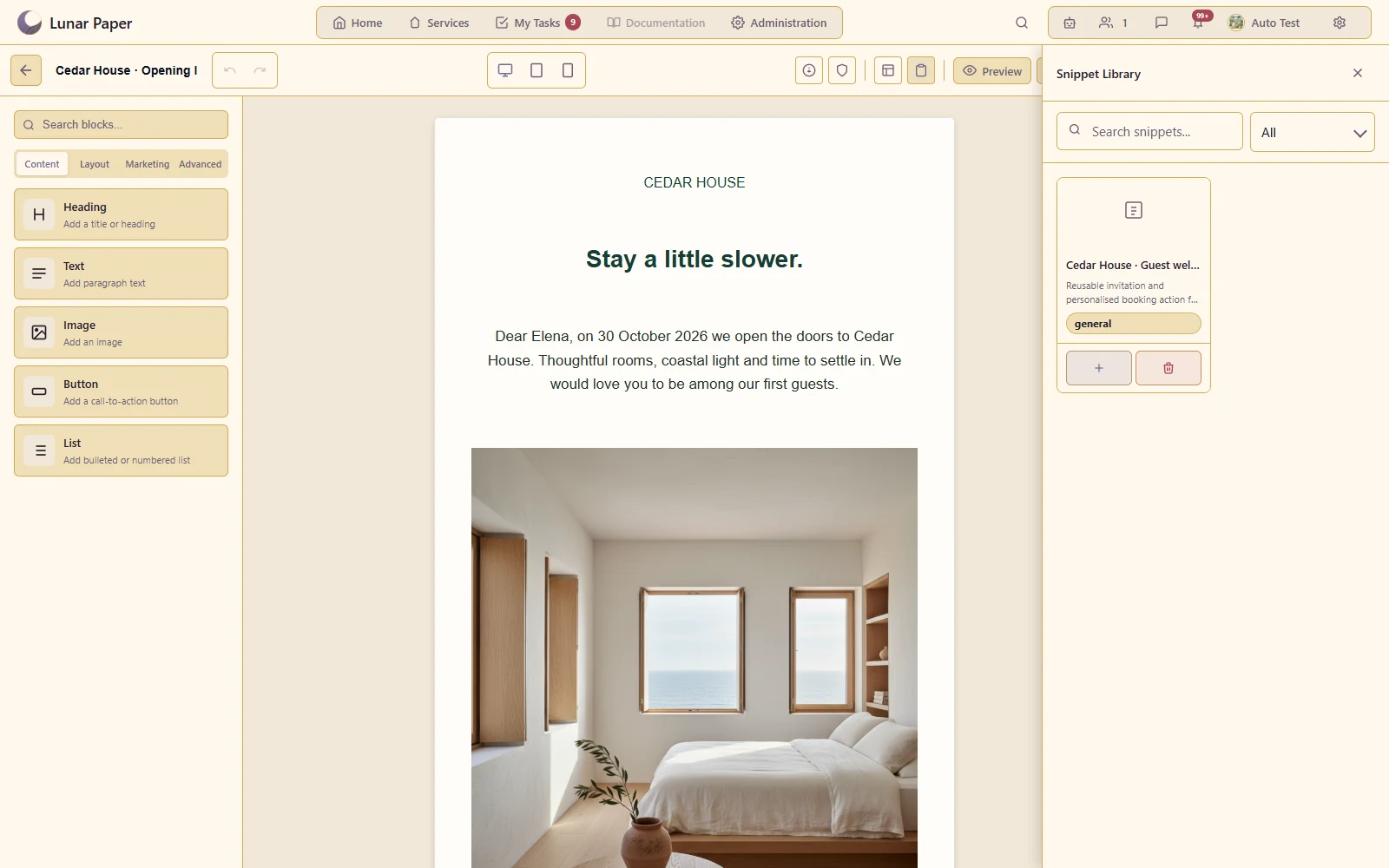
Save and reuse a signature, call-to-action section or other common block group.
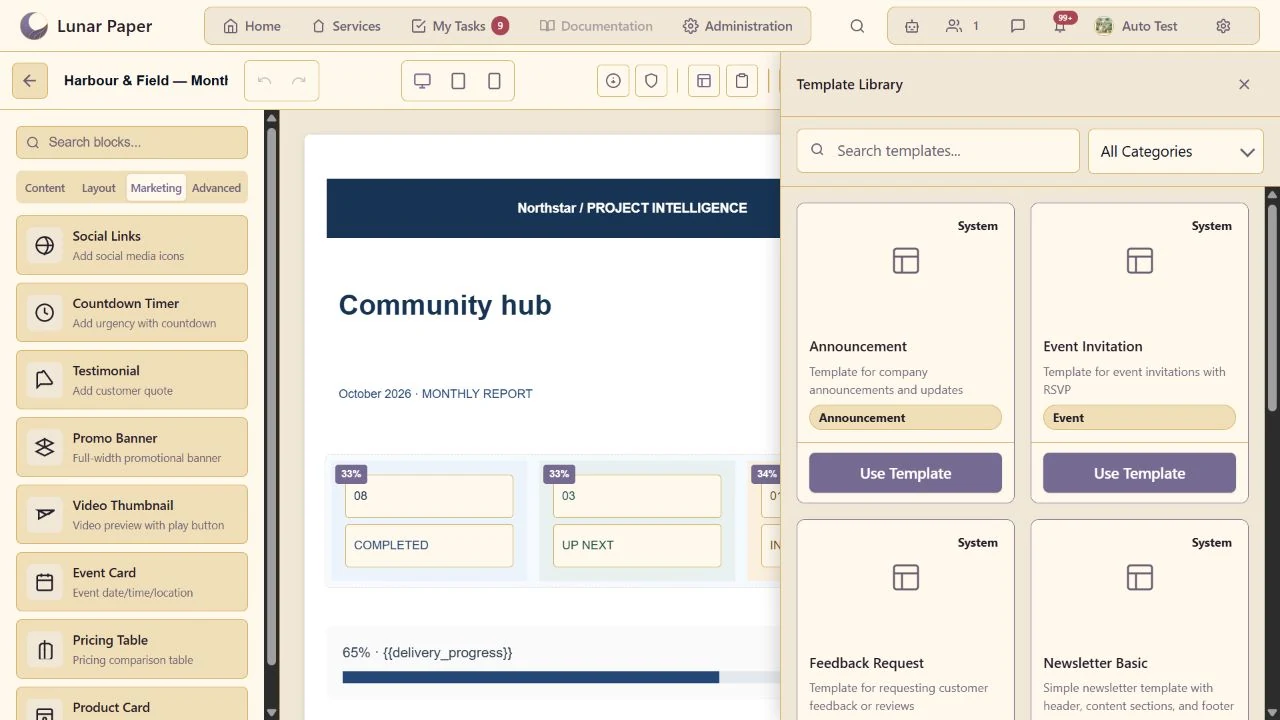
Start from a saved template and adapt it for a new communication.
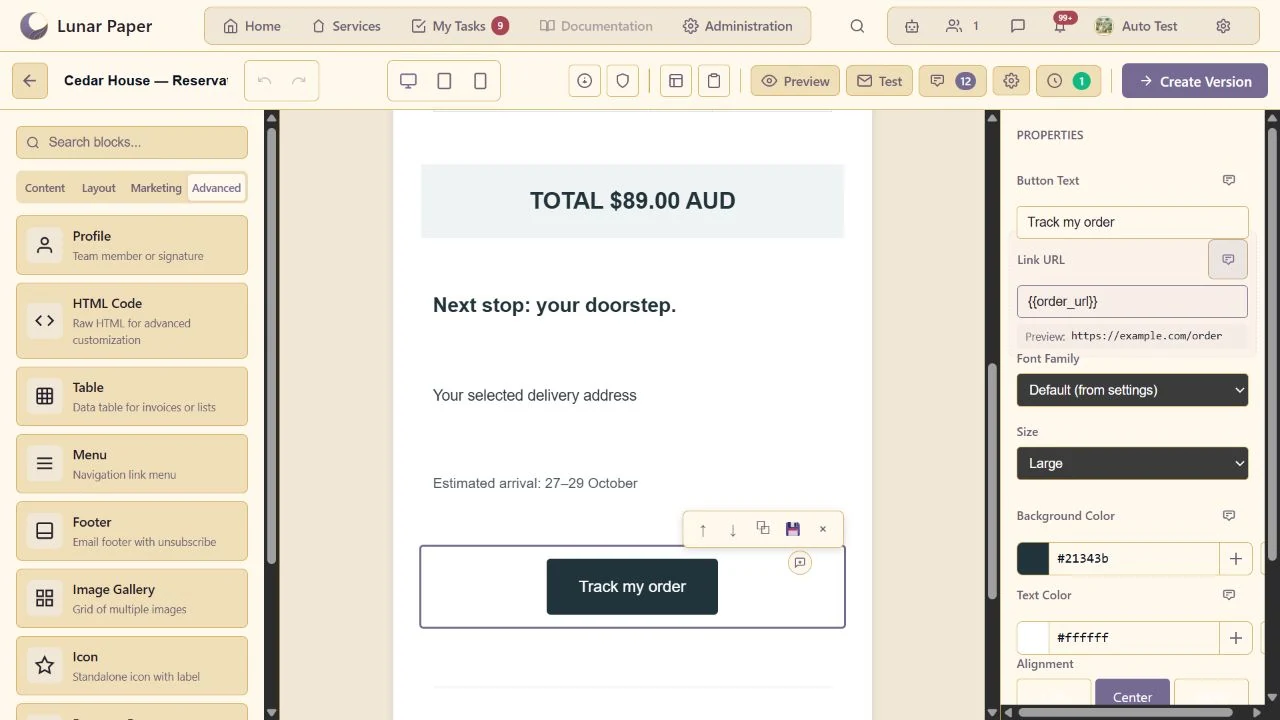
Create a clearly labelled action button with a static or variable-driven destination.
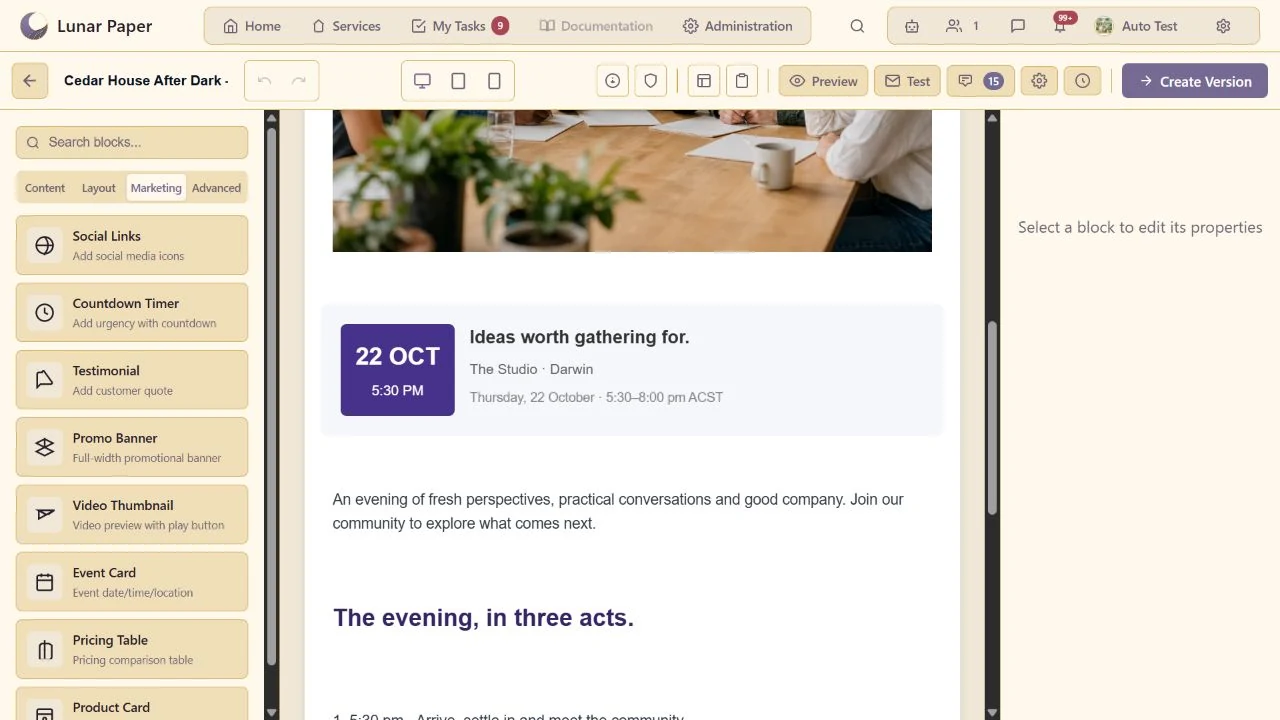
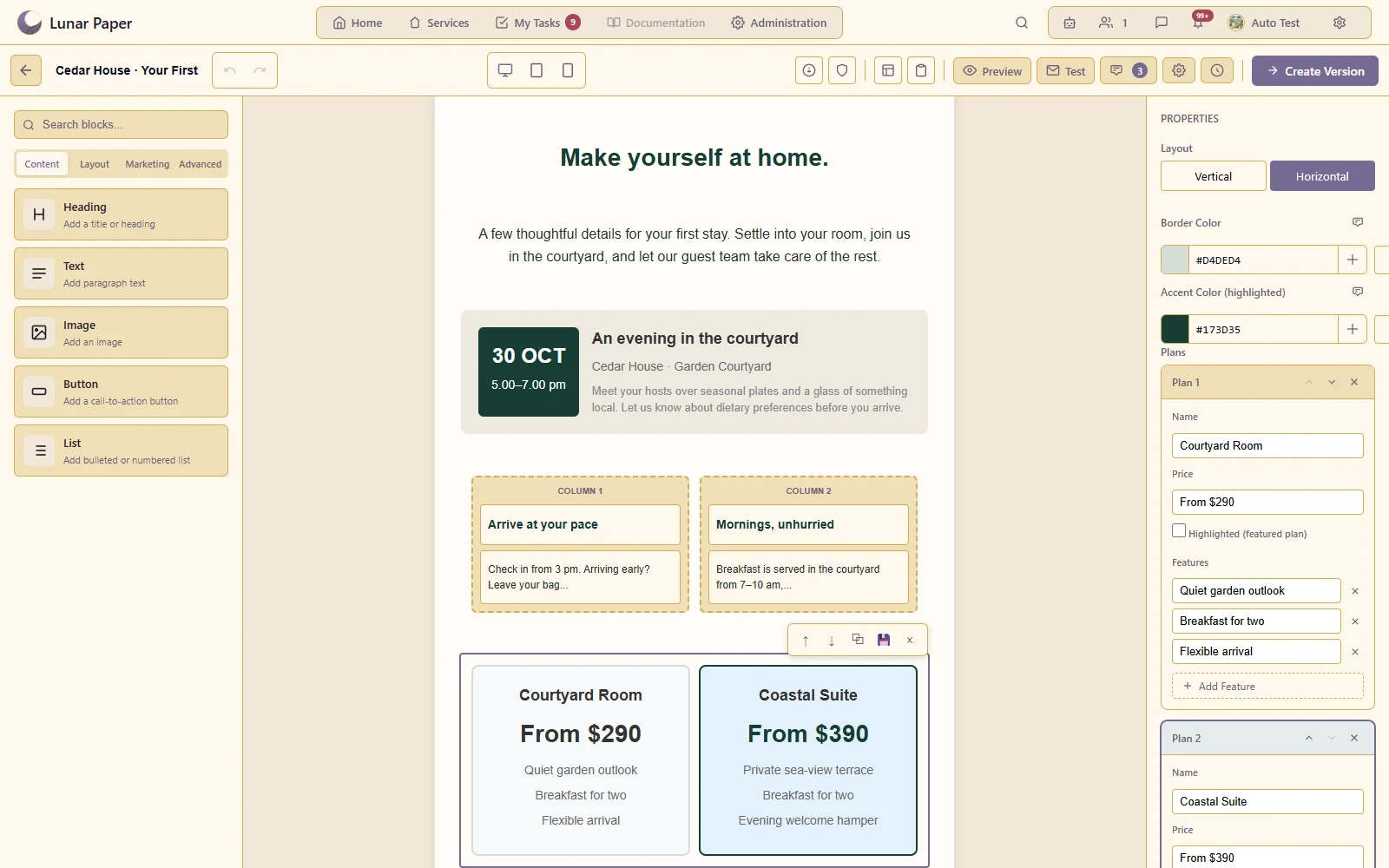
Present event dates, location and supporting information in a dedicated layout.
Build structured product or pricing content without laying out every element manually.
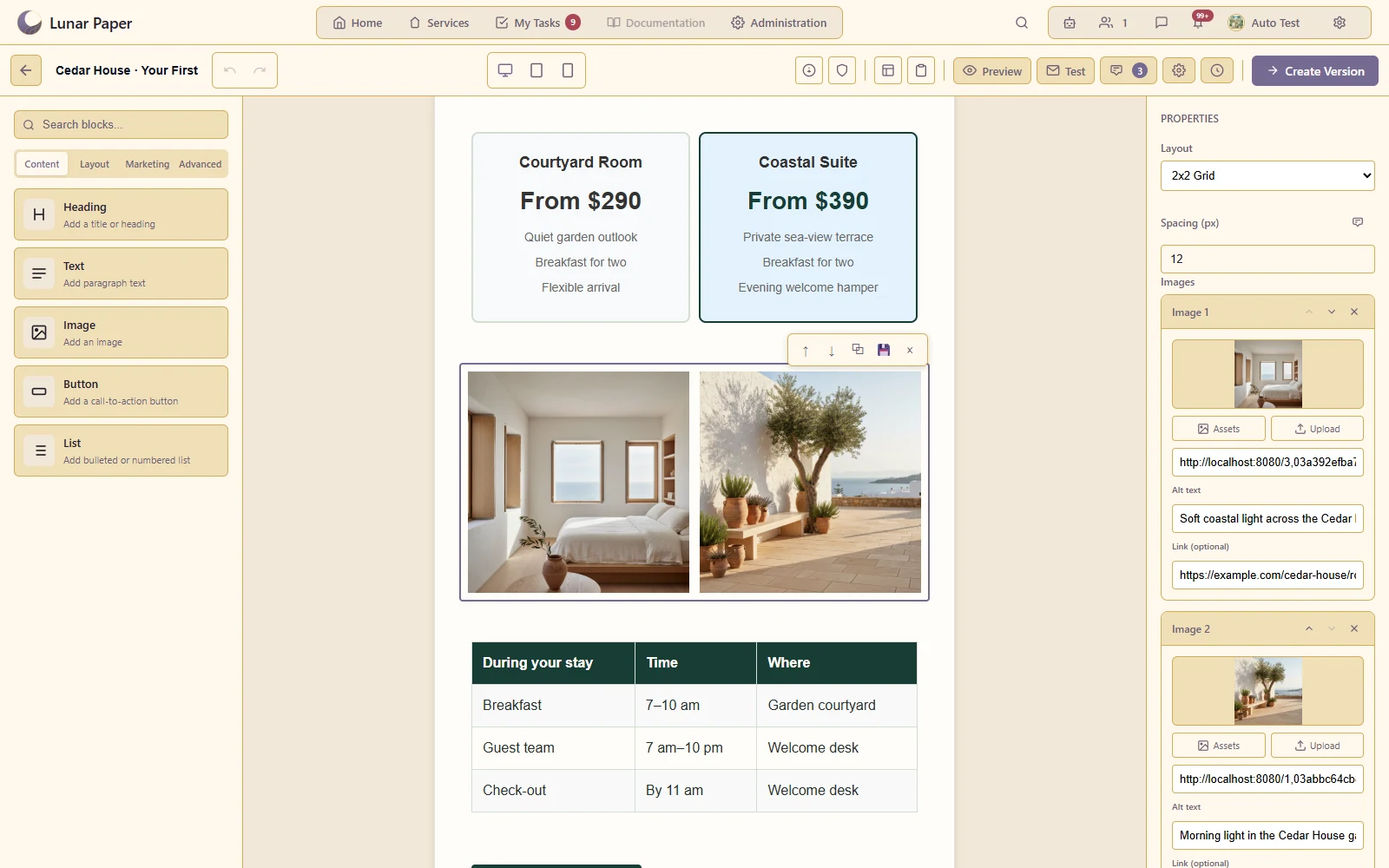
Use media previews and grouped imagery appropriate to email.
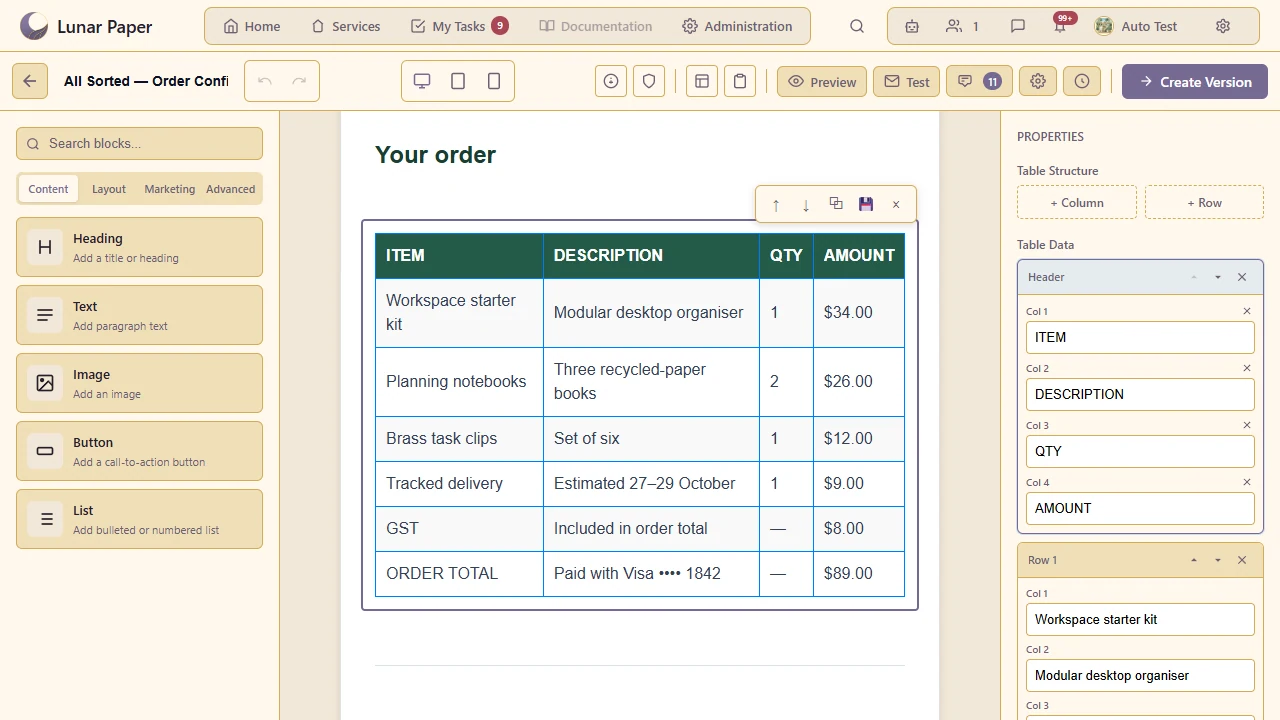
Include tabular content or use the supported custom HTML option.
Control the supporting message text and reusable footer content.
Inspect the built-in content heuristic before sending; it is not a guarantee of inbox placement.
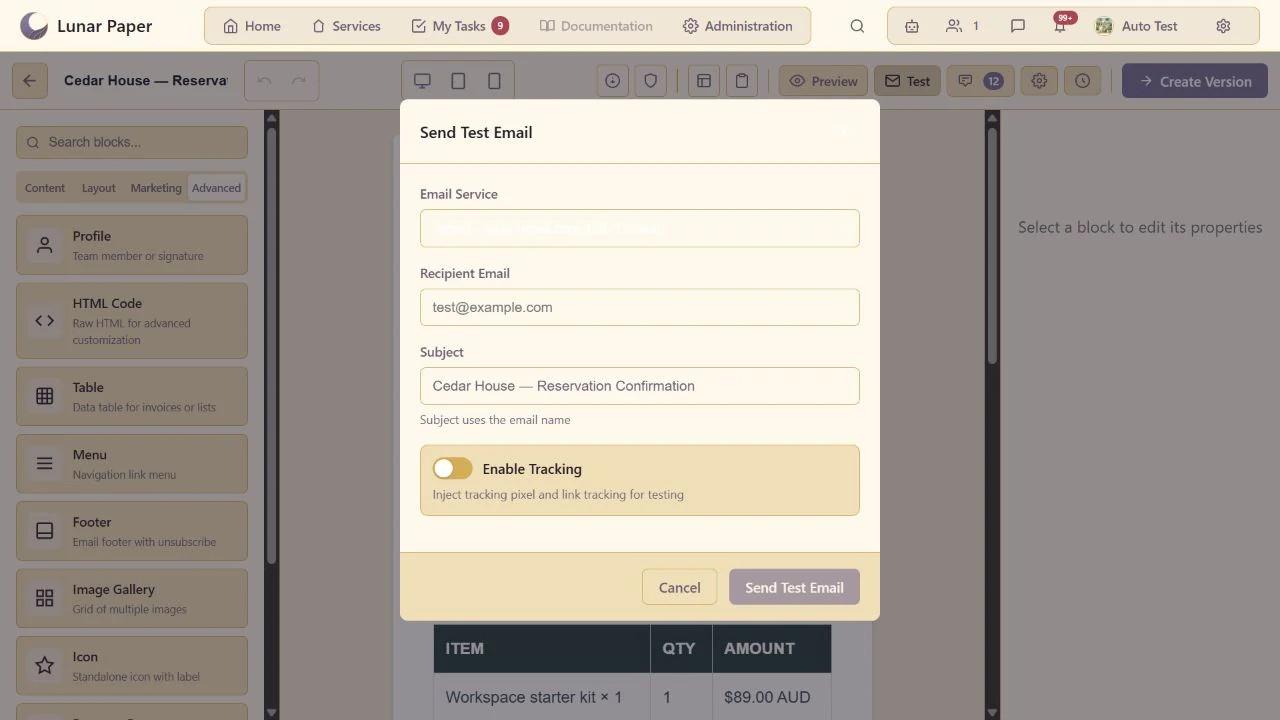
Send a test through a configured email transport to inspect the received result.
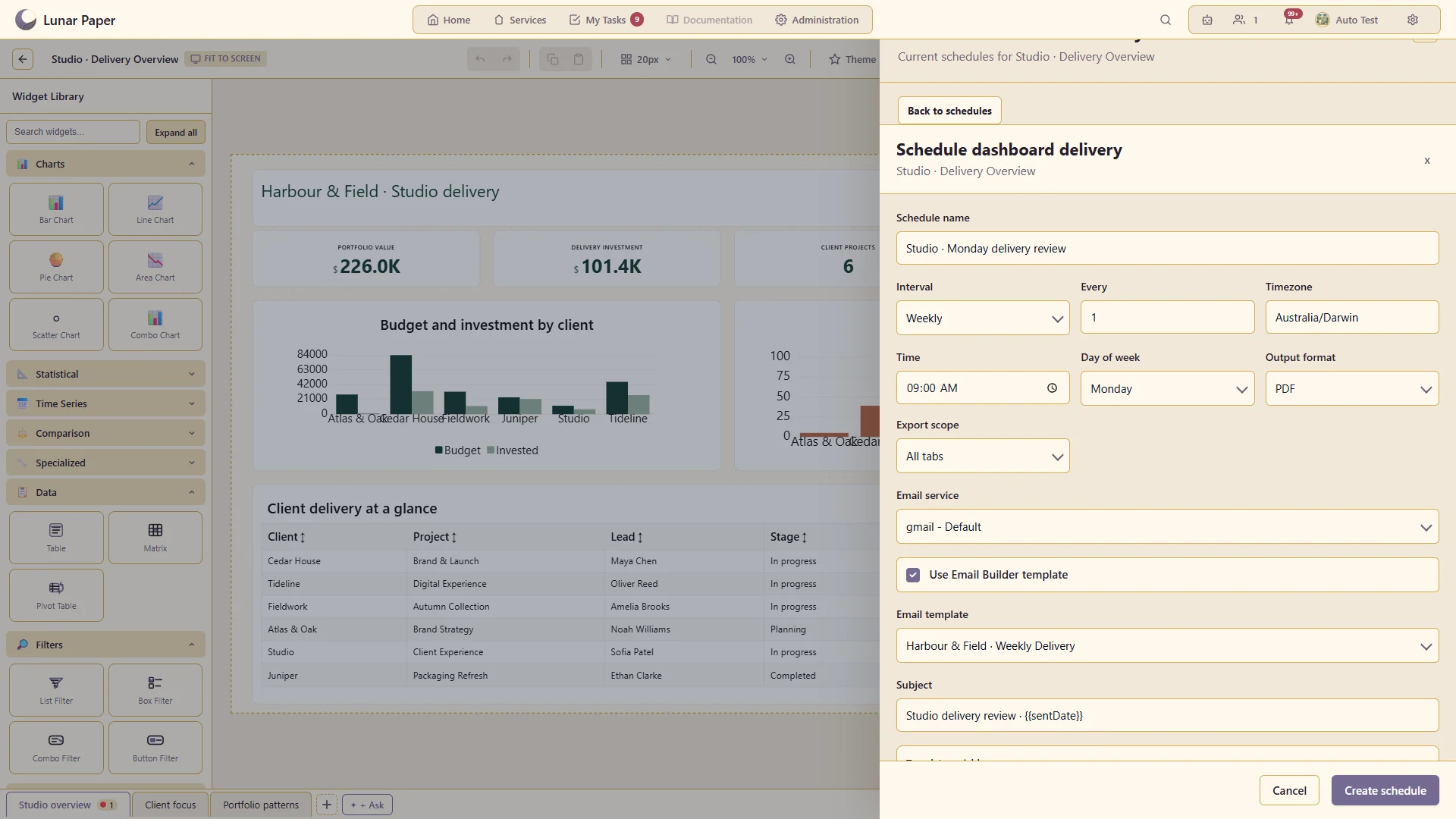
Use supported dashboard/report variables in scheduled reporting emails.
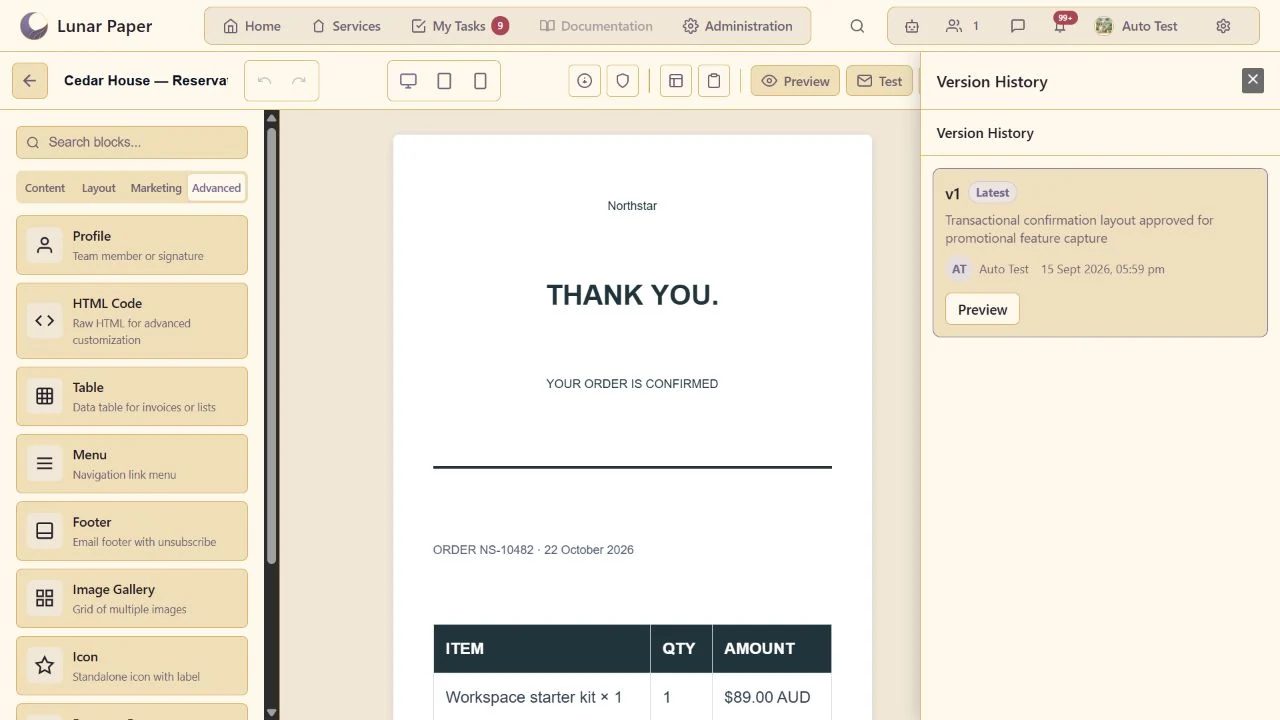
Preserve template milestones and discuss changes with other contributors.
The main areas Email Builder brings together.
Build responsive emails from reusable layouts and content blocks in a focused visual editor.
Combine editorial, promotional, event and data-driven blocks into clear email experiences.
Apply email-wide styling and reuse approved imagery, typography and brand resources.
Use variables, reusable content and connected information to tailor messages for their recipients.
Preview different screen sizes and review structure, accessibility and delivery considerations before use.
Work through comments and versions, then connect approved emails to the processes that send them.
Run the platform with all features for free for three people.