
Multi-format design
Start from professional formats and build single or multi-page visual work in a flexible studio.
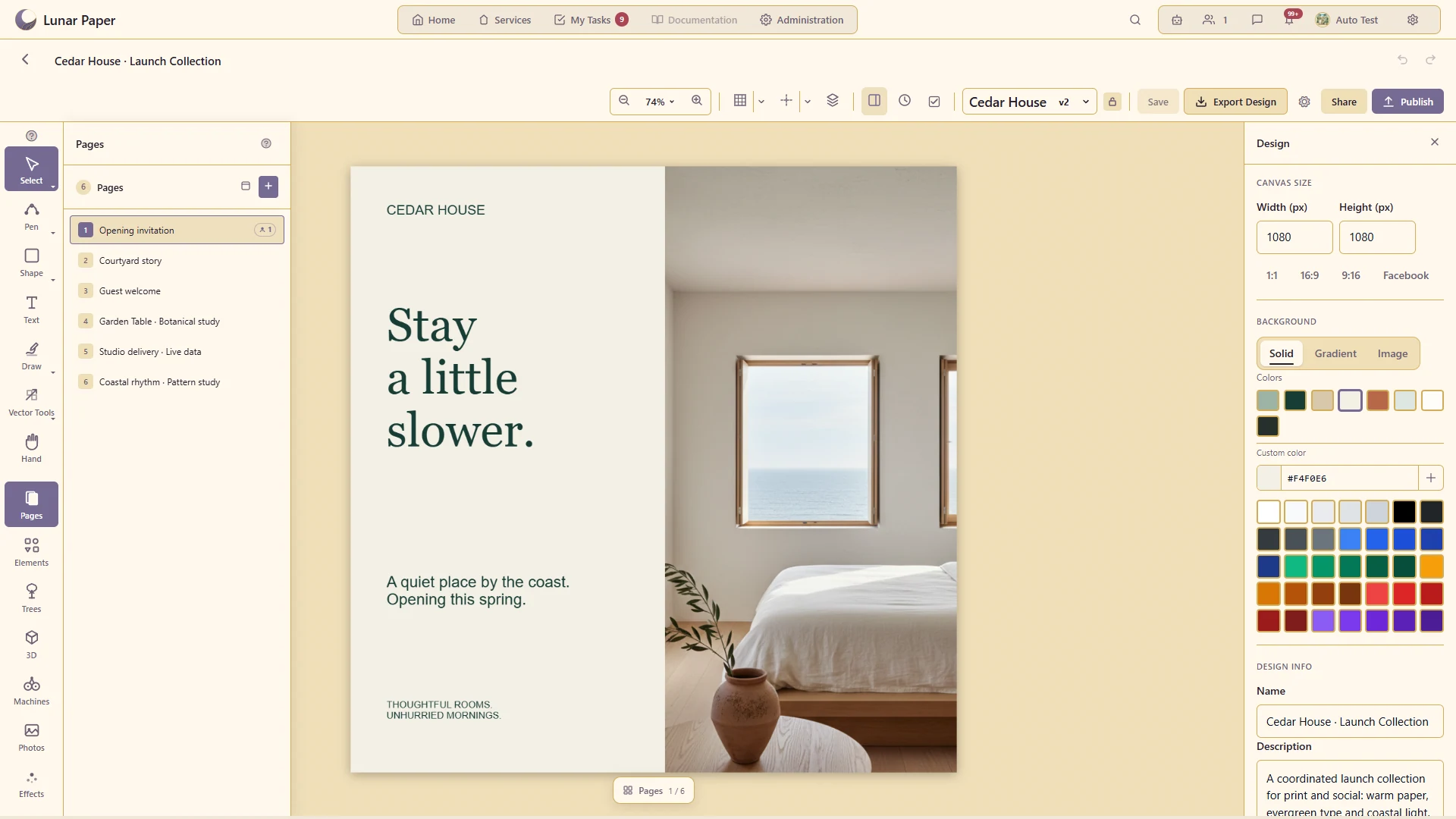
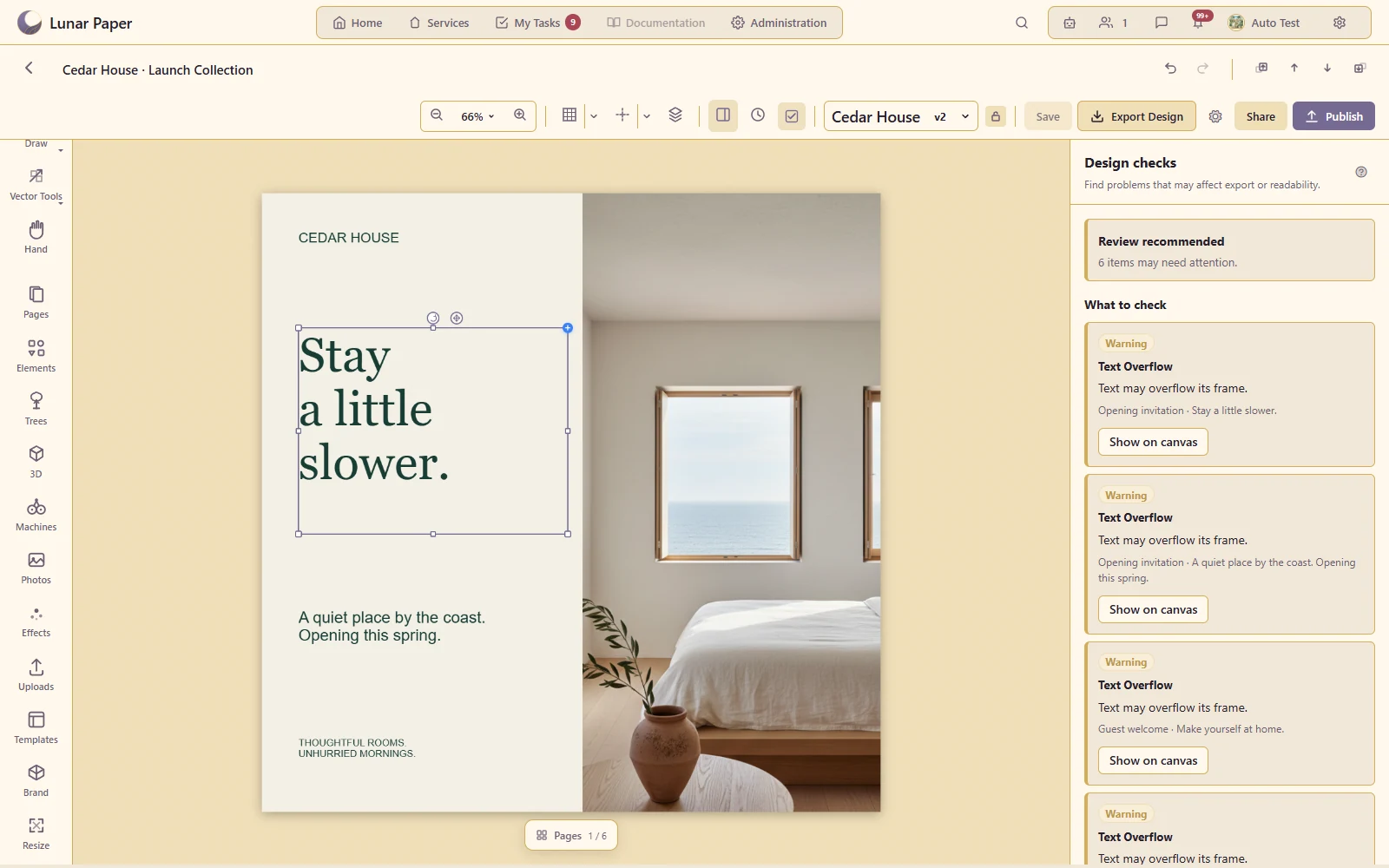
Design Studio brings professional formats, multi-page layouts, vector and freehand tools, typography, imagery, Brand Hub resources, connected data and specialist graphics together with collaborative review, preflight, versioning, publishing and export.
Keep related campaign or document layouts together in one design.
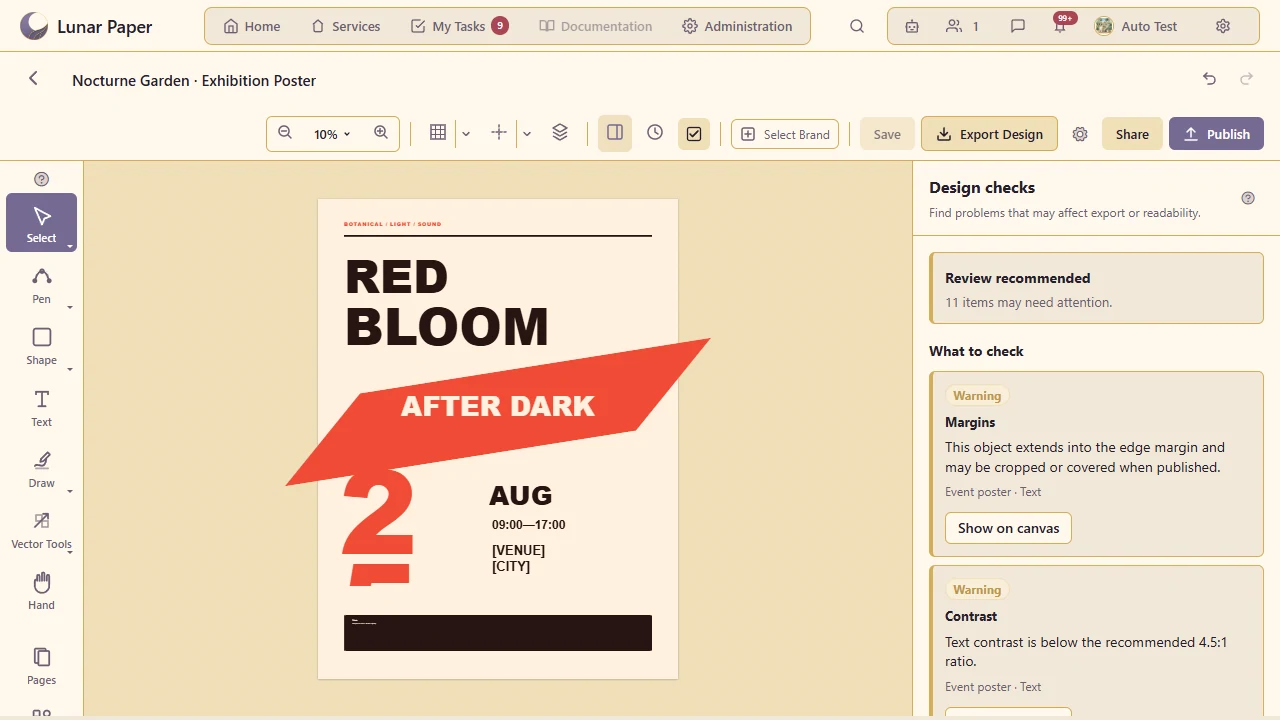
Use the intended screen/print format and review margins, bleed, overflow and image-resolution issues.
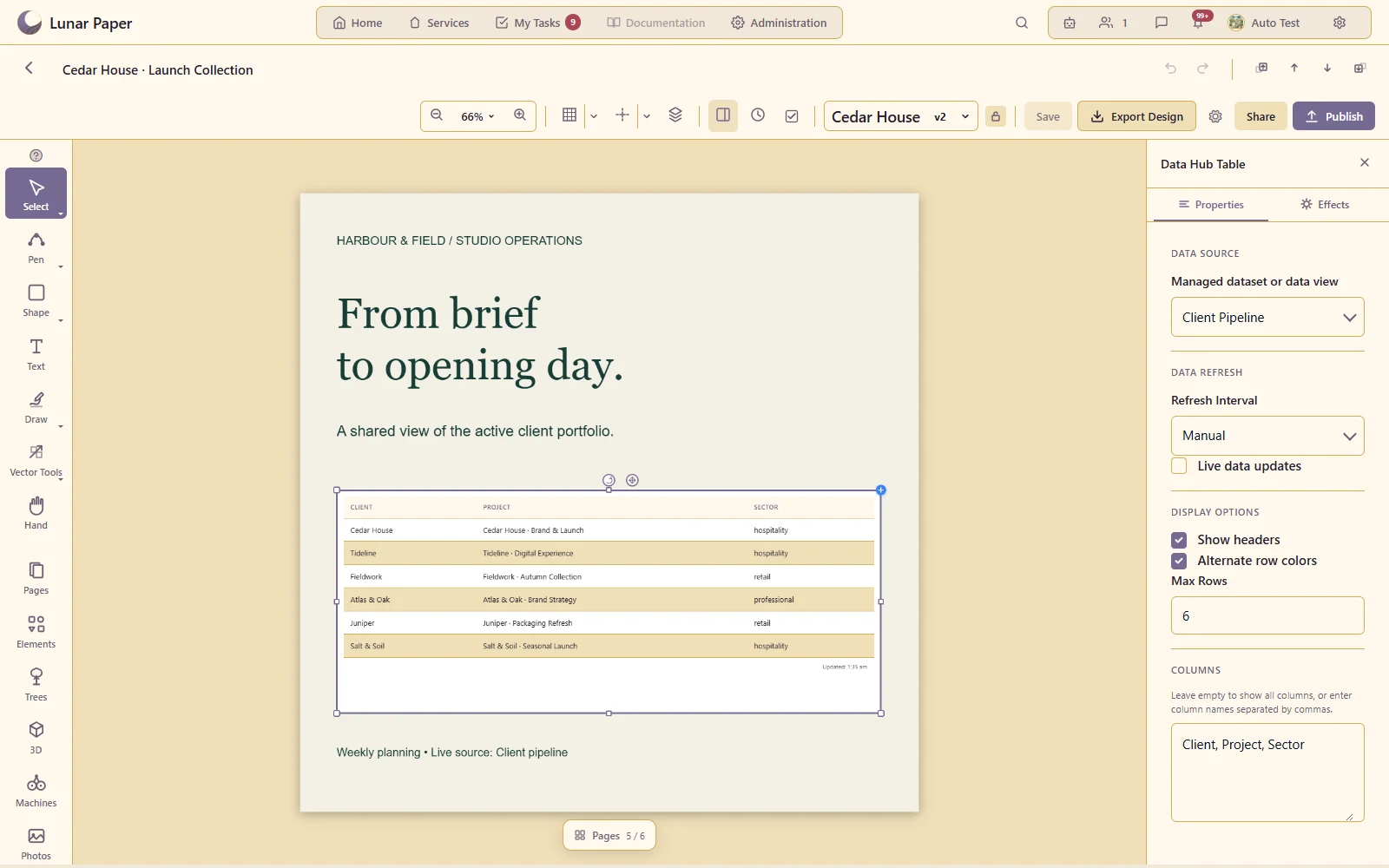
Bring supported Data Hub content into a designed composition.
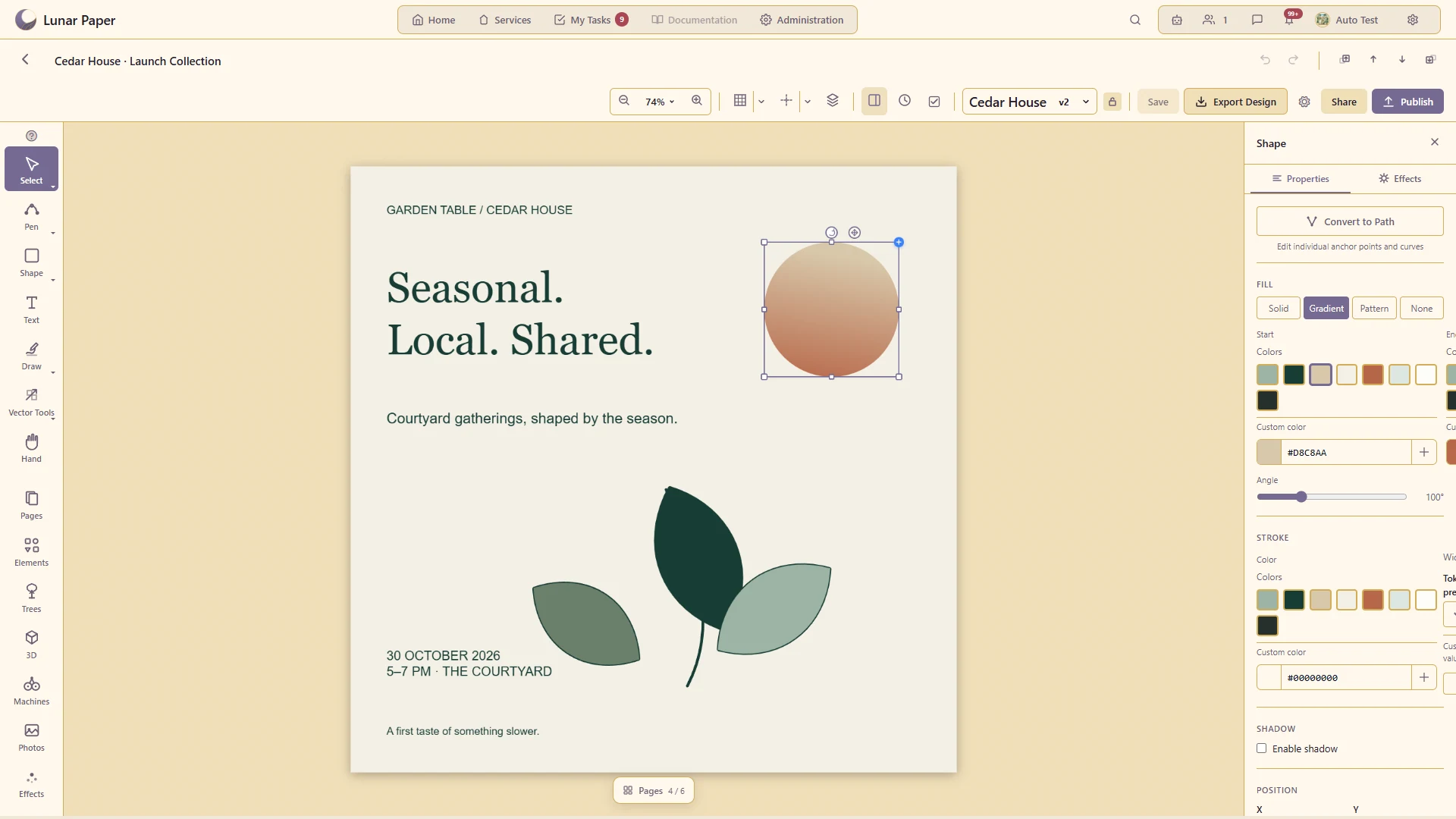
Create and refine editable vector artwork rather than only arranging imported images.
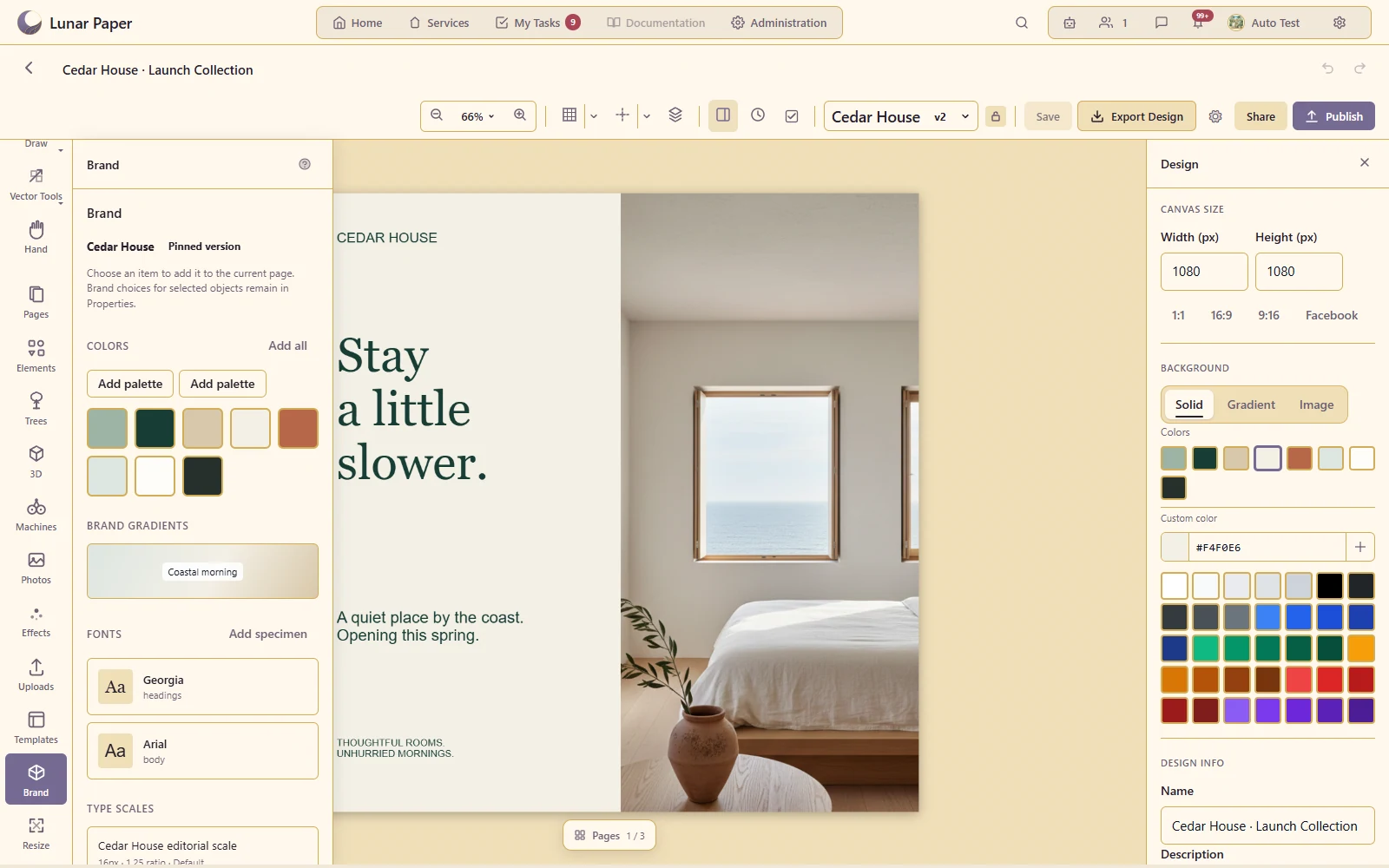
Design using the chosen brand's colours, typography and assets.
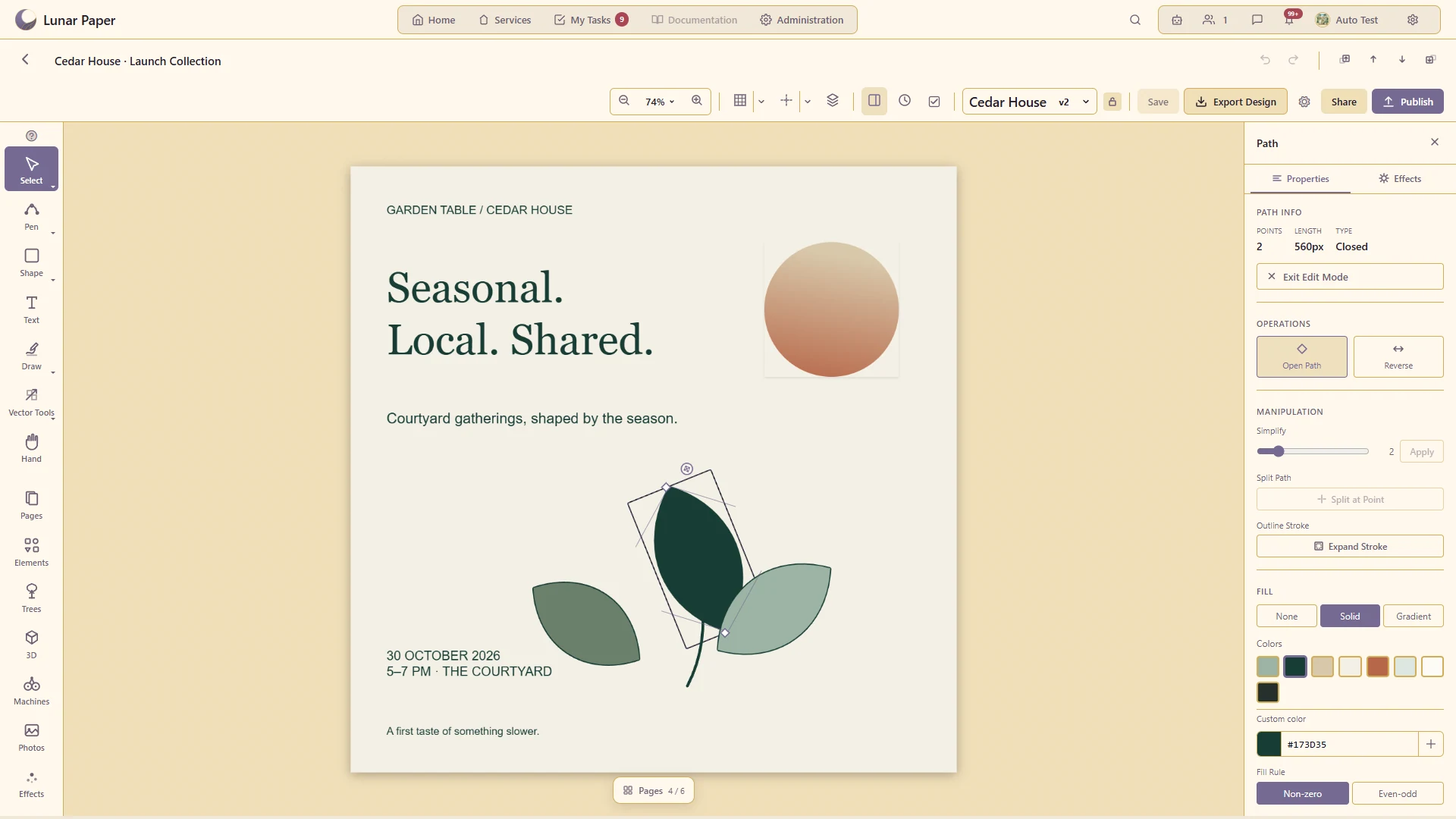
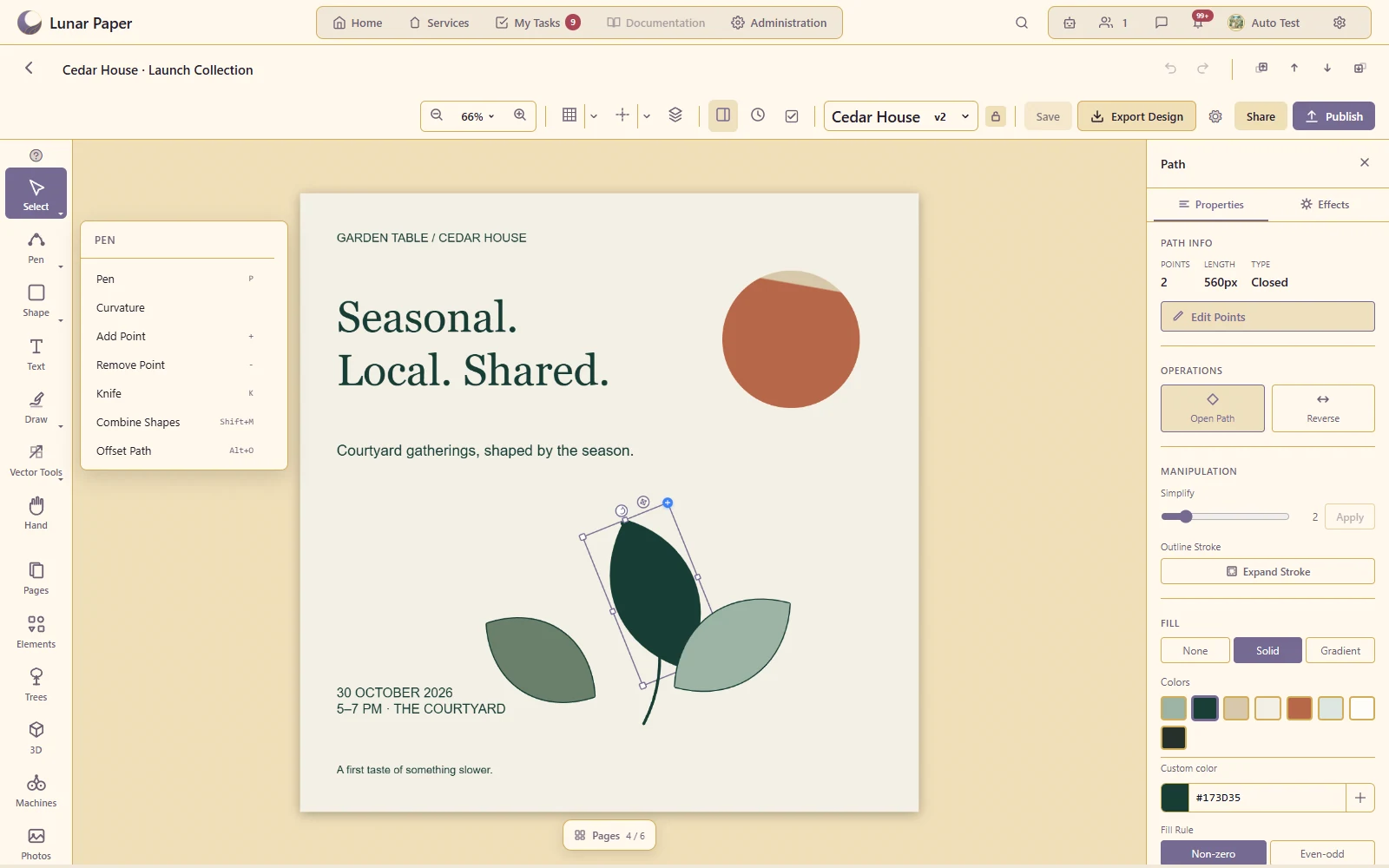
Draw straight segments and smooth curves with deliberate geometry.
Adjust individual points and handles to refine a path.
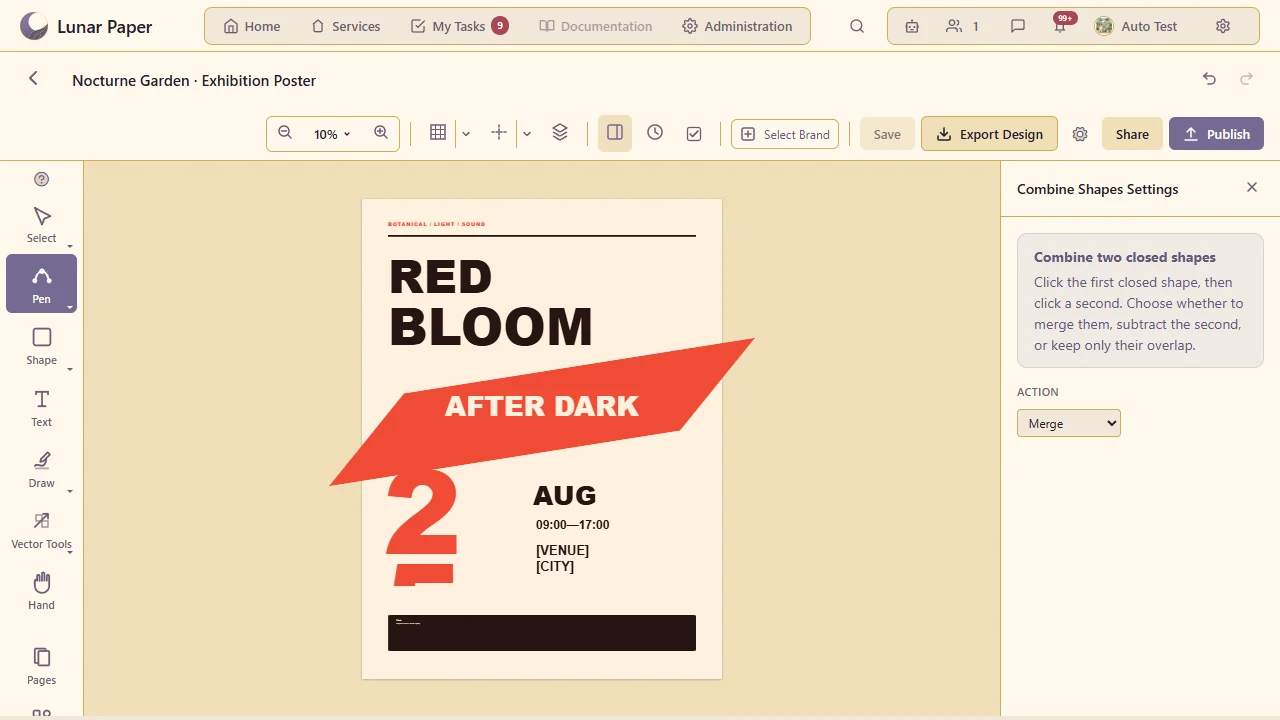
Combine, subtract or intersect shapes to produce new artwork.
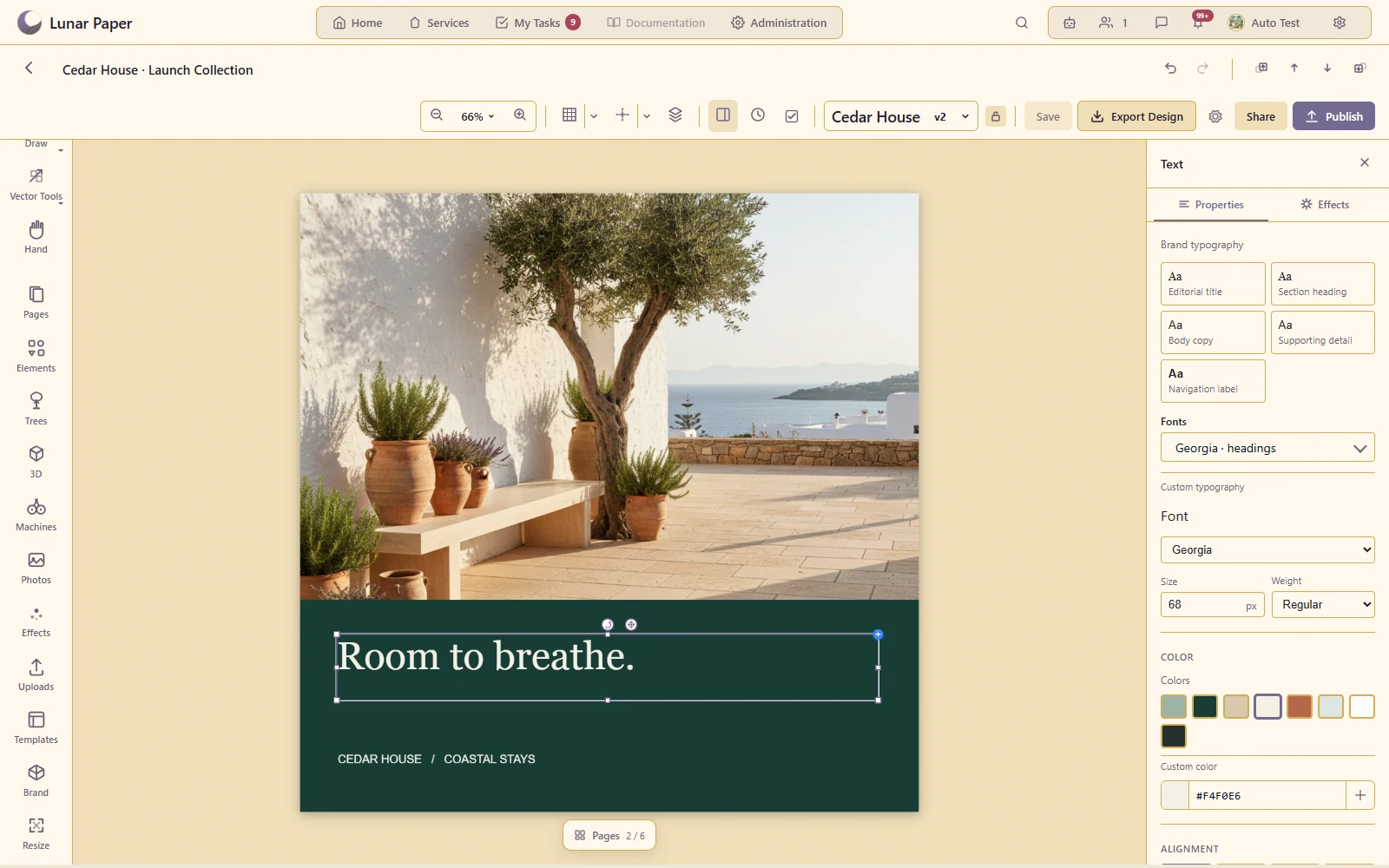
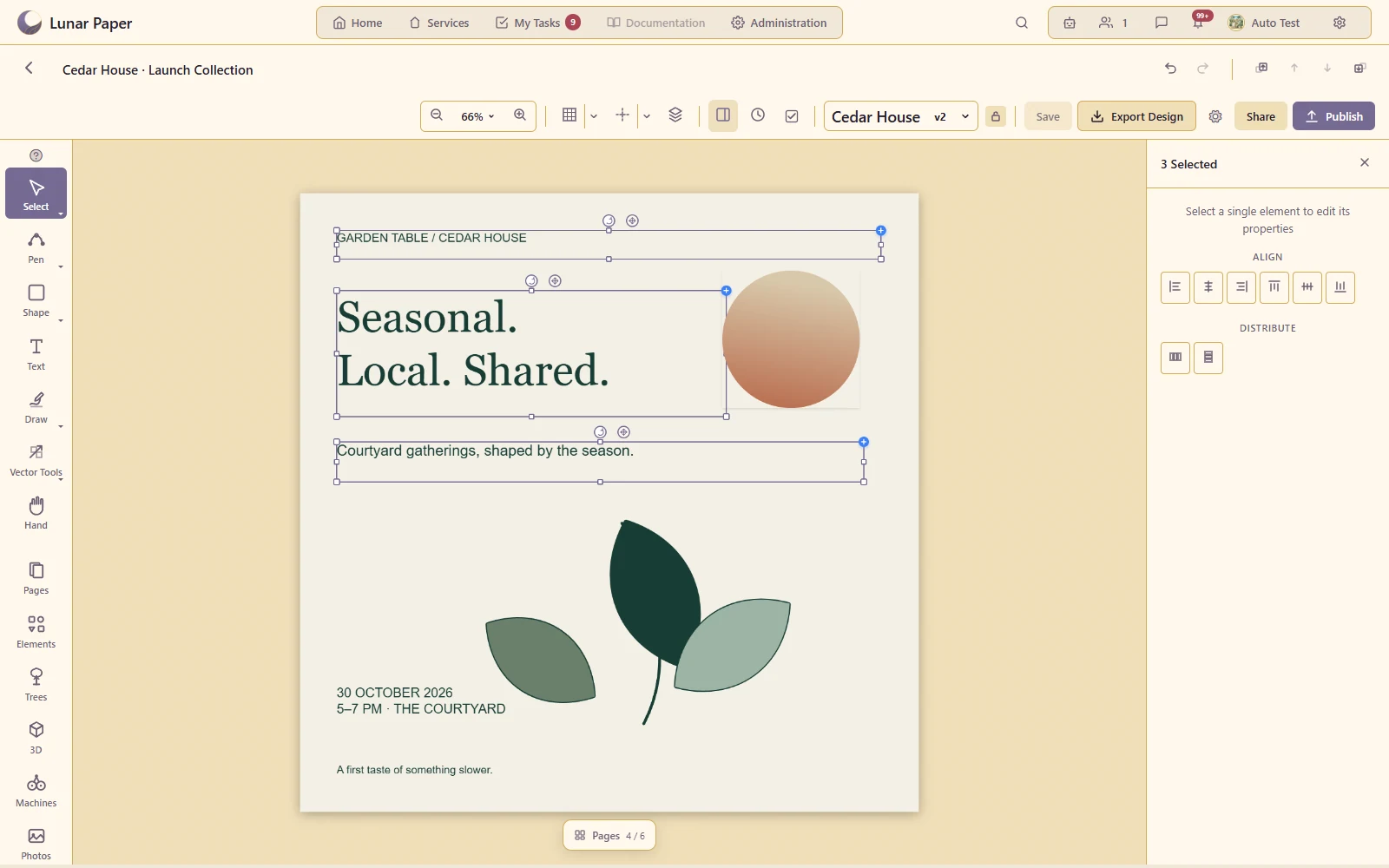
Control type, spacing and the placement of text within a design.
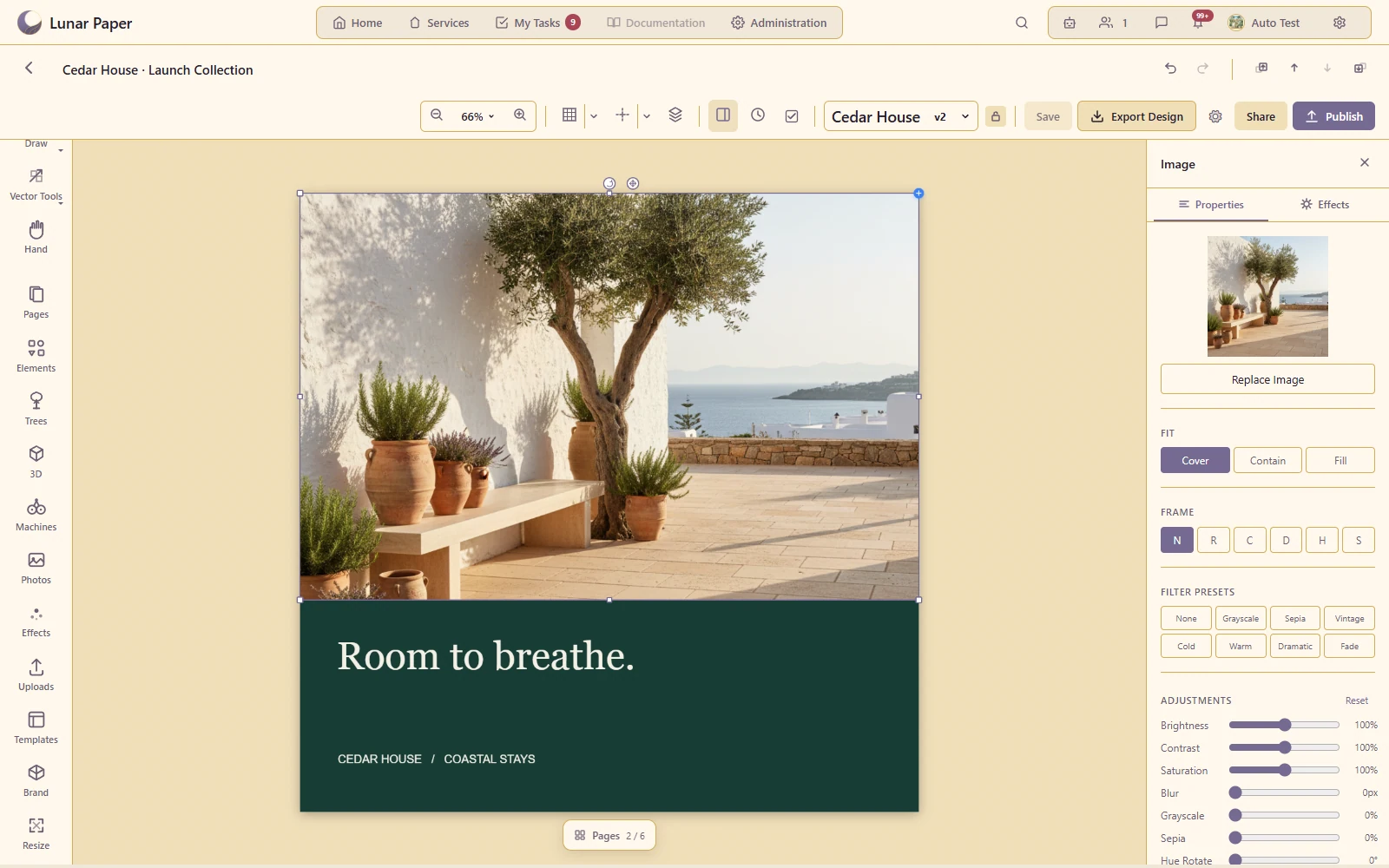
Compose photography and artwork within the intended layout.
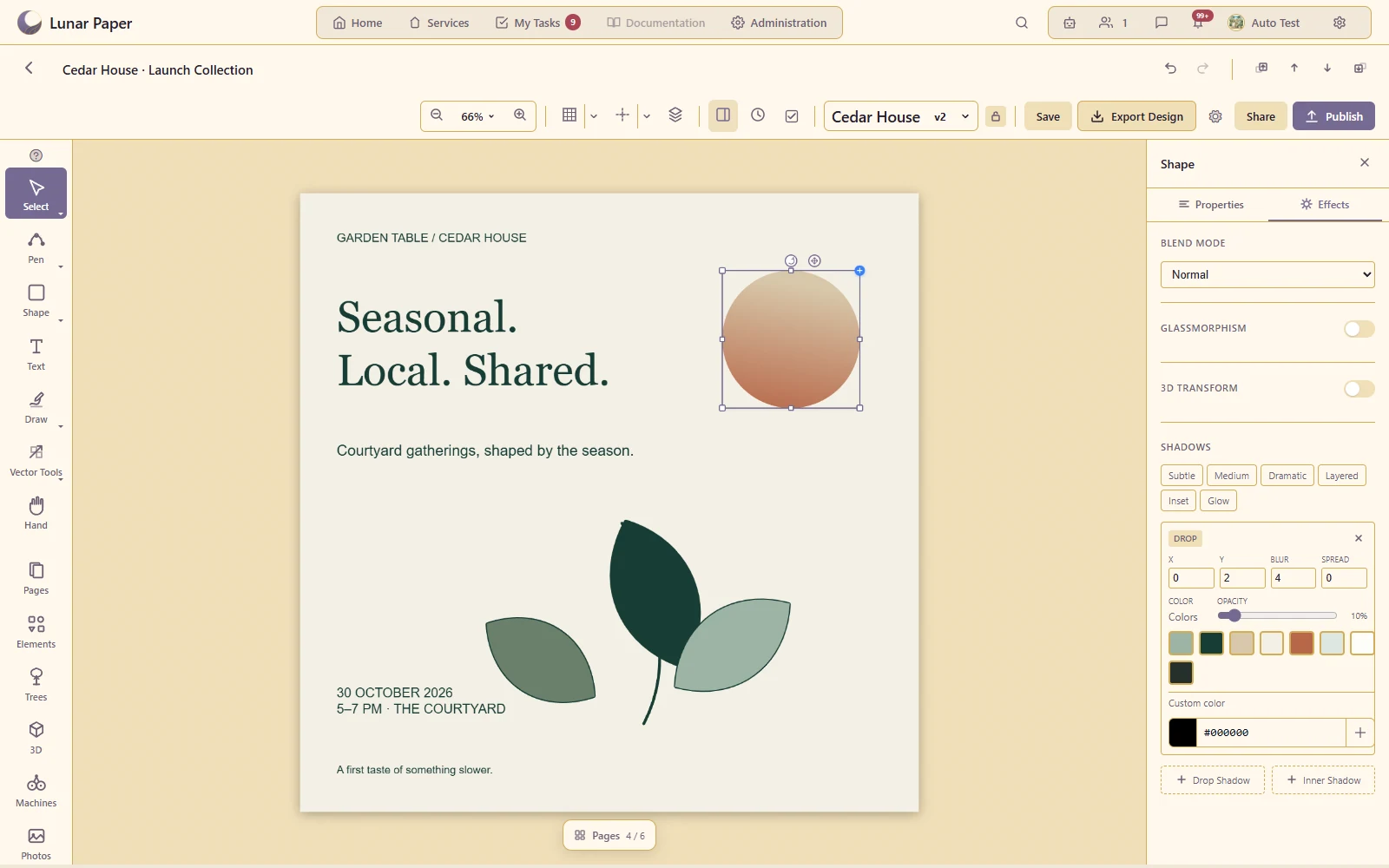
Build a consistent visual treatment for vector objects.
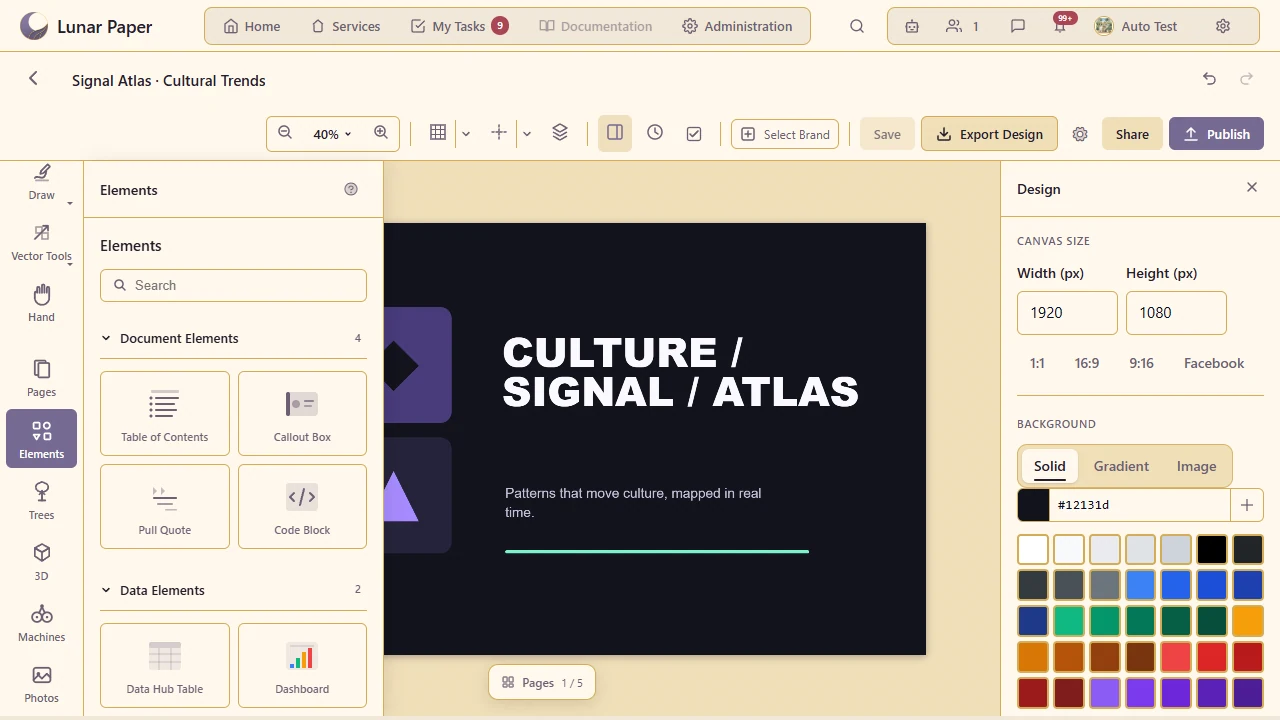
Add useful visual building blocks from the element library.
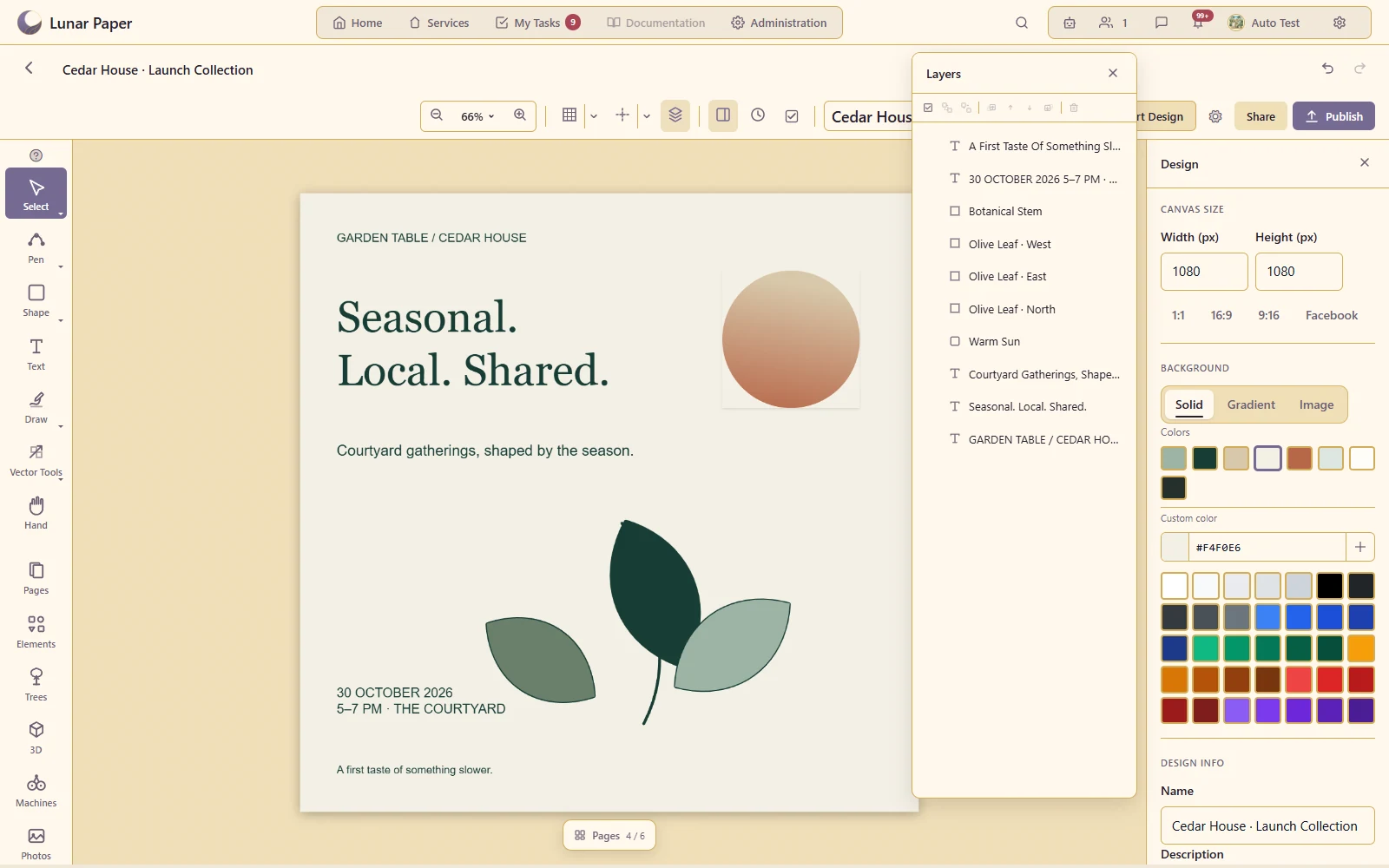
Organise a complex composition and control its stacking order.
Position related elements consistently across the page.
Use the supported masking and effect controls to finish a composition.
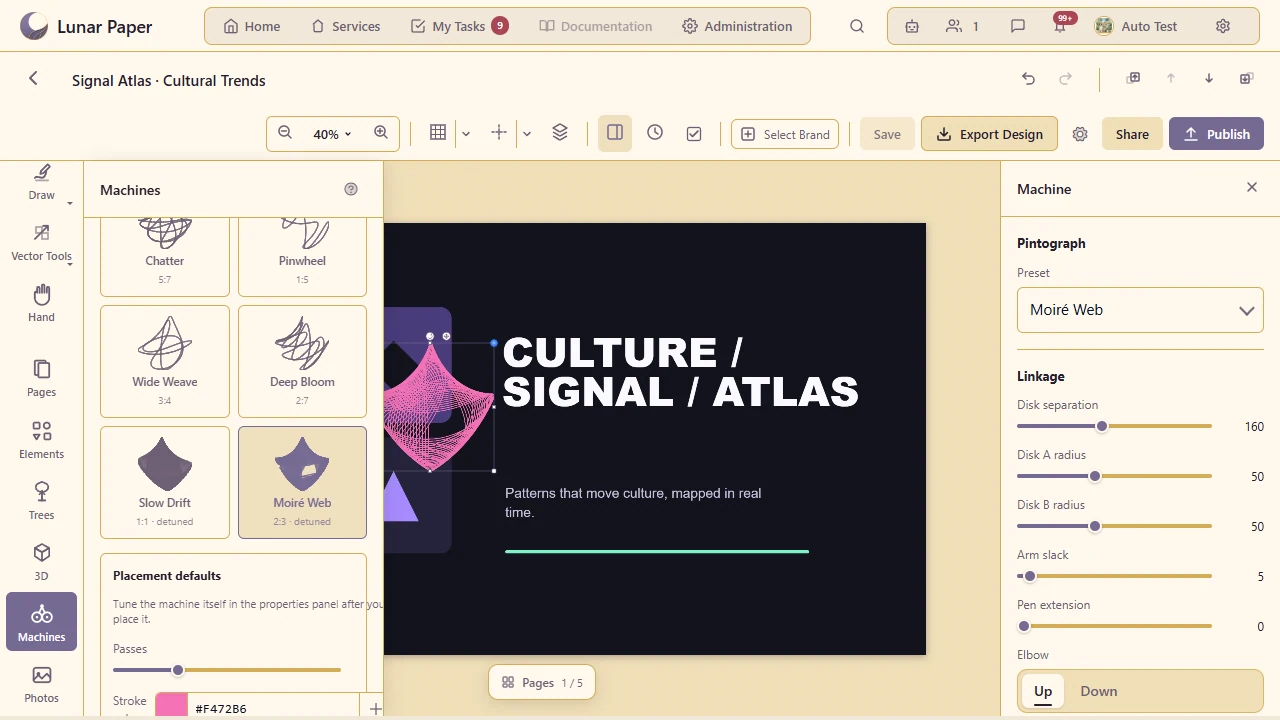
Generate structured geometric artwork using the available procedural drawing tools.
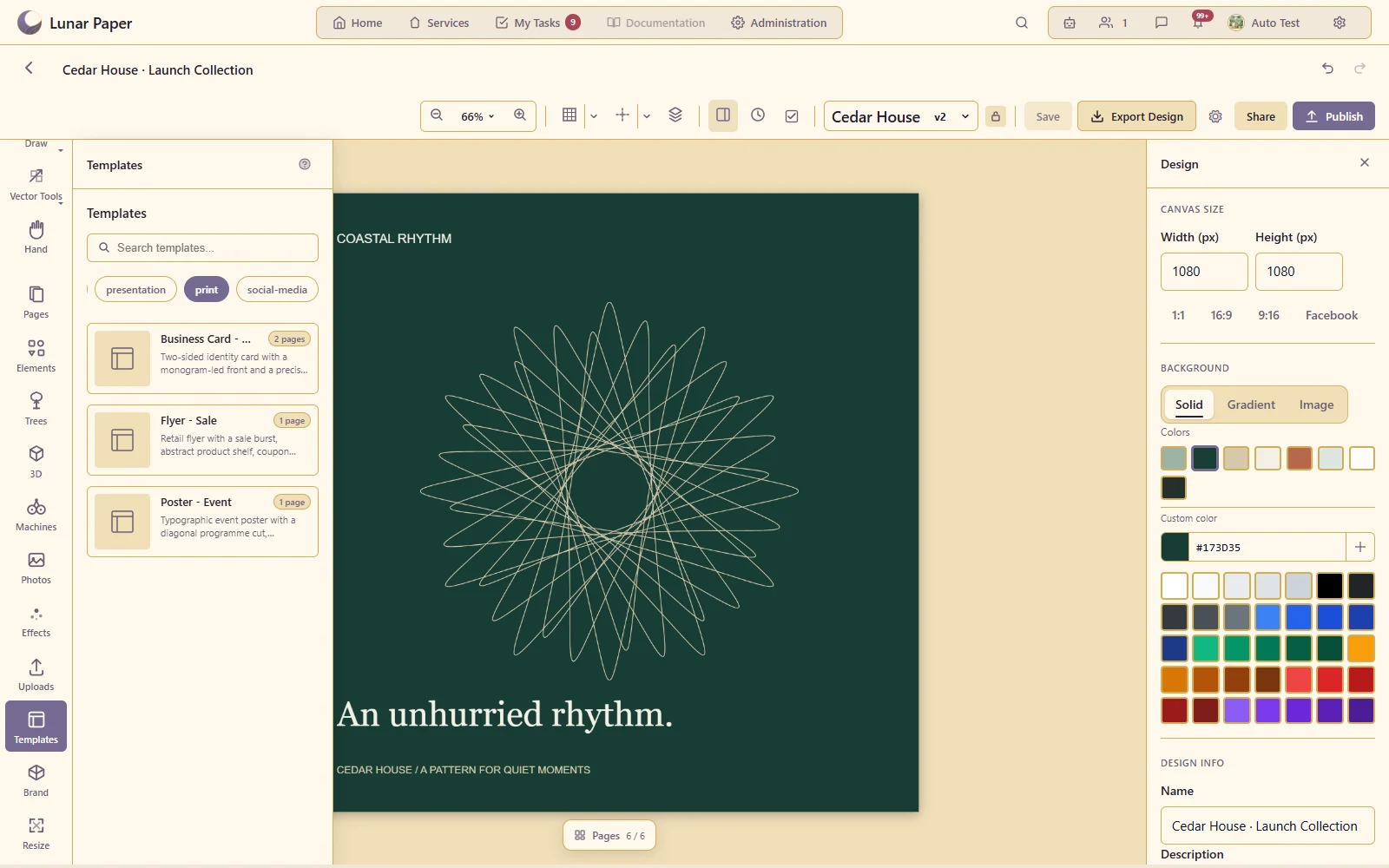
Reuse a suitable starting layout for recurring output.
Inspect and resolve recorded review issues before handing over the work.
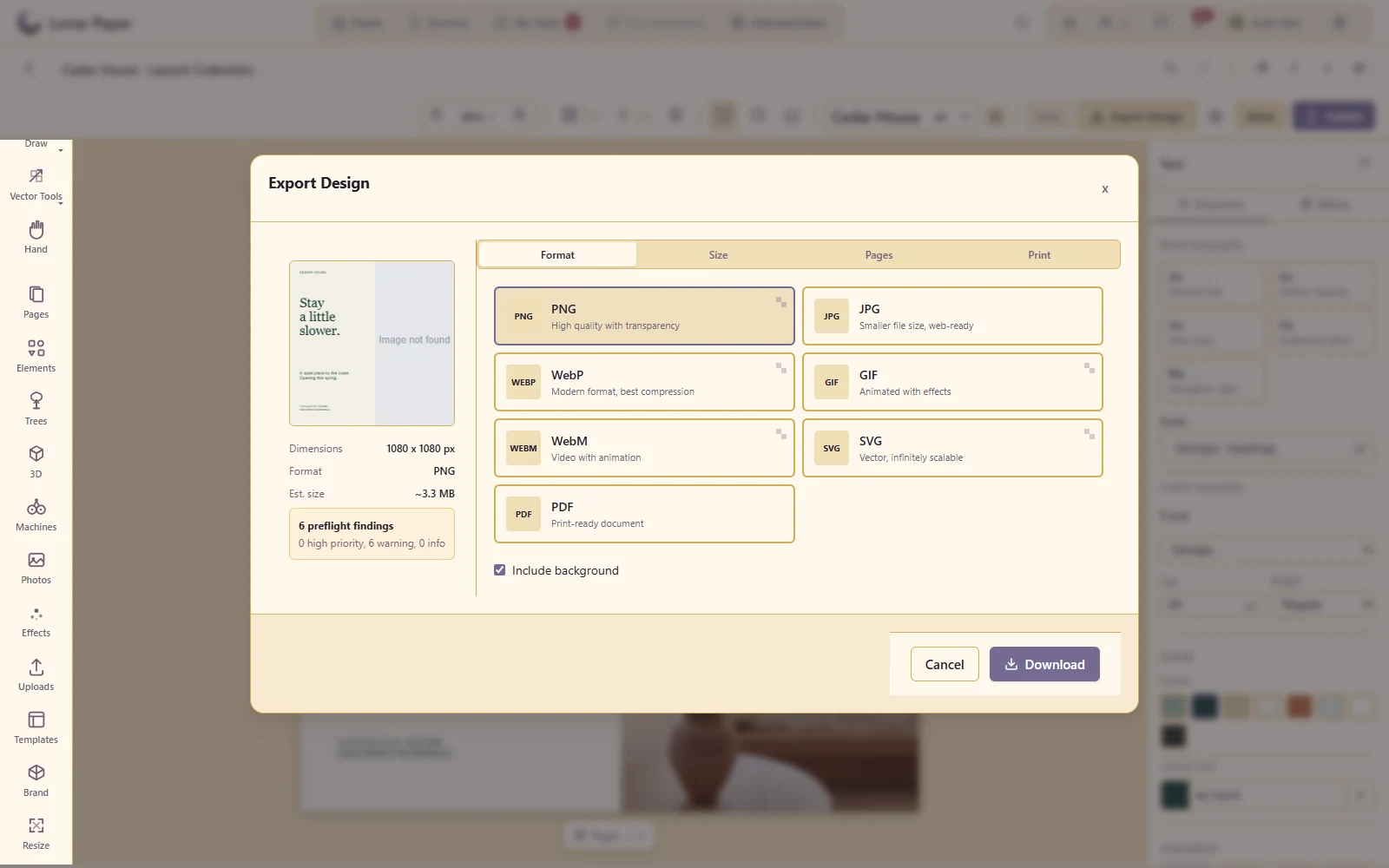
Produce the supported image/vector/PDF outputs with the appropriate size and background settings.
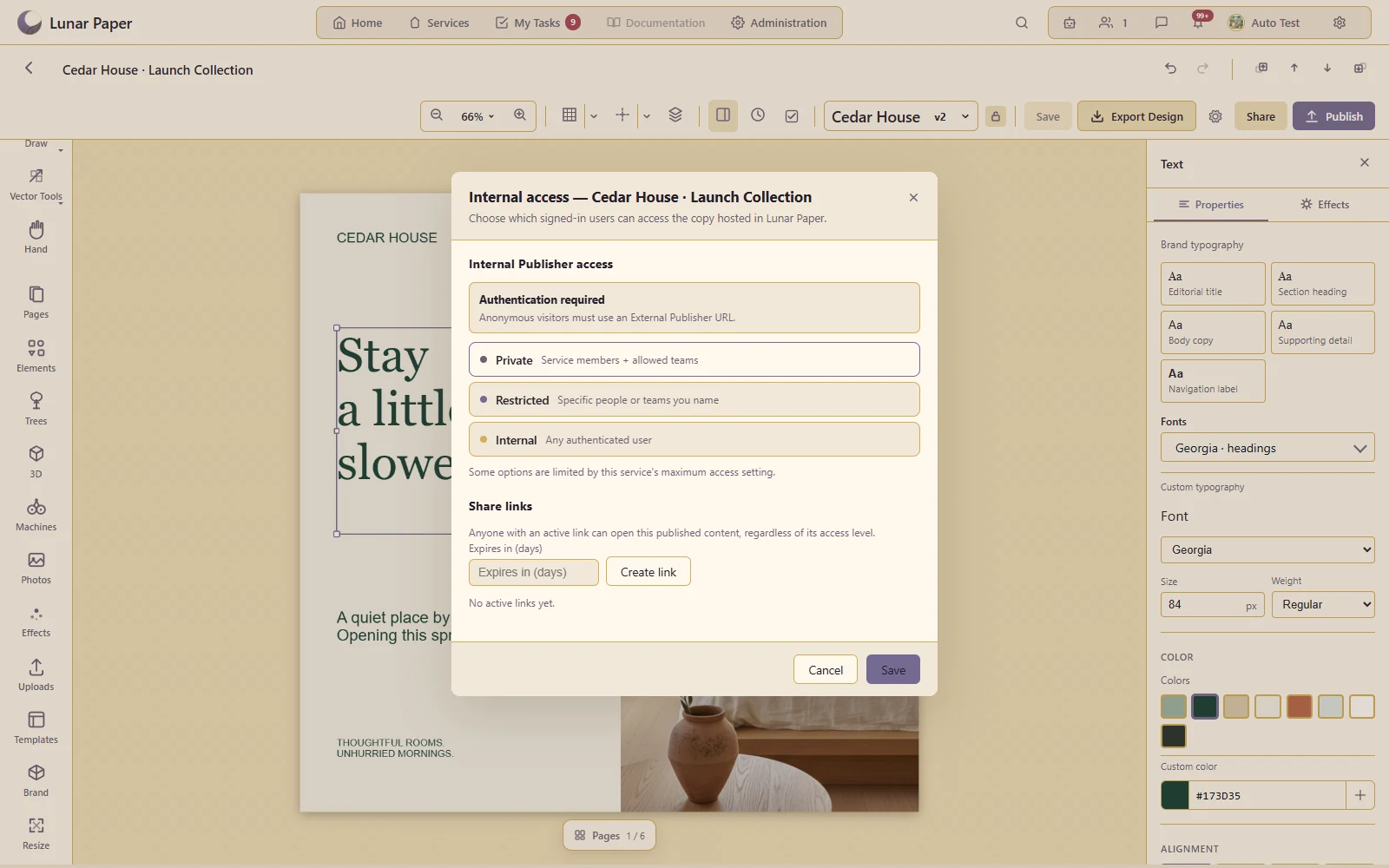
Make the reviewed design available through its supported publication and access controls.
The main areas Design Studio brings together.
Start from professional formats and build single or multi-page visual work in a flexible studio.
Create shapes, paths and hand-drawn elements with the controls needed for detailed composition.
Organise layers, reusable structure, type and document elements across pages and sections.
Work with photographs, uploads, Brand Hub resources and connected content inside the design.
Add supported specialist visuals, data-driven elements and generated material where the brief requires them.
Collaborate through comments and versions, then preflight, publish and export production-ready work.
Run the platform with all features for free for three people.